
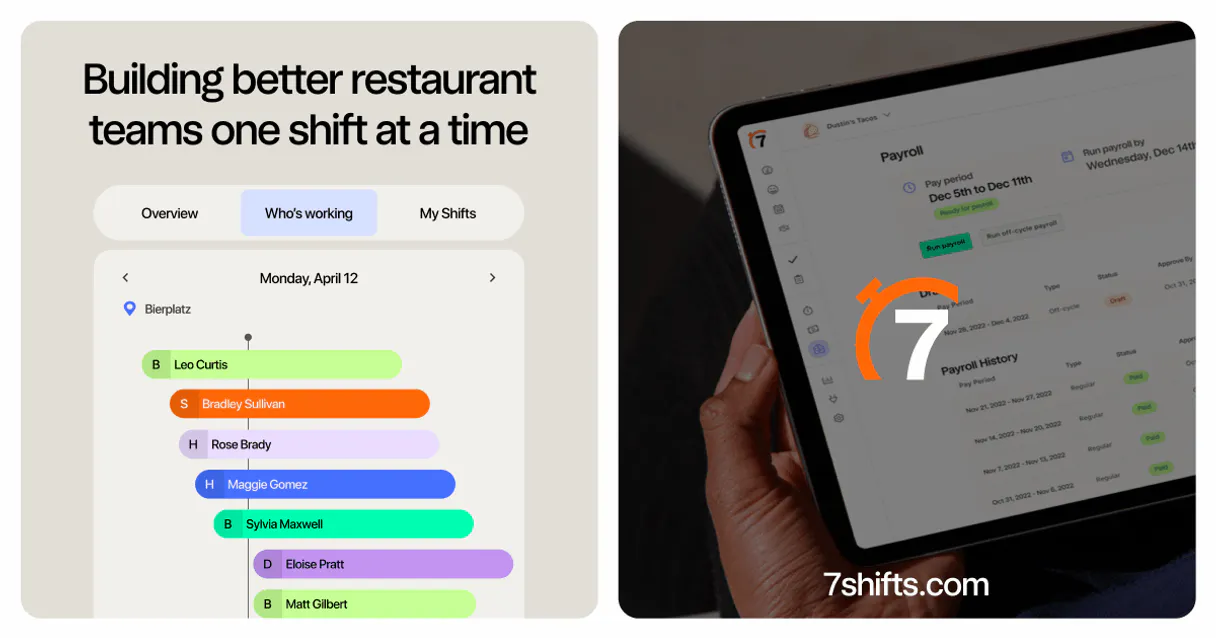
7shifts MCP for AI. Manage Staffing and Labor Costs by Conversation
 Gemini
 Works with every AI agent you already use
…and any MCP-compatible client









How this MCP server connects to your AI agent
7shifts connects your restaurant operations to any AI client, letting you manage staff schedules, build new shifts, and track labor costs with natural conversation.
Quickly list all employees, check staffing coverage for a week, or pull time clock data just by asking your agent.
What AI agents can do with 7shifts Automation
Create employee
Creates a new person profile within the system.
Create shift
Generates a brand-new work assignment for an employee.
Get account info
Retrieves basic information about the connected account or profile.
Get full employee details, list all staff members, or add entirely new employees to the system.
Create detailed work assignments for specific dates and monitor all existing schedules across departments and locations.
Pull actual time punch entries to verify clock-in/out times, ensuring accurate labor cost compliance.
Query the company's physical locations, organizational departments, and employee roles to map out the full business structure.
Ask an AI about this
Waiting for input…
What AI agents can do with 7shifts: Scheduling & Workforce Management (12 Tools)
These tools let you manage every aspect of restaurant staffing—from listing employees to creating shifts and auditing time punches—all through your agent.
Make your AI actually useful.
Add this MCP to Claude, Cursor, or Windsurf and your AI stops guessing. It gets real tools to look things up, take action, and handle the stuff you keep doing by hand.
Start using 7shifts on VinkiusCreate Employee
Creates a new person profile within the system.
Create Shift
Generates a brand-new work assignment for an employee.
Get Account Info
Retrieves basic information about the connected account or profile.
Get Employee
Pulls all specific details for one employee by name or ID.
List Departments
Shows a list of all defined departments within the restaurant group.
List Employees
Returns a complete roster of every staff member in the account.
List Locations
Retrieves all operational business locations managed by the company.
List Roles
Lists every job title or role used across the staff.
List Schedules
Displays a comprehensive list of all scheduled work weeks or plans.
List Shifts
Provides an overview of every current, active shift assignment.
List Time Punches
Fetches a detailed list of all recorded clock-in and clock-out times.
List Webhooks
Displays which real-time event alerts are currently configured for the account.
Security and governance baked right in.
Pick your AI client below to get set up. Just create a Vinkius account, subscribe, and you're instantly up and running. We handle the entire backend infrastructure, delivering out-of-the-box support for HTTPS Streamable, SSE, and OAuth2—zero messy routing required.
Claude AI
Open Claude Settings
Go to claude.ai, click your profile icon, then navigate to Customize → Connectors.
Add Custom Connector
Click the "+" button and select Add custom connector. Paste your Vinkius endpoint URL:
https://edge.vinkius.com/[YOUR_TOKEN_HERE]/mcp
Replace [YOUR_TOKEN_HERE] with your token
from cloud.vinkius.com. For OAuth-protected servers, expand
Advanced settings to add credentials.
Start a conversation
Open a new chat. The 7shifts integration is available immediately — no restart needed.
Choose How to Get Started
Build a custom MCP for your own tools, or connect a ready-made integration from our catalog.
Build Your Own
Turn any API into an MCP. Import a spec, define Agent Skills, or deploy with MCPFusion.
- Import from OpenAPI, Swagger, or YAML specs
- Create Agent Skills with progressive disclosure
- Deploy to edge with MCPFusion framework
- Built in DLP, auth, and compliance on every call
- Real time usage dashboard and cost metering
- Publish to catalog or keep private
Make Your AI Do More
Start with 7shifts, then connect any of our 5,100+ other servers whenever your AI needs more. One click, no limits.
- Use this MCP plus 5,100+ others, all in one place
- Add new capabilities to your AI anytime you want
- Every connection is secured and compliant automatically
- Track usage and costs across all your servers
- Works with Claude, ChatGPT, Cursor, and more
- New servers added to the catalog every week
Independent Platform Disclaimer: Vinkius is an independent platform and is not affiliated with, endorsed by, sponsored by, verified by, or otherwise authorized by 7shifts. All third-party trademarks, logos, and brand names are the property of their respective owners. Their use on this website is strictly for informational purposes to identify service compatibility and interoperability.
VINKIUS INFRASTRUCTURE
Cloud Hosted
Managed infra
V8 Isolated
Sandboxed per request
Zero-Trust Proxy
No stored credentials
DLP Enforced
Policy on every call
GDPR Compliant
EU data residency
Token Compression
~60% cost reduction
Built on the Model Context Protocol (MCP) for Claude, ChatGPT, Cursor, and more
The Model Context Protocol standardizes how applications expose capabilities to LLMs. Instead of operating in isolation, your AI gains direct access to external platforms, live data, and real-world actions through secure, standardized connections.
This connection provides 12 powerful capabilities that interface natively with Claude, ChatGPT, Cursor, and other compatible AI platforms. No middleware. No custom integration required.
The Pain of Manual Scheduling and Tracking, Solved with Vinkius AI Gateway
Every week, managers jump between tabs: the scheduling dashboard to see who’s missing, the employee directory to check names, and then the time clock portal just to verify punches. It’s a cycle of clicking, copying data into spreadsheets, and cross-referencing dates until your head hurts.
With this MCP, you simply talk to your agent. You tell it what needs fixing—'I need shifts for Tuesday at three units.' The agent handles the complex logic using tools like 'list_shifts' and 'create_shift', giving you a confirmed outcome without ever making you click anything.
Getting Clarity with 7shifts MCP
You don't have to manually list staff members, check locations, and then verify coverage. Your agent can combine these steps in one go: it pulls the full roster via 'list_employees', checks which departments are active using 'list_departments', and reports back what shifts are currently open.
Now, staffing decisions happen instantly. You get an accurate, synthesized answer that combines five different screens into a single, actionable sentence.
What your AI can actually do with this
Need to figure out who's working when, and if it’s costing too much? This MCP connects directly to your 7shifts account, letting you handle complex workforce planning without opening ten different tabs. Instead of navigating clunky scheduling dashboards, you talk to your AI client and simply ask what you need done.
You can immediately get a full list of staff members or check the status of every active shift across multiple locations. Need to correct a schedule? You instruct your agent to create a new assignment right away. And when it’s time for payroll, you don't have to manually gather punch data; your agent pulls all actual clock-in and clock-out times instantly.
Connecting this MCP through Vinkius gives you one single access point to manage every aspect of your restaurant team—from staffing structure down to the last minute recorded labor cost. It’s about taking hours of tedious clicking and turning them into a few direct commands.
019dd0b1-97c2-7168-b6f5-0e0a29e426d1 
Here's how it actually works
The bottom line is you talk to your AI client like a human worker talks to a coworker; the MCP handles the API calls and delivers structured data back to you.
Subscribe to this MCP in Vinkius.
Enter your 7shifts Company GUID and Token (you find these in your developer settings).
Start working with your agent via Claude, Cursor, or any MCP-compatible client.
Who is this actually for?
This is for restaurant managers, operations leads, and business owners who are tired of switching between scheduling software, payroll portals, and physical walkie-talkies. You need one centralized command center that speaks plain English.
Checking shift coverage for the week; needing to quickly retrieve staff lists or verify if a specific employee has enough hours logged.
Creating new shifts across different departments, monitoring all work assignments in real time, and querying business locations for multi-unit planning.
Getting a quick overview of current staffing levels or verifying compliance by listing actual time punches to audit labor costs.
What Changes When You Connect
Stop checking dashboards. You can ask your agent to list all employees or check the shifts for a specific person instantly, getting data without any clicks.
Accurate labor cost tracking is simple. Instead of running reports, just ask the MCP to pull all time punches so you can verify clock-in/out times immediately.
Coordination gets easier when your agent lets you create new work assignments or whole shifts with a few words. You'll know exactly who's scheduled where.
Get instant visibility into staffing gaps by listing schedules and seeing coverage across multiple locations at once, making planning feel proactive instead of reactive.
Manage the whole company structure easily. Querying roles, departments, and locations lets you map out your entire restaurant setup in seconds.
See it in action
Auditing Labor Compliance
A manager needs to check if staff clocked in correctly last week. Instead of opening the payroll portal and filtering dates, they ask their agent to list time punches for specific employees. The MCP pulls all records instantly, letting them verify compliance without manual effort.
Building a Complex Schedule
An ops coordinator has three units that need coverage next week. They tell their agent to create new shifts across multiple locations and departments for the coming days. The MCP handles all the assignments, saving hours of manual entry.
The honest tradeoffs
Using separate scheduling tools
Switching between 7shifts' website to check staff lists and then opening a spreadsheet to calculate labor costs is slow. You end up with three different sources of truth.
Use this MCP through Vinkius. Ask your agent to list employees, cross-reference that data against all shifts, and pull the time punches—all in one conversation.
Trying to manually update profiles
A new hire starts and you have to remember to go into a different section of 7shifts to create their profile. It's easy to forget, delaying payroll.
Just ask your agent to run the 'create employee' tool with the new person’s details. It handles the setup right away.
When It Fits, When It Doesn't
Use this MCP if your pain point is coordinating time-sensitive, multi-step operational data (staffing, scheduling, payroll records). This connector excels at reading complex structures and creating assignments based on natural language commands.
Don't use it if you just need to view static information that doesn't change often; a simple read-only dashboard might suffice. Also, don't use it if your goal is deep accounting or financial reporting—it handles labor data, not general ledger bookkeeping. For raw payroll calculations outside of time punches, look for a dedicated finance integration instead.
Questions you might have
How do I use 7shifts MCP to check staff rosters? +
You ask your agent to list all employees. It runs the 'list_employees' tool and gives you a complete roster, letting you see who is active right away.
Can I create shifts using 7shifts MCP? +
Yes. You tell your agent where and when the shift needs to happen, and it uses 'create_shift' to make the work assignment live in your account.
Does 7shifts MCP help with payroll data? +
It helps by pulling raw time punches. You ask for labor records, and the agent runs 'list_time_punches,' giving you the clock-in/out times needed for payroll verification.
What if I need to add a new person to 7shifts MCP? +
You simply prompt your agent to create a new employee. It executes the 'create_employee' tool and gets that profile set up in the system for you.
How many locations can I manage with this MCP? +
The MCP connects to all business locations defined in your 7shifts account. You just ask it to list them using 'list_locations' to see what's available.
We've already built the connector for 7shifts. Just plug in your AI agents and start using Vinkius.
No hosting. No infrastructure. No complex setup.
All 12 tools are live and waiting.
You're up and running in seconds.
Gemini Vinkius gives your AI agents access to the full catalog of app connectors, all fully managed, secure, and enterprise-ready. One subscription, every tool you need.
Built, hosted, and secured by Vinkius. You just connect and go.