
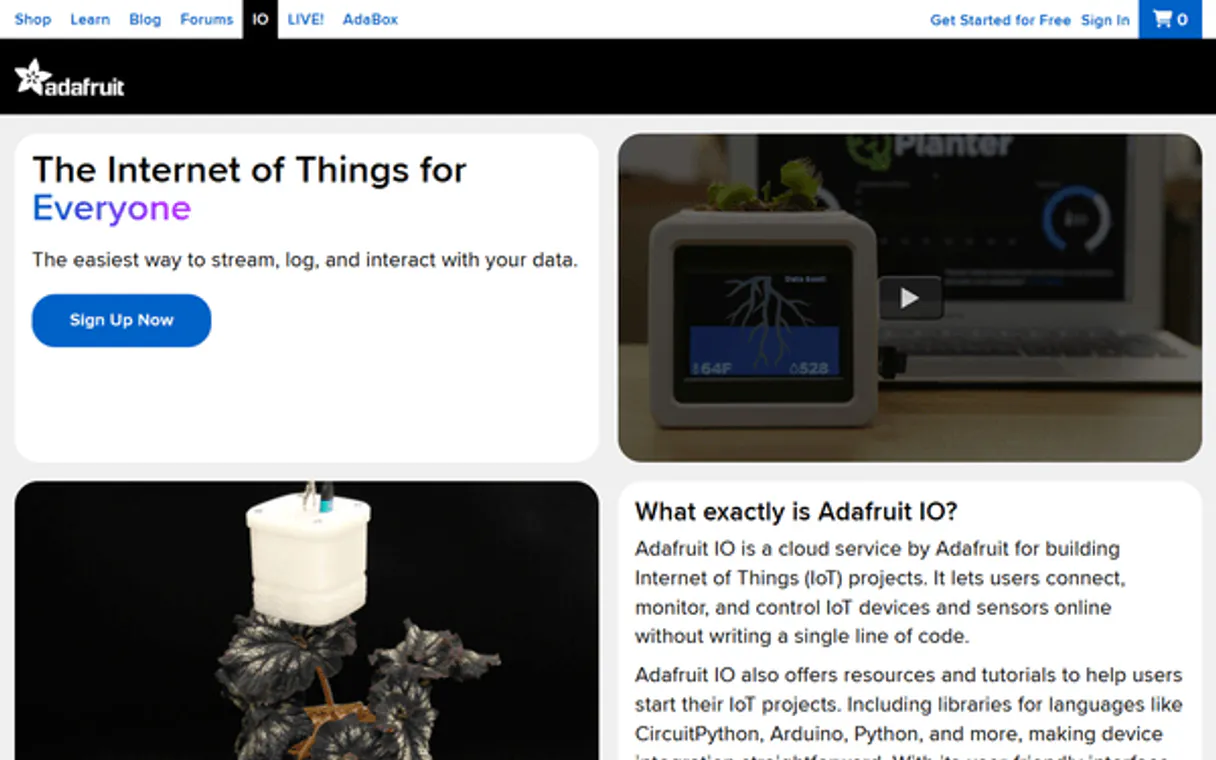
Adafruit IO MCP for AI. Monitor and manage every sensor data point.
 Gemini
 Works with every AI agent you already use
…and any MCP-compatible client









How this MCP server connects to your AI agent
Adafruit IO MCP manages everything related to your Internet of Things data streams. Use this connector to let your AI client read, list, and manage sensor data points, feeds, groups, and dashboards directly from Adafruit IO.
It gives agents the power to query live readings, check feed status, or even get a full overview of all connected IoT assets without ever needing manual logins.
What AI agents can do with Adafruit IO Automation
Get dashboard
Retrieves all information for a single, named dashboard.
Get data
Fetches the most recent readings for a specific sensor data point.
Get feed
Pulls details about one particular data feed.
Your agent can pull specific data points from any active feed, getting the most recent values.
You can list all available Adafruit IO feeds and groups to understand your entire sensor infrastructure.
The MCP allows you to view dashboards, list triggers, or check group definitions without manually navigating the web interface.
You can retrieve detailed information about specific feeds, groups, or even listing all associated data points for a given feed.
Ask an AI about this
Waiting for input…
What AI agents can do with Adafruit IO with 10 Tools
Use these tools within your agent to interact with every aspect of your IoT data environment, from listing groups to pulling specific sensor values.
Make your AI actually useful.
Add this MCP to Claude, Cursor, or Windsurf and your AI stops guessing. It gets real tools to look things up, take action, and handle the stuff you keep doing by hand.
Start using Adafruit IO on VinkiusGet Dashboard
Retrieves all information for a single, named dashboard.
Get Data
Fetches the most recent readings for a specific sensor data point.
Get Feed
Pulls details about one particular data feed.
Get Group
Retrieves the structure and contents of a specific data group.
Get Trigger
Gets the configuration details for an active alert trigger.
List Dashboards
Generates a list of every dashboard configured in your account.
List Data
Lists all available data points associated with a particular feed.
List Feeds
Provides an exhaustive list of every operational sensor feed.
List Groups
Lists all organized groups used to categorize your data streams.
List Triggers
Provides a comprehensive list of all set alert triggers.
Security and governance baked right in.
Pick your AI client below to get set up. Just create a Vinkius account, subscribe, and you're instantly up and running. We handle the entire backend infrastructure, delivering out-of-the-box support for HTTPS Streamable, SSE, and OAuth2—zero messy routing required.
Claude AI
Open Claude Settings
Go to claude.ai, click your profile icon, then navigate to Customize → Connectors.
Add Custom Connector
Click the "+" button and select Add custom connector. Paste your Vinkius endpoint URL:
https://edge.vinkius.com/[YOUR_TOKEN_HERE]/mcp
Replace [YOUR_TOKEN_HERE] with your token
from cloud.vinkius.com. For OAuth-protected servers, expand
Advanced settings to add credentials.
Start a conversation
Open a new chat. The Adafruit IO integration is available immediately — no restart needed.
Choose How to Get Started
Build a custom MCP for your own tools, or connect a ready-made integration from our catalog.
Build Your Own
Turn any API into an MCP. Import a spec, define Agent Skills, or deploy with MCPFusion.
- Import from OpenAPI, Swagger, or YAML specs
- Create Agent Skills with progressive disclosure
- Deploy to edge with MCPFusion framework
- Built in DLP, auth, and compliance on every call
- Real time usage dashboard and cost metering
- Publish to catalog or keep private
Make Your AI Do More
Start with Adafruit IO, then connect any of our 5,100+ other servers whenever your AI needs more. One click, no limits.
- Use this MCP plus 5,100+ others, all in one place
- Add new capabilities to your AI anytime you want
- Every connection is secured and compliant automatically
- Track usage and costs across all your servers
- Works with Claude, ChatGPT, Cursor, and more
- New servers added to the catalog every week
Independent Platform Disclaimer: Vinkius is an independent platform and is not affiliated with, endorsed by, sponsored by, verified by, or otherwise authorized by Adafruit IO. All third-party trademarks, logos, and brand names are the property of their respective owners. Their use on this website is strictly for informational purposes to identify service compatibility and interoperability.
VINKIUS INFRASTRUCTURE
Cloud Hosted
Managed infra
V8 Isolated
Sandboxed per request
Zero-Trust Proxy
No stored credentials
DLP Enforced
Policy on every call
GDPR Compliant
EU data residency
Token Compression
~60% cost reduction
Built on the Model Context Protocol (MCP) for Claude, ChatGPT, Cursor, and more
The Model Context Protocol standardizes how applications expose capabilities to LLMs. Instead of operating in isolation, your AI gains direct access to external platforms, live data, and real-world actions through secure, standardized connections.
This connection provides 10 powerful capabilities that interface natively with Claude, ChatGPT, Cursor, and other compatible AI platforms. No middleware. No custom integration required.
Dealing with siloed sensor dashboards, Solved with Vinkius AI Gateway
Today, checking your system means bouncing between multiple web portals: the temperature dashboard here, the humidity feed there, and the alert panel on a third tab. You're constantly clicking 'refresh,' switching tabs, and manually copying down readings to build a single status report.
With this MCP, you tell your agent exactly what data points you need across all systems. It pulls that information directly into conversation or code, giving you one clean summary without ever leaving the AI interface.
Accessing Adafruit IO Data Points
Gone are the minutes spent navigating menus just to find a feed's name. Your agent doesn't need you to know the exact path; it knows how to list all feeds via list_feeds, and then pull data from any one of them using get_data.
The difference is that instead of manual clicks and copy-pasting, your AI client speaks a single command, and the raw, structured sensor data arrives instantly.
What your AI can actually do with this
This MCP lets your AI client interact with complex industrial and hobbyist sensor networks. Instead of logging into multiple dashboards just to read a temperature reading, you can ask your agent to pull that data point directly through the API. You can list every feed available or check all connected groups to see what kind of data is flowing across your system.
Need to know if an alert rule exists? The MCP lets agents retrieve specific triggers and view dashboard layouts. Because Vinkius manages this catalog, you connect your AI client once—whether it's Claude, Cursor, or Windsurf—and get access to all these IoT tools instantly. It makes managing hardware data feel like talking to a dedicated system administrator.
019dd0b2-cab1-7349-a115-0dc4855ae500 
Here's how it actually works
The bottom line is you're using your agent to speak the language of IoT data directly to a centralized source, bypassing manual web navigation entirely.
Connect your Adafruit IO account using your AIO Key within your preferred AI client.
Your agent uses the MCP to call specific tools, such as list_feeds or get_group, passing necessary identifiers (like a feed name).
The MCP executes the request against the Adafruit IO platform and returns structured data—the sensor readings, dashboard details, or trigger status—to your client.
Who is this actually for?
Anyone dealing with connected hardware or sensor networks needs this. If you spend time clicking through dashboards and manually gathering readings across different monitoring feeds, this MCP saves hours of tedious work.
Checks the status of multiple sensors by having their agent list all available groups and then using get_data to pull specific values for diagnostic reports.
Needs to understand what data is flowing through a system. They use list_feeds and list_data to map out every potential input source before running an analysis.
Validates monitoring setup by calling get_dashboard or getting specific triggers, confirming that the alerting logic is correctly wired up in the system.
What Changes When You Connect
See it in action
Auditing a new sensor deployment
An ops engineer needs to check every connected device. They ask their agent to run list_feeds and list_groups, quickly building an inventory of all active data sources before the physical hardware is even installed.
Troubleshooting a missed alert
A maintenance tech notices a critical temperature reading seems off. They ask their agent to get_data for the 'temperature' feed, and then use get_trigger to see if an appropriate threshold was set up in the first place.
Creating a comprehensive data report
A data scientist needs readings from three different systems. They instruct their agent to list_data for feed A, then list_data for feed B, and finally use get_dashboard to structure the output into one cohesive report.
Checking system readiness
A developer wants to know what dashboards are available for a new client. They simply ask their agent to run list_dashboards, getting an immediate overview of all available monitoring views.
The honest tradeoffs
Assuming data structure
The user tries to manually guess the feed name and then attempts to pull data without confirming it exists. The request fails with a vague error, costing time.
First, run list_feeds to confirm the exact operational names of your feeds. Once you have confirmed the correct feed ID, use get_feed or list_data before attempting to read data points.
Overlooking grouping
A user finds a sensor reading but can't tell if it belongs to a critical group or an experimental one. They only see the raw number, which is ambiguous.
Use list_groups first to categorize data streams by function (e.g., 'Critical', 'Experimental'). Then use get_group to understand what kind of assets belong in that category.
Relying on dashboard visuals
A user sees a red indicator on a dashboard but doesn't know why it's red or if the alert is active. They assume the visual means something concrete.
Don't trust just the visualization. Use list_triggers and get_trigger to confirm the exact threshold that was violated, giving you hard proof of why the dashboard looks bad.
When It Fits, When It Doesn't
Use this MCP if your core need is monitoring live sensor data or managing feeds across a multi-asset IoT deployment. You should use it when your workflow requires reading specific values (using get_data), auditing the system structure (list_feeds, list_groups), or checking alert conditions (get_trigger). Don't use this MCP if you are building an entirely separate database backend that doesn't need to reference Adafruit IO data. If your goal is pure archival storage of historical logs without querying specific points, you might prefer a dedicated time-series database connector instead. This MCP excels at real-time status checks and structural inventory.
Questions you might have
How do I list all my feeds using the Adafruit IO MCP? +
You run the list_feeds tool. This provides an exhaustive overview of every single operational feed connected to your account, letting you see exactly what data sources are available.
Can the Adafruit IO MCP help me check a specific sensor value? +
Yes, use get_data. You just need to provide the name of the feed and the tool retrieves the most recent reading for that specific data point.
Does the Adafruit IO MCP only read data or can it manage triggers? +
It manages both. Use list_triggers to see all active alerts, and get_trigger to view the detailed conditions of any single alert setup.
What if I need a list of every available dashboard? +
Use list_dashboards. This tool gives you an inventory of all configured dashboards so you know what monitoring views exist in your account.
Which tool should I use to find out what groups I have? +
You run list_groups. This shows you the high-level organizational containers for your data, helping you structure complex sensor deployments logically.
We've already built the connector for Adafruit IO. Just plug in your AI agents and start using Vinkius.
No hosting. No infrastructure. No complex setup.
All 10 tools are live and waiting.
You're up and running in seconds.
Gemini Vinkius gives your AI agents access to the full catalog of app connectors, all fully managed, secure, and enterprise-ready. One subscription, every tool you need.
Built, hosted, and secured by Vinkius. You just connect and go.