
Affinity MCP. Audit interactions and manage deal flow from chat.
 Gemini
 Works with every AI agent you already use
…and any MCP-compatible client









Just plug in your AI agents and start using Vinkius.
Affinity MCP Server: Manage your entire deal flow and professional network via AI. This server gives your agent access to your CRM data, letting you audit interactions, manage smart lists, and track contacts without opening the application.
It provides relationship intelligence scores and lets you retrieve logs of every email, meeting, or call your team has had.
What your AI agents can do
List interactions
Retrieves a chronological log of synced emails, meetings, and calls from your team.
List list entries
Gets the people or organizations associated with a specific custom smart list ID.
List organizations
Retrieves a list of companies and institutions stored in your CRM.
The agent retrieves a chronological list of emails, meetings, and calls from your entire team's synced accounts.
The agent retrieves the full catalog of custom smart lists (pipelines) and their individual entries.
The agent lists all people and organizations in your network, keeping track of their current details.
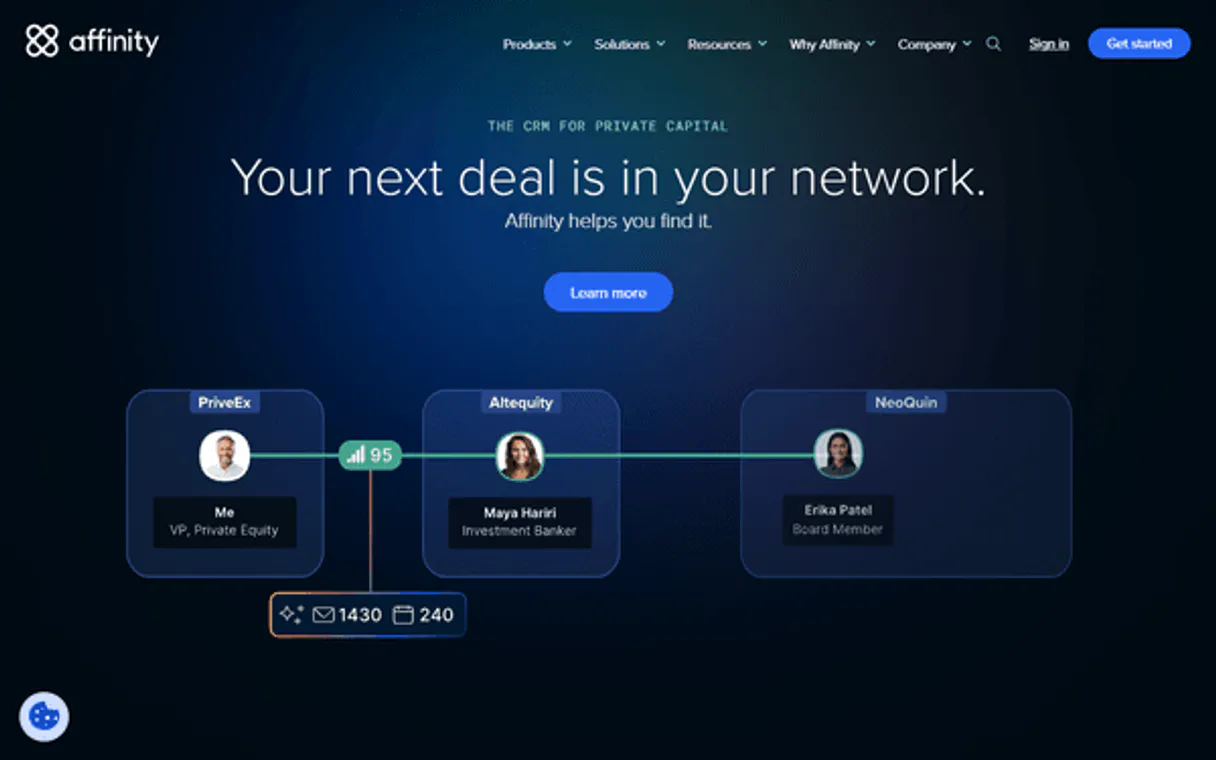
The agent accesses relationship strength scores to help identify key contacts and warm introduction paths.
The agent retrieves the specific people or organizations linked to a defined smart list.
Ask AI about this MCP
Supported MCP Clients
Gemini Waiting for input…
Affinity MCP Server: 5 Tools for CRM & Relationships
These tools let your agent retrieve logs of interactions, list members, organizations, people, and custom pipelines from your Affinity account.
019d7548list interactions
Retrieves a chronological log of synced emails, meetings, and calls from your team.
019d7548list list entries
Gets the people or organizations associated with a specific custom smart list ID.
019d7548list organizations
Retrieves a list of companies and institutions stored in your CRM.
019d7548list persons
Gets a paginated list of people your team has interacted with in your network.
019d7548list smart lists
Retrieves the catalog of custom smart lists (pipelines) configured in your account.
Choose How to Get Started
Build a custom MCP for your own tools, or connect a ready-made integration from our catalog.
Build Your Own
Turn any API into an MCP. Import a spec, define Agent Skills, or deploy with MCPFusion.
- Import from OpenAPI, Swagger, or YAML specs
- Create Agent Skills with progressive disclosure
- Deploy to edge with MCPFusion framework
- Built in DLP, auth, and compliance on every call
- Real time usage dashboard and cost metering
- Publish to catalog or keep private
Make Your AI Do More
Start with Affinity, then connect any of our 4,700+ other servers whenever your AI needs more. One click, no limits.
- Use this MCP plus 4,700+ others, all in one place
- Add new capabilities to your AI anytime you want
- Every connection is secured and compliant automatically
- Track usage and costs across all your servers
- Works with Claude, ChatGPT, Cursor, and more
- New servers added to the catalog every week
What you can do with this MCP connector
You'll let your AI agent manage your whole professional network and deal flow right through your chat. This server gives your agent access to your CRM data, letting you audit interactions, manage smart lists, and track contacts without ever opening the application. You'll get relationship intelligence scores and can pull up logs for every email, meeting, or call your team has had.
Your agent can pull a chronological log of emails, meetings, and calls from your whole team using list_interactions. You'll get a full catalog of custom smart lists (pipelines) and their individual entries by calling list_smart_lists and list_list_entries. You can pull up all the people your team has interacted with using list_persons, and you can get a list of companies and institutions stored in your CRM with list_organizations.
You can check relationship strength scores to find key contacts and warm introduction paths. For a specific smart list, you can pull up the people or organizations linked to it using list_list_entries.
How Affinity MCP Works
- 1 Subscribe to the Affinity server and enter your API key.
- 2 Your AI client authenticates the connection and initializes the toolset.
- 3 You prompt your agent with a natural language request (e.g., 'Show me the last 5 meetings with Acme Corp').
The bottom line is, your agent acts like an internal assistant that talks to your CRM and gives you the data you need without you having to open the software.
Who Is Affinity MCP For?
Anyone who spends time manually cross-referencing data across multiple platforms—Venture Capital analysts, Sales Development Reps, and Investor Relations staff. If you're tired of clicking through dashboards just to see who talked to whom, this is for you.
Automates deal tracking and checks the relationship strength with portfolio founders before making an update.
Audits recent emails and meetings for a target contact before making a cold outreach attempt.
Manages large lists of investors and tracks engagement patterns across multiple groups.
Looks up detailed organization records or updates person details for a board meeting packet using simple commands.
What Changes When You Connect
- You instantly audit team communications. Instead of jumping into the CRM to check call logs, you just ask your agent to run
list_interactionsand see the last five meetings with a specific contact. - Manage your pipelines without leaving your chat window. Use
list_smart_liststo see your 'Active Deals' list and then uselist_list_entriesto check exactly who is in that list. - Get instant context on contacts. Before you reach out to a prospect, ask the agent to run
list_personsto see their relationship strength score and organization details. - Keep your B2B intelligence fresh. Use
list_organizationsto verify a company's current status or details instantly, without navigating to their profile page. - Automate deal tracking. By combining
list_smart_listsandlist_list_entries, you quickly get a headcount of active opportunities and their current status. - Never lose a detail. The agent aggregates interaction logs via
list_interactions, giving you a single source of truth for all team communications.
Real-World Use Cases
Need to prep for a board meeting.
An EA needs to prepare a packet on three key companies. Instead of logging into the CRM and searching three different tabs, they tell their agent to run list_organizations for the three names, then use list_persons to pull up key contacts and their latest list_interactions.
Checking deal status before a call.
A Sales Rep has a call with 'FutureTech.' They ask their agent: 'What's the latest on FutureTech?' The agent runs list_interactions and summarizes the last two weeks of meetings and emails, confirming the deal stage before the call starts.
Reviewing a competitor's activity.
A VC analyst needs to see if a founder has recently interacted with a portfolio company. They ask the agent to look at the 'Startup X' smart list and use list_list_entries to see who is involved, then cross-reference that list with list_interactions.
Identifying contacts to nurture.
A BD Professional wants to find 'warm' contacts. They ask the agent to list all people using list_persons and filter by relationship score, then ask for their recent interactions using list_interactions.
The Tradeoffs
Manually updating records
Opening the CRM, finding the record, clicking into the details, and manually typing in the update or status change. This is slow, and you often forget a step.
→
Let your agent handle the flow. Use the server's capabilities to pull the required data (list_persons, list_organizations) and let your AI client manage the data flow from chat.
Searching for data across tabs
Trying to piece together a full story by checking the 'Activity' tab, then the 'Notes' tab, and then the 'Pipeline' tab separately. You miss the connections.
→
Ask your agent to synthesize the data. It runs list_interactions and list_smart_lists together, giving you a single, unified narrative of the contact's history.
Over-relying on native search
Using the CRM's internal search bar for something like 'all people who met with Acme Corp last month.' The search is too broad and requires multiple filters.
→
Use the list_interactions tool. It filters and aggregates the specific communication types (meetings, calls, emails) across your entire team, giving you precise logs.
When It Fits, When It Doesn't
Use this server if your core job involves managing complex relationships, tracking deal progress, or needing a single view of historical context. You need to audit communications, check who's in a list, or verify an organization's current status. Don't use it if you just need to create a new record or send a simple, single-action email. For basic CRUD operations (Create, Read, Update, Delete), use a dedicated email client or a simple messaging tool. This server is for intelligence and auditing the existing state.
Independent Platform Disclaimer: Vinkius is an independent platform and is not affiliated with, endorsed by, sponsored by, verified by, or otherwise authorized by Affinity. All third-party trademarks, logos, and brand names are the property of their respective owners. Their use on this website is strictly for informational purposes to identify service compatibility and interoperability.
VINKIUS INFRASTRUCTURE
Cloud Hosted
Managed infra
V8 Isolated
Sandboxed per request
Zero-Trust Proxy
No stored credentials
DLP Enforced
Policy on every call
GDPR Compliant
EU data residency
Token Compression
~60% cost reduction
Works with Claude, ChatGPT, Cursor, and more
The Model Context Protocol standardizes how applications expose capabilities to LLMs. Instead of operating in isolation, your AI gains direct access to external platforms, live data, and real-world actions through secure, standardized connections.
This server provides 5 capabilities that interface natively with Claude, ChatGPT, Cursor, and any MCP client. No middleware. No custom integration required.
Available Capabilities
Finding out what a contact's relationship status is usually takes multiple tabs and deep clicking.
Right now, you need to jump from the main contact record to the 'Activity' tab to see recent emails. Then you might have to navigate to the 'Pipeline' section to see if the deal is active. To check if a person is even linked to a specific list, you're usually stuck clicking through multiple drop-down menus and filtering date ranges.
With this MCP server, you just ask your agent: 'What are the latest interactions for Acme Corp?' The agent runs the necessary tools—like `list_interactions`—and gives you a summarized, chronological log right in the chat. It cuts out all the clicking.
Affinity MCP Server: List Interactions MCP Server. See your team's full communication history.
Before, seeing team activity meant manually pulling reports, checking individual inboxes, or asking a teammate for a status update. You were piecing together logs from different sources, often missing context or the exact date of the communication.
Now, your agent runs `list_interactions`. It pulls the logs from all synced accounts and presents a single, clean, chronological stream of every call, meeting, and email. It's the single source of truth.
Common Questions About Affinity MCP
How do I check who is in a custom smart list using list_list_entries? +
You pass the specific Smart List ID to the agent, and it runs list_list_entries. This returns a list of people or organizations associated with that list ID.
Does list_interactions show emails from my whole team? +
Yes. The list_interactions tool pulls logs from all synced team accounts, giving you a comprehensive view of the team's activity.
What is the best way to check an organization's current data? +
Use list_organizations. This tool retrieves the full catalog of companies and institutions mapped in your Affinity CRM.
Can I search for a person's history with list_persons? +
Yes. list_persons retrieves a paginated list of people your team has interacted with, allowing you to review their history and details.
How do I get the catalog of available smart lists? (list_smart_lists) +
Use the list_smart_lists tool. It returns a list of every custom smart list (or pipeline) that has been configured in your account.
When should I use list_organizations versus list_persons? +
Use list_organizations to get a list of companies and institutions. list_persons retrieves details on people your team has interacted with in your network.
How do I get the most recent activity logs using list_interactions? +
The list_interactions tool retrieves chronological logs of synced emails, meetings, and calls across your team. This lets you see a complete record of recent team activity.
What happens if I try to use a Smart List ID that doesn't exist with list_list_entries? +
If the ID is invalid, the tool will return an error detailing the missing list. You can first run list_smart_lists to get the correct IDs.
How do I find my Affinity API Key? +
Log in to Affinity, go to Settings > API Keys. You can generate or copy your existing API key from there. Ensure you are on a supported plan (Scale or higher).
What is a Relationship Strength score? +
It is a numeric value from 0 to 100 calculated by Affinity based on your team's communication history. A higher score indicates more frequent and recent interactions.
Can I retrieve meeting logs via the agent? +
Yes! Use the list_interactions tool to see recent emails and meetings that have been automatically synced to your Affinity account.
Use it with your favorite AI tools
Connect this server to Cursor, Claude, VS Code, and more.
More in this category

Anthropic Alternative
Access Claude models via Anthropic API — send messages, count tokens, manage batches and discover models from any AI agent.

Jina AI (Search Foundation & LLM Grounding)
Power your RAG and search via Jina AI — generate embeddings, rerank documents, read URLs, and perform semantic web search.

Vast.ai (GPU Rental Cloud API)
Rent high-performance GPUs for AI and deep learning. Search marketplace offers, deploy Docker containers, and manage your cloud GPU fleet.
You might also like

Zoho Invoice
Manage customers, create invoices, and automate billing on Zoho Invoice — the clean and simple invoicing software for small business.

Gupshup Messaging
Send WhatsApp messages, templates, media, and reactions via Gupshup API.

Interest Amortization Engine
Generate exact SAC and Price (French) amortization schedules for real estate litigation.