
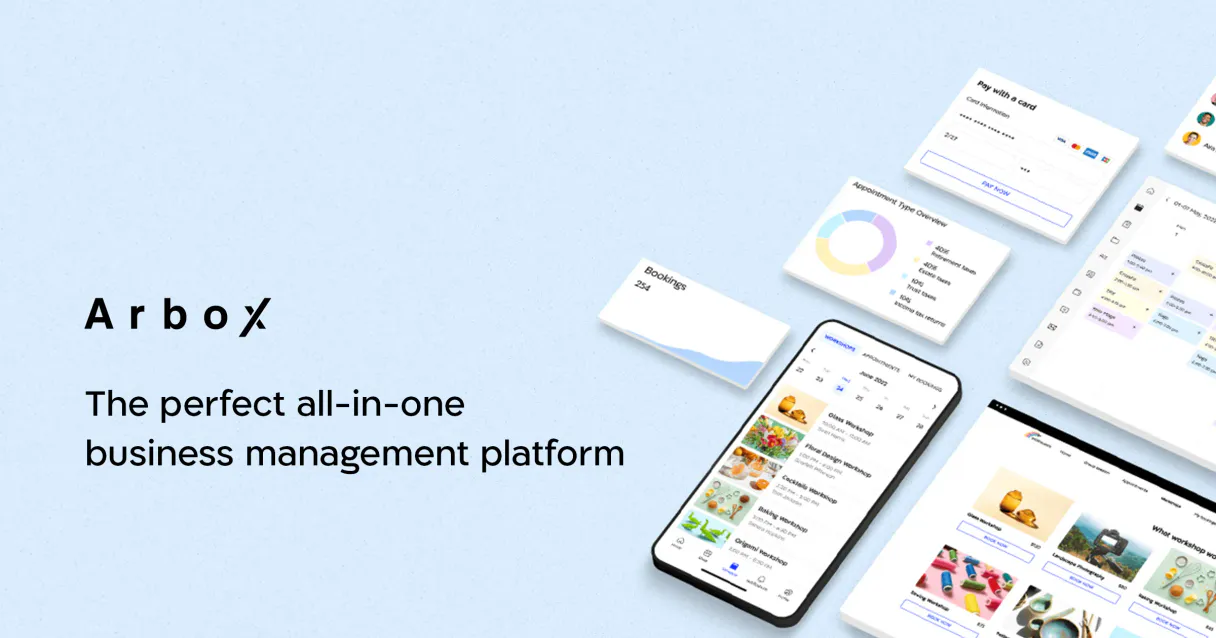
Arbox MCP for AI. Manage member billing, classes, and leads instantly.
 Gemini
 Works with every AI agent you already use
…and any MCP-compatible client









How this MCP server connects to your AI agent
Arbox MCP connects your entire fitness studio operation to your AI agent, letting you manage members, schedule classes, and process leads using natural conversation.
Stop switching between separate billing software, calendar apps, and CRM dashboards. This MCP puts all your client data—from booking a class to creating a follow-up task—into one connected flow.
What AI agents can do with Arbox Automation
Book class
Automatically books a specific class for a client into their schedule.
Check arbox status
Verifies the current connection status and health of your Arbox account data.
Create client
Adds a brand new paying member record to your active client directory.
You can list active members or pull complete profile details for any current client or prospect.
The system allows you to create new lead profiles from scratch or onboard an entirely new paying member into the directory.
You can pull real-time class schedules, list available sessions, and book a specific training slot for a client.
The system creates operational tasks and follow-ups directly into the staff workflow queue.
Check the current status of your Arbox account connectivity to confirm everything is running properly for reporting.
Ask an AI about this
Waiting for input…
What AI agents can do with Arbox: 14 Tools for Studio Management
These tools let you control every operational aspect of your fitness business, from booking a single class to managing an entire member directory.
Make your AI actually useful.
Add this MCP to Claude, Cursor, or Windsurf and your AI stops guessing. It gets real tools to look things up, take action, and handle the stuff you keep doing by hand.
Start using Arbox on VinkiusBook Class
Automatically books a specific class for a client into their schedule.
Check Arbox Status
Verifies the current connection status and health of your Arbox account data.
Create Client
Adds a brand new paying member record to your active client directory.
Create Lead
Generates a new prospect profile for someone who showed interest but isn't yet a...
Create Task
Sets an actionable follow-up task for your front desk staff or internal team members.
Get Client
Retrieves the full profile and membership details for a specific, existing client.
Get Lead
Pulls all available information on a prospective lead profile.
Get Schedule
Fetches the detailed class timetable and session availability for a given day or...
List Classes
Provides an overview of all available training classes offered by the studio.
List Clients
Retrieves a list summary of your entire active member directory.
List Leads
Shows a comprehensive listing of all captured prospective lead profiles.
List Memberships
Lists the various membership tiers and their associated billing details.
List Tasks
Shows an overview of all pending operational tasks assigned to staff.
Update Client
Modifies any existing client data, such as updating contact info or changing...
Security and governance baked right in.
Pick your AI client below to get set up. Just create a Vinkius account, subscribe, and you're instantly up and running. We handle the entire backend infrastructure, delivering out-of-the-box support for HTTPS Streamable, SSE, and OAuth2—zero messy routing required.
Claude AI
Open Claude Settings
Go to claude.ai, click your profile icon, then navigate to Customize → Connectors.
Add Custom Connector
Click the "+" button and select Add custom connector. Paste your Vinkius endpoint URL:
https://edge.vinkius.com/[YOUR_TOKEN_HERE]/mcp
Replace [YOUR_TOKEN_HERE] with your token
from cloud.vinkius.com. For OAuth-protected servers, expand
Advanced settings to add credentials.
Start a conversation
Open a new chat. The Arbox integration is available immediately — no restart needed.
Choose How to Get Started
Build a custom MCP for your own tools, or connect a ready-made integration from our catalog.
Build Your Own
Turn any API into an MCP. Import a spec, define Agent Skills, or deploy with MCPFusion.
- Import from OpenAPI, Swagger, or YAML specs
- Create Agent Skills with progressive disclosure
- Deploy to edge with MCPFusion framework
- Built in DLP, auth, and compliance on every call
- Real time usage dashboard and cost metering
- Publish to catalog or keep private
Make Your AI Do More
Start with Arbox, then connect any of our 5,100+ other servers whenever your AI needs more. One click, no limits.
- Use this MCP plus 5,100+ others, all in one place
- Add new capabilities to your AI anytime you want
- Every connection is secured and compliant automatically
- Track usage and costs across all your servers
- Works with Claude, ChatGPT, Cursor, and more
- New servers added to the catalog every week
Independent Platform Disclaimer: Vinkius is an independent platform and is not affiliated with, endorsed by, sponsored by, verified by, or otherwise authorized by Arbox. All third-party trademarks, logos, and brand names are the property of their respective owners. Their use on this website is strictly for informational purposes to identify service compatibility and interoperability.
VINKIUS INFRASTRUCTURE
Cloud Hosted
Managed infra
V8 Isolated
Sandboxed per request
Zero-Trust Proxy
No stored credentials
DLP Enforced
Policy on every call
GDPR Compliant
EU data residency
Token Compression
~60% cost reduction
Built on the Model Context Protocol (MCP) for Claude, ChatGPT, Cursor, and more
The Model Context Protocol standardizes how applications expose capabilities to LLMs. Instead of operating in isolation, your AI gains direct access to external platforms, live data, and real-world actions through secure, standardized connections.
This connection provides 14 powerful capabilities that interface natively with Claude, ChatGPT, Cursor, and other compatible AI platforms. No middleware. No custom integration required.
The constant context switching between your studio apps is exhausting., Solved with Vinkius AI Gateway
Today, when a new client signs up, you have to switch tabs: log their details in the CRM, check if they fit into an existing class on the calendar app, and then manually create a billing record in your accounting software. You spend half your day just copying information from one place to another.
With this MCP, that sequence collapses into a single conversation. Your agent handles logging the client, checking real-time availability via `get_schedule`, and confirming enrollment—all without you lifting a finger.
The Arbox MCP brings all your studio operations to life.
You don't have to manually review the member directory, check for missed tasks, or hunt down old lead notes. The AI agent runs `list_leads` and `list_tasks` in the background, giving you a unified view of who needs attention.
It’s not just data retrieval; it's automation. You get an intelligent coordinator that handles the messy logistics so you can focus on growing your studio.
What your AI can actually do with this
Need to run a modern fitness studio without the endless manual admin work? This MCP gives you full control over your business operations through natural conversation. Your AI agent acts like a dedicated virtual administrator, managing everything from front-desk inquiries to detailed member tracking. You can programmatically list active members or create high-fidelity lead profiles right in your chat interface.
Need to know what classes are open today? The system retrieves real-time class schedules and available training sessions so you can coordinate bookings perfectly. It also lets you manage operational tasks for staff, ensuring every follow-up is logged. If you're looking to centralize all this functionality, Vinkius makes it easy: just connect your preferred AI client to our catalog.
019dd0bb-a1fc-7275-b3ff-9e2cff5a8395 
Here's how it actually works
The bottom line is, you talk to your agent like talking to a co-worker; it handles the complex data retrieval and record updates across your entire studio system.
Subscribe to this MCP on Vinkius.
Retrieve your API Key from your Arbox dashboard (Settings > Integrations).
Connect the key to your preferred AI client and start giving commands.
Who is this actually for?
This MCP is for gym and studio owners who are drowning in administrative tasks. It solves the problem of having operational data scattered across three or four different systems, forcing constant context switching and manual copy-pasting.
You use this MCP to monitor overall business health, retrieve organization metadata, and manage staff tasks without needing a dedicated IT person.
You handle new leads by having the system create profiles instantly. You also pull up client details or check membership status in seconds to improve customer experience.
You use it to track how many new leads you've generated, and then automatically set follow-up tasks for the sales team.
What Changes When You Connect
Stop logging walk-ins manually. Use the create_lead tool to capture new contacts immediately and automatically build their profile in your CRM record.
Never miss a follow-up. If staff needs action on a client account, use create_task to log it directly into the system queue for accountability.
Class scheduling is effortless. The MCP gives you access to real-time data via get_schedule and allows your agent to book spots using book_class in natural conversation.
Client history is always available. Instead of toggling tabs, use get_client or get_lead to instantly pull up complete profiles for any person you talk to.
Membership tracking is consolidated. You can list all active members with list_clients and see the full scope of your current revenue base in one place.
See it in action
A new walk-in signs up after hours.
The front desk agent asks their AI agent to handle the sign-up. The agent uses create_lead with the visitor's details, capturing the information and automatically setting a follow-up task using create_task for the sales team to call them back tomorrow.
Need to check if a client can attend today's class.
The agent runs get_schedule for the afternoon and confirms 'Yoga Flow' is available. It then uses book_class, securing the spot immediately, so the user doesn't have to manually check availability first.
A client calls with questions about their billing.
The agent runs get_client for the member. It pulls up the full profile and membership details, allowing staff to explain exactly what they're paying for without leaving the chat window.
A major membership change needs logging.
Instead of calling a separate billing system, the user asks the agent to update the status. The MCP uses update_client and logs the specific membership details, keeping everything centralized.
The honest tradeoffs
Treating leads as just contacts
Manually saving a lead's email into a spreadsheet or generic CRM that doesn't connect to class booking data.
When capturing an interest, use the create_lead tool. This ensures the prospect is correctly logged in your system and ready for follow-up tasks.
Ignoring membership tiers
Assuming all clients are standard members when they might be on a premium plan with different billing cycles.
Use list_memberships or check the member's record via get_client. This ensures your agent knows exactly what services and pricing apply.
Asking for generic availability
Simply asking, 'Are there classes today?' which gives a vague answer without booking capability.
Ask the agent to get_schedule and specify the action. For instance: 'Check the schedule and book me into HIIT Training at 5 PM'.
When It Fits, When It Doesn't
Use this MCP if your core pain point is coordinating operational data—scheduling, billing records, lead tracking, and staff tasks—that currently live in separate apps. You need a single source of truth that an AI agent can talk to. Don't use it if you only need basic calendar syncing; for that, look into dedicated scheduling tools. Also, don't use it if your primary need is deep accounting or payroll processing; this MCP handles membership billing records but isn't a full ledger system. If you just need to view client details without making changes, the get_client tool works fine, but if you want to book something, you need the full suite of tools.
Questions you might have
How do I book a class using the Arbox MCP? +
You simply ask your agent to book the class. The system uses the book_class tool, which interacts with real-time data to secure the spot and update the client's records.
What is the difference between 'list_leads' and 'get_lead' in Arbox MCP? +
list_leads gives you a summary view of all prospective leads. get_lead pulls up the full, detailed profile for one specific lead ID so you can review everything about them.
Can I update client information using Arbox MCP? +
Yes, you use the update_client tool. This lets your agent change things like a member's phone number or their current membership status instantly.
Does this MCP help with billing? +
It handles membership records and listing memberships via list_memberships. While it manages the data, you should consult your accounting software for full payment processing details.
If I get a new walk-in, what tool do I use first? +
You must use the create_lead tool immediately. This ensures that even if they don't sign up right away, their information is captured and tracked for future sales efforts.
We've already built the connector for Arbox. Just plug in your AI agents and start using Vinkius.
No hosting. No infrastructure. No complex setup.
All 14 tools are live and waiting.
You're up and running in seconds.
Gemini Vinkius gives your AI agents access to the full catalog of app connectors, all fully managed, secure, and enterprise-ready. One subscription, every tool you need.
Built, hosted, and secured by Vinkius. You just connect and go.