
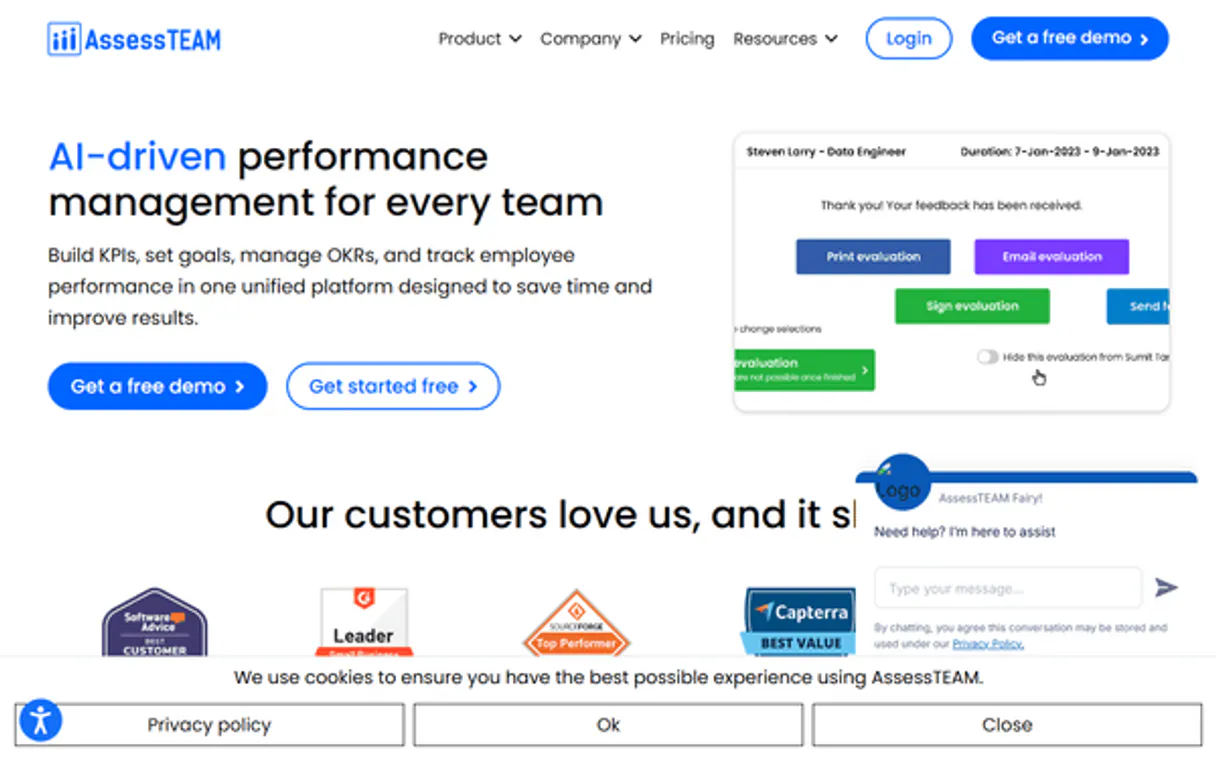
AssessTEAM MCP for AI. Audit performance, time, and profit in conversation.
 Gemini
 Works with every AI agent you already use
…and any MCP-compatible client









Connect to your AI in seconds.
AssessTEAM lets you manage employee performance, track hours, and calculate project profitability through natural conversation. Connect this MCP to your agent to pull team rosters, run 360-degree reviews, or audit timesheets—all without logging into separate HR or accounting systems.
What your AI can do
Create timesheet entry
Adds a new time log entry to an employee's timesheet record.
List employees
Provides a complete roster of all team employees in the organization.
List performance evaluations
Retrieves and summarizes past performance evaluation records for individuals or groups.
List and query employee evaluations or retrieve detailed information about the organization's team structure.
Create new timesheet entries or get a full list of historical time logs for accurate labor reporting.
Retrieve detailed financial statements and margin analyses for your active projects.
Get a real-time summary of all ongoing projects, including their associated profitability metrics.
Ask an AI about this
Waiting for input…
AssessTEAM: 7 Tools Available
Use these tools to manage team rosters, process time logs, review evaluations, and get detailed reports on project financials.
Make your AI actually useful.
Add this MCP to Claude, Cursor, or Windsurf and your AI stops guessing. It gets real tools to look things up, take action, and handle the stuff you keep doing by hand.
Start using AssessTEAM on VinkiusCreate Timesheet Entry
Adds a new time log entry to an employee's timesheet record.
List Employees
Provides a complete roster of all team employees in the organization.
List Performance Evaluations
Retrieves and summarizes past performance evaluation records for individuals or...
Get Profitability Report
Generates a detailed report showing the profit and loss metrics for a specific...
List Projects
Lists all current projects managed within AssessTEAM.
List Organizational Teams
Provides a structured list of departmental teams and their composition.
List Timesheets
Fetches a summary or detailed history of all recorded timesheet entries.
Security and governance baked right in.
Pick your AI client below to get set up. Just create a Vinkius account, subscribe, and you're instantly up and running. We handle the entire backend infrastructure, delivering out-of-the-box support for HTTPS Streamable, SSE, and OAuth2—zero messy routing required.
Claude AI
Open Claude Settings
Go to claude.ai, click your profile icon, then navigate to Customize → Connectors.
Add Custom Connector
Click the "+" button and select Add custom connector. Paste your Vinkius endpoint URL:
https://edge.vinkius.com/[YOUR_TOKEN_HERE]/mcp
Replace [YOUR_TOKEN_HERE] with your token
from cloud.vinkius.com. For OAuth-protected servers, expand
Advanced settings to add credentials.
Start a conversation
Open a new chat. The AssessTEAM integration is available immediately — no restart needed.
Choose How to Get Started
Build a custom MCP for your own tools, or connect a ready-made integration from our catalog.
Build Your Own
Turn any API into an MCP. Import a spec, define Agent Skills, or deploy with MCPFusion.
- Import from OpenAPI, Swagger, or YAML specs
- Create Agent Skills with progressive disclosure
- Deploy to edge with MCPFusion framework
- Built in DLP, auth, and compliance on every call
- Real time usage dashboard and cost metering
- Publish to catalog or keep private
Make Your AI Do More
Start with AssessTEAM, then connect any of our 5,100+ other servers whenever your AI needs more. One click, no limits.
- Use this MCP plus 5,100+ others, all in one place
- Add new capabilities to your AI anytime you want
- Every connection is secured and compliant automatically
- Track usage and costs across all your servers
- Works with Claude, ChatGPT, Cursor, and more
- New servers added to the catalog every week
Independent Platform Disclaimer: Vinkius is an independent platform and is not affiliated with, endorsed by, sponsored by, verified by, or otherwise authorized by AssessTEAM. All third-party trademarks, logos, and brand names are the property of their respective owners. Their use on this website is strictly for informational purposes to identify service compatibility and interoperability.
VINKIUS INFRASTRUCTURE
Cloud Hosted
Managed infra
V8 Isolated
Sandboxed per request
Zero-Trust Proxy
No stored credentials
DLP Enforced
Policy on every call
GDPR Compliant
EU data residency
Token Compression
~60% cost reduction
Works with Claude, ChatGPT, Cursor, and more
The Model Context Protocol standardizes how applications expose capabilities to LLMs. Instead of operating in isolation, your AI gains direct access to external platforms, live data, and real-world actions through secure, standardized connections.
This connection provides 7 powerful capabilities that interface natively with Claude, ChatGPT, Cursor, and other compatible AI platforms. No middleware. No custom integration required.
The endless data audit cycle.
Most companies run into a painful routine every month: tracking costs and performance means jumping between at least three separate platforms. You pull employee records from the HR system, then export project hours from your task tracker, and finally manually plug those numbers into an accounting spreadsheet just to see if you're actually making money. It’s tedious, it takes half a day, and every time you copy-paste a date or number, there's a risk of error.
With this MCP, the audit is conversational. You simply tell your agent: 'Run an end-of-month profitability check for Project Beta.' The system handles listing projects, compiling timesheets, checking evaluations, and running margin analysis—and delivers the final answer back to you in seconds.
AssessTEAM MCP gives you full project visibility.
Today, getting an overview requires opening dashboards across multiple services. You have to manually verify labor costs against revenue by checking `list_timesheets` and then cross-referencing that with the overall budget in a separate financial tool. It's reactive bookkeeping.
Now, you ask your agent what the project profitability is. The MCP connects all those data points—the team structure, the hours worked, and the final revenue—to give you one clean answer every time.
What your AI can actually do with this
Need to know if a quarter's worth of work actually made the company money? You can ask. AssessTEAM connects employee evaluations, project time logs, and financial reports into one conversation. Instead of jumping between an HR dashboard and your accounting software, you tell your agent what you need—like listing all active projects or checking the average KPI score for a team.
The system pulls together detailed labor reports, tracks which teams are structured how, and even gives you deep margin analysis on specific client work. Because this MCP is hosted on Vinkius, your AI client gets instant access to this full suite of tools alongside thousands of others, meaning you can build complex operational workflows from a single connection.
019dd0bd-a7dc-70f4-8e63-273147bfe6b0 
Here's how it actually works
The bottom line is that you manage human capital and finances by simply talking to your AI client, skipping the dashboards entirely.
First, subscribe to the AssessTEAM MCP and paste your API key into your agent's settings.
Next, tell your AI client what you need to know. For example, 'What was the profitability for Project X?' or 'List all employees in the Marketing department.'
The agent uses the available tools to pull data from AssessTEAM and delivers a direct answer in conversation.
Who is this actually for?
This MCP is for managers who are tired of manually pulling data from three different systems—HRIS, accounting software, and project management tools. If you spend more time copying spreadsheets than making decisions, this is for you.
Tracks labor costs by checking timesheet entries and listing projects to verify if current spending aligns with expected margins.
Retrieves performance evaluations or lists employee records quickly, allowing them to build team reports without exporting data manually.
Gets instant profitability summaries by asking the agent about specific projects and their overall financial health.
What Changes When You Connect
Stop juggling tabs. You can pull a full team roster using the list_employees tool, then instantly check their latest reviews with list_performance_evaluations, all in one chat window.
Know where your money is going. Instead of exporting project financials and spending hours on spreadsheets, you ask for a get_profitability_report and get the data back immediately.
Maintain compliance easily. The MCP allows you to fetch history of both recorded time logs (list_timesheets) and past performance reviews, making audits simple.
Manage your staff structure quickly. You can list organizational teams using list_organizational_teams so you always know who reports to whom without needing an internal directory lookup.
Streamline payroll verification. Use the MCP to create new timesheet entries via create_timesheet_entry, ensuring accurate labor reporting right from your agent.
See it in action
Auditing a Client Project
A business owner needs to know if the 'Website Redesign' project is profitable. They ask their agent, which uses list_projects first, then runs a get_profitability_report. The agent replies with the margin analysis and confirms that labor costs are under budget.
Verifying Team Bandwidth
An operations lead needs to know if three team members can handle a new client. They ask for the team roster (list_employees) and then check their current assignments by listing timesheets (list_timesheets). This confirms capacity before assigning work.
Quarterly Performance Review
An HR manager needs to summarize performance. They use list_performance_evaluations to pull the last quarter's reviews and then ask for a list of teams (list_organizational_teams) to structure their follow-up meetings.
Fixing Missing Time Logs
A worker forgot to log hours. Instead of filling out paper forms, they simply request the create_timesheet_entry tool through their agent, specifying the date and project code immediately.
The honest tradeoffs
Using separate tools for related data.
Manually opening the HR system to check KPI scores, then switching to the accounting portal to see if that team's costs were covered. This takes 15 minutes and involves copying dates across three different screens.
Ask your agent directly: 'What is the average KPI score for the Marketing department against their Q2 profitability goals?' The MCP handles the cross-reference using list_performance_evaluations and get_profitability_report in one step.
Only listing tools without context.
Reading a list of seven functions and not knowing which combination solves their actual problem. They get overwhelmed by the technical jargon.
Focus on the outcome: Need to know who works where? Use list_organizational_teams and list_employees. Need financial data? Focus only on get_profitability_report.
Assuming simple listing is enough.
Just running list_projects but not knowing if the project is profitable or if there are employees assigned to it. The list gives no context.
Always follow up with a query that connects data points, like: 'For Project Alpha, what was the total labor cost?' This triggers the use of both list_projects and get_profitability_report.
When It Fits, When It Doesn't
Use this MCP if your primary pain point is connecting three or more disparate business datasets—HR performance reviews, project finance data, and recorded time logs. You need to ask complex questions like, 'Did the high-performing Engineering team actually make money on Project X?' Use it when you need an agent to synthesize information from both people metrics and financial reports.
Don't use this if you only need one isolated piece of information (e.g., just listing employees). For a simple roster check, most basic directory services will suffice. If your goal is purely time tracking without any associated performance or profit linkage, a dedicated timesheet tool might be simpler. This MCP excels when the answer requires connecting people to money.
Questions you might have
How does AssessTEAM MCP handle cross-departmental profit tracking? +
It links project financials to labor costs. By running get_profitability_report, the MCP checks the total hours against the revenue for any project, regardless of which department worked on it.
Can I use AssessTEAM MCP to just list employees by name? +
Yes, you can. Use the list_employees tool to get a complete roster, or use list_organizational_teams if you need to know who reports to whom.
Is AssessTEAM MCP better than just using Excel for timesheets? +
Yes. This MCP not only tracks time but it also links those hours directly to project profitability, giving you a financial context that a simple spreadsheet can't provide automatically.
What if I need to update an employee's timesheet? Should I use AssessTEAM MCP? +
You should use the create_timesheet_entry tool. This function allows you to record a new time log entry accurately through your agent's interface.
Can AssessTEAM MCP show me historical performance data? +
Absolutely. You can run list_performance_evaluations to pull past reviews, giving you a clear history of workforce development and KPI assessments.
We've already built the connector for AssessTEAM. Just plug in your AI agents and start using Vinkius.
No hosting. No infrastructure. No complex setup.
All 7 tools are live and waiting.
You're up and running in seconds.
Gemini Vinkius gives your AI agents access to the full catalog of app connectors, all fully managed, secure, and enterprise-ready. One subscription, every tool you need.
Built, hosted, and secured by Vinkius. You just connect and go.