
Baremetrics MCP. Ask questions about your MRR, LTV, and churn rates.
 Gemini
 Works with every AI agent you already use
…and any MCP-compatible client









Just plug in your AI agents and start using Vinkius.
Baremetrics MCP Server provides AI access to core SaaS financial metrics. Your agent can instantly retrieve Monthly Recurring Revenue (MRR), Lifetime Value (LTV), churn rates, and detailed customer subscription histories.
Check customer health, audit financial data, and map your entire billing ecosystem without manually clicking through dashboards.
What your AI agents can do
Get account check
Verifies the connection status to the Baremetrics account.
Get active customers
Gets the current total count of active customers.
Get churn rate
Calculates the user churn rate for a given time period.
Verifies the connection to the Baremetrics API and confirms data access.
Retrieves the total number of customers currently active in the platform.
Calculates and returns the percentage of users lost over a specified period.
Retrieves a full profile and status for a single, identified customer.
Calculates the predicted total revenue generated from a specific customer over their relationship with your company.
Retrieves detailed data points for a single, named metric (e.g., 'Churn' or 'MRR').
Calculates and returns the current or historical Monthly Recurring Revenue for the business.
Ask AI about this MCP
Supported MCP Clients
Gemini Waiting for input…
Baremetrics MCP Server: 12 Tools for Financial Data Analysis
These 12 tools give your AI client direct access to every part of your billing data, from customer profiles to historical revenue metrics.
019d7558get account check
Verifies the connection status to the Baremetrics account.
019d7558get active customers
Gets the current total count of active customers.
019d7558get churn rate
Calculates the user churn rate for a given time period.
019d7558get customer
Retrieves specific profile and subscription details for one customer.
019d7558get ltv
Calculates the Customer Lifetime Value (LTV) for a customer.
019d7558get metric
Retrieves data for a single, specified financial metric type.
019d7558get mrr
Calculates the Monthly Recurring Revenue (MRR) for the account.
019d7558list customers
Lists all customer accounts tracked in Baremetrics.
019d7558list metrics
Lists a summary of all available high-level financial metrics.
019d7558list plans
Lists every defined billing plan available in the system.
019d7558list sources
Lists all data sources connected to the Baremetrics account.
019d7558list subscriptions
Lists every user subscription record in the system.
Choose How to Get Started
Build a custom MCP for your own tools, or connect a ready-made integration from our catalog.
Build Your Own
Turn any API into an MCP. Import a spec, define Agent Skills, or deploy with MCPFusion.
- Import from OpenAPI, Swagger, or YAML specs
- Create Agent Skills with progressive disclosure
- Deploy to edge with MCPFusion framework
- Built in DLP, auth, and compliance on every call
- Real time usage dashboard and cost metering
- Publish to catalog or keep private
Make Your AI Do More
Start with Baremetrics, then connect any of our 4,700+ other servers whenever your AI needs more. One click, no limits.
- Use this MCP plus 4,700+ others, all in one place
- Add new capabilities to your AI anytime you want
- Every connection is secured and compliant automatically
- Track usage and costs across all your servers
- Works with Claude, ChatGPT, Cursor, and more
- New servers added to the catalog every week
What you can do with this MCP connector
Baremetrics MCP Server gives your agent instant access to your SaaS financials. You can check the connection status to the Baremetrics account using get_account_check. To see how many people you've got, run get_active_customers. You can calculate the user churn rate for a given time period with get_churn_rate. For a single customer, get_customer pulls their full profile and subscription details.
You can calculate a customer's predicted total revenue with get_ltv, and you'll get the current or historical Monthly Recurring Revenue (MRR) using get_mrr. If you need data for one specific financial metric, get_metric pulls it for you. You can list all customer accounts with list_customers, and you'll see all user subscriptions recorded with list_subscriptions.
To understand your whole setup, list_plans lists every defined billing plan, and list_sources lists all data sources connected to the account. You can also get a summary of every available high-level financial metric by calling list_metrics.
How Baremetrics MCP Works
- 1 Subscribe to the Baremetrics server and provide your API Key (Bearer Token).
- 2 Start by asking your AI client a question, like 'What is our MRR for Q2 2024?'.
- 3 The agent calls the appropriate tool (e.g.,
get_mrr) and returns the specific, actionable metric data.
The bottom line is, you talk to your data like you're talking to a CFO, and your agent executes the complex financial lookups.
Who Is Baremetrics MCP For?
SaaS Founders and Executives who need instant pulse checks on business health. Financial Analysts who need raw, date-specific metric data for reporting. Customer Success Managers who must audit individual customer health for renewals. Ops Leads who need to verify data source configurations.
Uses the agent to get instant summaries of MRR, LTV, and churn rates for board reports or quick strategy sessions.
Extracts raw metric data (like historical ARR or active customer counts) to build models without manual dashboard export.
Audits specific customer accounts to determine their lifetime value and track their subscription history before a renewal call.
Verifies the entire data stack by listing available data sources and defined billing plans.
What Changes When You Connect
- Get instant MRR reports. Instead of exporting a spreadsheet to find your Monthly Recurring Revenue, just ask your agent to call
get_mrrand get the number immediately. - Audit individual customer value. Need to know if Acme Corp is worth their renewal fee? Use
get_ltvto instantly check their Lifetime Value without looking up multiple IDs. - Track churn risks. The
get_churn_ratetool shows you exactly what percentage of users you lost, giving you a clearer picture than a simple subtraction. - Review customer profiles. The
get_customertool lets you search by name or ID and pull up all their profile details and current subscription status in one go. - Map your revenue stack. Use
list_sourcesandlist_planstogether. You can map your entire billing setup by seeing every connected data source and every defined plan. - Analyze trends over time. Don't just look at today's numbers. Query specific date ranges using
get_metricto see seasonal performance or growth trends.
Real-World Use Cases
Quarterly Board Report Prep
The founder needs to draft a board report summarizing growth. Instead of manually logging into the dashboard and pulling MRR, LTV, and active customer counts, they prompt their agent: 'Give me the Q2 performance summary.' The agent runs get_mrr, get_ltv, and get_active_customers in sequence, returning a complete, narrative summary.
Identifying High-Risk Accounts
A CSM needs to prepare for a renewal call. They search for a customer by name and run get_customer to get the ID. Then, they use that ID to call get_ltv and list_subscriptions to build a complete case for why the customer should stay.
Debugging Billing Errors
An Ops Lead finds a discrepancy in billing. They first run list_sources to see what data is connected. They then use list_plans to check the defined billing structure, ensuring the data source matches the plan configuration.
Measuring Growth Impact
The CEO wants to know if a new marketing campaign impacted revenue last month. They ask the agent to run get_metric for 'Revenue' for the last 30 days, comparing it to the previous period's data, providing immediate, targeted analysis.
The Tradeoffs
Trying to bulk-query everything at once
A user tries to ask for 'all customer metrics, plans, and sources' in one massive prompt, expecting a single, giant data dump. This overloads the context and makes the output unusable.
→
Break it into targeted steps. Start with list_metrics to see what's available. Then, if you need customer data, call list_customers. If you need a specific number, use get_mrr. Don't try to fetch everything at once.
Relying on dashboard UI for specific data
The analyst opens the Baremetrics dashboard, filters by date range, and manually copies a specific LTV number into a spreadsheet. This takes 5 minutes and requires multiple clicks.
→
Ask your agent directly. Use get_ltv and specify the required parameters (customer ID, date range). It returns the number directly, ready for your model, in seconds.
Mixing up customer and metric scopes
A user asks, 'What is the LTV for the company?' The agent gets confused because LTV is a customer-specific metric, not a company-wide total.
→
Use the correct tool. If you need the company's overall MRR, use get_mrr. If you need to calculate the LTV for a known account, use get_ltv and pass the specific customer ID.
When It Fits, When It Doesn't
Use this server if you need to convert complex, multi-tab financial data into simple, conversational queries. You need to know what the numbers are and why they changed. You should call get_mrr or get_ltv when you need a single, critical financial figure for a report. You should use list_sources or list_plans if your problem is architectural—you need to know how the data is structured or connected. If you only need a list of names, use list_customers and not a metric tool. Don't use this if you are just trying to view a visually formatted graph; this tool gives you the raw data points to build the graph.
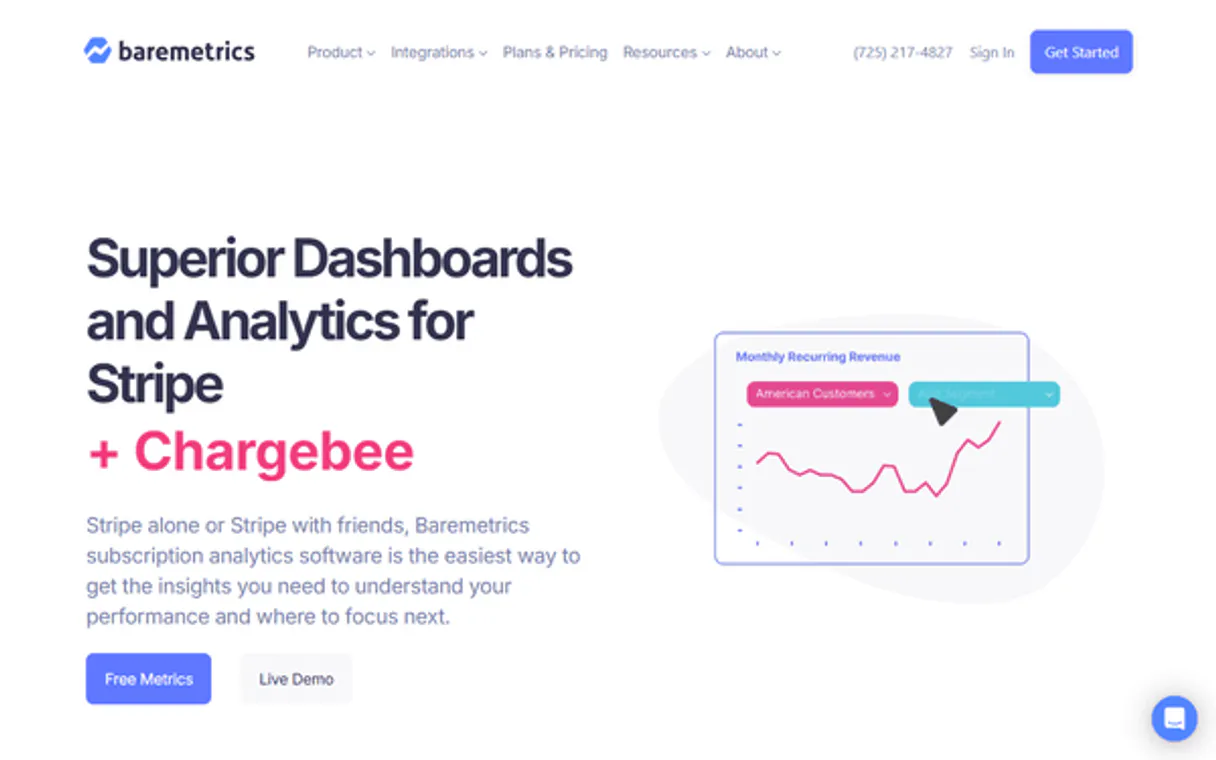
Independent Platform Disclaimer: Vinkius is an independent platform and is not affiliated with, endorsed by, sponsored by, verified by, or otherwise authorized by Baremetrics. All third-party trademarks, logos, and brand names are the property of their respective owners. Their use on this website is strictly for informational purposes to identify service compatibility and interoperability.
VINKIUS INFRASTRUCTURE
Cloud Hosted
Managed infra
V8 Isolated
Sandboxed per request
Zero-Trust Proxy
No stored credentials
DLP Enforced
Policy on every call
GDPR Compliant
EU data residency
Token Compression
~60% cost reduction
Works with Claude, ChatGPT, Cursor, and more
The Model Context Protocol standardizes how applications expose capabilities to LLMs. Instead of operating in isolation, your AI gains direct access to external platforms, live data, and real-world actions through secure, standardized connections.
This server provides 12 capabilities that interface natively with Claude, ChatGPT, Cursor, and any MCP client. No middleware. No custom integration required.
Available Capabilities
Pulling SaaS metrics used to feel like a full-time job.
Right now, checking a company's financial health means logging into the SaaS dashboard. You jump to the MRR tab, copy the number. Then you click over to the churn section, copy the rate. If you need LTV, you navigate to a different tab, find the customer ID, and repeat the copy-paste process. It's tedious and prone to switching between tabs.
With this MCP server, you just tell your agent what you need. You ask: 'What was our MRR last month?' The agent runs the `get_mrr` tool and gives you the exact number, formatted and ready to paste. No dashboard navigation required.
Baremetrics MCP Server: Get the numbers you need.
The manual steps that disappear are the dashboard clicks, the filtering by date range, and the copy-pasting of specific values. You don't have to switch between the MRR view and the customer list view to cross-reference data.
Now, your AI agent acts as a real-time financial analyst. It connects the dots between `get_customer` data and `get_ltv` metrics, giving you an answer that's immediately actionable.
Common Questions About Baremetrics MCP
How do I check my current Monthly Recurring Revenue (MRR) using the get_mrr tool? +
You ask your agent to run get_mrr. It will retrieve the current MRR for the account. You can also ask it to calculate MRR for specific date ranges using get_metric if you need historical data.
What is the best way to find a customer's Lifetime Value (LTV) with the get_ltv tool? +
You must provide the customer's unique ID to the get_ltv tool. This ensures the calculation is accurate. Once you have the LTV, you can cross-reference it with get_customer for their current plan details.
Can I list all my active customers and their details at once? (list_customers) +
The list_customers tool provides a list of all customer IDs. You then use get_customer and get_ltv separately for each ID to build a complete picture of the entire client base.
How do I audit my billing sources and plans? (list_sources and list_plans) +
Use list_sources to see which data streams are connected. Then, use list_plans to view the defined billing structure. This lets you map out your entire billing ecosystem.
What if I need a metric that isn't covered by the get_metric tool? +
The get_metric tool is highly flexible, but if you need a metric for a specific time period, check the documentation for the appropriate date parameters. Otherwise, ask your agent to list all available metrics using list_metrics.
How can I find out which user subscriptions are currently active using the list_subscriptions tool? +
You use the list_subscriptions tool. It gives you a complete list of every user's subscription, including their status, plan name, and start/end dates. This is key for identifying potential churn risks or successful upgrade patterns.
What if I need to find a specific customer's details using the get_customer tool? +
You pass the specific customer's unique ID (OID) to the get_customer tool. The tool returns comprehensive data: internal IDs, profile details, and their current subscription status. This lets you audit a single client's entire history.
Can I list all available data sources to check my connection status using the list_sources tool? +
Yes, running list_sources shows you every data source connected to Baremetrics. This is the first place to check if a billing stream is missing or if you need to verify your initial API connection using the get_account_check tool.
Can I check my current MRR through the agent? +
Yes. Use the get_mrr tool to retrieve your current Monthly Recurring Revenue. Your agent will return the latest calculated value directly in the chat.
How do I find a specific customer's subscription history? +
First, use list_customers with a search term to find the customer's OID. Then, your agent can retrieve their detailed profile and subscription logs to summarize their journey.
Can the agent analyze churn rates for specific periods? +
Absolutely. Use the get_churn_rate tool and provide a start_date and end_date (as Unix timestamps) to see the churn metrics for that specific timeframe.
Use it with your favorite AI tools
Connect this server to Cursor, Claude, VS Code, and more.
More in this category

Banco Inter
Connect to your Banco Inter Empresas digital account. Automate Pix, Boletos, balance inquiries and statements.

Zip
Manage BNPL checkouts, orders, and payments via the Zip (Quadpay) REST API.
QuickBooks Online
Connect QuickBooks to AI — query invoices, manage customers, run financial reports, and automate accounting workflows.
You might also like

ChangeDetection.io
Monitor website changes automatically — track visual or text updates, manage watches, and receive alerts via any AI agent.

UniProt
Search 250M+ protein sequences with functional annotations, gene names, subcellular locations, and amino acid data from the world's most comprehensive protein knowledge base.

Slack Bot
Control and manage your Slack workspace — audit channels, messages, and users via AI.