
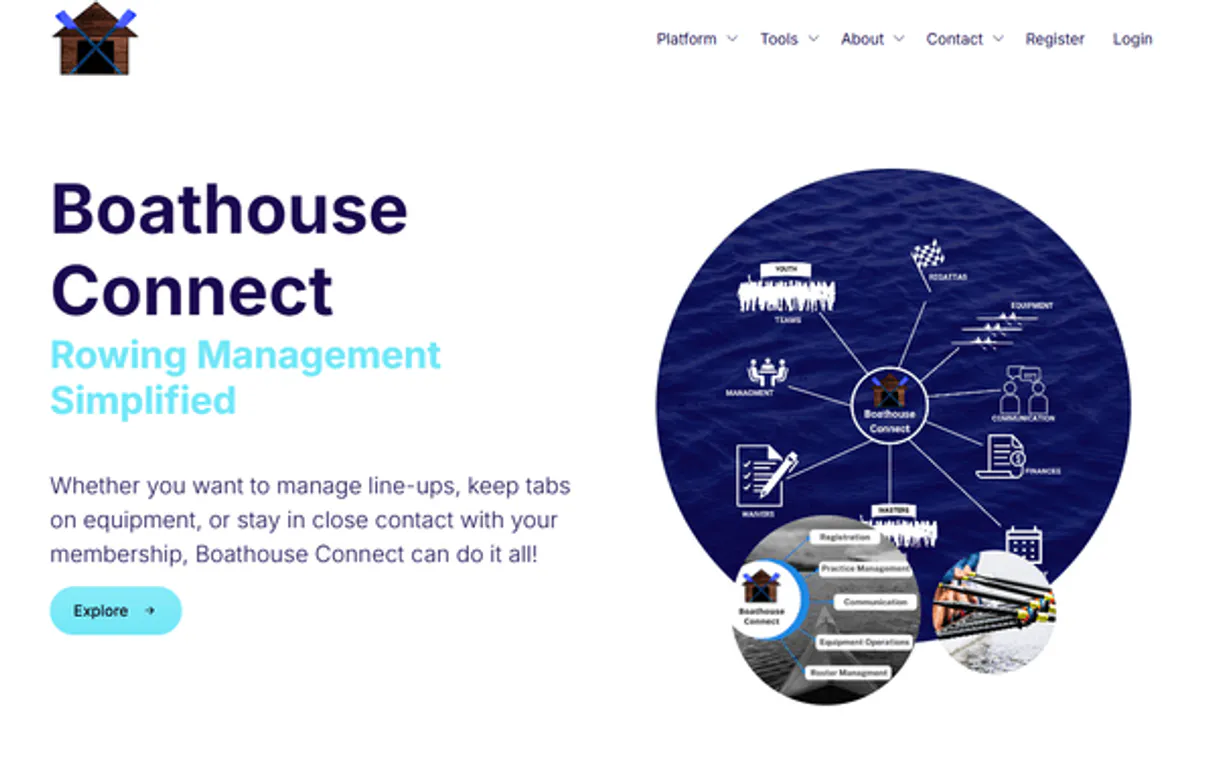
Boathouse Connect MCP for AI. Manage Reservations, Inventory & Members Conversationaly
 Gemini
 Works with every AI agent you already use
…and any MCP-compatible client









How this MCP server connects to your AI agent
Boathouse Connect manages everything running in a marina or rowing club—from member sign-ups to equipment checkouts. This MCP lets your AI client handle reservations, track inventory (shells, oars), and view all facility details through natural conversation.
Stop opening dashboards; just ask your agent what's available tomorrow.
What AI agents can do with Boathouse Connect Automation
Check boathouse status
Verifies if the connection to Boathouse Connect is active and working.
Create reservation
Books a new reservation for equipment or space.
Get equipment
Retrieves specific details about a piece of equipment.
Verify if the connection to Boathouse Connect is working correctly.
Create new bookings for members or view details on existing appointments.
Look up specific gear items, like a particular rowing shell, and check its availability.
List every piece of gear in the inventory, including how many are currently reserved or free.
Retrieve a specific club member's profile and contact information.
See all the physical boathouse or marina sites configured in your system.
Get a list of upcoming practice sessions, events, and all active club members.
Ask an AI about this
Waiting for input…
What AI agents can do with Boathouse Connect: 10 Tools for Marina Management
These tools give your AI client direct access to every core function of the Boathouse Connect system, allowing you to manage bookings, inventory, and member data conversationally.
Make your AI actually useful.
Add this MCP to Claude, Cursor, or Windsurf and your AI stops guessing. It gets real tools to look things up, take action, and handle the stuff you keep doing by hand.
Start using Boathouse Connect on VinkiusCheck Boathouse Status
Verifies if the connection to Boathouse Connect is active and working.
Create Reservation
Books a new reservation for equipment or space.
Get Equipment
Retrieves specific details about a piece of equipment.
Get Reservation
Pulls the full details for a single reservation record.
Get User
Fetches detailed information and contact data for one member.
List Equipment
Lists all types of equipment available in the inventory.
List Locations
Displays a list of all physical boathouse and marina locations configured.
List Reservations
Provides an overview list of all current reservations across the club.
List Schedules
Displays a comprehensive list of upcoming practices and organized events.
List Users
Generates a complete directory listing of all club members.
Security and governance baked right in.
Pick your AI client below to get set up. Just create a Vinkius account, subscribe, and you're instantly up and running. We handle the entire backend infrastructure, delivering out-of-the-box support for HTTPS Streamable, SSE, and OAuth2—zero messy routing required.
Claude AI
Open Claude Settings
Go to claude.ai, click your profile icon, then navigate to Customize → Connectors.
Add Custom Connector
Click the "+" button and select Add custom connector. Paste your Vinkius endpoint URL:
https://edge.vinkius.com/[YOUR_TOKEN_HERE]/mcp
Replace [YOUR_TOKEN_HERE] with your token
from cloud.vinkius.com. For OAuth-protected servers, expand
Advanced settings to add credentials.
Start a conversation
Open a new chat. The Boathouse Connect integration is available immediately — no restart needed.
Choose How to Get Started
Build a custom MCP for your own tools, or connect a ready-made integration from our catalog.
Build Your Own
Turn any API into an MCP. Import a spec, define Agent Skills, or deploy with MCPFusion.
- Import from OpenAPI, Swagger, or YAML specs
- Create Agent Skills with progressive disclosure
- Deploy to edge with MCPFusion framework
- Built in DLP, auth, and compliance on every call
- Real time usage dashboard and cost metering
- Publish to catalog or keep private
Make Your AI Do More
Start with Boathouse Connect, then connect any of our 5,100+ other servers whenever your AI needs more. One click, no limits.
- Use this MCP plus 5,100+ others, all in one place
- Add new capabilities to your AI anytime you want
- Every connection is secured and compliant automatically
- Track usage and costs across all your servers
- Works with Claude, ChatGPT, Cursor, and more
- New servers added to the catalog every week
Independent Platform Disclaimer: Vinkius is an independent platform and is not affiliated with, endorsed by, sponsored by, verified by, or otherwise authorized by Boathouse Connect. All third-party trademarks, logos, and brand names are the property of their respective owners. Their use on this website is strictly for informational purposes to identify service compatibility and interoperability.
VINKIUS INFRASTRUCTURE
Cloud Hosted
Managed infra
V8 Isolated
Sandboxed per request
Zero-Trust Proxy
No stored credentials
DLP Enforced
Policy on every call
GDPR Compliant
EU data residency
Token Compression
~60% cost reduction
Built on the Model Context Protocol (MCP) for Claude, ChatGPT, Cursor, and more
The Model Context Protocol standardizes how applications expose capabilities to LLMs. Instead of operating in isolation, your AI gains direct access to external platforms, live data, and real-world actions through secure, standardized connections.
This connection provides 10 powerful capabilities that interface natively with Claude, ChatGPT, Cursor, and other compatible AI platforms. No middleware. No custom integration required.
The constant struggle of juggling operational dashboards, Solved with Vinkius AI Gateway
Today, confirming a simple activity schedule means opening the member portal, then switching to the inventory dashboard to check gear status. You might have to cross-reference a third spreadsheet just for location details before you can even start writing an email. It’s clicking between five different tabs and copy/pasting data into three separate forms.
With this MCP, that process vanishes. You simply ask your agent, 'What equipment is available at the main boathouse next Thursday?' Your client talks to the system, pulling together live inventory status (`list_equipment`), checking facility location details (`list_locations`), and confirming availability—all in one response.
Boathouse Connect MCP gives you control over reservations
You no longer have to open the reservation system just to see who is booked. You ask your agent, and it pulls up the list of all bookings (`list_reservations`) or even checks a specific person's details using `get_user`.
The bottom line is that you move from being a data dispatcher—constantly moving information between systems—to simply giving commands. Your AI client handles the entire operational backend.
What your AI can actually do with this
Managing a boathouse or marina involves juggling memberships, boat availability, and gear counts—it’s usually a mess of different spreadsheets and backend systems. Now, you can connect the entire operation to any AI client using this MCP. You talk to your agent naturally, and it handles the complexity behind the scenes.
Need to know if the 'Resolute' single is free next Tuesday? Or maybe you need to book three sets of oars for a weekend event? Just ask. It pulls all that data together instantly.
It’s more than just listing things; you can build processes. You tell it to create a new booking, and it handles the member check, equipment allocation, and reservation record—all in one go. This ability to talk about reservations, members, schedules, and locations without ever opening the management dashboard is huge.
When you connect this MCP through the Vinkius catalog, you give your agent access to 10 specialized tools that manage every aspect of club life.
019dd0c4-78e6-7158-908a-999810377ae2 
Here's how it actually works
The bottom line is you get conversational access to all the operational data that usually requires logging into several different admin dashboards.
Subscribe to this MCP on Vinkius.
Provide your API Token and Whitelabel ID from your Boathouse Connect account.
Start chatting with your agent in Claude, Cursor, or any compatible client.
Who is this actually for?
This MCP is for the club manager or operations staff who are tired of manually cross-referencing multiple spreadsheets just to confirm a single booking. If you spend time switching between member lists, inventory sheets, and calendar views, this tool cuts that friction out.
Uses the MCP to check equipment availability or list all club members without opening the main dashboard.
Reviews upcoming practice schedules and member rosters directly from the agent, making last-minute changes quickly.
Creates equipment reservations or monitors inventory status while out in the field, eliminating paper forms.
What Changes When You Connect
Stop digging through tabs to find out if an item is available. You can use list_equipment and immediately get a summary of all shells, oars, and gear inventory status.
Never miss a booking detail again. Need confirmation on who booked what? Use get_reservation to pull up the full details for any existing appointment instantly.
On the fly operations are simple. Instead of filling out forms, you just ask your agent to create_reservation, and it books it right away.
You get a complete picture of your club without clicking anywhere. Use list_users or get_user to quickly look up member contact info or membership tiers.
Understand your physical footprint instantly. With list_locations, you can see every boathouse and marina site configured in the system, helping with maintenance planning.
See it in action
Confirming gear availability for a group event
A coach needs to know if enough equipment is free for Saturday's practice. Instead of manually counting inventory sheets, they ask their agent to list_equipment and get a real-time count showing exactly how many singles or doubles are available.
Rescheduling a member due to conflict
A manager needs to move a client's booking. They use the agent to check the original booking (get_reservation) and then ask it to create_reservation for a new time, eliminating manual calendar edits.
Checking facility status before opening
Operations staff arrives early and needs to confirm system connectivity. They run the check_boathouse_status tool, getting an immediate pass/fail report on API access, ensuring they are ready for the day.
Updating a member's contact info
A manager needs to confirm a member’s current status. They use get_user and get all detailed profile information instantly, whether it's their membership tier or phone number.
The honest tradeoffs
Listing everything one by one
Trying to find out if a member can book equipment for next week requires opening the calendar, then searching the inventory list, and finally checking the member directory. It's too many clicks.
Instead, ask your agent directly. Just tell it, 'Check availability for John Smith on Tuesday.' The agent uses get_user, checks list_equipment status, and verifies against list_reservations all at once.
Using general data tools only
Running a simple list of users (list_users) gives you names, but not their current booking history or gear access.
To get the full picture, combine requests. Ask it to find out who is booked for the weekend and then use get_user on those people to confirm they are active members.
Assuming inventory status
Calling the equipment list (list_equipment) only tells you what exists, but doesn't tell you if it's currently reserved or available for booking.
Always use get_equipment alongside a reservation request. This ensures that before you book something, the agent confirms its real-time availability.
When It Fits, When It Doesn't
Use this MCP if your operational workflow requires combining data from three or more sources: member records, physical equipment inventory, and time-based scheduling. For example, if confirming a reservation needs to check both list_users (for membership status) and get_equipment (for item availability), this is the right tool.
Don't use this if you only need simple data lookup, like just viewing a static list of all locations (list_locations). In that case, a basic database query might suffice. However, if your job involves actions—like creating a reservation (create_reservation) or cross-referencing multiple live datasets—this MCP is essential.
Questions you might have
How do I check equipment availability using Boathouse Connect MCP? +
You ask your agent to list all equipment (list_equipment). The system will then provide a breakdown of how many items are currently reserved versus how many are free for use.
Can I create reservations through the Boathouse Connect MCP? +
Yes, you can. Just ask your agent to book it using create_reservation. It handles the booking and records it immediately in the system.
Does Boathouse Connect MCP handle member contact information? +
Absolutely. You use the get_user tool, and your agent retrieves detailed profiles including contact info and membership tier for that specific person.
What if I need to know about multiple locations? +
You can view all configured sites using list_locations. The MCP gives you a master list of every boathouse or marina location in the system.
Is Boathouse Connect MCP only for booking things? +
No. It manages much more than bookings; it lets you review all schedules (list_schedules), monitor inventory, and read member directories.
We've already built the connector for Boathouse Connect. Just plug in your AI agents and start using Vinkius.
No hosting. No infrastructure. No complex setup.
All 10 tools are live and waiting.
You're up and running in seconds.
Gemini Vinkius gives your AI agents access to the full catalog of app connectors, all fully managed, secure, and enterprise-ready. One subscription, every tool you need.
Built, hosted, and secured by Vinkius. You just connect and go.