
Calenso MCP. Manage bookings, clients, and schedules by conversation.
 Gemini
 Works with every AI agent you already use
…and any MCP-compatible client









Just plug in your AI agents and start using Vinkius.
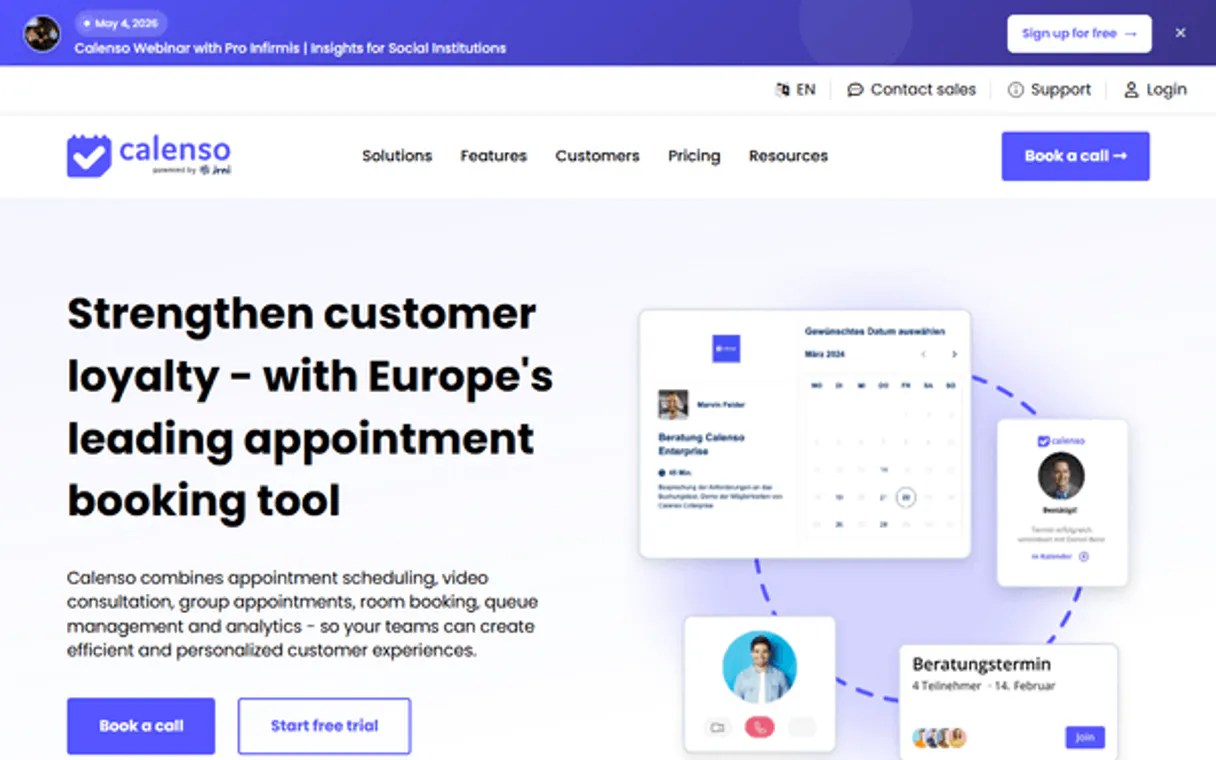
Calenso MCP manages appointment scheduling and customer records for service businesses. Connect your AI agent to natively list upcoming bookings, check staff availability across branches, or create new client profiles using natural language prompts.
What your AI agents can do
Cancel calenso appointment
Cancels an existing booking by its unique ID.
Create calenso customer
Adds a brand new client profile to the system directory.
Get calenso appointment
Retrieves all specific details for one given appointment ID.
Retrieve full lists and details of scheduled client bookings.
Fetch the comprehensive information for a single, identified booking ID.
Remove a booked appointment from the system after confirmation.
Add a completely new person or client to the Calenso directory.
Generate a list of every existing client record in the system.
See what bookable services are offered, which branches exist, or who is working on a given date.
Ask AI about this MCP
Supported MCP Clients
OAuth 2.0 Compatible Gemini Waiting for input…
Calenso: 8 Booking & Scheduling Tools
This set of tools lets your agent perform every core task related to managing appointments, customers, services, and staff within Calenso.
Make your AI actually useful.
Add this MCP to Claude, Cursor, or Windsurf and your AI stops guessing. It gets real tools to look things up, take action, and handle the stuff you keep doing by hand.
Start using Calenso on Vinkius019dd0c8cancel calenso appointment
Cancels an existing booking by its unique ID.
019dd0c8create calenso customer
Adds a brand new client profile to the system directory.
019dd0c8get calenso appointment
Retrieves all specific details for one given appointment ID.
019dd0c8list calenso appointments
Generates a list of scheduled appointments, often filtered by date or client name.
019dd0c8list calenso branches
Provides a directory listing of all physical locations or branches.
019dd0c8list calenso customers
Returns a comprehensive list of every client currently in the system.
019dd0c8list calenso services
Shows all available, bookable services that can be scheduled.
019dd0c8list calenso staff
Lists all staff members and their current working status or availability.
Choose How to Get Started
Build a custom MCP for your own tools, or connect a ready-made integration from our catalog.
Build Your Own
Turn any API into an MCP. Import a spec, define Agent Skills, or deploy with MCPFusion.
- Import from OpenAPI, Swagger, or YAML specs
- Create Agent Skills with progressive disclosure
- Deploy to edge with MCPFusion framework
- Built in DLP, auth, and compliance on every call
- Real time usage dashboard and cost metering
- Publish to catalog or keep private
Make Your AI Do More
Start with Calenso, then connect any of our 4,800+ other servers whenever your AI needs more. One click, no limits.
- Use this MCP plus 4,800+ others, all in one place
- Add new capabilities to your AI anytime you want
- Every connection is secured and compliant automatically
- Track usage and costs across all your servers
- Works with Claude, ChatGPT, Cursor, and more
- New servers added to the catalog every week
Independent Platform Disclaimer: Vinkius is an independent platform and is not affiliated with, endorsed by, sponsored by, verified by, or otherwise authorized by Calenso. All third-party trademarks, logos, and brand names are the property of their respective owners. Their use on this website is strictly for informational purposes to identify service compatibility and interoperability.
VINKIUS INFRASTRUCTURE
Cloud Hosted
Managed infra
V8 Isolated
Sandboxed per request
Zero-Trust Proxy
No stored credentials
DLP Enforced
Policy on every call
GDPR Compliant
EU data residency
Token Compression
~60% cost reduction
Works with Claude, ChatGPT, Cursor, and more
The Model Context Protocol standardizes how applications expose capabilities to LLMs. Instead of operating in isolation, your AI gains direct access to external platforms, live data, and real-world actions through secure, standardized connections.
This server provides 8 capabilities that interface natively with Claude, ChatGPT, Cursor, and any MCP client. No middleware. No custom integration required.
Keeping Track of Who Needs What and When
Right now, coordinating appointments means jumping between your booking dashboard, your CRM system, and your internal team chat. You pull up the list, you copy a client's name into a spreadsheet, you check the staff calendar to see who's free, and then manually send an email confirming everything.
With this MCP, the process collapses into conversation. Your agent pulls all that data—client records, service availability, and staff schedules—and gives you a single, actionable summary, letting you confirm or adjust the booking without opening another tab.
Scheduling and Customer Data with Calenso
The friction points vanish instantly. You don't have to manually verify if a service exists, check which branches offer it, or confirm if the required staff member is free before scheduling anything.
You simply ask your agent, and it handles the sequence of API calls—checking services via `list_calenso_services`, checking location via `list_calenso_branches`, and confirming staffing with `list_calenso_staff`—all in one go.
What you can do with this MCP connector
Use this connector to let your agent handle the administrative details of running a clinic or consultancy. Instead of logging into Calenso and navigating through multiple screens—checking calendars, manually adding clients, then verifying service types—you just ask your AI client what you need done. Your agent can pull up all appointments for today, cross-reference which staff members are available at a specific branch, or even create an entirely new customer record from a quick chat summary.
Because this MCP handles sensitive booking details and client information, credentials pass through Vinkius's zero-trust proxy; your keys never sit on a disk. This capability means you can automate complex scheduling tasks without ever risking exposing your access codes.
019dd0c8-b99f-7178-a2b0-95af0dd06847 
How Calenso MCP Works
- 1 Retrieve your API Key from the Calenso portal. This key authorizes the connection.
- 2 Provide that key to this integration within Vinkius. The platform handles all credential security, ensuring your keys are only used in transit.
- 3 Directly ask your AI agent for a task, like 'list my appointments for next week' or 'create a customer named John Doe'. The agent executes the necessary function call.
The bottom line is you tell your agent what needs to happen—whether it’s listing staff availability or canceling an appointment—and it handles the API calls behind the scenes.
Who Is Calenso MCP For?
Clinic managers, independent consultants, and small service business owners who spend too much time switching between their booking software and communication tools. You're tired of manually checking calendars or having to ask an assistant to run a specific report.
Uses the MCP to list all available staff members across different branches, ensuring they can schedule clients even if one department is unexpectedly short-staffed.
Asks their agent to create a customer profile and immediately book an initial consultation slot using the natural language interface.
Needs to quickly list all appointments for a specific day, check if any need cancellation, and confirm which services are offered at every location.
What Changes When You Connect
- Stop hunting through tabs to check who's working. You can use
list_calenso_staffinstantly to see staff availability across multiple locations. - Never manually enter a client name again. Just ask your agent to create a new customer profile using
create_calenso_customerand get it done immediately. - Need to reschedule? Instead of logging in, just prompt the agent to list appointments for today, then use
cancel_calenso_appointmenton the specific ID you need cleared. - See all options at a glance. Use
list_calenso_servicesandlist_calenso_branchestogether to check if a certain service is even offered at that location. - It keeps your data safe while automating complex tasks. Credentials pass through Vinkius's zero-trust proxy, meaning the system uses keys in transit but never stores them on disk.
Real-World Use Cases
Client onboarding and booking
A new client calls asking for an initial consultation. Instead of making notes and then logging into Calenso, the agent can read the details, use create_calenso_customer to add them, and then check availability using list_calenso_services before finally confirming a slot.
End-of-day cleanup
The operations coordinator needs to clear out all canceled bookings. They prompt the agent to list appointments for the day, then ask the agent to cancel any that were marked as 'no show' using cancel_calenso_appointment.
Checking multi-location coverage
A clinic needs to know if they can run a specialized session. They ask the agent to list branches, then check staff availability via list_calenso_staff, ensuring at least two people are available in the desired location.
Building an automated workflow
An AI agent runs a sequence: first listing all customers using list_calenso_customers to identify inactive accounts, and then checking their appointment history with list_calenso_appointments for follow-up opportunities.
The Tradeoffs
Treating it like a simple lookup
Asking the agent simply to 'get appointments' without providing any date range or client ID, forcing the agent to guess.
→
Always be specific. Use list_calenso_appointments and include parameters for the required start/end dates or filter by a known customer ID.
Trying to update data manually
Thinking you need to write complex code to change an appointment's status from 'pending' to 'confirmed'.
→
Use the dedicated get_calenso_appointment tool first to pull up the details, and then use cancel_calenso_appointment if the booking needs to be voided.
Ignoring staff roles
Asking to book a service without knowing which specific staff member is required for that procedure.
→
Always run list_calenso_staff first. This lets you confirm the correct personnel before attempting to schedule or get details on an appointment.
When It Fits, When It Doesn't
Use this MCP if your daily work involves coordinating bookings, managing client lists, or checking availability across multiple staff members and locations. You need a single source of truth for all scheduling data. Don't use it just because you want to read customer names; use list_calenso_customers only when you actually need to interact with that list (e.g., to find an ID for another tool). If your core job is billing or payment processing, this MCP won't help—you'll need a dedicated financial service connector instead.
Common Questions About Calenso MCP
How do I list all appointments using the list_calenso_appointments tool? +
You just ask your agent to 'list my upcoming appointments.' The agent handles calling list_calenso_appointments and returns a structured, readable list of bookings.
Can I add a new client using the create_calenso_customer tool? +
Yes. You prompt your agent to 'create a new customer' and provide the necessary name and contact details. The agent then executes create_calenso_customer immediately.
Does list_calenso_staff check for all available employees? +
It checks system-listed staff members, so you can see who is currently marked as available or working at a specific location via list_calenso_staff.
What if I need to cancel an appointment? Do I use the get_calenso_appointment tool? +
No, don't confuse them. Use get_calenso_appointment only to read details. To void a booking, you must specifically instruct the agent to run the cancel_calenso_appointment function.
How do I get started with the `list_calenso_branches` tool? +
You must first connect your AI client using a valid API key from Calenso. Once connected, your agent can call this function immediately to retrieve all location details for you.
Does `list_calenso_customers` return enough detail for my agent to identify the right person? +
Yes, it provides core profile and contact information. This lets your agent cross-reference names, emails, or phone numbers before attempting any booking actions.
If I need to know about available services and staff, should I use `list_calenso_services` or `list_calenso_staff`? +
You should run both. list_calenso_services gives you the full list of offerings, while list_calenso_staff tells you which team members are available to deliver those services.
What happens if I try to use `get_calenso_appointment` with an invalid appointment ID? +
The tool will return a specific error message indicating the invalid ID. Your agent can then notify you of the failure and prompt for correct details, preventing workflow stalls.
Use it with your favorite AI tools
Connect this server to Cursor, Claude, VS Code, and more.