
How to Use Clerk MCP Server with Claude Desktop using Vinkius
Give Claude Desktop instant access to 6 tools to Create Auth Invitation, Create Auth Organization, Get Auth User Details, and more using Vinkius.
 GDPR Free for Subscribers
Claude Desktop is Anthropic's native application for interacting with Claude AI models on macOS and Windows. It was the first consumer application to ship with built-in MCP support, making it the reference implementation for the Model Context Protocol standard.
Ask AI about this MCP Server for Claude Desktop
The Clerk MCP Server for Claude Desktop is a standout in the Loved By Devs category, giving your AI agent 6 tools to work with, ready to go from day one.
Vinkius delivers Streamable HTTP and SSE to any MCP client
 Gemini
{
"mcpServers": {
"clerk-alternative": {
// Your Vinkius token. get it at cloud.vinkius.com
"url": "https://edge.vinkius.com/[YOUR_TOKEN_HERE]/mcp"
}
}
}Vinkius Desktop App
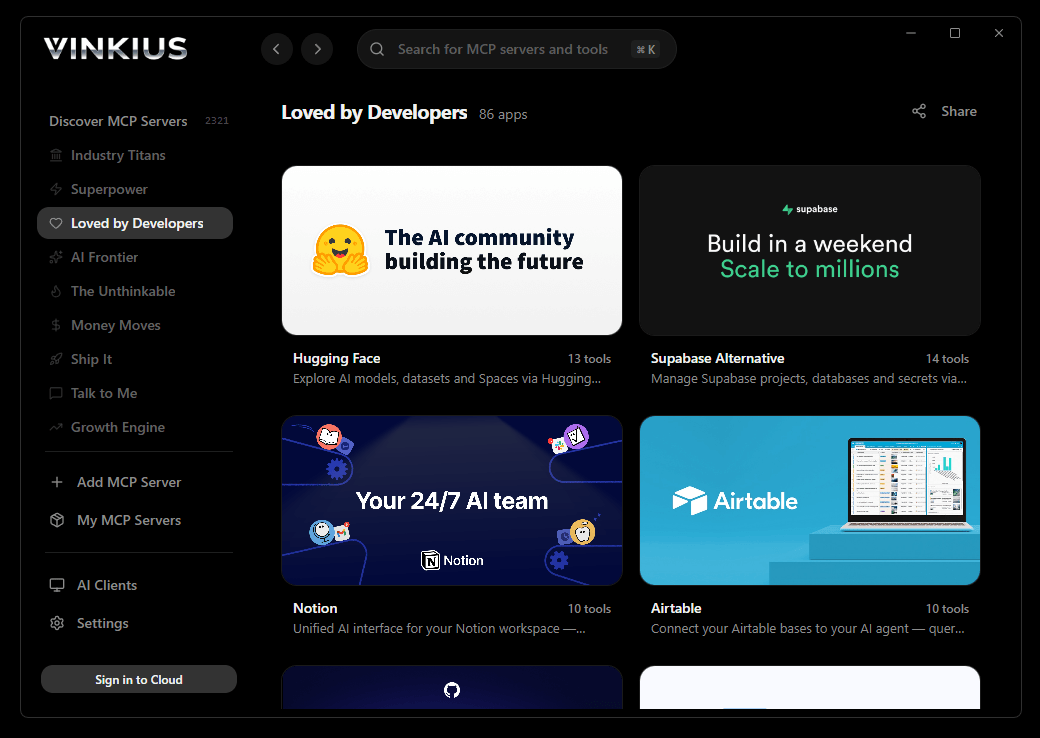
The modern way to manage MCP Servers. No config files, no terminal commands. Install Clerk and every MCP Server in the catalog from a single visual interface.
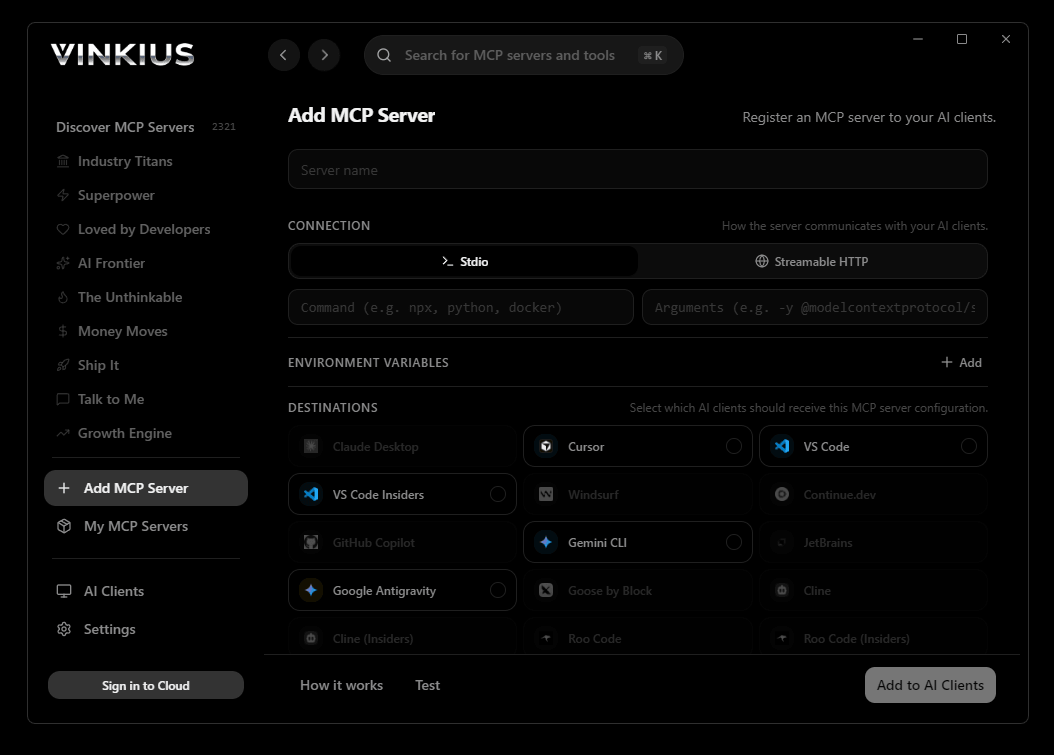

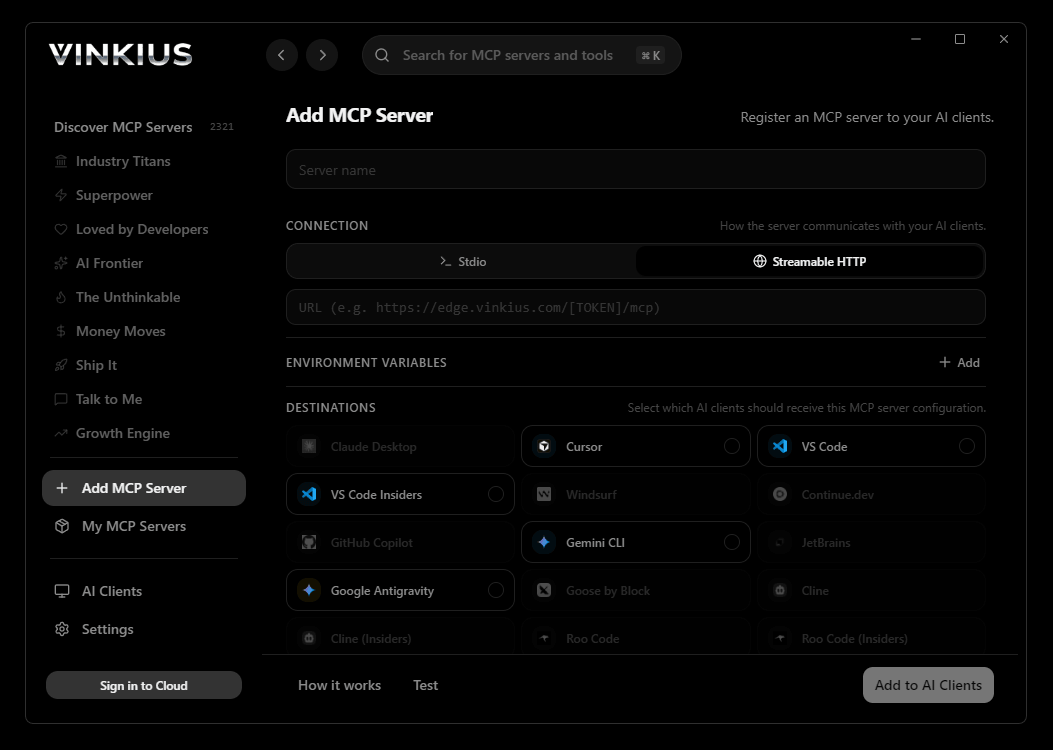
* Every connection is hosted and maintained by Vinkius. We handle the security, updates, and infrastructure so you don't have to write code or manage servers. See our infrastructure
About Clerk MCP Server
Connect your Clerk account to any AI agent and take full control of your user authentication and multi-tenant management workflows through natural conversation.
Claude Desktop was built alongside the Model Context Protocol itself. That means Clerk does not just work inside Claude. it becomes native infrastructure. When you connect 6 tools through Vinkius, Claude does not receive a list of API endpoints. It internalizes a complete operational model of Clerk, understands the relationships between tools, reasons through multi-step queries, and delivers answers that would take a human analyst minutes to assemble. This is not a chatbot calling an API. This is an AI that operates your data layer.
What you can do
- User Orchestration. List and manage all users registered in your application programmatically, including retrieving detailed high-fidelity profiles and contact info
- Organization Architecture. Access and monitor organizations and multi-tenant environments to coordinate team collaboration and access control in real-time
- Invitation Lifecycle. Programmatically send and track user invitations via email with custom redirect URLs to simplify your onboarding pipeline
- Account Integrity. Retrieve detailed user metadata and manage authentication status directly through your agent for instant operational reporting
- Developer Visibility. Access complete directories of auth-related resources to maintain a perfectly coordinated and secure development ecosystem
The Clerk MCP Server exposes 6 tools through Vinkius. Connect it to Claude Desktop in under two minutes. Fully managed, no infrastructure to provision, no vendor lock-in.
6 tools included
Explore every tool Clerk exposes to Claude Desktop through Vinkius.
Connect Clerk to Claude Desktop via MCP
Follow these steps to connect Clerk to Claude Desktop. The setup takes under two minutes and requires no coding or server hosting.
Get your Vinkius Access Token
Open Claude Desktop Settings
claude_desktop_config.jsonAdd the MCP Server
mcpServers sectionRestart Claude Desktop
Start using Clerk
Why Use Claude Desktop with the Clerk MCP Server
Claude Desktop by Anthropic provides unique advantages when paired with Clerk through the Model Context Protocol.
Anthropic designed Claude Desktop and the MCP protocol in parallel. When Clerk connects through Vinkius Edge, Claude receives the most complete and stable tool integration available in any consumer AI application
Claude's extended thinking chains multiple Clerk tool calls in sequence, reasoning through which data to fetch next based on previous results. Complex queries that span 6 tools resolve in a single conversation turn
Vinkius manages the entire Clerk infrastructure: authentication, rate limiting, and connection stability. Claude Desktop handles the intelligence layer. You handle the questions
Your Vinkius token stays in a local JSON file on your machine. Clerk credentials live in Vinkius's encrypted vault. Nothing is stored in Claude's servers between sessions
Clerk + Claude Desktop Use Cases
Practical scenarios where Claude Desktop combined with the Clerk MCP Server delivers measurable value.
Interactive data exploration: ask Claude to query DNS records, look up WHOIS data, and cross-reference results in a single conversation
Ad-hoc security audits: type a domain name and let Claude enumerate subdomains, check DNS history, and flag configuration anomalies. all through natural language
Executive briefings: generate comprehensive domain intelligence reports by asking Claude to compile findings into a formatted summary
Learning and training: new team members can explore API capabilities conversationally without needing to read documentation
Example Prompts for Clerk in Claude Desktop
Ready-to-use prompts you can give your Claude Desktop agent to start working with Clerk immediately.
"List all registered users in my Clerk application."
"Send an invitation to 'newuser@example.com' with redirect to 'https://vinkius.com/start'."
"Show all active organizations and their slugs."
Troubleshooting Clerk MCP Server with Claude Desktop
Common issues when connecting Clerk to Claude Desktop through Vinkius, and how to resolve them.
Server not appearing after restart
~/Library/Application Support/Claude/claude_desktop_config.json (macOS) or %APPDATA%\\Claude\\ (Windows).Authentication error
Tools not showing in chat
Clerk + Claude Desktop FAQ
Common questions about integrating Clerk MCP Server with Claude Desktop.
How does Claude Desktop discover MCP tools?
claude_desktop_config.json file and connects to each configured MCP server. It calls the tools/list endpoint to fetch the schema for every available tool, then surfaces them as clickable options in the chat interface via the 🔌 icon.What happens if the MCP server is temporarily unavailable?
Can I connect multiple MCP servers simultaneously?
mcpServers section of the config file. Each server appears as a separate tool provider, and Claude can use tools from multiple servers in a single conversation turn.Is there a limit on the number of tools per server?
Does Claude Desktop support Streamable HTTP transport?
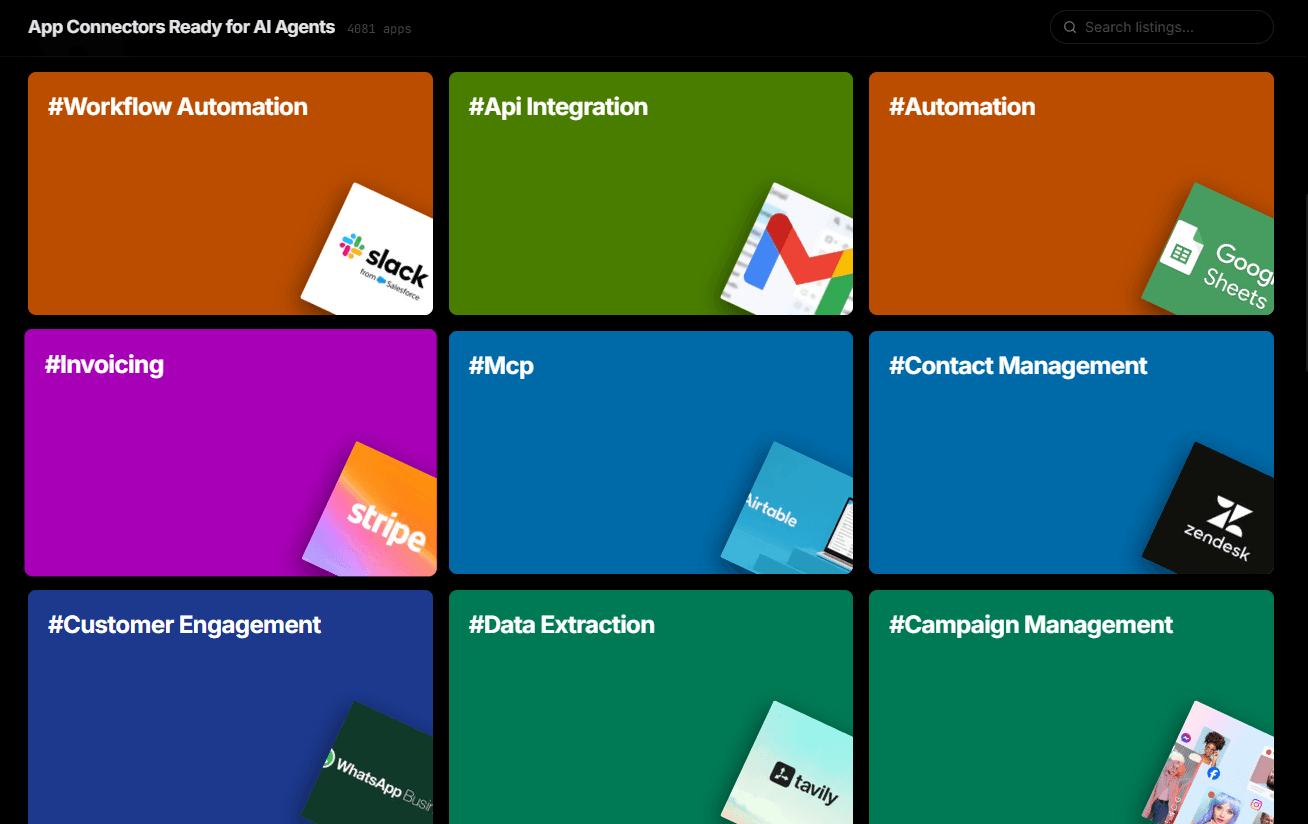
Over 4,000 integrations ready for AI agents
Explore a vast library of pre-built integrations, optimized and ready to deploy.
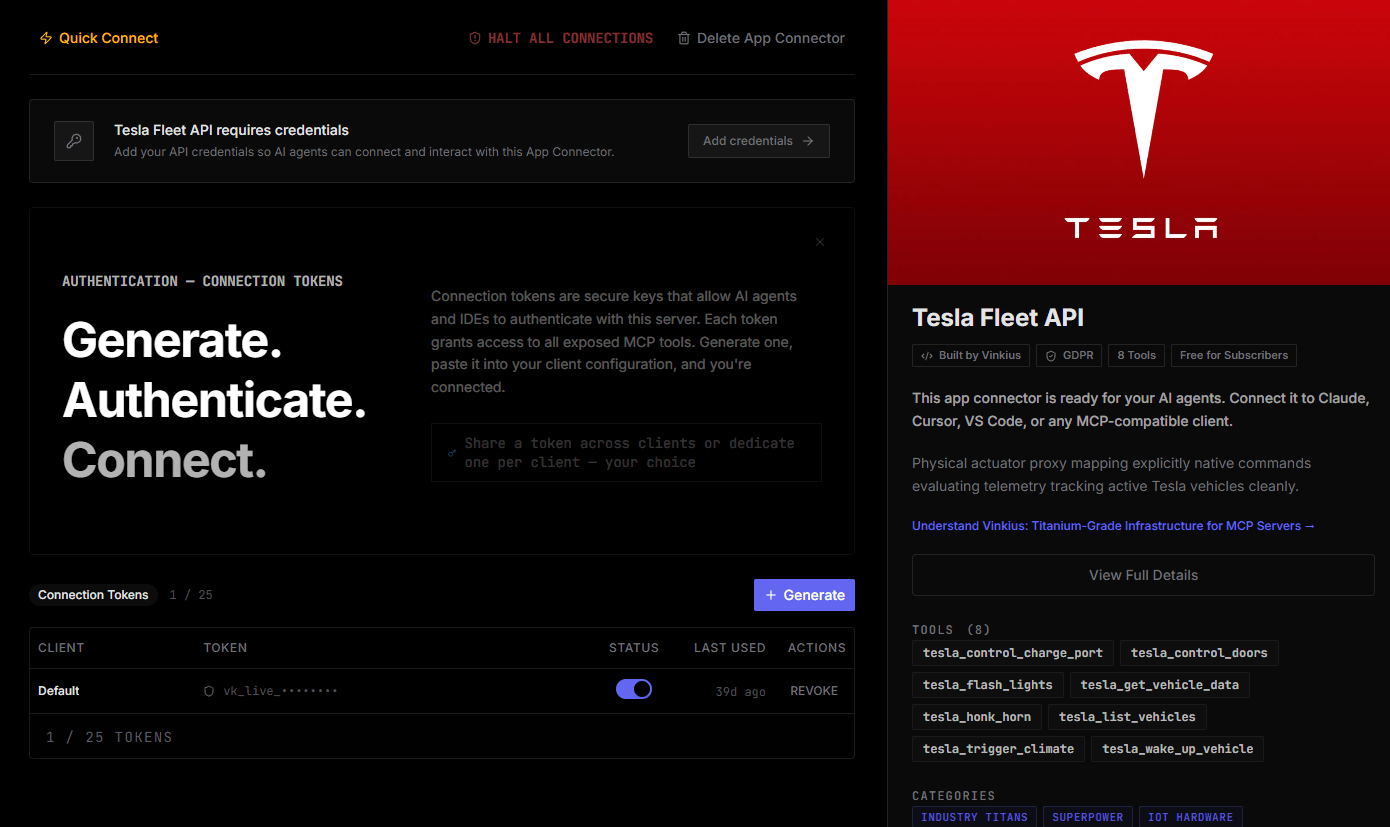
Connect securely in under 30 seconds
Generate tokens to authenticate and link external services in a single step.
Complete visibility into every agent action
Audit live requests, latency, success rates, and active security compliance policies.
Optimize spending and track token ROI
Analyze real-time token consumption and cost metrics detailed by connection.
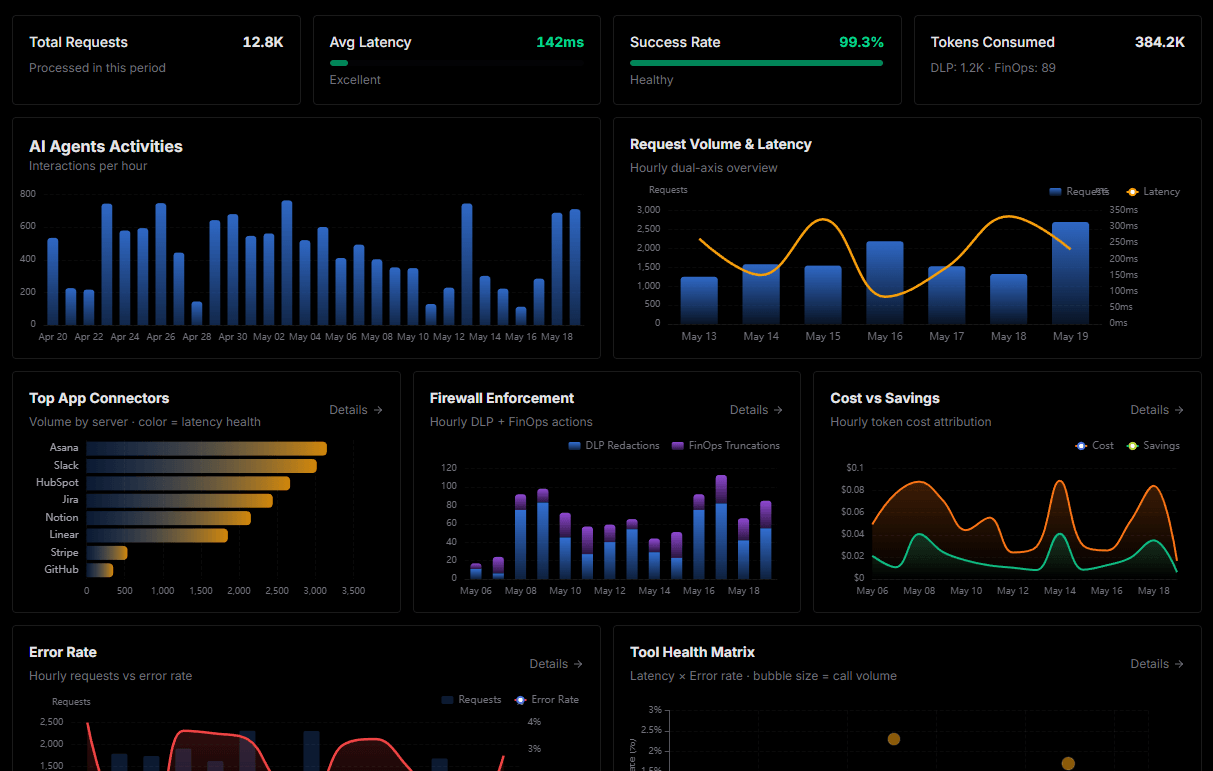
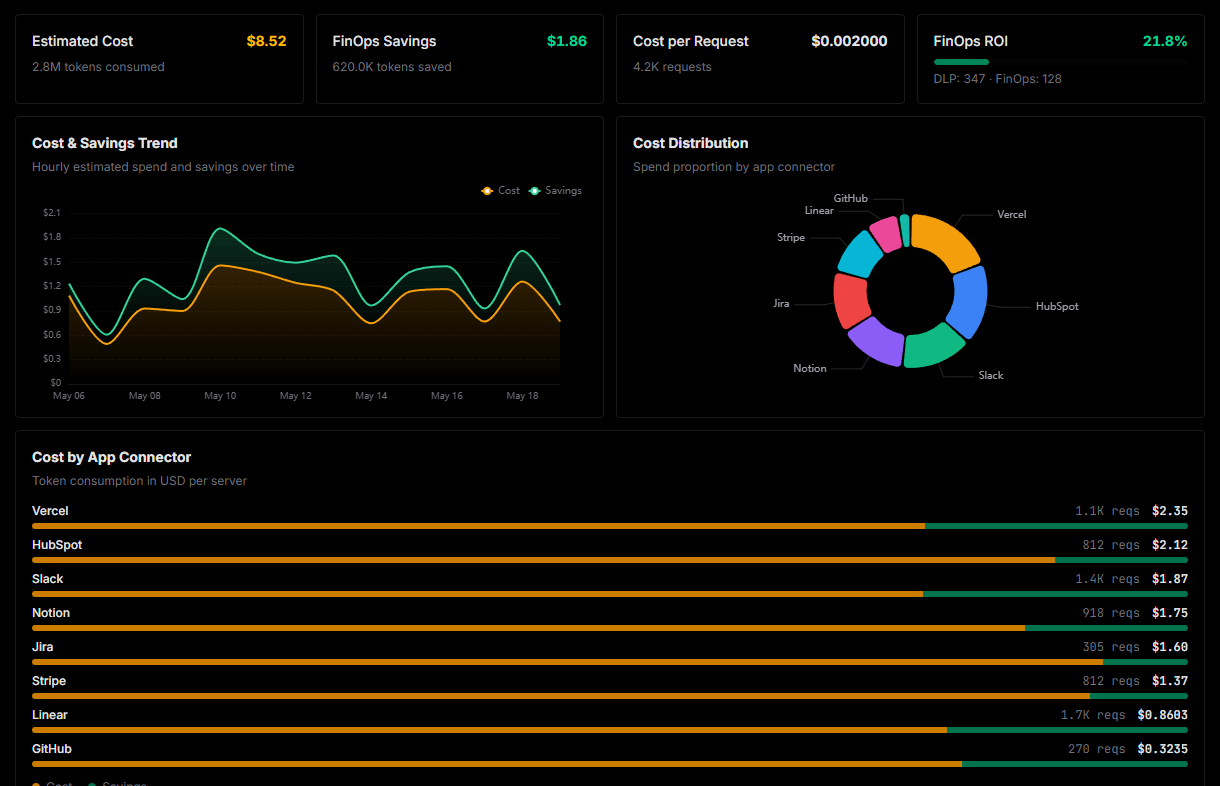
Explore our live AI Agents Analytics dashboard to see it all working
This dashboard is included when you connect Clerk using Vinkius. You will never be left in the dark about what your AI agents are doing with your tools.
Connect Clerk with your favorite client
Also available for these clients and frameworks:
Connect Clerk to Claude Desktop
One click to install, 6 tools ready instantly. Fully managed, no API key setup required.