
How to Use Clerk MCP Server with Cursor using Vinkius
Give Cursor instant access to 6 tools to Create Auth Invitation, Create Auth Organization, Get Auth User Details, and more using Vinkius.
 GDPR Free for Subscribers
Cursor is an AI-first code editor built on VS Code that integrates LLM-powered coding assistance directly into the development workflow. Its Agent mode enables autonomous multi-step coding tasks, and MCP support lets agents access external data sources and APIs during code generation.
Ask AI about this MCP Server for Cursor
The Clerk MCP Server for Cursor is a standout in the Loved By Devs category, giving your AI agent 6 tools to work with, ready to go from day one.
Vinkius delivers Streamable HTTP and SSE to any MCP client
 Gemini
{
"mcpServers": {
"clerk-alternative": {
"url": "https://edge.vinkius.com/[YOUR_TOKEN_HERE]/mcp"
}
}
}Vinkius Desktop App
The modern way to manage MCP Servers. No config files, no terminal commands. Install Clerk and every MCP Server in the catalog from a single visual interface.
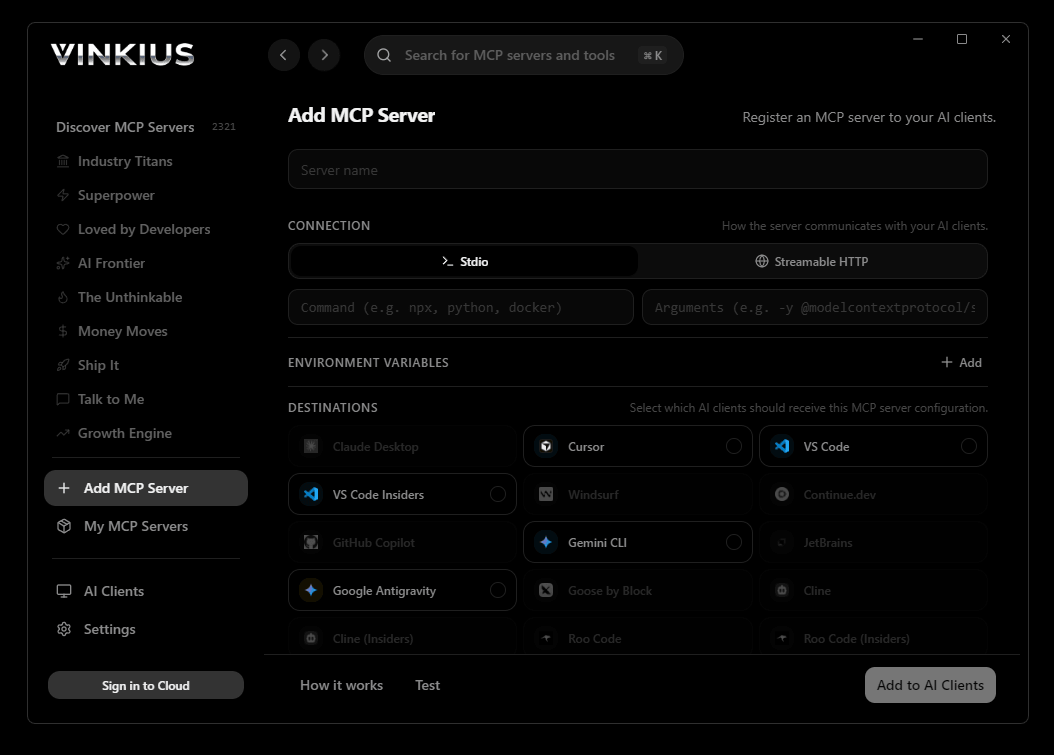

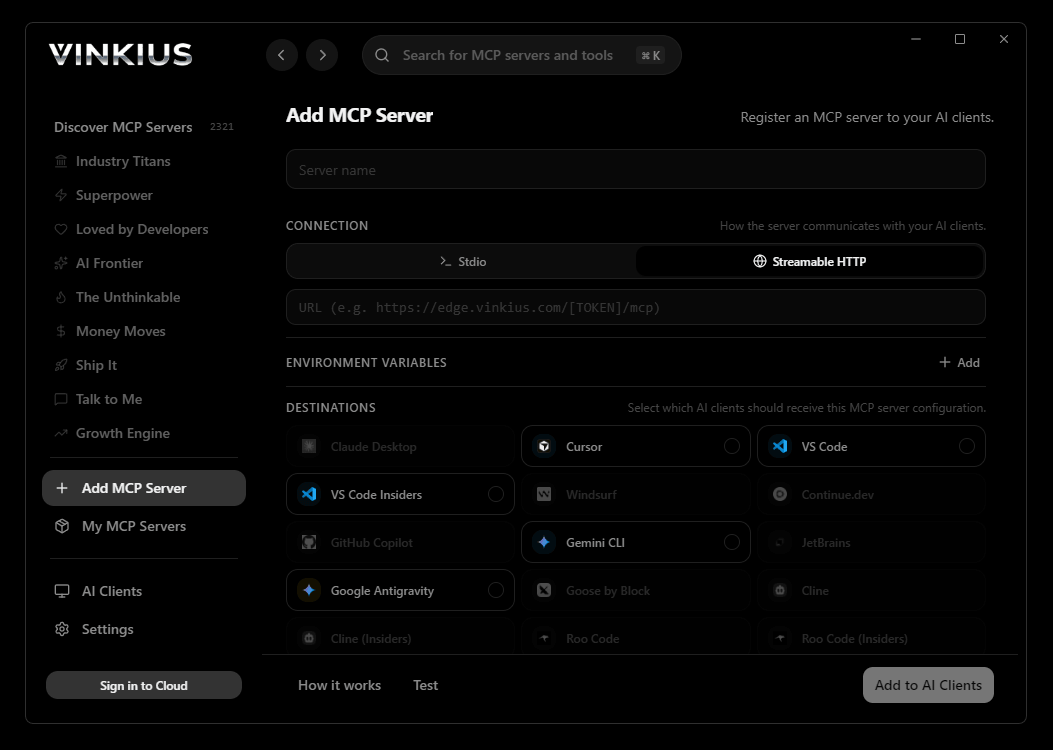
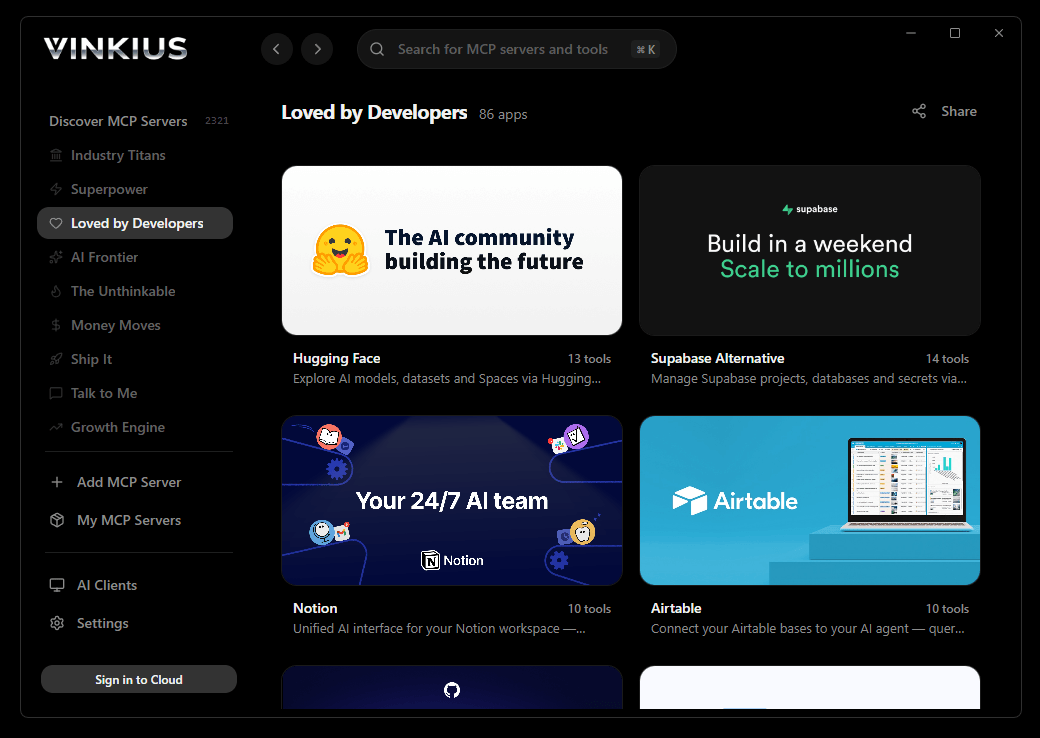
* Every connection is hosted and maintained by Vinkius. We handle the security, updates, and infrastructure so you don't have to write code or manage servers. See our infrastructure
About Clerk MCP Server
Connect your Clerk account to any AI agent and take full control of your user authentication and multi-tenant management workflows through natural conversation.
Cursor does not treat Clerk as an external service. It treats it as part of your codebase. In Agent mode, Cursor reads your files, understands your architecture, and calls 6 tools from Clerk as naturally as it reads a local module. The result is not a conversation about data. It is code that already contains the data. Cursor fetches, processes, and writes in a single agentic loop where Clerk is indistinguishable from a local dependency.
What you can do
- User Orchestration. List and manage all users registered in your application programmatically, including retrieving detailed high-fidelity profiles and contact info
- Organization Architecture. Access and monitor organizations and multi-tenant environments to coordinate team collaboration and access control in real-time
- Invitation Lifecycle. Programmatically send and track user invitations via email with custom redirect URLs to simplify your onboarding pipeline
- Account Integrity. Retrieve detailed user metadata and manage authentication status directly through your agent for instant operational reporting
- Developer Visibility. Access complete directories of auth-related resources to maintain a perfectly coordinated and secure development ecosystem
The Clerk MCP Server exposes 6 tools through Vinkius. Connect it to Cursor in under two minutes. Fully managed, no infrastructure to provision, no vendor lock-in.
6 tools included
Explore every tool Clerk exposes to Cursor through Vinkius.
Connect Clerk to Cursor via MCP
Follow these steps to connect Clerk to Cursor. The setup takes under two minutes and requires no coding or server hosting.
Get your Vinkius Access Token
Open MCP Settings
Cmd+Shift+P (macOS) or Ctrl+Shift+P (Windows/Linux) → search "MCP Settings"Add the server config
mcp.json file that opensSave the file
Start using Clerk
Why Use Cursor with the Clerk MCP Server
Cursor AI Code Editor provides unique advantages when paired with Clerk through the Model Context Protocol.
Cursor's Agent mode calls Clerk tools through Vinkius and writes production code from the response in the same step. The output is not a chat message. It is a file in your project
Composer generates complete modules using live Clerk data: typed models from actual API schemas, test fixtures from real payloads, handlers from production response structures
Project-level `.cursor/mcp.json` means every developer on the team connects to Clerk through Vinkius automatically. One config file, committed to the repository, gives the entire team access to 6 tools
Vinkius Edge handles Clerk authentication and connection management. Cursor handles code generation. The developer handles intent. Each layer does exactly one thing
Clerk + Cursor Use Cases
Practical scenarios where Cursor combined with the Clerk MCP Server delivers measurable value.
Code generation with live data: ask Cursor to generate a security report module using live DNS and subdomain data fetched through MCP
Automated documentation: have Cursor query your API's tool schemas and generate TypeScript interfaces or OpenAPI specs automatically
Infrastructure-as-code: Cursor can fetch domain configurations and generate corresponding Terraform or CloudFormation templates
Test scaffolding: ask Cursor to pull real API responses via MCP and generate unit test fixtures from actual data
Example Prompts for Clerk in Cursor
Ready-to-use prompts you can give your Cursor agent to start working with Clerk immediately.
"List all registered users in my Clerk application."
"Send an invitation to 'newuser@example.com' with redirect to 'https://vinkius.com/start'."
"Show all active organizations and their slugs."
Troubleshooting Clerk MCP Server with Cursor
Common issues when connecting Clerk to Cursor through Vinkius, and how to resolve them.
Tools not appearing in Cursor
Server shows as disconnected
Clerk + Cursor FAQ
Common questions about integrating Clerk MCP Server with Cursor.
What is Agent mode and why does it matter for MCP?
Where does Cursor store MCP configuration?
mcp.json file. You can configure servers at the project level (.cursor/mcp.json in your project root) or globally (~/.cursor/mcp.json). Project-level configs take precedence.Can Cursor use MCP tools in inline edits?
How do I verify MCP tools are loaded?
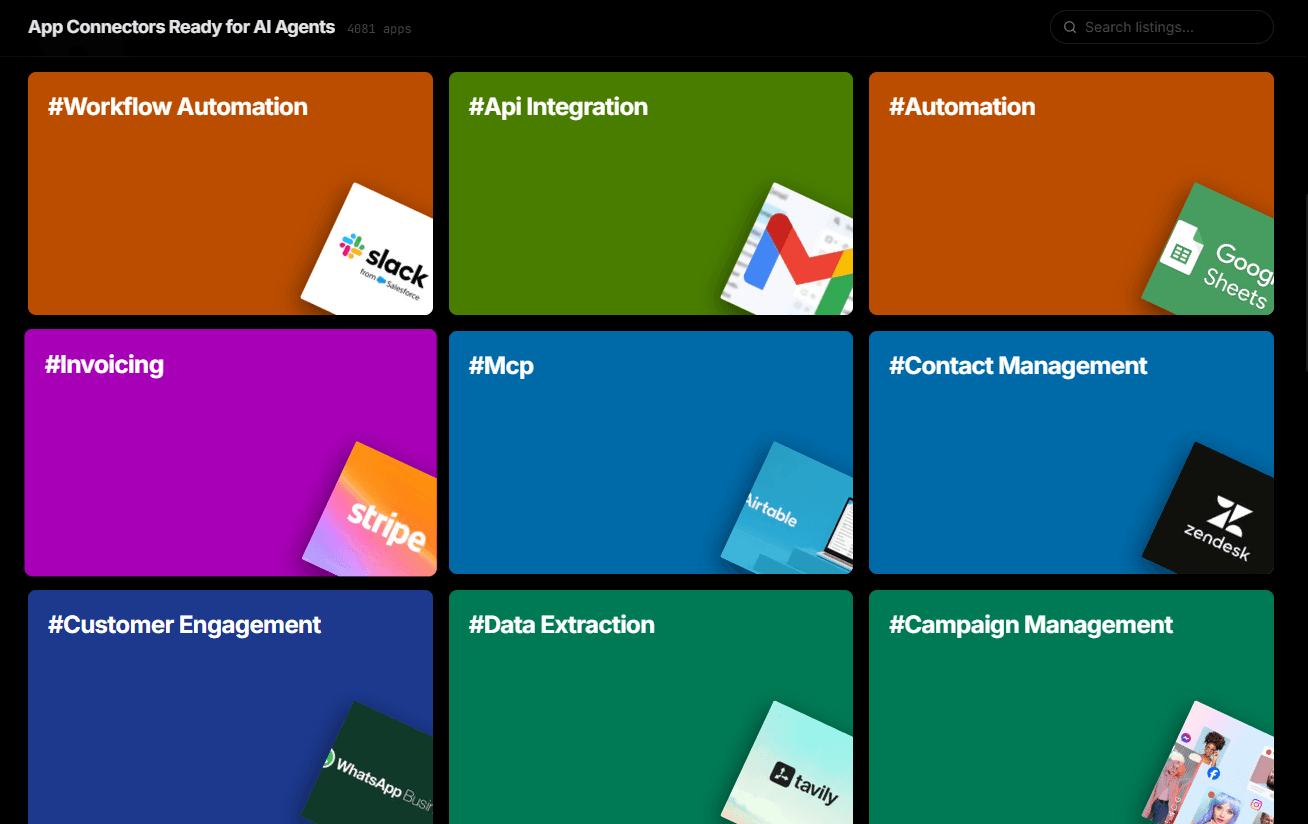
Over 4,000 integrations ready for AI agents
Explore a vast library of pre-built integrations, optimized and ready to deploy.
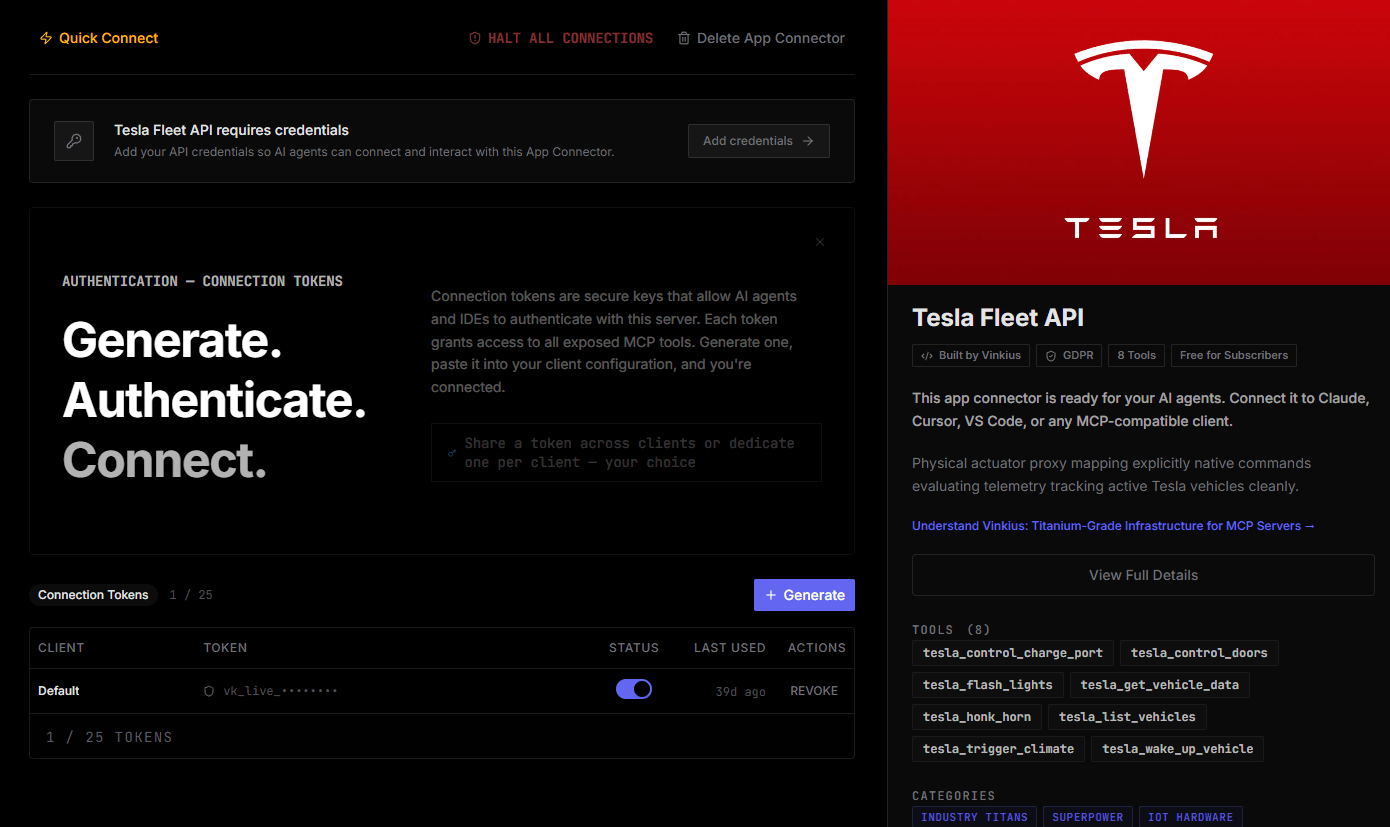
Connect securely in under 30 seconds
Generate tokens to authenticate and link external services in a single step.
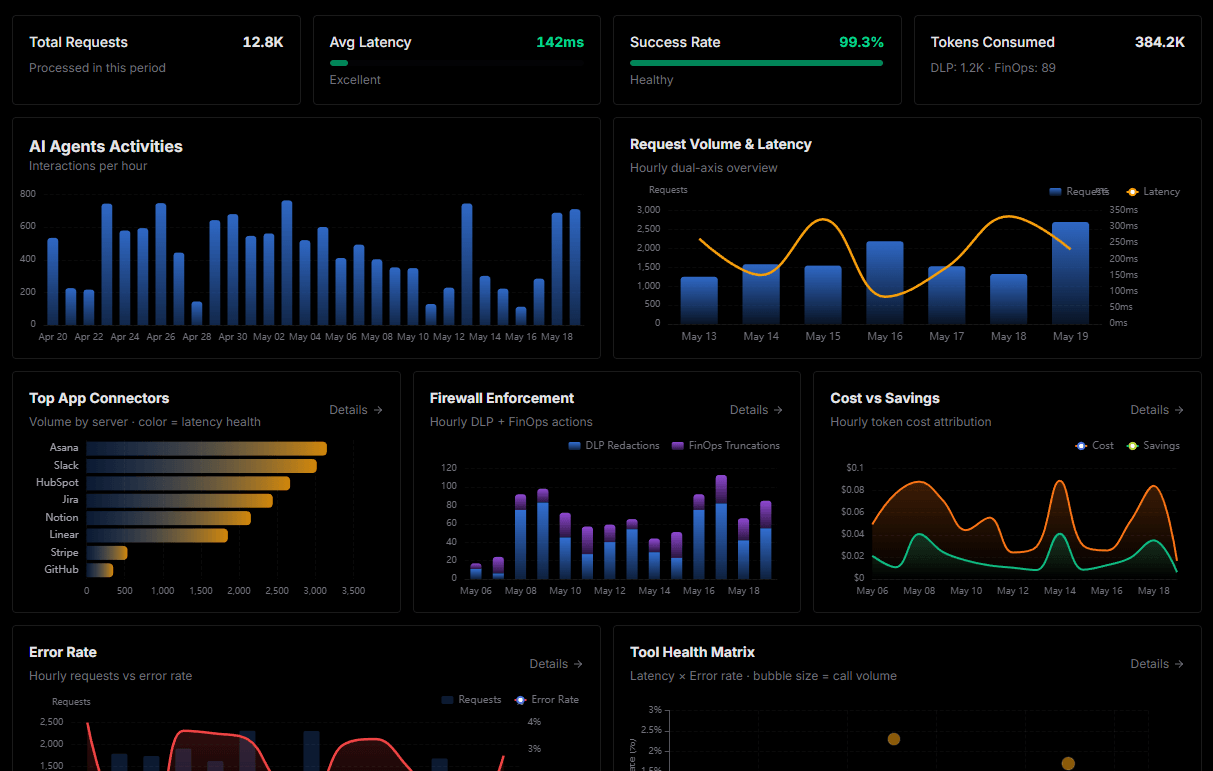
Complete visibility into every agent action
Audit live requests, latency, success rates, and active security compliance policies.
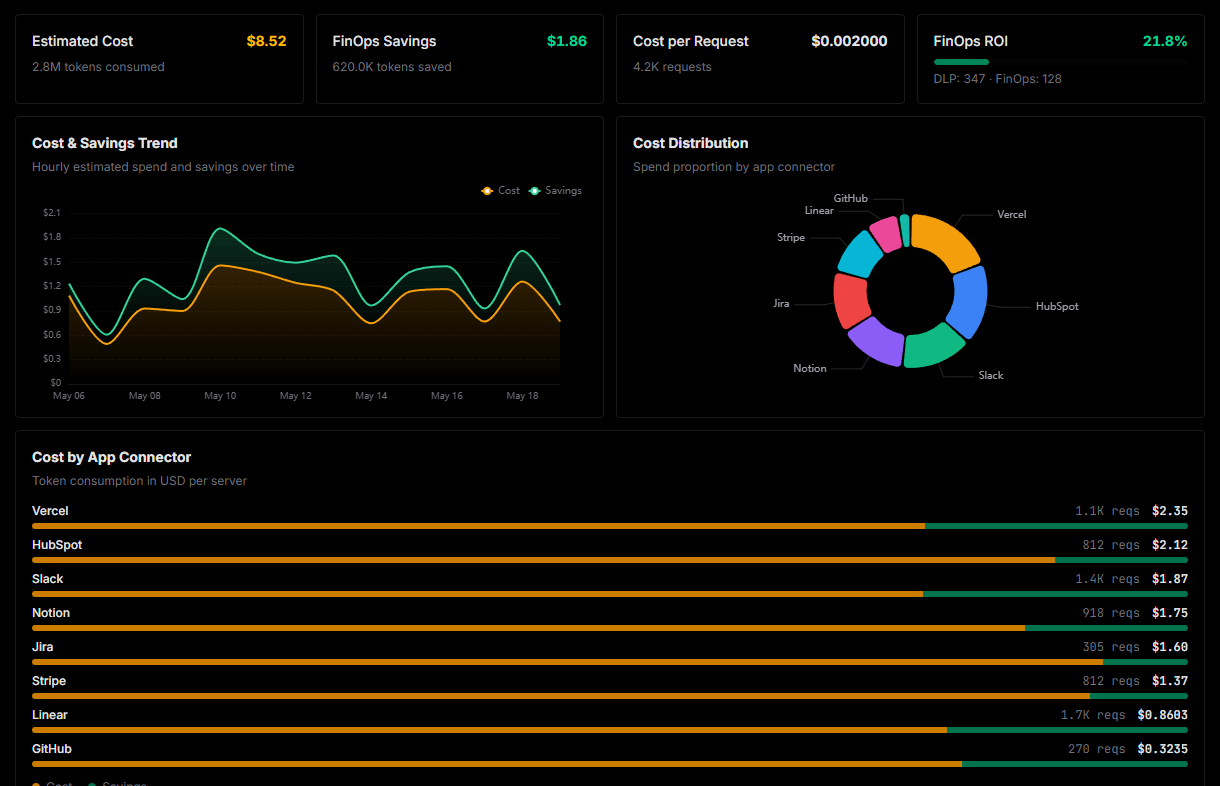
Optimize spending and track token ROI
Analyze real-time token consumption and cost metrics detailed by connection.
Explore our live AI Agents Analytics dashboard to see it all working
This dashboard is included when you connect Clerk using Vinkius. You will never be left in the dark about what your AI agents are doing with your tools.
Connect Clerk with your favorite client
Also available for these clients and frameworks:
Connect Clerk to Cursor
One click to install, 6 tools ready instantly. Fully managed, no API key setup required.