
Clubspeed MCP. Manage all bookings, racers, and venue details from chat.
 Gemini
 Works with every AI agent you already use
…and any MCP-compatible client









Just plug in your AI agents and start using Vinkius.
Clubspeed manages venue operations, customer data, and event bookings. Connect your account to your AI agent to list all racers, check reservation details, and audit liability waivers.
You get full visibility into your venue's daily activity, from monitoring upcoming race heats to getting core account info—all from a single chat interface.
What your AI agents can do
Get clubspeed account info
Retrieves your core account and venue operational details.
Get customer venue details
Gets specific profile information for one customer (racer).
Get reservation details
Retrieves detailed information about a single event booking.
Retrieve essential information about your Clubspeed account and venue.
Get specific details for any customer, including their participation history and contact information.
Get detailed information for any specific event reservation or booking.
List and review all signed liability waivers for compliance checks.
List upcoming and past race heats and their specific performance data.
List all current and available activities at the venue for scheduling purposes.
Retrieve a complete list of every registered racer at the venue.
Ask AI about this MCP
Supported MCP Clients
Gemini Waiting for input…
Clubspeed MCP Server: 8 Tools for Venue Operations
Use these tools to manage customer data, track reservations, and audit compliance for your entertainment venue.
019d7575get clubspeed account info
Retrieves your core account and venue operational details.
019d7575get customer venue details
Gets specific profile information for one customer (racer).
019d7575get reservation details
Retrieves detailed information about a single event booking.
019d7575list customer waivers
Lists all signed liability waivers for compliance review.
019d7575list race heats
Lists upcoming and past race heats and their performance data.
019d7575list venue activities
Lists all activities available for scheduling at the venue.
019d7575list venue customers
Retrieves a list of all registered customers (racers) at the venue.
019d7575list venue reservations
Lists all event reservations and bookings for the venue.
Choose How to Get Started
Build a custom MCP for your own tools, or connect a ready-made integration from our catalog.
Build Your Own
Turn any API into an MCP. Import a spec, define Agent Skills, or deploy with MCPFusion.
- Import from OpenAPI, Swagger, or YAML specs
- Create Agent Skills with progressive disclosure
- Deploy to edge with MCPFusion framework
- Built in DLP, auth, and compliance on every call
- Real time usage dashboard and cost metering
- Publish to catalog or keep private
Make Your AI Do More
Start with Clubspeed, then connect any of our 4,700+ other servers whenever your AI needs more. One click, no limits.
- Use this MCP plus 4,700+ others, all in one place
- Add new capabilities to your AI anytime you want
- Every connection is secured and compliant automatically
- Track usage and costs across all your servers
- Works with Claude, ChatGPT, Cursor, and more
- New servers added to the catalog every week
What you can do with this MCP connector
Connect your Clubspeed account to your AI agent. You'll manage everything—racers, bookings, and activities—without jumping through a dozen dashboards. You can use natural conversation to take full control of your venue management.
Get Core Account Data
Retrieves your core account and venue operational details using get_clubspeed_account_info.
List All Customers
Gets a complete list of every registered racer at the venue with list_venue_customers.
Check Customer Profiles
Grabs specific profile information for any customer using get_customer_venue_details.
Review Bookings
Gets detailed information for a specific event reservation or booking using get_reservation_details.
Audit Waivers
Lists and reviews all signed liability waivers for compliance checks with list_customer_waivers.
Track Race Schedules
Lists upcoming and past race heats and their specific performance data via list_race_heats.
Manage Venue Activities
Lists all current and available activities at the venue for scheduling purposes using list_venue_activities.
How Clubspeed MCP Works
- 1 Subscribe to the Clubspeed server and input your Private Key and Site ID.
- 2 Your AI agent uses the tools to pull data (e.g., 'List all reservations for next week').
- 3 The agent presents the requested data in natural conversation, letting you act immediately.
The bottom line is, you manage your entire venue operation through conversation, not through clicking tabs.
Who Is Clubspeed MCP For?
The venue manager who needs a quick overview of daily bookings and customer volume without logging into the dashboard. The event coordinator who must audit heat schedules and reservation details quickly. Support staff who need to look up racer profiles or signed waivers instantly from a chat interface.
Uses the agent to check daily bookings, review customer volume, and verify activity availability.
Audits reservation details and checks race heat schedules without needing to open the dedicated dashboard.
Looks up specific racer profiles and confirms signed waivers directly within the support chat interface.
What Changes When You Connect
- See all bookings and customers with
list_venue_reservationsandlist_venue_customers. You get a complete overview of who's coming and when, without opening the main dashboard. - Check a specific racer's history with
get_customer_venue_details. You immediately see their profile, contact info, and race participation count. - Audit compliance instantly by running
list_customer_waivers. You get a list of signed waivers, letting you confirm who is cleared to race. - Track the day's action with
list_race_heats. You see upcoming and past race times and specific performance metadata. - Verify venue capacity and scheduling with
list_venue_activities. You get a list of every available activity, keeping your scheduling accurate. - Get core system details using
get_clubspeed_account_info. You confirm your account status and venue ID quickly, no login required.
Real-World Use Cases
Need to confirm a racer's eligibility for a race.
A support agent needs to know if a racer, John Doe, is cleared to run. They ask their agent to check the profile, running get_customer_venue_details. The agent confirms the profile, checks the waiver status using list_customer_waivers, and tells the agent if they can run. Problem solved in a chat thread.
Coordinating a corporate booking for 50 people.
The event coordinator needs to check availability for next month. They ask the agent to list all events (list_venue_reservations) and then check the specific details for the target date using get_reservation_details. The agent presents all options, allowing the coordinator to book immediately.
Quickly seeing all scheduled events for the day.
The venue manager just walked in and needs an overview. They ask the agent to list all reservations for today. The agent uses list_venue_reservations and returns a clear list of all scheduled parties, allowing the manager to plan their shift.
Checking the status of the next few race heats.
The operations team needs to know the immediate schedule. They ask the agent to list upcoming heats. The agent runs list_race_heats and gives the precise times and categories for the next few races.
The Tradeoffs
Trying to get everything in one call
Asking the agent, 'Give me all customer info, reservations, and waivers.' This forces the agent to guess the scope, resulting in an unmanageable, slow, and incomplete data dump.
→
Break it down. First, list all reservations (list_venue_reservations). Then, pick a specific booking ID and use get_reservation_details. Finally, if you need waivers, run list_customer_waivers separately. This gives you structured, actionable data.
Ignoring race heat data
Thinking a general reservation list is enough. You check list_venue_reservations but miss that the venue schedule is driven by specific race heats, not just bookings.
→
Always check list_race_heats when planning operations. This tool gives you the precise, time-sensitive schedule for the venue's core activity.
Only checking customer names
You only use list_venue_customers to get a list of names, but then you can't confirm if they are actually cleared to participate.
→
After running list_venue_customers, use get_customer_venue_details on the target customer ID. This provides the full profile, including contact info and waiver status.
When It Fits, When It Doesn't
Use this server if your workflow requires cross-referencing multiple, distinct operational data sets: customer profiles, booking schedules, and race logistics. You need to check a racer's waiver status against a specific reservation, for example. Don't use it if you just need to know the total number of customers—use a simple counter service. If your goal is just to read a single customer's name, stick to basic database lookups. This tool is for complex, multi-step data assembly. Always remember that the calling agent has to manage the state and stitch together the results from tools like get_customer_venue_details and list_customer_waivers to give you a single answer.
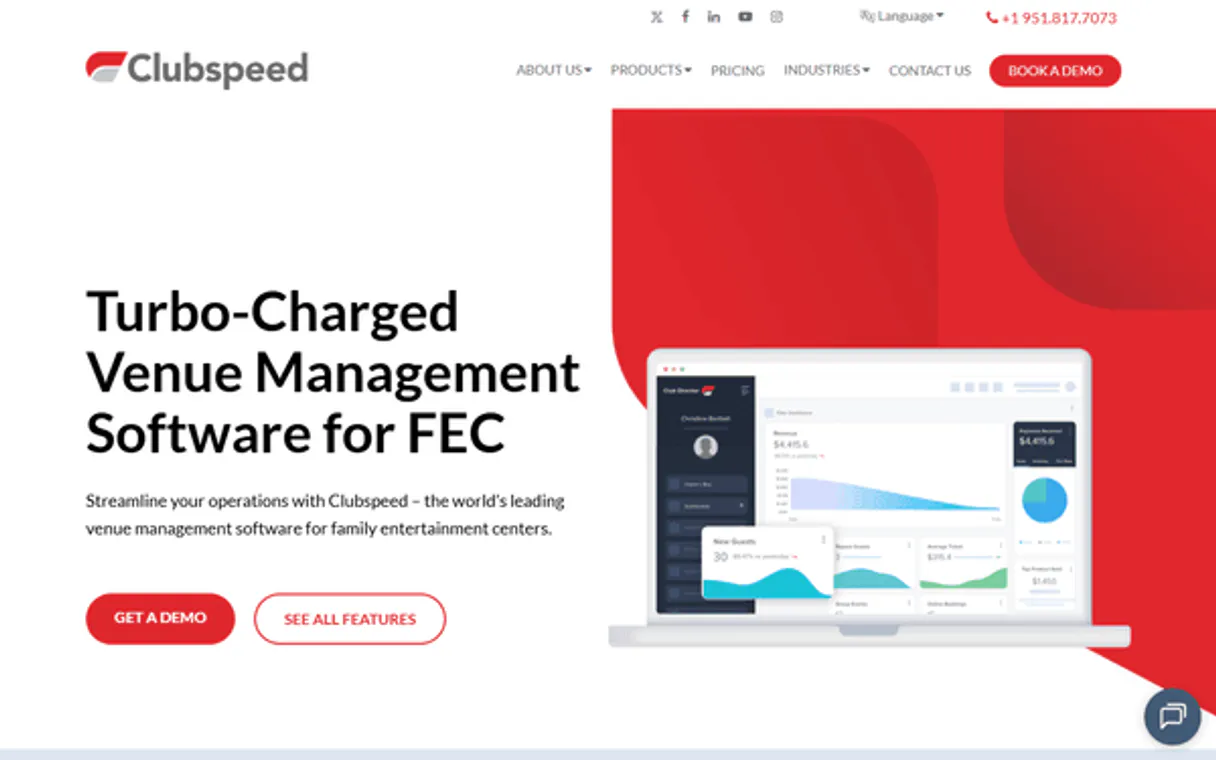
Independent Platform Disclaimer: Vinkius is an independent platform and is not affiliated with, endorsed by, sponsored by, verified by, or otherwise authorized by Clubspeed. All third-party trademarks, logos, and brand names are the property of their respective owners. Their use on this website is strictly for informational purposes to identify service compatibility and interoperability.
VINKIUS INFRASTRUCTURE
Cloud Hosted
Managed infra
V8 Isolated
Sandboxed per request
Zero-Trust Proxy
No stored credentials
DLP Enforced
Policy on every call
GDPR Compliant
EU data residency
Token Compression
~60% cost reduction
Works with Claude, ChatGPT, Cursor, and more
The Model Context Protocol standardizes how applications expose capabilities to LLMs. Instead of operating in isolation, your AI gains direct access to external platforms, live data, and real-world actions through secure, standardized connections.
This server provides 8 capabilities that interface natively with Claude, ChatGPT, Cursor, and any MCP client. No middleware. No custom integration required.
Available Capabilities
Checking a customer's status shouldn't involve jumping between the CRM, the Booking System, and the Compliance Portal.
Today, checking if a racer is ready to run means logging into the CRM to find their profile, then switching to the booking system to see their next event, and finally opening the compliance portal to check their waiver. You spend five minutes copy-pasting IDs and verifying dates.
With the Clubspeed MCP Server, you ask your agent directly: 'What is John Doe's status for today?' The agent runs the necessary tools—`get_customer_venue_details`, `list_customer_waivers`, and `list_venue_reservations`—and gives you a single, definitive answer in the chat.
Using Clubspeed MCP Server: Get a full view of your venue's activity.
You no longer need to manually check the reservations dashboard for today's bookings, and then run a separate query to see if the scheduled race heats match the available activities. These pieces of data are often in different systems.
The agent pulls together all data—from `list_venue_reservations` and `list_race_heats`—and presents it together. You get a unified operational picture, instantly.
Common Questions About Clubspeed MCP
How do I check a customer's history using get_customer_venue_details? +
You provide the customer's ID to get_customer_venue_details. The tool returns their full profile, including how many races they've participated in and their contact details.
Can I list all upcoming events with list_venue_reservations? +
Yes, list_venue_reservations retrieves all current and past event bookings for the venue. You can ask the agent to filter these by date or type.
What tool do I use to see the list of signed waivers? list_customer_waivers? +
Use list_customer_waivers. This tool specifically lists all signed liability waivers, letting you audit compliance for the venue.
How do I see the full schedule of races? list_race_heats? +
The list_race_heats tool retrieves the schedule for upcoming and past race heats, giving you precise timing and event type data.
Do I need to run get_clubspeed_account_info first? +
While it's good practice, the agent can usually access the necessary data without calling get_clubspeed_account_info. Use it if you need to verify the core account or venue setup details.
How do I find out what activities are available using list_venue_activities? +
You use the list_venue_activities tool. This tool provides a list of every activity type available at the venue, helping you manage scheduling. You'll get the names and basic parameters for all activities.
If I need to check a customer's waiver status, should I use list_customer_waivers? +
Yes, list_customer_waivers lists signed liability waivers. It lets you review who has signed what and when. This is crucial for ensuring compliance before an event.
What tool do I use to list all registered customers? list_venue_customers? +
The list_venue_customers tool lists every customer (racer) registered at the venue. It gives you their basic profiles and contact info for quick lookups.
Can I see if a customer has signed their waiver through the agent? +
Yes! Use the list_customer_waivers tool. The agent will return all signed waivers, allowing you to verify compliance before a customer starts their activity.
How do I check the race heat schedule for today? +
Use the list_race_heats tool. Your agent will fetch the list of upcoming and past heats, allowing you to monitor the day's schedule directly.
Where do I find my Clubspeed Private Key and Site ID? +
You can find your Private Key in your Clubspeed API settings. The Site ID is typically your account's subdomain (e.g., if your dashboard is myvenue.clubspeed.com, your Site ID is myvenue).
Use it with your favorite AI tools
Connect this server to Cursor, Claude, VS Code, and more.
More in this category
Eventee
Equip your AI agent to manage events, track speakers, and monitor attendee engagement via the Eventee API.

Luma
Host and manage events beautifully with registration pages, attendee communication, and analytics for in-person and virtual gatherings.

SevenRooms
Manage restaurant reservations, guest CRM profiles, waitlists, table availability, and events for your SevenRooms venues through natural conversation.
You might also like

iLovePDF
Merge, split, compress, and convert PDF files with a complete toolkit that handles every document processing need online.

Bandwidth Alternative
Manage your Bandwidth communications — send SMS and audit calls via AI.

Hyrule Compendium
Access the comprehensive Breath of the Wild and Tears of the Kingdom compendium — search creatures, monsters, materials, and equipment directly from your AI agent.