
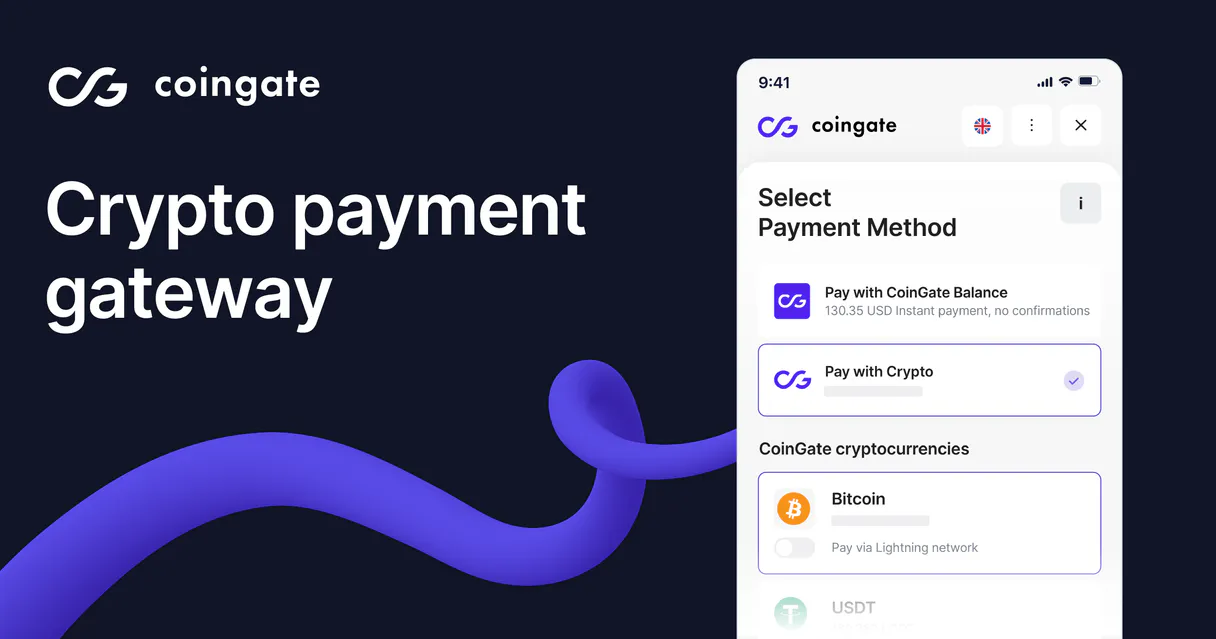
CoinGate MCP. Manage payments, rates, and payouts conversationally.
 Gemini
 Works with every AI agent you already use
…and any MCP-compatible client









Just plug in your AI agents and start using Vinkius.
CoinGate MCP handles all cryptocurrency payment operations and fiat settlement for your business. Accept payments from global customers using multiple digital coins, instantly converting funds into usable local currency.
You can programmatically create orders, monitor live balances, track payouts, and check real-time exchange rates—all through natural conversation.
What your AI agents can do
Create order
Creates a new crypto payment order for a specified amount and currency.
Get account info
Retrieves the current operational profile details of your connected CoinGate account.
Get exchange rates
Fetches real-time exchange rates for major digital and fiat currencies.
Initialize a new crypto transaction order for a client or internal service fee.
Retrieve your current CoinGate account details and verification status instantly.
Get up-to-the-minute exchange rates for Bitcoin, Ethereum, and dozens of fiat/crypto pairs.
Pull specific details on any single payment order using its ID number.
View a paginated list of all active and past crypto payments, allowing bulk status checks.
Access and review complete records of historical payouts and fund withdrawals.
Ask AI about this MCP
Supported MCP Clients
OAuth 2.0 Compatible Gemini Waiting for input…
CoinGate: Payment & Order Ops (6 Tools)
Use these tools to create payment orders, retrieve account details, fetch live exchange rates, or list historical payouts through your agent.
Make your AI actually useful.
Add this MCP to Claude, Cursor, or Windsurf and your AI stops guessing. It gets real tools to look things up, take action, and handle the stuff you keep doing by hand.
Start using CoinGate on Vinkius019dd0d4create order
Creates a new crypto payment order for a specified amount and currency.
019dd0d4get account info
Retrieves the current operational profile details of your connected CoinGate account.
019dd0d4get exchange rates
Fetches real-time exchange rates for major digital and fiat currencies.
019dd0d4get order
Retrieves the full details for a single crypto payment order using its unique ID.
019dd0d4list orders
Lists multiple active or past crypto payments, allowing you to check statuses in bulk.
019dd0d4list payouts
Generates a list of all processed payouts and historical fund withdrawals from your account.
Choose How to Get Started
Build a custom MCP for your own tools, or connect a ready-made integration from our catalog.
Build Your Own
Turn any API into an MCP. Import a spec, define Agent Skills, or deploy with MCPFusion.
- Import from OpenAPI, Swagger, or YAML specs
- Create Agent Skills with progressive disclosure
- Deploy to edge with MCPFusion framework
- Built in DLP, auth, and compliance on every call
- Real time usage dashboard and cost metering
- Publish to catalog or keep private
Make Your AI Do More
Start with CoinGate, then connect any of our 4,800+ other servers whenever your AI needs more. One click, no limits.
- Use this MCP plus 4,800+ others, all in one place
- Add new capabilities to your AI anytime you want
- Every connection is secured and compliant automatically
- Track usage and costs across all your servers
- Works with Claude, ChatGPT, Cursor, and more
- New servers added to the catalog every week
Independent Platform Disclaimer: Vinkius is an independent platform and is not affiliated with, endorsed by, sponsored by, verified by, or otherwise authorized by CoinGate. All third-party trademarks, logos, and brand names are the property of their respective owners. Their use on this website is strictly for informational purposes to identify service compatibility and interoperability.
VINKIUS INFRASTRUCTURE
Cloud Hosted
Managed infra
V8 Isolated
Sandboxed per request
Zero-Trust Proxy
No stored credentials
DLP Enforced
Policy on every call
GDPR Compliant
EU data residency
Token Compression
~60% cost reduction
Works with Claude, ChatGPT, Cursor, and more
The Model Context Protocol standardizes how applications expose capabilities to LLMs. Instead of operating in isolation, your AI gains direct access to external platforms, live data, and real-world actions through secure, standardized connections.
This server provides 6 capabilities that interface natively with Claude, ChatGPT, Cursor, and any MCP client. No middleware. No custom integration required.
Tracking Crypto payments used to feel like accounting work.
Today, processing crypto revenue means hopping between the CoinGate dashboard, your internal CRM, and a spreadsheet. You copy IDs from one system, cross-reference them with another source of truth just to confirm if payment was received or if the rate changed in the last hour.
With this MCP, you tell your agent what you need—for instance, 'Check all orders for yesterday's date.' The agent handles the complex logic behind listing statuses and fetching rates. You get a clean, conversational summary of exactly where every payment stands.
Get Order Details
You used to have to navigate deep into an order management portal, paste the unique ID into multiple search fields, and then read through a wall of technical JSON data just to find out if the payment was truly confirmed.
Now you simply ask your agent for 'the details on order ord_789.' The agent pulls that specific information directly. It's immediate, clean, and actionable.
What you can do with this MCP connector
Need to manage crypto revenue without logging into a dashboard? This MCP connects your CoinGate account directly to your AI agent, letting you handle payments and finance workflows just by talking. You can build out complex payment flows: list all pending orders, check the current BTC/USD rate, and then create a new order for immediate client use—all in one conversation.
It’s like having a dedicated crypto operations manager who never gets tired of checking balances or tracking down transaction IDs. If your workflow involves money, risk is key. That's why Vinkius includes a financial circuit breaker with human-in-the-loop approval; you set the spending limit, and the AI cannot override it.
This means you get full control over every single payment action without leaving your communication tool.
019dd0d4-a7a4-70fe-924d-15201772f3a4 
How CoinGate MCP Works
- 1 Subscribe to the CoinGate MCP on Vinkius.
- 2 Retrieve your API Token from your CoinGate dashboard (Settings > API).
- 3 Connect your AI client (Claude, Cursor, etc.) using that token. Your agent can now run payment operations.
The bottom line is you use your natural language instructions to control complex financial actions without ever touching a web portal or copy-pasting an API key.
Who Is CoinGate MCP For?
Finance teams and developers who spend too much time cross-referencing multiple dashboards and spreadsheets. This is for the operational role that needs immediate financial visibility without context switching.
Builds automated payment reconciliation scripts by integrating crypto order creation and balance tracking directly into custom agent workflows.
Monitors payout histories and checks live exchange rates to advise on optimal fund movements without leaving their chat tool.
Checks the status of multiple pending payments, verifies account details, and manages necessary payment orders using conversational commands.
What Changes When You Connect
- Instant Status Checks: Need to know if a payment went through? Instead of digging through logs, use list_orders to check the status of multiple transactions in seconds.
- Global Rate Intelligence: Don't guess at currency values. Use get_exchange_rates to pull real-time rates for BTC/USD or any pair before generating an order.
- Automated Order Flow: Need a client to pay? The create_order tool lets you generate and send out payment links instantly, eliminating manual form filling.
- Full Audit Trail: Never lose track of money. Use list_payouts to review all historical fund movements and reconcile balances with minimal effort.
- Centralized Visibility: Check your current operational standing anytime by calling get_account_info—all without logging into the CoinGate dashboard.
Real-World Use Cases
Reconciling a Week of Sales
A financial analyst needs to reconcile last week's sales. They ask the agent to list_orders for the date range, then use get_exchange_rates on any discrepancies found before generating a summary report.
Setting Up New Client Billing
An ops manager needs to bill a new client immediately. They ask the agent to create_order for the service fee, which instantly generates a payment link that can be shared right away.
Checking Fund Availability
A developer is preparing for payroll runs and needs to know if enough funds are available. They ask the agent to list_payouts and get_account_info to verify balances before writing any code.
Investigating a Failed Payment
A merchant gets an alert about a suspicious payment. The agent can use get_order with the ID number to pull all associated metadata, helping them quickly resolve the issue.
The Tradeoffs
Bulk Checking Without Filters
Asking the agent simply to 'show me my payments' without specifying a date range results in an overwhelming list of hundreds of transactions, making it impossible to find what you need.
→ Always scope your request. Use list_orders and specify clear parameters like dates or statuses to get actionable data.
Ignoring Rate Fluctuation
Manually creating a payment order based on an exchange rate from three hours ago, only to find out the actual value is significantly different by checkout time.
→ Always check get_exchange_rates right before you create_order. This ensures your client pays the current market price.
Assuming Single-Call Atomicity
Calling list_orders, getting a rate, and then calling create_order sequentially but failing to account for potential network errors or payment status changes between steps.
→ Treat every tool call as its own recoverable step. Review the output of get_order after creation before finalizing any process.
When It Fits, When It Doesn't
Use this MCP if your core business function is accepting, tracking, and settling cryptocurrency payments or managing complex fiat-to-crypto conversions. You need to read transaction histories (list_payouts), check live balances (get_account_info), and initiate new transactions (create_order). Don't use it if you are simply trying to manage general communications, handle HR payroll, or write code that doesn't involve a monetary exchange. For pure messaging or documentation tasks, stick to generic writing tools; this MCP is purely for financial actions.
Common Questions About CoinGate MCP
How do I check my current crypto balance using the CoinGate MCP? +
You use get_account_info to pull your operational profile details. This tool gives you a snapshot of your account's status without needing to log in.
What is the best way to list multiple payments with CoinGate MCP? +
Use list_orders. You can filter these bulk requests by date range or status, letting you check activity for many transactions at once.
Can I use get_exchange_rates before creating a payment order? +
Yes. Always call get_exchange_rates first to pull the most current market values. This prevents your client from paying an outdated rate when you run create_order.
Does list_payouts show my pending funds? +
No, list_payouts shows historical payouts and confirmed fund withdrawals. For current balances, use get_account_info to see the active ledger status.
When using the `create_order` tool, how does it handle invalid payment data? +
The function immediately throws a specific error and returns a detailed message. It won't attempt to create the order until you correct the JSON structure or missing required fields. This ensures your payment workflow stops safely.
What scope of information can I retrieve using the `get_account_info` tool? +
You pull operational data like your merchant verification status, current API usage limits, and overall account profile details. This helps you monitor your system's health without logging into a web dashboard.
When I use the `get_order` tool, what detailed transaction information is provided? +
The response delivers more than just status; it includes customer metadata, associated payout IDs, and the final settlement currency. This provides a complete audit trail for any single payment.
Can I filter the results of `list_orders` by date or specific status? +
Yes, you must pass filters like start date, end date, and desired status codes within the request JSON. This limits the data returned, making it easy to find transactions from a specific period.
Use it with your favorite AI tools
Connect this server to Cursor, Claude, VS Code, and more.