
College Scorecard API MCP. Audit school costs, programs, and enrollment data instantly.
 Gemini
 Works with every AI agent you already use
…and any MCP-compatible client









Just plug in your AI agents and start using Vinkius.
College Scorecard API. Access official US college data—search for schools, check program offerings, and audit costs using your AI agent.
This server connects your AI client to the Department of Education's authoritative records, letting you research and compare universities without manually navigating government portals.
What your AI agents can do
Get college details
Retrieves all metadata and details for one specific college using its unique ID.
Get fields of study
Gets specific details about the programs or fields of study offered at a college.
List colleges by city
Lists all colleges and universities within a specific city.
You list all colleges in a specific state, city, or ZIP code.
You search across the US for colleges and universities by name.
You retrieve all available metadata for a single college using its unique ID.
You get specific details on the fields of study offered by an institution.
You pull financial data and student body size for any institution.
Ask AI about this MCP
Supported MCP Clients
Gemini Waiting for input…
College Scorecard API: 6 Tools for Education Data
These tools let your AI agent search, list, and retrieve detailed academic and cost data for US colleges and universities.
019d8429get college details
Retrieves all metadata and details for one specific college using its unique ID.
019d8429get fields of study
Gets specific details about the programs or fields of study offered at a college.
019d8429list colleges by city
Lists all colleges and universities within a specific city.
019d8429list colleges by state
Lists all colleges and universities within a specific state.
019d8429list colleges by zip
Lists all colleges and universities near a specific ZIP code.
019d8429search colleges
Searches for colleges and universities across the US using general keywords.
Choose How to Get Started
Build a custom MCP for your own tools, or connect a ready-made integration from our catalog.
Build Your Own
Turn any API into an MCP. Import a spec, define Agent Skills, or deploy with MCPFusion.
- Import from OpenAPI, Swagger, or YAML specs
- Create Agent Skills with progressive disclosure
- Deploy to edge with MCPFusion framework
- Built in DLP, auth, and compliance on every call
- Real time usage dashboard and cost metering
- Publish to catalog or keep private
Make Your AI Do More
Start with College Scorecard API, then connect any of our 4,700+ other servers whenever your AI needs more. One click, no limits.
- Use this MCP plus 4,700+ others, all in one place
- Add new capabilities to your AI anytime you want
- Every connection is secured and compliant automatically
- Track usage and costs across all your servers
- Works with Claude, ChatGPT, Cursor, and more
- New servers added to the catalog every week
What you can do with this MCP connector
Your AI client uses the College Scorecard API to pull official US college data straight from the Department of Education's records. You'll use this server to research and compare universities without manually digging through government portals. You can search for schools by general name across the US using search_colleges. You'll list all colleges in a specific state using list_colleges_by_state, or find schools in a certain city with list_colleges_by_city, or check for campuses near a specific ZIP code with list_colleges_by_zip.
For full info on one spot, you'll get all metadata and details for a single college using its unique ID with get_college_details. To see what programs a school offers, you'll get specific details on fields of study using get_fields_of_study. You can pull financial data and student body size for any institution by using the available data points.
How College Scorecard API MCP Works
- 1 Subscribe to the server and enter your Data.gov API Key.
- 2 Tell your AI agent what you need (e.g., 'List all colleges in California').
- 3 Your agent runs the necessary tool calls and delivers the filtered list of schools and data points.
The bottom line is you talk to your agent, and it handles the complex API calls to pull structured education data.
Who Is College Scorecard API MCP For?
This is for students and parents doing deep research, academic researchers verifying trends, and guidance counselors who need to run quick audits of local options. If your job involves verifying educational data or comparing school options across a region, this server saves you hours of manual database work.
Uses the agent to compare costs and program options for multiple colleges in a target area.
Runs audits to verify enrollment trends or program distributions across state lines.
Performs rapid audits of nearby schools and identifies program markers using natural language queries.
What Changes When You Connect
- Find schools by location: Instead of searching state directories, use
list_colleges_by_stateorlist_colleges_by_cityto pull every school in a defined area. - Targeted searching: Use
list_colleges_by_zipto find educational options right near a specific address, minimizing travel radius concerns. - Deep program dives: The
get_fields_of_studytool lets you check a school's academic catalog, confirming if they teach what you need. - Quick general overview: Use
search_collegeswhen you just know a name or keyword, giving you a broad initial list to start your research. - Complete records: With
get_college_details, you get the full metadata package for one school, including its website and location data.
Real-World Use Cases
Planning a move and checking local options
A parent needs to find affordable, reputable colleges near a new ZIP code. They ask their agent to use list_colleges_by_zip. The agent returns a shortlist of schools, which the parent can then cross-reference with get_college_details to check tuition costs.
Comparing programs across states
A researcher needs to see if 'Environmental Science' is offered in both Texas and Florida. They ask the agent to run list_colleges_by_state for both states, then use get_fields_of_study on the results to compare program availability.
Verifying a specific university's size
A prospective student needs to know the current student body size for a known school ID. They ask the agent to use get_college_details with the ID, getting the latest enrollment numbers instantly.
Finding niche schools by keyword
A guidance counselor needs to find all small liberal arts colleges in a specific region. They use search_colleges with keywords like 'liberal arts' and 'small' to generate a broad list, then filter that list using list_colleges_by_city.
The Tradeoffs
Searching everything at once
Telling the agent, 'Find me a school in a city with a ZIP code that offers engineering.' This vague prompt forces the agent to guess which tool to run first.
→
Start broad. Use search_colleges with the keyword 'Engineering'. Then, narrow the results. If the results are too big, use list_colleges_by_state to filter by region, then get_college_details for the final data points.
Ignoring the location tools
Only using search_colleges when you know the region. You get irrelevant results because the search engine has no geographic context.
→
If you know the area, start with the location. Use list_colleges_by_state or list_colleges_by_zip first. This gives you a filtered list of schools before you check their programs.
Forgetting the specific ID
Asking for details on a school you found days ago, but forgetting the unique ID. You'll get vague results.
→
Always try to get the school ID first. Use list_colleges_by_city to narrow the list, then use get_college_details with the specific ID for accurate, comprehensive data.
When It Fits, When It Doesn't
Use this server if your research process involves cross-referencing government-verified data—specifically comparing costs, enrollment figures, and program offerings across multiple US locations. You must use it when location matters (state, city, or ZIP). Don't use it if your need is non-academic (e.g., finding a local dentist or coffee shop). If you only need to search by general keywords, start with search_colleges. If you know the area, start with list_colleges_by_state or list_colleges_by_zip to narrow the scope first. This prevents the agent from running a massive, unnecessary query.
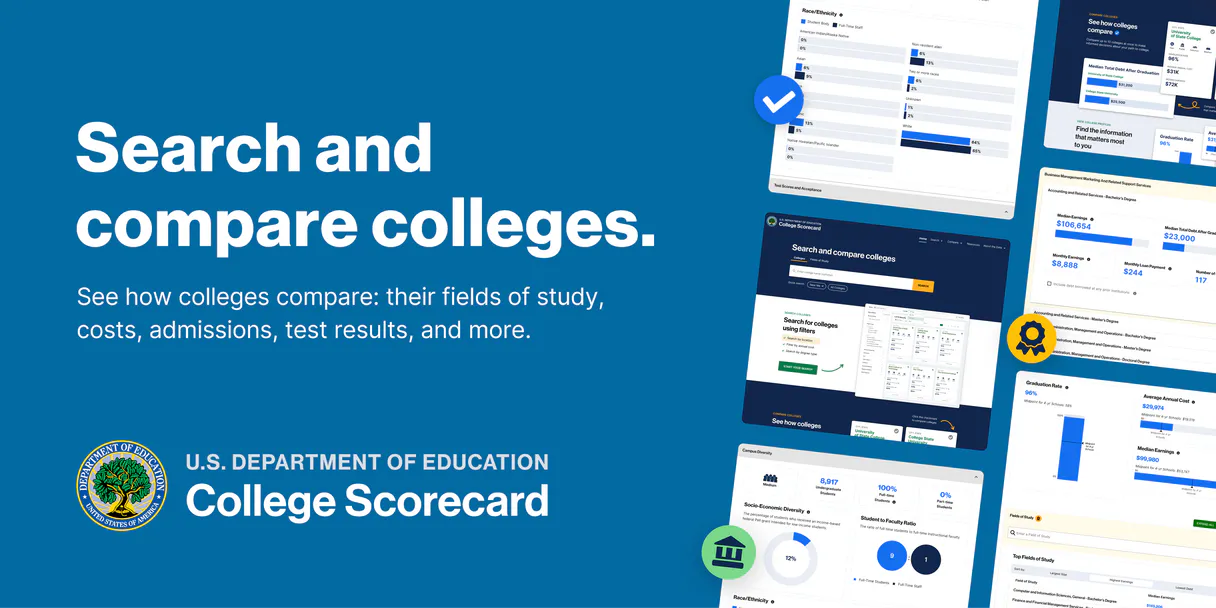
Independent Platform Disclaimer: Vinkius is an independent platform and is not affiliated with, endorsed by, sponsored by, verified by, or otherwise authorized by College Scorecard. All third-party trademarks, logos, and brand names are the property of their respective owners. Their use on this website is strictly for informational purposes to identify service compatibility and interoperability.
VINKIUS INFRASTRUCTURE
Cloud Hosted
Managed infra
V8 Isolated
Sandboxed per request
Zero-Trust Proxy
No stored credentials
DLP Enforced
Policy on every call
GDPR Compliant
EU data residency
Token Compression
~60% cost reduction
Works with Claude, ChatGPT, Cursor, and more
The Model Context Protocol standardizes how applications expose capabilities to LLMs. Instead of operating in isolation, your AI gains direct access to external platforms, live data, and real-world actions through secure, standardized connections.
This server provides 6 capabilities that interface natively with Claude, ChatGPT, Cursor, and any MCP client. No middleware. No custom integration required.
Available Capabilities
Searching for schools shouldn't feel like a data science project.
Right now, finding a college's full picture is a nightmare. You start by Google-ing the name, then you click to the school's website, then you manually find the tuition page, then you jump to the enrollment metrics, and you copy-paste the whole thing into a spreadsheet. It takes hours of clicking through different tabs and dealing with outdated PDFs.
With the College Scorecard API, your agent handles the whole process. You just ask: 'What are the costs and programs at X school?' The agent runs the necessary `get_college_details` and `get_fields_of_study` calls and gives you the structured data right in the chat. It’s instant.
College Scorecard API MCP Server: Audit school data in your chat.
You no longer need to run multiple searches manually. You can tell your agent, 'Find me schools in California with programs in Engineering.' The agent intelligently combines the location search (`list_colleges_by_state`) with the program filter (`get_fields_of_study`) in one conversational turn.
The difference is that you talk to your agent like a consultant, not a database administrator. It gives you the official, structured data you need, no clicking required.
Common Questions About College Scorecard API MCP
How do I use the `search_colleges` tool to find a school? +
You simply ask your agent to search for the school by name. It runs search_colleges using the keyword. This is best for initial exploration when you don't know the location or specific programs.
Which tool is best for finding all schools in New York? +
Use list_colleges_by_state. This tool is built specifically to return a comprehensive list of every institution within a given state boundary.
How do I get the student size for a specific college? +
First, you need the school's unique ID. Then, use get_college_details with that ID. The full metadata includes the latest student body size.
What if I only know the ZIP code? +
Use list_colleges_by_zip. This tool finds all nearby colleges based on a precise ZIP code, giving you a localized list.
How do I use `list_colleges_by_state` to find all schools in a specific state? +
Use list_colleges_by_state by passing the state abbreviation. This tool returns a list of schools, including their name, ID, and location. You can then use get_college_details to get deeper metadata on specific schools.
What is the difference between `search_colleges` and `list_colleges_by_zip`? +
Use search_colleges for broad searches across the US by name or keyword. Use list_colleges_by_zip when you need to target schools located near a specific postal code.
Can I use `get_fields_of_study` to check a school's academic programs? +
Yes, get_fields_of_study retrieves details on specific programs or fields of study. You need to provide the school ID and the desired field name to get the academic offerings.
How do I find a school's name and cost data using `get_college_details`? +
get_college_details fetches comprehensive records for a single school ID. It provides the full name, location, and financial metadata, including tuition and cost data.
How do I find my College Scorecard API Key? +
Register for a free API Key at Data.gov. Your key will be displayed instantly and sent via email. Copy and paste it below.
Can the agent filter by school state? +
Yes. Use the list_colleges_by_state tool providing the 2-letter ISO state code (e.g., 'CA' for California). Your agent will return all matching schools in that state instantly.
Is student body size data provided? +
Yes. The school records retrieved by your agent include the latest official student size (enrollment) for undergraduate programs where available.
Use it with your favorite AI tools
Connect this server to Cursor, Claude, VS Code, and more.
More in this category

ANEEL Dados Abertos
Access the Brazilian National Electric Energy Agency (ANEEL) Open Data Portal to query electricity sector datasets, resources, and records.

OECD Data API
Access global economic data — audit social and fiscal series via AI.

Global Wine Score
Access aggregated wine ratings from the world's top critics — normalized scores, vintage analysis, and top-rated wine discovery through natural conversation.
You might also like

Nuvemshop
Manage your Nuvemshop e-commerce via API — list products, orders, customers, coupons, and webhooks directly from any AI agent.

Haversine Distance Engine
Calculate precise geographic distances between GPS coordinates instantly. Uses the Haversine formula for exact spherical routing.

Beekeeper
Empower your frontline workforce via Beekeeper — manage users, streams, posts, and messages directly from any AI agent.