
Easemob / 环信 MCP. Manage user accounts and chat groups via natural language.
 Gemini
 Works with every AI agent you already use
…and any MCP-compatible client









Just plug in your AI agents and start using Vinkius.
Easemob / 环信 MCP Server manages real-time communication infrastructure. It lets your AI agent register users, create groups, send direct messages, and audit chat history.
You can programmatically control user lists, manage group memberships, and perform full message history lookups without touching a dashboard. This is for building automated support bots or enterprise communication tools.
What your AI agents can do
Add group member
Adds a specified user to an existing chat group.
Create group
Creates a new, dedicated chat group.
Delete user
Deletes an IM user account.
The agent can register new users, retrieve specific user details, list all active users, or delete accounts using tools like register_user, get_user, and list_users.
You can programmatically create new chat groups, list existing groups, retrieve group details, and adjust membership using tools like create_group, list_groups, and add_group_member.
The agent sends direct text messages between two users using send_text_message and retrieves message history for auditing with get_chat_history.
You can modify group membership, adding new users via add_group_member or removing users using delete_user.
The agent can list all active users (list_users) and all active groups (list_groups) to maintain a complete operational overview of the entire IM ecosystem.
Ask AI about this MCP
Supported MCP Clients
Gemini Waiting for input…
019d8432add group member
Adds a specified user to an existing chat group.
019d8432create group
Creates a new, dedicated chat group.
019d8432delete user
Deletes an IM user account.
019d8432get chat history
Retrieves a list of messages exchanged within a specific group or between two users.
019d8432get group
Fetches detailed information about a specific chat group.
019d8432get user
Retrieves all available details for a single IM user account.
019d8432list groups
Returns a list of all chat groups the user has access to.
019d8432list users
Lists all currently active IM user accounts.
019d8432register user
Creates a new IM user account and makes it active.
019d8432send text message
Sends a plain text message from one user to another or to a group.
Choose How to Get Started
Build a custom MCP for your own tools, or connect a ready-made integration from our catalog.
Build Your Own
Turn any API into an MCP. Import a spec, define Agent Skills, or deploy with MCPFusion.
- Import from OpenAPI, Swagger, or YAML specs
- Create Agent Skills with progressive disclosure
- Deploy to edge with MCPFusion framework
- Built in DLP, auth, and compliance on every call
- Real time usage dashboard and cost metering
- Publish to catalog or keep private
Make Your AI Do More
Start with Easemob / 环信, then connect any of our 4,700+ other servers whenever your AI needs more. One click, no limits.
- Use this MCP plus 4,700+ others, all in one place
- Add new capabilities to your AI anytime you want
- Every connection is secured and compliant automatically
- Track usage and costs across all your servers
- Works with Claude, ChatGPT, Cursor, and more
- New servers added to the catalog every week
What you can do with this MCP connector
Easemob / 环信 MCP Server gives your AI agent total control over your instant messaging infrastructure. You don't gotta mess around with a dashboard; your agent just talks to the server. You can build automated support bots or complex internal tools by programmatically controlling user lists, managing group memberships, and pulling full message history.
You get ten tools that let your agent do everything from setting up new users to auditing every chat. You can use register_user to create a new IM user account and make it active. You can use get_user to pull every detail about a single IM user. You can use list_users to see all the IM user accounts that are currently active. You can use delete_user to remove an IM user account. You can use create_group to build a new, dedicated chat group. You can use list_groups to get a list of every chat group you've got access to. You can use get_group to pull detailed information on a specific chat group. You can use add_group_member to add a specific user to an existing chat group. You can use send_text_message to send a plain text message between two users or to a group. You can use get_chat_history to retrieve a list of messages exchanged inside a specific group or between two users.
How Easemob / 环信 MCP Works
- 1 Subscribe to the server and provide your Easemob credentials (Org Name, App Name, Client ID, Client Secret).
- 2 Your AI client calls the desired tool (e.g.,
get_user) and provides necessary parameters (e.g., user ID). - 3 The server executes the action via Easemob and returns the structured result (e.g., user data, success confirmation) directly to your agent.
The bottom line is, your AI agent talks to the server, which talks to Easemob, giving you immediate, structured access to the entire IM system.
Who Is Easemob / 环信 MCP For?
The product owner who needs to automate support tickets. The operations engineer who manages large internal communication groups. The product developer integrating chat features into a new app. Anyone who needs an AI agent to manage a user base or chat groups without manual dashboard clicking.
Automates user onboarding, registering new users and checking chat histories to resolve tickets without human intervention.
Moderates large chat groups by listing members, creating new groups, and sending bulk announcements.
Integrates professional IM features into an AI workflow, using tools like get_user and get_group to build complex application logic.
What Changes When You Connect
- Automate user onboarding. Instead of manually clicking through forms, your agent runs
register_userto create accounts instantly. This handles the entire user lifecycle from a single prompt. - Control group membership at scale. Use
create_groupandadd_group_memberto build structured teams. You can alsodelete_userif an account needs to be removed. - Audit communication history. The
get_chat_historytool lets you pull message logs for any group or user. This is essential for compliance and support ticket resolution. - See the full roster.
list_usersandlist_groupslet you audit your entire IM ecosystem quickly. You get a complete picture of who's in the system without visiting a backend dashboard. - Send targeted messages. The
send_text_messagetool delivers immediate communications, whether it's a welcome message or an alert, directly through your agent.
Real-World Use Cases
Automated Support Triage
A support agent needs to onboard a new client. Instead of creating an account on a separate portal, they ask their agent to 'register a new user' using register_user. The agent handles the full lifecycle, and they can then use send_text_message to send the welcome packet immediately. Problem solved in two steps.
Post-Incident Investigation
A team needs to know what was discussed last week in 'Project X'. They ask the agent to 'get chat history' for that group. The agent runs get_chat_history, pulling the full log, which the agent then summarizes for the user. No manual log searching required.
Restructuring Teams
The ops manager needs to move users from the old 'Dev' group to the new 'Dev-2024' group. They ask the agent to 'add group member' using add_group_member and then run list_users to verify everyone was moved. The agent manages the whole transfer.
User Audit and Cleanup
The security team needs to find all inactive or deleted accounts. They ask the agent to 'list users' and then use get_user for specific checks, or use delete_user if an account is flagged for removal. It streamlines compliance checks.
Building a Chatbot MVP
A developer wants to test a chat feature. They use create_group to build a test environment and get_user to verify credentials. They then use send_text_message to test the message flow, getting a working proof-of-concept immediately.
The Tradeoffs
Manual API Orchestration
The developer calls list_groups manually, gets a list of IDs, then has to write code to loop through those IDs and call get_group for each one. This is slow and breaks if the group list changes.
→
Let your agent call list_groups once, then pass the result to a single, high-level prompt to handle the iteration. The agent manages the sequence, not your code.
When It Fits, When It Doesn't
Use this server if your core problem involves managing the state and lifecycle of chat groups and user accounts. If you need to perform CRUD operations on users (create, read, update, delete) or modify group membership, this is the tool. Don't use it if your main goal is just to send a message—use send_text_message directly. Don't use it if you need advanced file sharing or video conferencing; this handles text and basic group structure. If you need to read the history, use get_chat_history and pair it with get_group to get context. It's a communication backend, not a content management system.
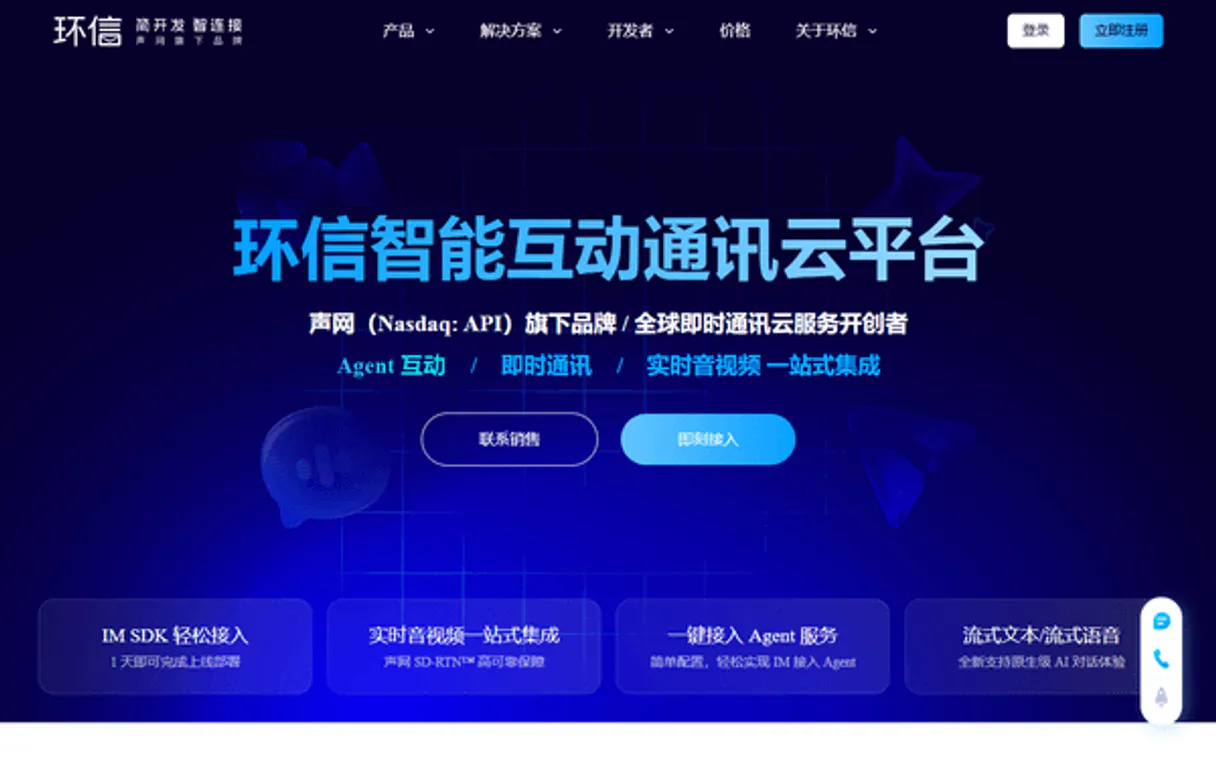
Independent Platform Disclaimer: Vinkius is an independent platform and is not affiliated with, endorsed by, sponsored by, verified by, or otherwise authorized by Easemob / 环信. All third-party trademarks, logos, and brand names are the property of their respective owners. Their use on this website is strictly for informational purposes to identify service compatibility and interoperability.
VINKIUS INFRASTRUCTURE
Cloud Hosted
Managed infra
V8 Isolated
Sandboxed per request
Zero-Trust Proxy
No stored credentials
DLP Enforced
Policy on every call
GDPR Compliant
EU data residency
Token Compression
~60% cost reduction
Works with Claude, ChatGPT, Cursor, and more
The Model Context Protocol standardizes how applications expose capabilities to LLMs. Instead of operating in isolation, your AI gains direct access to external platforms, live data, and real-world actions through secure, standardized connections.
This server provides 10 capabilities that interface natively with Claude, ChatGPT, Cursor, and any MCP client. No middleware. No custom integration required.
Available Capabilities
Managing user accounts and groups used to mean clicking through five different dashboards.
Before this, managing an internal user base meant logging into the user portal, then opening the group admin panel, and finally opening the message audit log. Every time you wanted to add a user or check a membership, you had to manually click, copy an ID, and paste it into a different section. It's a painful, multi-tab, copy-paste workflow.
Now, you just tell your agent what to do. 'Add John to the Marketing Group and send him a welcome message.' The agent uses `add_group_member` and `send_text_message` in sequence. The whole thing happens in a single conversation, giving you immediate confirmation and zero context switching.
The Easemob / 环信 MCP Server: Full Control Over User Identity
You no longer need separate tools for basic user lookups. You can use `get_user` to pull all metadata for an account, `list_users` to see everyone active, and `register_user` to create a new one—all in one conversation flow. You manage the whole user identity lifecycle with simple natural language commands.
The server gives you a single point of truth for your entire communication layer. You build complex automation using simple, declarative chat instructions, and the agent handles the messy API calls under the hood.
Common Questions About Easemob / 环信 MCP
How do I use `get_user` to check if a user exists? +
You pass the user's ID to get_user. If the user exists, the tool returns a detailed JSON object with all their metadata. If they don't exist, the tool fails gracefully, letting your agent know they need to be created first.
What is the difference between `list_users` and `get_user`? +
list_users returns a simple list of IDs and names for all active accounts. get_user requires a specific ID and gives you the full, deep profile data for only that one user.
How do I send a message using `send_text_message`? +
You must specify the recipient(s) and the message content. The agent handles the communication to the Easemob system, which then sends the message. You'll get a confirmation that the message was delivered.
Can I use `get_chat_history` to see messages from a group? +
Yes. You provide the Group ID to get_chat_history. The tool pulls the full message log and structures it for your agent to read and summarize. It's perfect for audits.
How do I create a new group using `create_group`? +
You tell the agent to create the group, and it uses create_group to establish the chat space. The agent will then give you the Group ID, which you can use for subsequent actions like add_group_member.
How do I manage group membership using `add_group_member`? +
You use add_group_member by specifying the group ID and the user ID. This tool handles the mechanics of adding a user to an existing chat group. You just need to pass the correct IDs to the tool.
What happens if I try to delete a user that is still active, using `delete_user`? +
The delete_user tool attempts to remove the user account. If the user is still active, the tool response will return a specific error code detailing why the deletion failed. You'll need to manually deactivate them first.
Can I list all chat groups and their owners using `list_groups`? +
Yes, list_groups returns a comprehensive list of all groups. The response structure includes details like the group name, group ID, and the owner's ID for each entry.
How do I find my Easemob Client ID and Secret? +
Log in to the Easemob Console, select your application, and you will find your Org Name, App Name, Client ID, and Client Secret in the application details overview.
Does this server handle token rotation? +
Yes! The server automatically requests and caches an OAuth2 access token using your credentials, handling expiration and renewal internally for all operations.
Can I send messages to multiple users at once? +
Yes. In the send_text_message tool, you can provide a comma-separated list of usernames in the to parameter to reach multiple recipients simultaneously.
Use it with your favorite AI tools
Connect this server to Cursor, Claude, VS Code, and more.
More in this category

Swiftfox
Generate product mockups and marketing visuals instantly with AI that places your designs on real-world backgrounds.

Google Contacts
Manage your Google Contacts network seamlessly — list, search, create, and organize contacts and groups directly from any AI agent.

Bandwidth Alternative
Manage your Bandwidth communications — send SMS and audit calls via AI.
You might also like

Dwolla
Automate payments and bank transfers via Dwolla — manage customers, funding sources, and initiate transfers directly from any AI agent.

VTEX Checkout
Simulate carts, calculate shipping, apply coupons, and manage client profiles on your VTEX store — all from any AI agent.

Fintoc
Access bank accounts, movements, and initiate transfers via AI agents with Fintoc.