
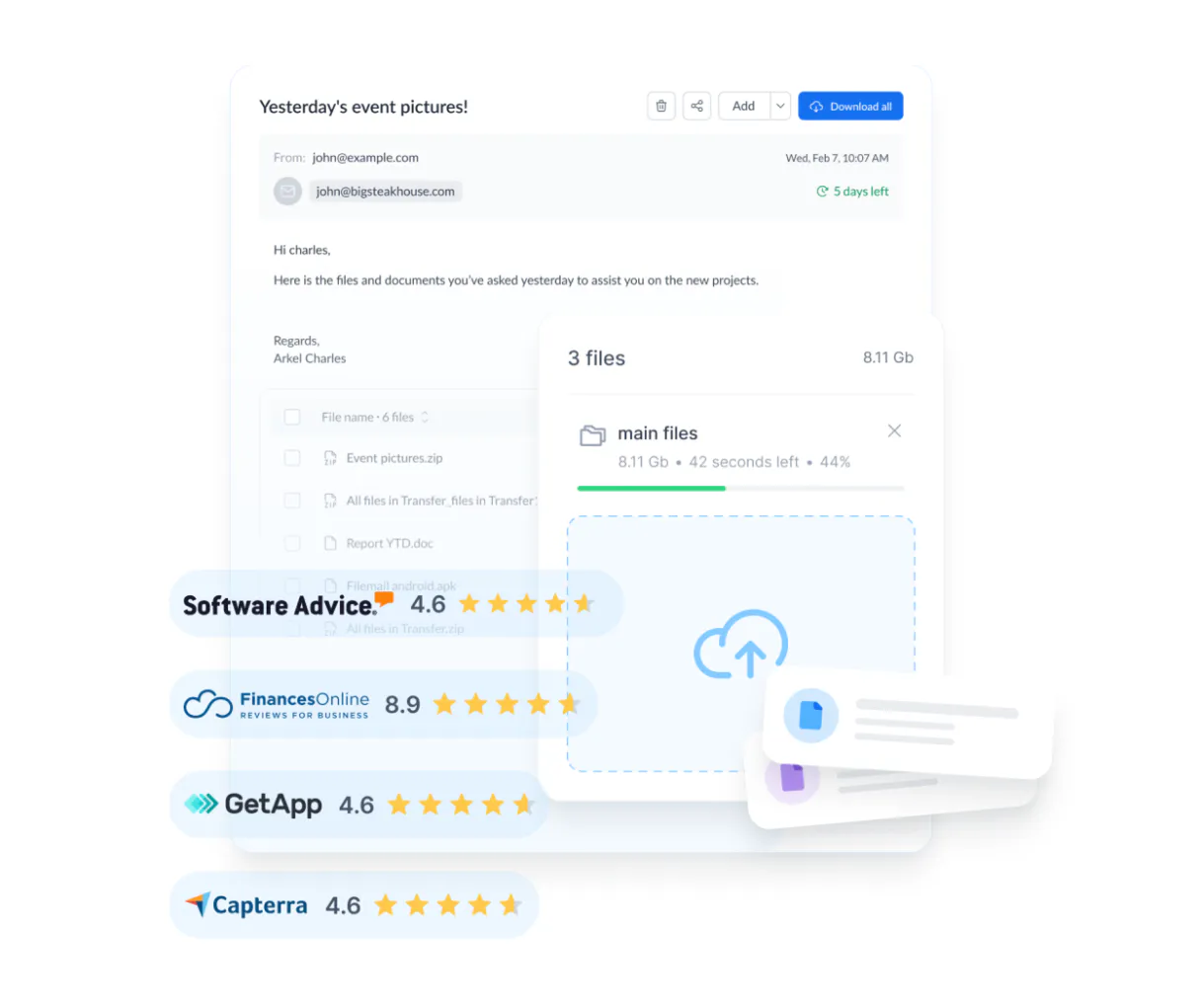
Filemail MCP. Manage terabytes of secure file transfers via chat.
 Gemini
 Works with every AI agent you already use
…and any MCP-compatible client









Just plug in your AI agents and start using Vinkius.
Filemail MCP Server lets your AI client handle all secure file transfers. Transfer terabyte-sized assets with password protection and download tracking, all through natural conversation.
Manage uploads, check storage limits, and monitor delivery status without leaving your chat window. It's your dedicated file logistics coordinator.
What your AI agents can do
Complete transfer
Finalizes a file transfer, moving it from pending status to complete.
Delete transfer
Permanently removes a transfer from your account.
Get configuration
Retrieves operational details and storage limits for your Filemail account.
The agent starts new transfers using initialize_transfer and manages the process lifecycle with complete_transfer.
You check the status of sent items with list_sent_transfers or view incoming files using list_received_transfers.
The agent gets download links and transfer details for specific IDs using get_transfer_details.
You list contacts via list_contacts and retrieve your profile information using get_user.
The agent checks your storage limits with get_configuration and can delete old transfers using delete_transfer.
Ask AI about this MCP
Supported MCP Clients
OAuth 2.0 Compatible Gemini Waiting for input…
Filemail MCP Server: 10 Tools for File Transfer Management
Use these tools to control the entire lifecycle of secure file transfers, from initiation and contact management to real-time download tracking.
Make your AI actually useful.
Add this MCP to Claude, Cursor, or Windsurf and your AI stops guessing. It gets real tools to look things up, take action, and handle the stuff you keep doing by hand.
Start using Filemail on Vinkius019dd0efcomplete transfer
Finalizes a file transfer, moving it from pending status to complete.
019dd0efdelete transfer
Permanently removes a transfer from your account.
019dd0efget configuration
Retrieves operational details and storage limits for your Filemail account.
019dd0efget transfer details
Gets specific information and download links for a single transfer ID.
019dd0efget user
Retrieves your personal Filemail user profile information.
019dd0efinitialize transfer
Starts a new file transfer process and returns necessary secure upload URLs.
019dd0eflist contacts
Shows a list of contacts saved in your Filemail address book.
019dd0eflist received transfers
Lists all files that have been sent to your Filemail account.
019dd0eflist sent transfers
Lists all files you have sent out, including recent activity and status.
019dd0eflogin
Authenticates your AI client with your Filemail account.
Choose How to Get Started
Build a custom MCP for your own tools, or connect a ready-made integration from our catalog.
Build Your Own
Turn any API into an MCP. Import a spec, define Agent Skills, or deploy with MCPFusion.
- Import from OpenAPI, Swagger, or YAML specs
- Create Agent Skills with progressive disclosure
- Deploy to edge with MCPFusion framework
- Built in DLP, auth, and compliance on every call
- Real time usage dashboard and cost metering
- Publish to catalog or keep private
Make Your AI Do More
Start with Filemail, then connect any of our 4,800+ other servers whenever your AI needs more. One click, no limits.
- Use this MCP plus 4,800+ others, all in one place
- Add new capabilities to your AI anytime you want
- Every connection is secured and compliant automatically
- Track usage and costs across all your servers
- Works with Claude, ChatGPT, Cursor, and more
- New servers added to the catalog every week
Independent Platform Disclaimer: Vinkius is an independent platform and is not affiliated with, endorsed by, sponsored by, verified by, or otherwise authorized by Filemail. All third-party trademarks, logos, and brand names are the property of their respective owners. Their use on this website is strictly for informational purposes to identify service compatibility and interoperability.
VINKIUS INFRASTRUCTURE
Cloud Hosted
Managed infra
V8 Isolated
Sandboxed per request
Zero-Trust Proxy
No stored credentials
DLP Enforced
Policy on every call
GDPR Compliant
EU data residency
Token Compression
~60% cost reduction
Works with Claude, ChatGPT, Cursor, and more
The Model Context Protocol standardizes how applications expose capabilities to LLMs. Instead of operating in isolation, your AI gains direct access to external platforms, live data, and real-world actions through secure, standardized connections.
This server provides 10 capabilities that interface natively with Claude, ChatGPT, Cursor, and any MCP client. No middleware. No custom integration required.
Tracking who opens a file shouldn't require logging into a separate portal.
Today, tracking a major asset delivery means jumping between your email, the client portal, and a spreadsheet to track download dates and expiration dates. You copy links, paste them into a list, and manually check status indicators. It's slow, and you lose data.
With this MCP server, your agent handles the whole process. You ask it to 'check the status of Project Gamma.' It runs the necessary tools and gives you a full status report—downloaded, pending, or expired—right in the chat. Period.
Filemail MCP Server: Get download links and transfer details instantly.
Instead of navigating deep into the Filemail interface, finding the correct transfer ID, and clicking through multiple permission screens, you just give the ID to your agent. The agent runs `get_transfer_details` and instantly gives you the working download link and the file's contents count.
The difference is workflow. You stay in your chat. You get the link. It's direct. No more clicking through web forms.
What you can do with this MCP connector
Filemail lets your AI client handle all your secure file transfers. You'll transfer terabyte-sized assets with password protection and download tracking, all just by talking to your agent. It's your dedicated file logistics coordinator. You'll start a new transfer using initialize_transfer and finish it with complete_transfer. You can check your storage limits and operational setup using get_configuration.
You'll also need to log in first; run login to authenticate your agent with your Filemail account. You'll get your personal profile info with get_user and see who's in your address book by running list_contacts. To see what you sent out, run list_sent_transfers; to see what came in, run list_received_transfers.
You can pull up all the details and download links for a specific transfer ID using get_transfer_details. If you need to clean house, you can permanently remove old transfers with delete_transfer.
019dd0ef-f9a0-7056-b1c3-033c07c13ba0 
How Filemail MCP Works
- 1 First, subscribe to the Filemail server and retrieve your API Key and Login Token from your Filemail account settings.
- 2 Next, tell your AI client what you need. For example, ask it to 'list all my sent transfers' or 'check my storage usage'.
- 3 The AI uses the dedicated tools to perform the action, and you get a natural language report detailing the transfer status, links, or account metrics.
The bottom line is, your AI client acts as a file logistics coordinator, managing all file transfers and account details without you touching the Filemail website.
Who Is Filemail MCP For?
This is for creative professionals who manage large media assets, IT and operations leads automating file distribution, and support teams needing quick customer verification. If your job involves moving big files and tracking who opens them, you need this.
Tracks the delivery status of high-resolution video or photo packages and verifies expiration dates for client deliverables.
Automates file distribution tasks across departments and monitors the total account storage usage without switching tools.
Quickly checks if a client received a specific transfer ID and provides them with a direct download link.
What Changes When You Connect
- Monitor delivery status in real-time. Use
list_sent_transfersto see which files were delivered and if they're still active. - Never manually check storage.
get_configurationtells you exactly how much space you're using and what your total limit is. - Instantly provide download links. Give your agent the transfer ID, and
get_transfer_detailspulls the direct link and expiration date. - Handle bulk transfers programmatically. Use
initialize_transferto start a transfer and get the secure upload URLs immediately. - Keep your records clean. Use
delete_transferto permanently remove old, sensitive files and free up storage. - Manage your network contacts.
list_contactslets you access your address book so you don't have to manually find recipient emails.
Real-World Use Cases
Client needs to confirm receipt of a large presentation.
The client director asks their agent: 'Check if Sarah received the Q4 report.' The agent runs list_received_transfers and finds the file. It then uses get_transfer_details to verify the status and provide the download link to the director.
Marketing team needs to send a bulk campaign asset.
The marketing manager asks: 'Start a new transfer for the holiday video and set the expiry to 60 days.' The agent calls initialize_transfer, gets the secure upload URL, and confirms the process started. They then use list_sent_transfers to track the initial status.
IT team needs to clean up old, sensitive data.
The ops engineer types: 'Delete all transfers older than 90 days.' The agent iterates through list_sent_transfers (or receives a list) and calls delete_transfer for each one, ensuring compliance and freeing up space.
Support agent needs to verify a user's account status.
The agent asks: 'What's the storage usage for this account?' The agent runs get_configuration and replies with the exact metrics (e.g., 45GB used of 100GB total), giving the support agent immediate answers.
The Tradeoffs
Manual Status Checks
Having to visit the Filemail website, click 'Sent,' filter by date, and manually copy download links for every recipient.
→
Just ask your agent. You can use list_sent_transfers to see the history, and then get_transfer_details to pull the specific link or status for any file.
Forgetting to Secure Cleanup
Leaving terabytes of old, sensitive data sitting in the account because no one remembers to manually delete it.
→
Use delete_transfer to permanently remove assets. You can first run list_sent_transfers to see what needs cleaning up.
Ambiguous Transfers
Sending a file and then losing track of whether the recipient actually downloaded it or if the link expired.
→
The agent monitors this for you. list_sent_transfers tracks the delivery, and get_transfer_details tells you the exact download status and remaining time.
When It Fits, When It Doesn't
Use this server if your workflow is centered on managing large, sensitive files and you need real-time visibility into who has downloaded them. You must use it if you need to programmatically start transfers or check account storage limits. Don't use this if your primary need is simple, small-scale file sharing (like attaching a PDF to an email). For simple sharing, a dedicated email service is fine. This tool is for high-volume, auditable, enterprise-level file logistics.
Common Questions About Filemail MCP
How do I use the `list_sent_transfers` tool in Filemail MCP Server? +
The agent shows you all files you sent. It lists the transfer name, when it was sent, and its current status. You can then ask for more detail on any specific transfer ID.
Does the `get_configuration` tool show my storage usage? +
Yes, it checks your account limits. It tells you exactly how much storage you've used and how much space you have left for new files.
Can I use `get_transfer_details` to get a download link? +
Yes. Giving the agent a transfer ID allows it to retrieve the direct download link and details, including file count and expiration date.
What is the purpose of the `initialize_transfer` tool? +
This tool starts a new transfer. It gives you the secure upload URLs and metadata needed to begin uploading your large files.
Is the `delete_transfer` tool permanent? +
Yes, running delete_transfer permanently removes the transfer. The agent confirms this action before executing it.
How do I use the `login` tool to start transferring files? +
You use the login tool to authenticate your connection to Filemail. This establishes the necessary session so your AI client can perform any other actions, like listing or initializing transfers.
What information does the `list_received_transfers` tool provide? +
It lists all files sent to your account (your inbox). This includes transfer metadata, such as the sender's name, the transfer name, and the date it arrived.
Is there a way to programmatically manage contacts using `list_contacts`? +
Yes, list_contacts allows you to access and manage your address book directly. This means your AI client can pull recipient directories without you having to manually navigate the Filemail interface.
How do I get my Filemail API credentials? +
Log in to your Filemail account, go to account settings, and locate your API Key and Login Token in the developer or security section.
How do I upload files after initialization? +
This connector handles metadata. Use the 'uploadurl' returned by initialize_transfer to upload your file data via your preferred HTTP client.
Can I check my account storage limits? +
Yes! Use the get_configuration tool to retrieve current storage usage, total limits, and account configuration details.
Use it with your favorite AI tools
Connect this server to Cursor, Claude, VS Code, and more.