
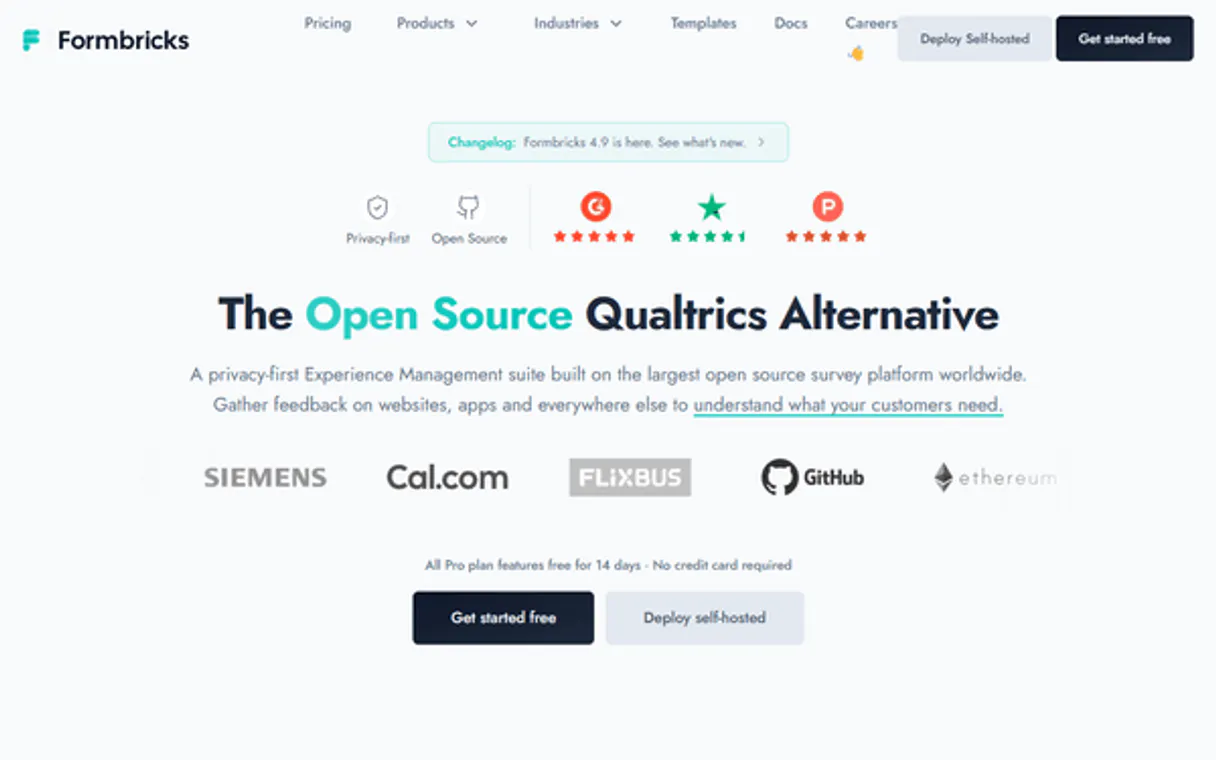
Formbricks MCP for AI. Turn user feedback into structured action items.
 Gemini
 Works with every AI agent you already use
…and any MCP-compatible client









How this MCP server connects to your AI agent
Formbricks captures user feedback with open-source surveys you embed directly into your product. It lets you collect actionable insights right when they matter most.
Use this MCP to manage survey structures, pull individual responses, and track contact details through natural conversation.
What AI agents can do with Formbricks Automation
Create survey
Build a brand new survey structure in Formbricks.
Delete survey
Remove an existing survey from your account.
Get person
Fetch the full details and custom attributes for a specific user by ID.
List every survey in your account or build new ones programmatically.
Pull the full details for any single user submission to review feedback content.
Retrieve metadata and custom attributes for identified users in your system.
Check the status of configured webhooks and action classes to understand how your product handles data.
Ask an AI about this
Waiting for input…
What AI agents can do with Formbricks: 10 Tools for Data Collection
Use these tools to manage every aspect of your product's feedback loop, from creating new survey structures to analyzing individual responses.
Make your AI actually useful.
Add this MCP to Claude, Cursor, or Windsurf and your AI stops guessing. It gets real tools to look things up, take action, and handle the stuff you keep doing by hand.
Start using Formbricks on VinkiusCreate Survey
Build a brand new survey structure in Formbricks.
Delete Survey
Remove an existing survey from your account.
Get Person
Fetch the full details and custom attributes for a specific user by ID.
Get Response
Retrieve all data points and answers from one particular submission.
Get Survey
Get the full structure and settings for a specific survey ID.
List Action Classes
See all configured action classes that control data flow in your product.
List People
Get a list of every identified person record available in Formbricks.
List Responses
List multiple survey responses, optionally filtering them by a specific survey ID.
List Surveys
Fetch an overview of every survey currently configured in your account.
List Webhooks
List all external webhooks set up to trigger when data changes.
Security and governance baked right in.
Pick your AI client below to get set up. Just create a Vinkius account, subscribe, and you're instantly up and running. We handle the entire backend infrastructure, delivering out-of-the-box support for HTTPS Streamable, SSE, and OAuth2—zero messy routing required.
Claude AI
Open Claude Settings
Go to claude.ai, click your profile icon, then navigate to Customize → Connectors.
Add Custom Connector
Click the "+" button and select Add custom connector. Paste your Vinkius endpoint URL:
https://edge.vinkius.com/[YOUR_TOKEN_HERE]/mcp
Replace [YOUR_TOKEN_HERE] with your token
from cloud.vinkius.com. For OAuth-protected servers, expand
Advanced settings to add credentials.
Start a conversation
Open a new chat. The Formbricks integration is available immediately — no restart needed.
Choose How to Get Started
Build a custom MCP for your own tools, or connect a ready-made integration from our catalog.
Build Your Own
Turn any API into an MCP. Import a spec, define Agent Skills, or deploy with MCPFusion.
- Import from OpenAPI, Swagger, or YAML specs
- Create Agent Skills with progressive disclosure
- Deploy to edge with MCPFusion framework
- Built in DLP, auth, and compliance on every call
- Real time usage dashboard and cost metering
- Publish to catalog or keep private
Make Your AI Do More
Start with Formbricks, then connect any of our 5,100+ other servers whenever your AI needs more. One click, no limits.
- Use this MCP plus 5,100+ others, all in one place
- Add new capabilities to your AI anytime you want
- Every connection is secured and compliant automatically
- Track usage and costs across all your servers
- Works with Claude, ChatGPT, Cursor, and more
- New servers added to the catalog every week
Independent Platform Disclaimer: Vinkius is an independent platform and is not affiliated with, endorsed by, sponsored by, verified by, or otherwise authorized by Formbricks. All third-party trademarks, logos, and brand names are the property of their respective owners. Their use on this website is strictly for informational purposes to identify service compatibility and interoperability.
VINKIUS INFRASTRUCTURE
Cloud Hosted
Managed infra
V8 Isolated
Sandboxed per request
Zero-Trust Proxy
No stored credentials
DLP Enforced
Policy on every call
GDPR Compliant
EU data residency
Token Compression
~60% cost reduction
Built on the Model Context Protocol (MCP) for Claude, ChatGPT, Cursor, and more
The Model Context Protocol standardizes how applications expose capabilities to LLMs. Instead of operating in isolation, your AI gains direct access to external platforms, live data, and real-world actions through secure, standardized connections.
This connection provides 10 powerful capabilities that interface natively with Claude, ChatGPT, Cursor, and other compatible AI platforms. No middleware. No custom integration required.
Sifting Through Support Tickets and Spreadsheets, Solved with Vinkius AI Gateway
Today, gathering insights means copying data from the support ticketing system, exporting results from the product analytics dashboard, and then manually pasting survey responses into a spreadsheet. You spend hours just cleaning up duplicates and trying to match who said what.
With this MCP, your agent handles that whole messy process for you. Instead of manual exports, you simply ask it to pull data using tools like `list_responses` or query specific details with `get_person`. You get clean, structured insights directly into the chat.
Getting a Full Picture Using list_people and get_response
Before this MCP, if you found an interesting comment in one place, finding out who said it—or what other data they had on file—meant starting a whole new manual search flow.
Now, you can first run `list_people` to confirm the user exists. Then, you ask for their details using `get_person`. After that, you pull all their feedback history with one call to `get_response`. It's all connected.
What your AI can actually do with this
Collecting user feedback shouldn't feel like pulling teeth. This MCP connects your Formbricks environment to your AI agent so you can handle surveys and data collection entirely through chat. You can ask your agent to list all existing surveys or check the status of specific ones, making management a simple query.
Need to analyze what users are saying? The tool lets you pull detailed results for any survey submission, giving you raw feedback ready for review. It also keeps track of who submitted the data—retrieving person details and metadata helps you build out user profiles instantly. When you connect this MCP via Vinkius, your agent treats all these resources like a single database, turning unstructured conversation into actionable product insights.
019dd0f3-dad1-712c-9b79-9582da665d03 
Here's how it actually works
The bottom line is, you talk to your AI client like talking to a database administrator; it handles all the API calls in the background.
Subscribe to this MCP and enter your Formbricks Personal API Key.
Your agent reads the connection, making all survey management tools available for use.
You simply ask your agent a question—like 'What were the responses for the NPS survey?'—and it fetches the data directly.
Who is this actually for?
Product Managers and Customer Success Teams use this MCP when they're tired of exporting data from multiple dashboards. It gives them an immediate, conversational way to analyze user behavior and pinpoint exactly where their product needs work.
Analyzing which features are getting the most feedback or identifying common pain points across all survey types.
Pulling a user's profile data to see their history of completed surveys before calling them about an issue.
Scripting complex queries by having the agent list available webhooks and action classes to map out data flow dependencies.
What Changes When You Connect
Stop manually checking dashboards. Use the agent to run list_surveys and get a full overview of every survey you own in seconds, without leaving your chat window.
Deep dive into single submissions. If a user leaves a vague comment, asking for get_response pulls all their answers at once, giving context immediately.
Build better user profiles. Running list_people lets your agent get a list of contacts, and then you can use get_person to grab that person's specific metadata (like subscription tier).
Track data flow easily. Use tools like list_webhooks or list_action_classes to map out exactly where and how customer data moves through your product.
Maintain clean data. Need to sunset an old survey? You can use the agent to programmatically run delete_survey, keeping your workspace tidy.
See it in action
Investigating a poor NPS score
A customer service rep needs to know why user 'johnny' gave a low score. They ask the agent to find Johnny's details using get_person and then pull his responses via get_response. This immediately shows the pain points, allowing them to address the issue quickly.
Auditing data collection
A PM needs to know if they have overlooked any feedback forms. They ask the agent to run list_surveys, which instantly provides a checklist of every active and inactive survey, ensuring nothing is missed.
Onboarding workflow check
The ops team wants to understand if user data is flowing correctly when they complete the onboarding flow. They use list_webhooks and list_action_classes to verify that every necessary data point is being triggered.
Analyzing a feature release
After deploying a new widget, the team wants aggregated feedback. Instead of exporting CSVs, they ask the agent to run list_responses, optionally filtering by the specific survey ID for that widget, giving them instant, focused data.
The honest tradeoffs
Thinking surveys are isolated
Trying to find a user's full history of interactions requires manually checking several different dashboards and forms.
Don't check multiple places. Ask the agent to first list_people to get the ID, then use that ID with get_person to pull all metadata in one step.
Forgetting data boundaries
When analyzing responses, you might forget which specific survey generated the feedback, making analysis confusing.
Always specify context. Use list_responses and mention the exact Survey ID when asking for results to ensure you analyze the right dataset.
Overlooking system setup
Assuming data flow works fine because the forms are connected, but never verifying the actual backend triggers.
Before trusting the flow, run list_webhooks and list_action_classes to see exactly which systems are configured to react when a form is submitted.
When It Fits, When It Doesn't
Use this MCP if your job involves collecting feedback from multiple embedded sources or managing user data records. You're doing anything that requires aggregating unstructured text and structured metadata. Don't use it, though, if you only need to manage a single, isolated spreadsheet of contacts; an internal CRM tool handles that better. If your core need is just listing basic content (like reading blog posts), don't use this either—you need a document repository MCP instead.
Questions you might have
How do I find out what surveys are available using list_surveys? +
You run the list_surveys tool. This instantly returns an overview of every survey ID and name you have created in Formbricks, giving you a quick inventory.
Does get_response require me to know the submission date? +
No. You only need the specific response ID. The tool uses that unique identifier to retrieve all associated data points and answers for that single submission, regardless of when it was submitted.
What if I want to see multiple responses from one survey? +
Use list_responses. You can optionally pass a Survey ID as a filter, which makes sure the agent only returns submissions related to that specific form.
Can I get metadata for a person using get_person? +
Yes. The tool pulls not just basic contact info but also any custom attributes you've set up in your Formbricks user profile, giving deep context about the individual.
If I need to remove an entire survey structure, how do I use `delete_survey`? +
It permanently removes the survey and all associated metadata. Before running this tool, verify that no active responses or workflows depend on it.
Before getting specific details with `get_person`, how can I view a filtered list of contacts using `list_people`? +
This tool returns a paginated list of identified people, allowing you to filter by attributes. You'll use the returned IDs to target precise records for detailed retrieval.
If I need to monitor data flow and see what external systems are connected, how do I use `list_webhooks`? +
Running this tool lists all configured webhooks and action classes. It’s essential for debugging or verifying which services receive your submitted feedback.
What key details does the `get_survey` function provide about a survey's structure? +
It returns the full schema, including all field types and whether answers are required. This lets your AI client validate incoming responses against the correct format.
Can I list all my active surveys using my AI agent? +
Yes! Use the list_surveys tool to retrieve a full list of surveys in your Formbricks environment.
How do I check responses for a specific survey? +
Simply provide the Survey ID to the list_responses tool. Your agent will fetch all submissions associated with that survey.
Can I delete a survey using this agent? +
Yes, use the delete_survey action and provide the unique Survey ID.
We've already built the connector for Formbricks. Just plug in your AI agents and start using Vinkius.
No hosting. No infrastructure. No complex setup.
All 10 tools are live and waiting.
You're up and running in seconds.
Gemini Vinkius gives your AI agents access to the full catalog of app connectors, all fully managed, secure, and enterprise-ready. One subscription, every tool you need.
Built, hosted, and secured by Vinkius. You just connect and go.