
How to Use GitHub MCP Server with Claude Code using Vinkius
Give Claude Code instant access to 12 tools to Create New Issue, Get File Contents, Get My Github Profile, and more using Vinkius.
 GDPR Free for Subscribers
Claude Code is Anthropic's agentic CLI for terminal-first development. Add GitHub as an MCP server in one command and Claude Code will discover every tool at runtime. ideal for automation pipelines, CI/CD integration, and headless workflows via Vinkius.
Ask AI about this MCP Server for Claude Code
The GitHub MCP Server for Claude Code is a standout in the Industry Titans category, giving your AI agent 12 tools to work with, ready to go from day one.
Vinkius delivers Streamable HTTP and SSE to any MCP client
 Gemini
# Your Vinkius token. get it at cloud.vinkius.com
claude mcp add github --transport http "https://edge.vinkius.com/[YOUR_TOKEN_HERE]/mcp"Vinkius Desktop App
The modern way to manage MCP Servers. No config files, no terminal commands. Install GitHub and every MCP Server in the catalog from a single visual interface.
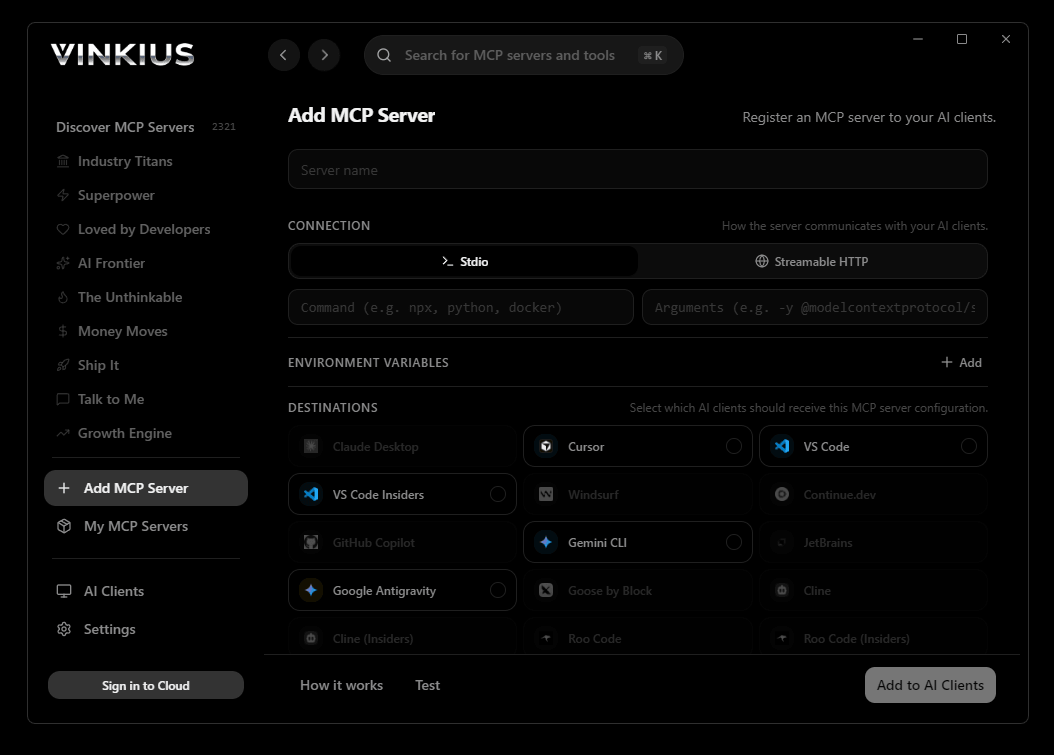

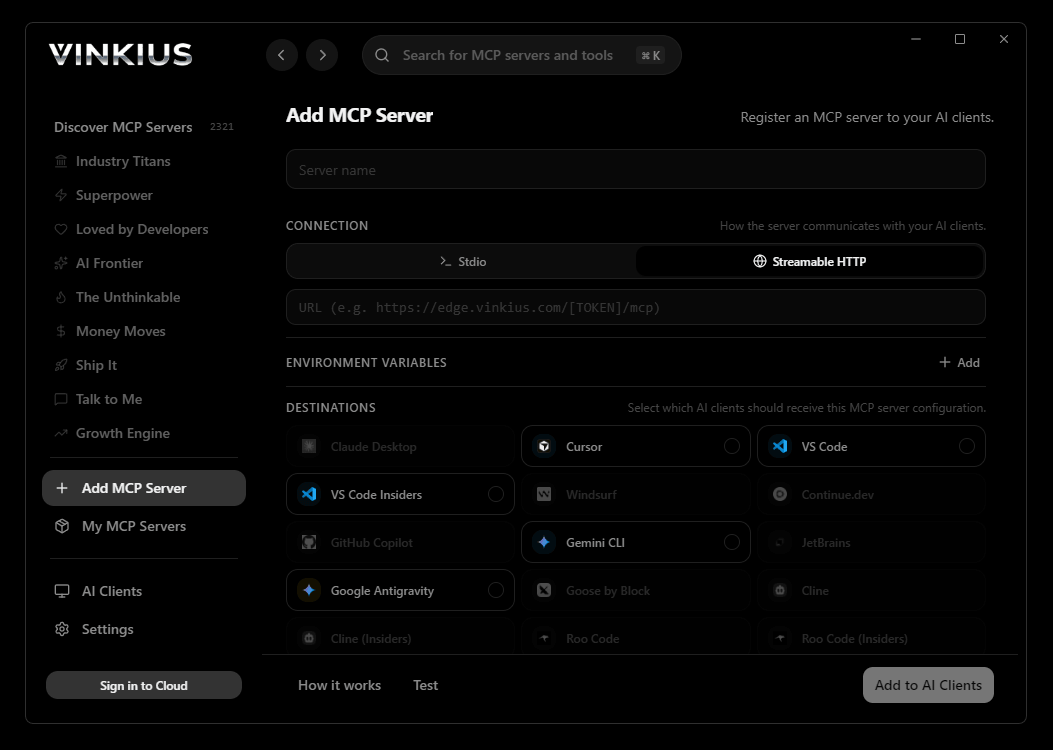
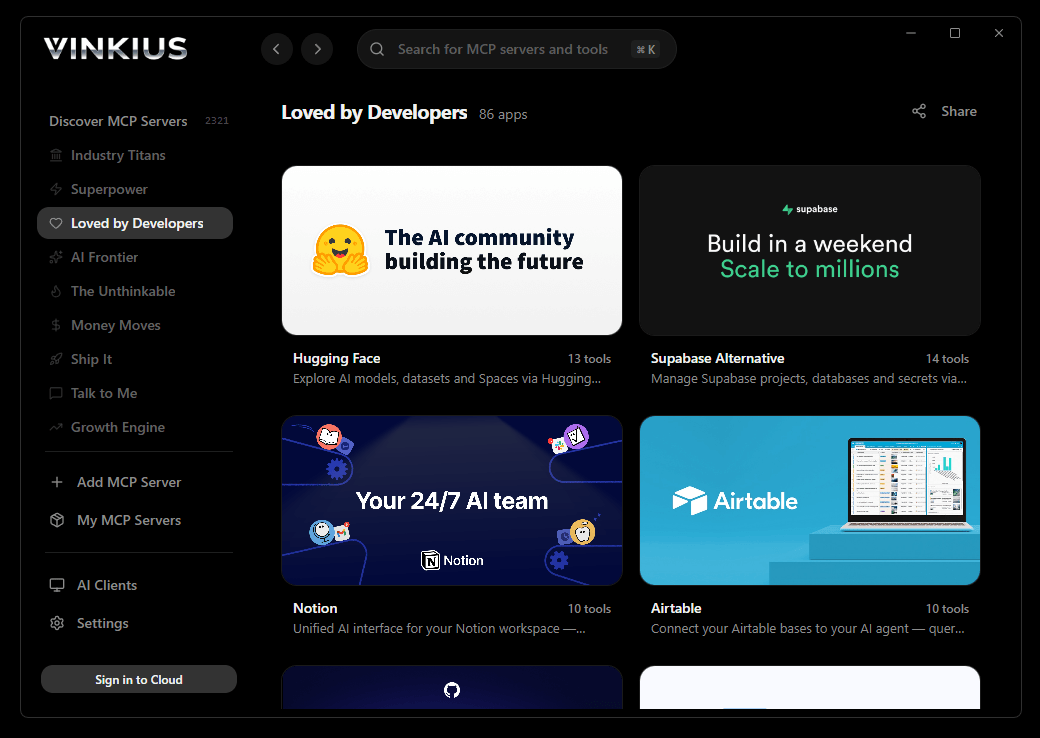

* Every connection is hosted and maintained by Vinkius. We handle the security, updates, and infrastructure so you don't have to write code or manage servers. See our infrastructure
About GitHub MCP Server
Connect your GitHub account to any AI agent to automate your software development lifecycle and code management through the Model Context Protocol (MCP). GitHub is the world's leading AI-powered developer platform. This MCP server enables you to retrieve repository metadata, manage issues, track pull requests, and search for code directly through natural conversation.
Claude Code operates where most AI tools cannot: in headless environments with no UI, no human present, and no room for ambiguity. When you register GitHub as an MCP server, Claude Code discovers all 12 tools at runtime and can invoke them from CI/CD pipelines, cron schedules, and automated scripts. This is not an assistant waiting for prompts. This is an autonomous operator that executes GitHub workflows at machine speed, on a schedule you define.
Key Features
- Repository Oversight. List all repositories for any user or organization, and fetch detailed configuration metadata for specific projects.
- Issue & PR Management. List issues and pull requests, track their lifecycle status, and programmatically open new issues from your chat interface.
- Code Content Discovery. Retrieve the contents of files or directories within any repository to understand codebase structures.
- Advanced Code Search. Execute powerful searches across GitHub's massive database to isolate specific code snippets or repositories.
- Collaboration Tracking. Monitor forks and contributors to understand project community engagement.
- Identity Oversight. Access detailed profile information for the authenticated GitHub user to verify permissions and account context.
- Real-time Synchronization. Keep your source control and development data accessible to your AI assistant without leaving your primary workspace.
The GitHub MCP Server exposes 12 tools through Vinkius. Connect it to Claude Code in under two minutes. Fully managed, no infrastructure to provision, no vendor lock-in.
12 tools included
Explore every tool GitHub exposes to Claude Code through Vinkius.
Connect GitHub to Claude Code via MCP
Follow these steps to connect GitHub to Claude Code. The setup takes under two minutes and requires no coding or server hosting.
Get your Vinkius Access Token
Install Claude Code
npm install -g @anthropic-ai/claude-code if not already installedAdd the MCP Server
Verify the connection
claude mcp to list connected servers, or type /mcp inside a sessionStart using GitHub
Why Use Claude Code with the GitHub MCP Server
Claude Code provides unique advantages when paired with GitHub through the Model Context Protocol.
One terminal command connects Claude Code to GitHub through Vinkius. No config files. No IDE. No restart. 12 tools available in under five seconds
Claude Code runs headlessly. GitHub tools through Vinkius work in CI/CD pipelines, cron jobs, and Docker containers where no human is present and no browser is open
Built by the Anthropic team that created MCP. When Vinkius ships a GitHub update, Claude Code is the first client to support the new capabilities
Pipe GitHub data from Vinkius directly into shell scripts, log processors, and monitoring tools. Claude Code fits into your existing automation stack, not the other way around
GitHub + Claude Code Use Cases
Practical scenarios where Claude Code combined with the GitHub MCP Server delivers measurable value.
CI/CD integration: embed GitHub tool calls in your deployment pipeline to validate configurations or fetch secrets before shipping
Headless batch processing: schedule Claude Code to query GitHub nightly and generate reports without human intervention
Shell scripting: pipe GitHub outputs into other CLI tools for data transformation, filtering, and aggregation
Infrastructure monitoring: run Claude Code in a cron job to query GitHub status endpoints and alert on anomalies
Example Prompts for GitHub in Claude Code
Ready-to-use prompts you can give your Claude Code agent to start working with GitHub immediately.
"List the last 5 open issues in the 'facebook/react' repository."
"Find all repositories for the organization 'vinkius'."
"Read the content of the 'README.md' file in 'vinkius/vurb-docs'."
Troubleshooting GitHub MCP Server with Claude Code
Common issues when connecting GitHub to Claude Code through Vinkius, and how to resolve them.
Command not found: claude
npm install -g @anthropic-ai/claude-codeConnection timeout
GitHub + Claude Code FAQ
Common questions about integrating GitHub MCP Server with Claude Code.
How do I add an MCP server to Claude Code?
claude mcp add --transport http "" in your terminal. Claude Code registers the server and discovers all tools immediately.Can Claude Code run MCP tools in headless mode?
How do I list all connected MCP servers?
claude mcp in your terminal to see all registered servers and their status, or type /mcp inside an active Claude Code session.Over 4,000 integrations ready for AI agents
Explore a vast library of pre-built integrations, optimized and ready to deploy.
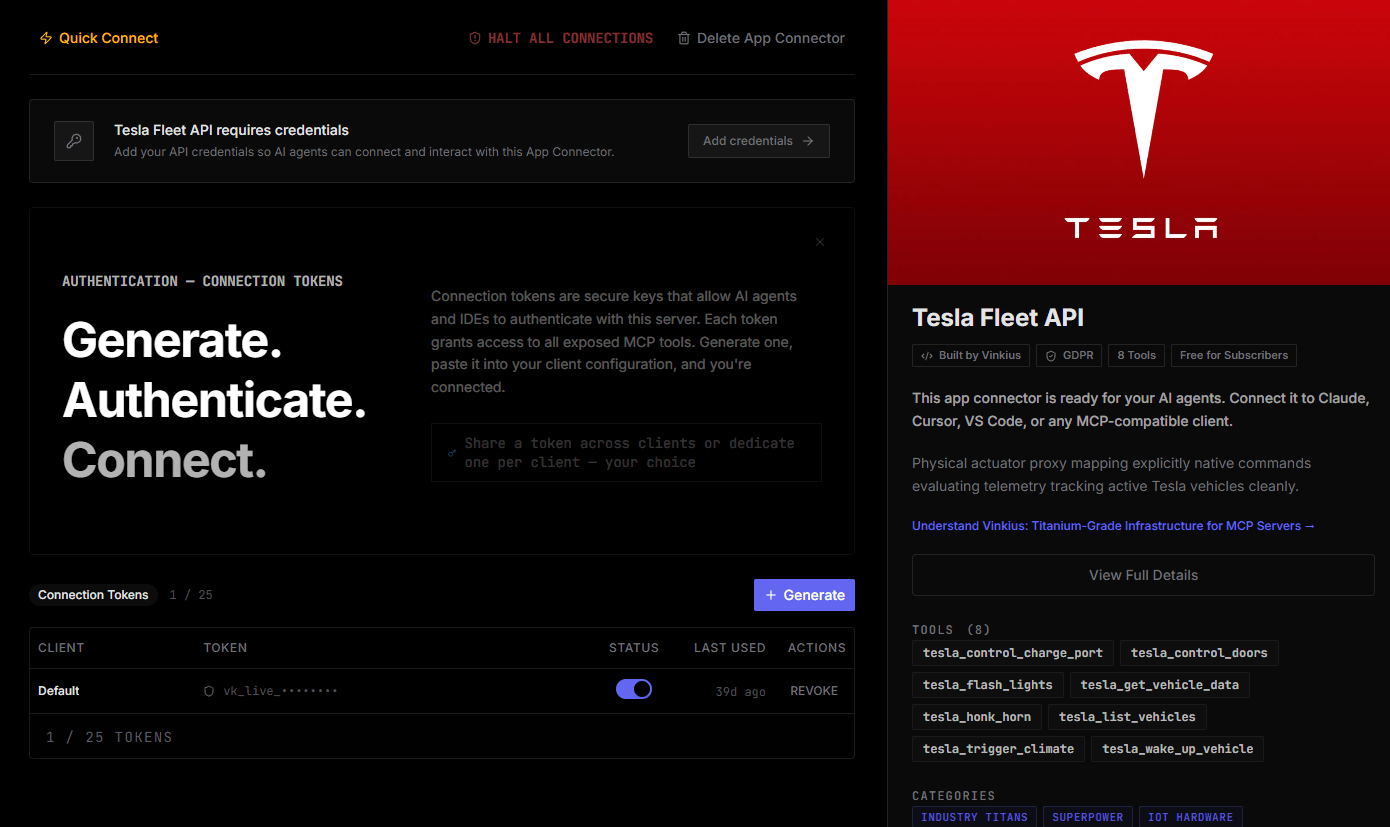
Connect securely in under 30 seconds
Generate tokens to authenticate and link external services in a single step.
Complete visibility into every agent action
Audit live requests, latency, success rates, and active security compliance policies.
Optimize spending and track token ROI
Analyze real-time token consumption and cost metrics detailed by connection.
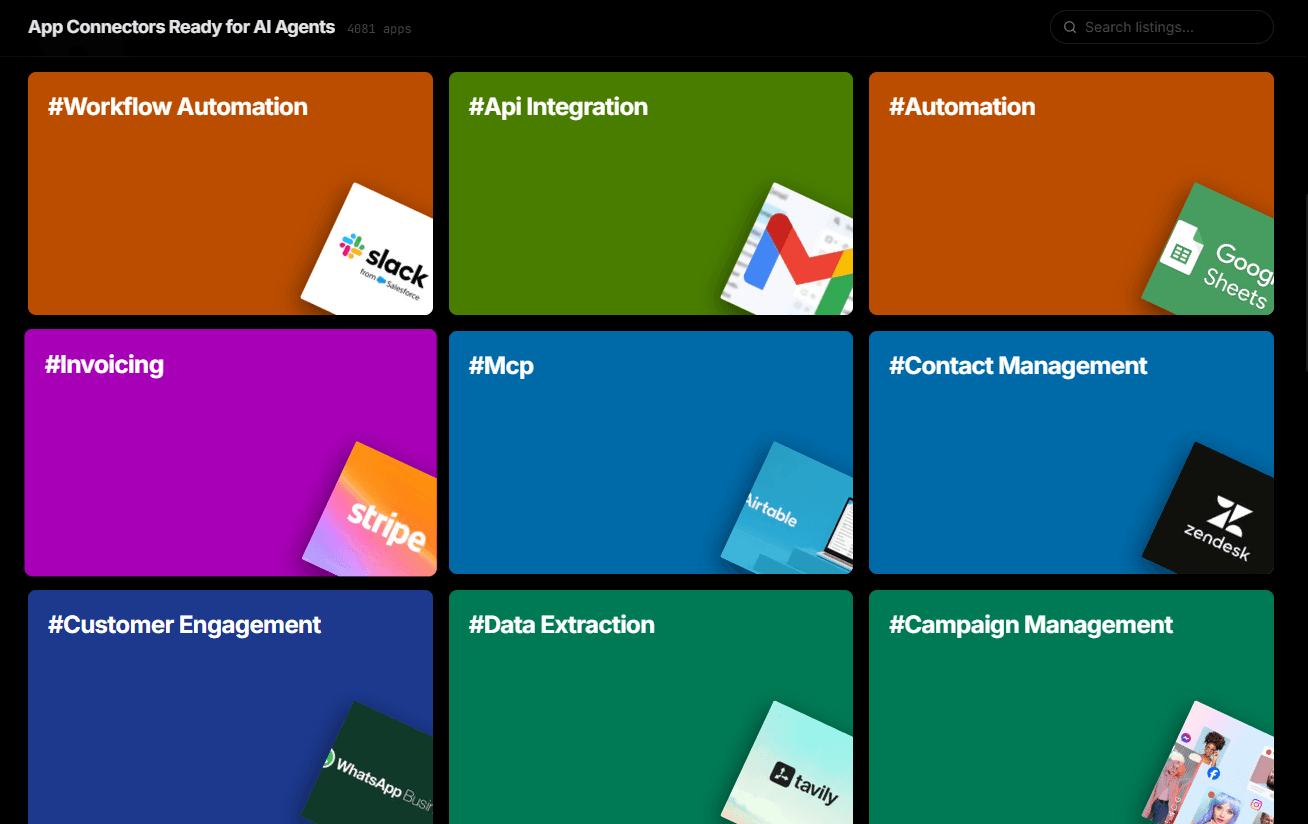
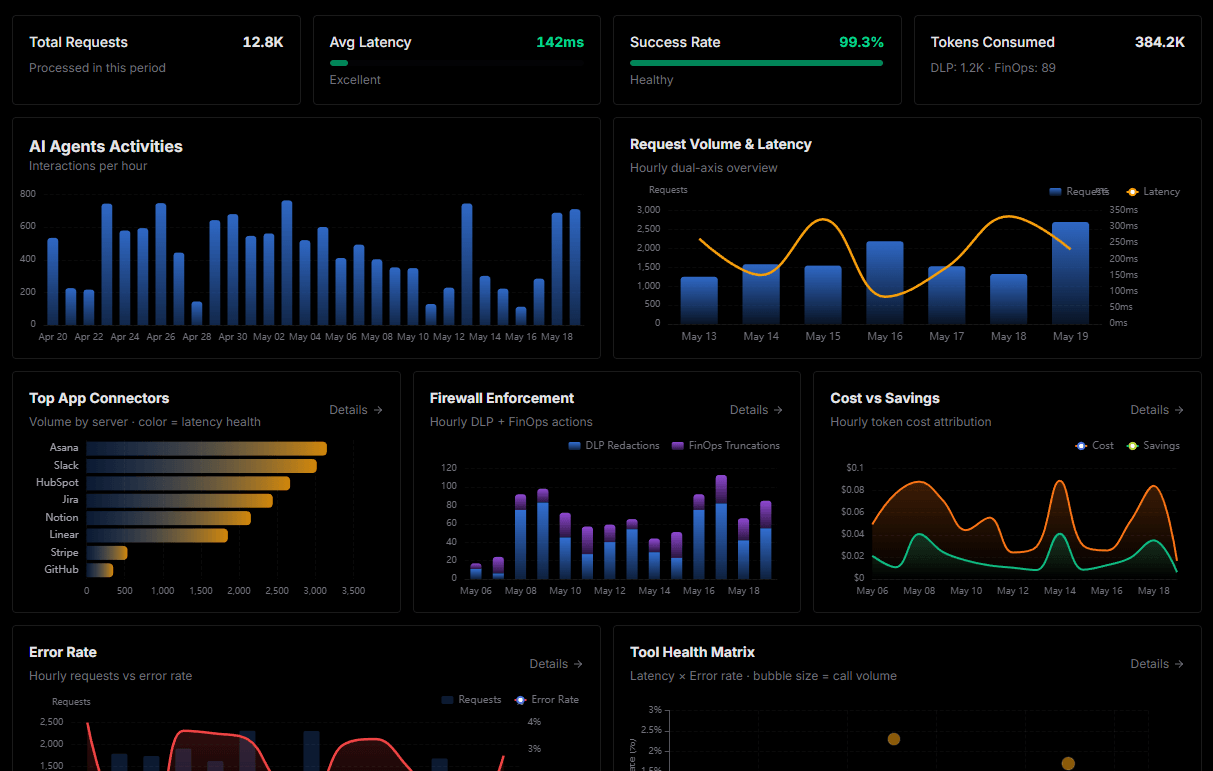
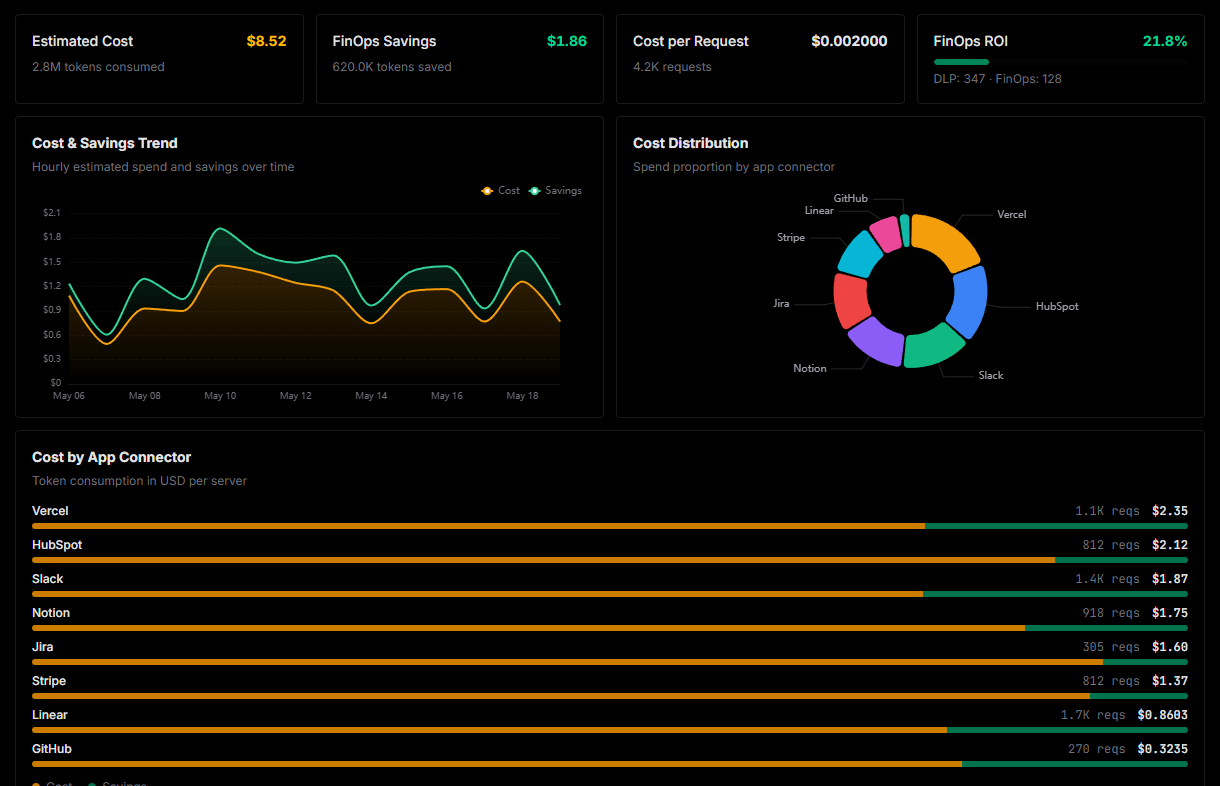
Explore our live AI Agents Analytics dashboard to see it all working
This dashboard is included when you connect GitHub using Vinkius. You will never be left in the dark about what your AI agents are doing with your tools.
Connect GitHub with your favorite client
Also available for these clients and frameworks:
Connect GitHub to Claude Code
One click to install, 12 tools ready instantly. Fully managed, no API key setup required.