
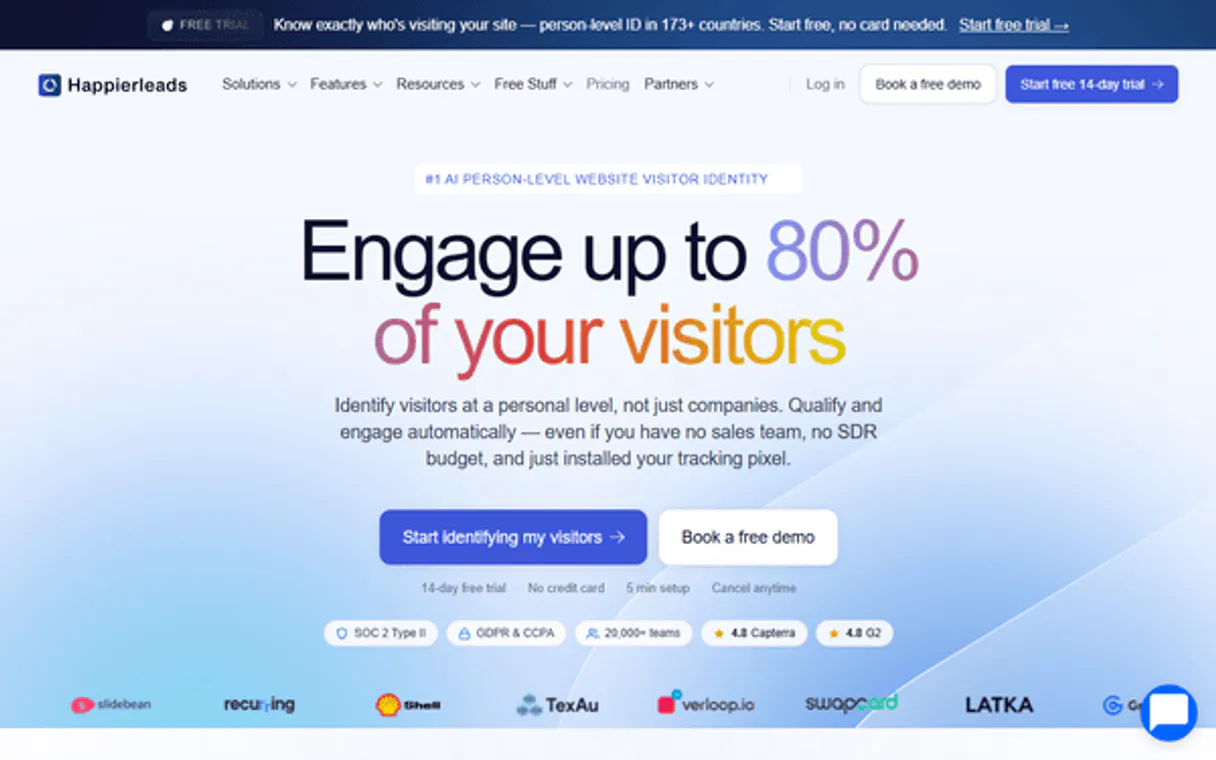
HappierLeads MCP. Find out which companies are visiting your site, right now.
 Gemini
 Works with every AI agent you already use
…and any MCP-compatible client









Just plug in your AI agents and start using Vinkius.
HappierLeads MCP Server. Turns anonymous website traffic into actionable B2B leads. Connect your AI agent to identify visiting companies, filter by industry, and analyze deep browsing sessions.
It gives you visitor data, segment insights, and real-time alerts for warm outbound prospecting.
What your AI agents can do
Check happier status
Verifies if the connection to the HappierLeads service is active.
Get analytics
Pulls a summary of site traffic, including total visitors, identified companies, and conversion rates.
Get lead
Retrieves detailed information about a single identified B2B lead.
List all identified B2B visitors, filtering the results by country or searching specifically by company name or domain.
Pull detailed reports on an individual visitor's session, including the exact page-by-page path and time spent on each page.
Retrieve a high-level analytics overview, showing total visitor count, identified companies, and overall conversion rates.
Filter and list only qualified leads, or list all identified leads, which helps in prioritizing outreach.
List all pages viewed by a visitor or track all page views across a group to gauge their interest.
List and inspect saved visitor segments or filter leads by specific industry verticals.
Ask AI about this MCP
Supported MCP Clients
OAuth 2.0 Compatible Gemini Waiting for input…
Make your AI actually useful.
Add this MCP to Claude, Cursor, or Windsurf and your AI stops guessing. It gets real tools to look things up, take action, and handle the stuff you keep doing by hand.
Start using HappierLeads on Vinkius019dd100check happier status
Verifies if the connection to the HappierLeads service is active.
019dd100get analytics
Pulls a summary of site traffic, including total visitors, identified companies, and conversion rates.
019dd100get lead
Retrieves detailed information about a single identified B2B lead.
019dd100get segment
Gets the specific criteria and details of a saved visitor segment.
019dd100get session
Retrieves all details for a single visitor's browsing session.
019dd100get top pages
Lists the pages that received the most views from all visitors.
019dd100get visitor
Gets specific data points for a single website visitor.
019dd100list leads
Lists all identified B2B leads found in the system.
019dd100list leads by industry
Lists and filters all identified leads based on a specific industry vertical.
019dd100list notifications
Retrieves a list of alerts for high-value or notable visitor activity.
019dd100list page views
Lists all pages viewed by visitors over a specified time period.
019dd100list qualified leads
Lists only leads that meet predefined qualification criteria.
019dd100list segments
Lists all saved visitor segments that can be used for targeted analysis.
019dd100list sessions
Lists multiple individual visitor sessions that occurred.
019dd100list visitors
Lists all website visitors recorded in the system.
019dd100list visitors by country
Filters the list of visitors to show only those from a specific country.
019dd100search visitors
Searches the visitor database using keywords, domains, or criteria.
Choose How to Get Started
Build a custom MCP for your own tools, or connect a ready-made integration from our catalog.
Build Your Own
Turn any API into an MCP. Import a spec, define Agent Skills, or deploy with MCPFusion.
- Import from OpenAPI, Swagger, or YAML specs
- Create Agent Skills with progressive disclosure
- Deploy to edge with MCPFusion framework
- Built in DLP, auth, and compliance on every call
- Real time usage dashboard and cost metering
- Publish to catalog or keep private
Make Your AI Do More
Start with HappierLeads, then connect any of our 4,800+ other servers whenever your AI needs more. One click, no limits.
- Use this MCP plus 4,800+ others, all in one place
- Add new capabilities to your AI anytime you want
- Every connection is secured and compliant automatically
- Track usage and costs across all your servers
- Works with Claude, ChatGPT, Cursor, and more
- New servers added to the catalog every week
Independent Platform Disclaimer: Vinkius is an independent platform and is not affiliated with, endorsed by, sponsored by, verified by, or otherwise authorized by HappierLeads. All third-party trademarks, logos, and brand names are the property of their respective owners. Their use on this website is strictly for informational purposes to identify service compatibility and interoperability.
VINKIUS INFRASTRUCTURE
Cloud Hosted
Managed infra
V8 Isolated
Sandboxed per request
Zero-Trust Proxy
No stored credentials
DLP Enforced
Policy on every call
GDPR Compliant
EU data residency
Token Compression
~60% cost reduction
Works with Claude, ChatGPT, Cursor, and more
The Model Context Protocol standardizes how applications expose capabilities to LLMs. Instead of operating in isolation, your AI gains direct access to external platforms, live data, and real-world actions through secure, standardized connections.
This server provides 17 capabilities that interface natively with Claude, ChatGPT, Cursor, and any MCP client. No middleware. No custom integration required.
Sifting through visitor data is a massive time sink.
Today, you pull up the dashboard. You see thousands of records. You have to filter by country, then by date, then manually copy the domain names into a CRM. You spend an hour just trying to map out which visitors are worth a call, and you're only seeing basic visit counts, not the actual intent.
With the HappierLeads MCP Server, you tell your agent the goal: 'Show me all qualified leads from Germany who looked at the pricing page.' The agent runs the necessary tools (`list_visitors_by_country`, `list_qualified_leads`, and `get_session`) and delivers a single, clean list of actionable prospects.
Using HappierLeads MCP Server: Get Lead and Visitor Data
Manual lead qualification means juggling multiple tabs: the segment view, the country filter, the session history, and the final lead status. It’s a multi-step process that always misses something.
Now, you ask your agent to 'Analyze the top 5 high-intent visitors.' The agent coordinates `get_visitor`, `get_segment`, and `get_top_pages` in sequence, synthesizing the data into a single, narrative report. You get the insight, not just the raw data.
What you can do with this MCP connector
Yo, connect your AI agent to HappierLeads, and you'll turn anonymous website traffic into actionable B2B leads. You gotta know who's checking out your site, and this tool lets you nail that down. You can run check_happier_status to make sure the connection's up and running.
Need to see what's happening overall? Use get_analytics to pull a summary of site traffic, getting you the total visitor count, how many companies you identified, and the conversion rates. If you want a deep dive, you can get a list of all visitors using list_visitors, and even narrow that down using list_visitors_by_country to only see people from a specific country, or run search_visitors with keywords, domains, or other criteria.
When you're ready to focus on leads, you can use list_leads to see every identified B2B lead in the system, or you can use list_qualified_leads to pull only the leads that meet your specific qualification criteria. To narrow it down further, run list_leads_by_industry to filter all leads by an industry vertical.
To get the nitty-gritty on a single prospect, you can grab all the details for one lead using get_lead, or pull specific data points for one visitor using get_visitor.
Want to track how people are actually using your site? You can pull a list of all pages viewed by visitors over a set time period with list_page_views, or you can get a list of all pages that got the most views from everyone using get_top_pages. For a specific person, get_session gives you every detail for that one visitor's browsing session, including the page-by-page path and how long they spent on each page.
You can also run list_sessions to get a list of multiple visitor sessions that happened.
If you're doing targeted outreach, you can use list_segments to see all saved visitor segments, and get_segment pulls the specific criteria and details for one of those saved groups. You can also check in on any high-value activity using list_notifications to get a list of alerts for notable visitor activity.
019dd100-910d-721b-a2cc-7ae023608d74 
How HappierLeads MCP Works
- 1 Subscribe to the HappierLeads server and enter your API Key from your account settings.
- 2 Your AI agent calls the desired tool (e.g.,
get_analytics) via the MCP protocol. - 3 The server executes the query and returns structured data, which your agent uses to perform actions or generate reports.
The bottom line is, your AI client takes the raw data and turns it into a specific, actionable insight without you needing to write complex queries.
Who Is HappierLeads MCP For?
Sales Ops Engineers and Marketing Analysts. You're the person who gets frustrated staring at dashboard reports all day, manually cross-referencing traffic volume against lead quality. This server pulls the individual data points together, letting your agent run the full analysis in one go.
Uses the tools to analyze traffic sources, segment visitors, and prove which marketing campaigns generate the most high-intent leads.
Runs queries to identify which specific companies visited the site and what pages they looked at, letting them prioritize their outbound calls.
Checks the analytics overview and lists qualified leads to track conversion rates and identify underperforming content.
What Changes When You Connect
- See a full traffic overview instantly. The
get_analyticstool provides total visitor counts, identifies companies, and shows conversion rates without needing to build a custom dashboard. - Prioritize your list with
list_qualified_leads. This tool filters out noise, showing you only the leads that meet your pre-set high-intent criteria. - Understand the journey with
get_session. This pulls the page-by-page path and time spent on an individual visitor's session, helping you pinpoint where they dropped off. - Target specific groups using
list_segments. You can inspect saved segments and refine your outreach to groups based on shared characteristics. - Geo-target your efforts with
list_visitors_by_country. Filter the entire visitor list to focus only on markets or countries that matter to your business. - Search deep into the data with
search_visitors. Instead of scrolling through pages, you can search the visitor records using keywords or domains.
Real-World Use Cases
A sales rep needs to know if a specific competitor visited.
The rep asks the agent: 'Did Acme Corp visit us last week?' The agent runs search_visitors and get_visitor to pull the details. The result shows Acme's session path, including which pricing pages they viewed, giving the rep an immediate opening for a call.
Marketing needs to prove which campaign is working.
The manager asks the agent to analyze the traffic. The agent uses get_analytics and list_leads_by_industry to compare the performance of the Q2 campaign against the Q1 baseline, showing a clear lift in high-intent leads from the target vertical.
Product team wants to find friction points in the user flow.
The product manager asks the agent to analyze the site flow. The agent runs list_page_views and get_top_pages to identify pages that get lots of traffic but don't lead to a high conversion rate, pointing to a needed UX fix.
Outreach needs to be hyper-focused on high-value regions.
The SDR asks the agent to find prospects. The agent uses list_visitors_by_country to narrow the list down to only Germany. Then, it uses list_qualified_leads to ensure the resulting list is actionable, saving the rep time on low-priority contacts.
The Tradeoffs
Manually checking visitor records.
Going into the dashboard, filtering by date, then clicking on 20 different visitors one by one to see their journey and if they are qualified.
→
Tell your agent to run list_visitors first. Then, tell it to filter that list by country using list_visitors_by_country, and finally, use get_session on the resulting list to get a comprehensive view.
Just looking at overall traffic numbers.
Looking only at the get_analytics overview and thinking 'traffic is up, so leads must be up.' This ignores the quality of the leads.
→
After running get_analytics, follow up by calling list_qualified_leads to ensure the raw traffic increase actually translated into actionable, high-intent prospects.
Assuming a visitor is a good lead.
Seeing a visitor record and just calling them a 'lead' because they were on the site. They might have just been researching a competitor.
→
Use list_leads_by_industry first to confirm the lead's vertical. Then, use get_segment to see if the visitor fits into a pre-defined, high-value segment.
When It Fits, When It Doesn't
Use this if you need to turn raw website clicks into targeted sales actions. You need to know who visited, where they went, and why they matter. If your goal is just to track overall traffic growth, get_analytics is enough. But if you need to prioritize outreach, you need the full stack: use list_segments to define your criteria, then run list_qualified_leads to find the targets, and finally use get_session on the result to build your pitch.
Don't use this if you only need to check if the server is up; use check_happier_status. Also, if you are only interested in raw, historical data points without any qualification (e.g., just a raw list of every page view over 5 years), you might find simpler data warehousing tools sufficient, but you lose the B2B context.
Common Questions About HappierLeads MCP
How do I use the `list_visitors_by_country` tool? +
You pass the desired country code (e.g., 'US' or 'UK') to the agent. The tool returns a list of all site visitors who match that country filter, letting you focus your outreach.
What is the difference between `list_visitors` and `search_visitors`? +
The list_visitors tool gives you a full list of every visitor. search_visitors lets you narrow that list down using specific criteria like a domain name or keywords.
Can I find out what pages a specific lead viewed using `get_session`? +
Yes. If you provide the visitor ID, the get_session tool returns the complete page-by-page navigation path and how long they spent on each page.
How does the `get_analytics` tool help with lead generation? +
It provides a high-level view, showing total visitor counts and the percentage of identified companies, giving you the top-level metrics to gauge overall performance.
Which tool should I use to see only my most promising leads? (list_qualified_leads) +
Use list_qualified_leads. This tool specifically filters the entire pool of visitors and companies to show only those that meet your predefined high-intent criteria.
How do I use the `list_leads_by_industry` tool? +
This tool filters your identified leads based on a specific industry vertical. You can narrow down your prospecting list by filtering for sectors like 'Finance' or 'Tech' to focus your outreach.
What does `get_segment` show me? +
The get_segment tool provides details on predefined visitor groupings. This lets you check the criteria used to create a segment, ensuring your targeted analysis is based on accurate parameters.
When should I use `list_notifications`? +
Use list_notifications to access real-time alerts about high-value visitor activity. This is your quickest way to know when a key account or target company hits the site.
Can I identify which companies are visiting my website? +
Yes! The list_visitors tool retrieves all identified B2B website visitors with company name, industry, employee count, and visit details. Use search_visitors to find specific companies by name or domain, and list_visitors_by_country to filter by geographic region. Use get_visitor for the full company profile.
Can I see which pages each company visited and how long they stayed? +
Yes. Use list_sessions with a Visitor ID to see all browsing sessions, then get_session for page-by-page navigation paths with time spent per page. Use list_page_views to get all pages viewed by a specific visitor. This reveals purchase intent — visitors spending time on pricing or demo pages are warm leads.
Can I focus only on high-intent qualified leads? +
Yes. The list_qualified_leads tool retrieves only leads that meet your qualification criteria (e.g., multiple visits, pricing page views, minimum session duration). Use list_leads_by_industry to further filter by vertical. Use list_notifications for real-time alerts when high-value visitors are on your site.
Use it with your favorite AI tools
Connect this server to Cursor, Claude, VS Code, and more.