
HirePOS MCP for AI Agents. Manage Bookings, Inventory, and Billing from Chat.
HirePOS lets your AI client manage everything for equipment rental businesses. Check item availability, create new bookings, track overdue rentals, and process invoices—all through natural conversation. It's a complete operational hub that handles customer records, inventory control, and billing without you ever needing to open the POS system.
 Claude
  ChatGPT
  Cursor
  Gemini
  Windsurf
  VS Code
  JetBrains
  Vercel
 Give Claude and any AI agent real-world access
Check if specific items are free for certain date ranges and list available inventory by category.
Find customer details, view their full rental history, or create a new profile instantly.
Generate complete booking records for equipment rentals using simple instructions.
Retrieve full invoice details or list all outstanding payments to track revenue.
Identify every rental item that passed its due date so you can follow up immediately.
Ask an AI about this


Waiting for input…
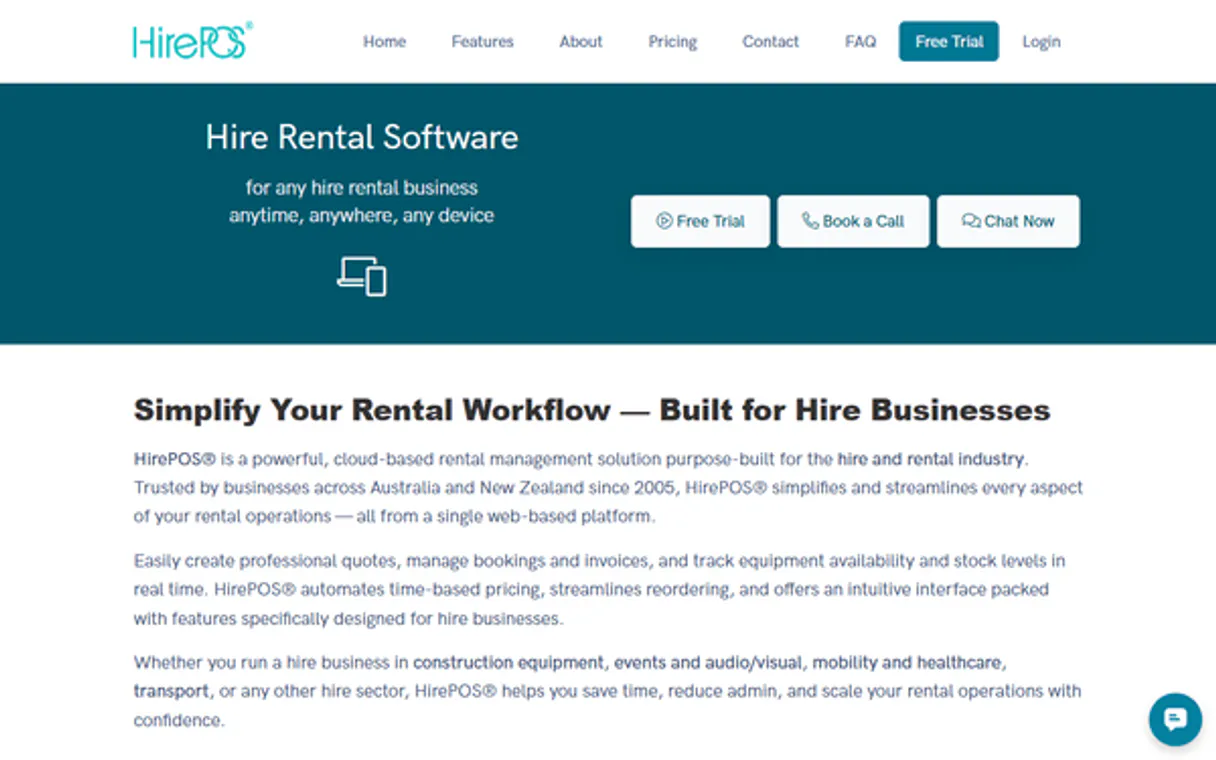
What AI agents can do with HirePOS: 17 Tools for Rental Operations
Use these tools to manage every aspect of your rental business, from listing item categories to creating customer records.
Make your AI actually useful.
Add this MCP to Claude, Cursor, or Windsurf and your AI stops guessing. It gets real tools to look things up, take action, and handle the stuff you keep doing by hand.
Start using HirePOS MCPCheck Item Availability
Confirms if a specific piece of equipment is free for desired dates.
Check Hirepos Status
Verifies the connection and operational status of your HirePOS account.
Create Customer
Adds a new customer profile to your records.
Create Hire
Generates a brand new equipment booking record.
Get Customer
Pulls specific details for an existing customer profile.
Get Hire
Retrieves all the details associated with a single booking or hire record.
Get Invoice
Fetches complete information for a specific invoice.
Get Item
Gets detailed specs and pricing information for a single item type.
List Availability
Shows the availability status across multiple items or categories.
List Categories
Lists all defined equipment categories used in your inventory.
List Customers
Generates a list of all customers currently in the system.
List Hires By Status
Filters and lists bookings based on their current status (e.g., active, pending).
List Hires
Retrieves a comprehensive list of all existing bookings.
List Invoices
Pulls a summary list of all invoices and their payment status.
List Items By Category
Filters the inventory to show only items belonging to a specific category.
List Items
Provides a list of all defined rental items in your catalog.
List Overdue Hires
Lists every equipment hire that is past its scheduled return date.
Security and governance baked right in.
Pick your AI client below to get set up. Just create a Vinkius account, subscribe, and you're instantly up and running. We handle the entire backend infrastructure, delivering out-of-the-box support for HTTPS Streamable, SSE, and OAuth2—zero messy routing required.
Claude AI
Open Claude Settings
Go to claude.ai, click your profile icon, then navigate to Customize → Connectors.
Add Custom Connector
Click the "+" button and select Add custom connector. Paste your Vinkius endpoint URL:
https://edge.vinkius.com/[YOUR_TOKEN_HERE]/mcp
Replace [YOUR_TOKEN_HERE] with your token
from cloud.vinkius.com. For OAuth-protected servers, expand
Advanced settings to add credentials.
Start a conversation
Open a new chat. The HirePOS integration is available immediately — no restart needed.




Choose How to Get Started
Build a custom MCP for your own tools, or connect a ready-made integration from our catalog.
Build Your Own
Turn any API into an MCP. Import a spec, define Agent Skills, or deploy with MCPFusion.
- Import from OpenAPI, Swagger, or YAML specs
- Create Agent Skills with progressive disclosure
- Deploy to edge with MCPFusion framework
- Built in DLP, auth, and compliance on each call
- Real time usage dashboard and cost metering
- Publish to catalog or keep private
Make Your AI Do More
Start with HirePOS, then connect any of our 5,200+ other servers whenever your AI needs more. One click, no limits.
- Use this MCP plus 5,200+ others, all in one place
- Add new capabilities to your AI anytime you want
- Connections are secured and governed automatically
- Track usage and costs across all your servers
- Works with Claude, ChatGPT, Cursor, and more
- New servers added to the catalog weekly
Independent Platform Disclaimer: Vinkius is an independent platform and is not affiliated with, endorsed by, sponsored by, verified by, or otherwise authorized by HirePOS. All third-party trademarks, logos, and brand names are the property of their respective owners. Their use on this website is strictly for informational purposes to identify service compatibility and interoperability.
VINKIUS INFRASTRUCTURE
Cloud Hosted
Managed infra
V8 Isolated
Sandboxed per request
Zero-Trust Proxy
No stored credentials
DLP Enforced
Policy on each call
GDPR Compliant
EU data residency
Token Compression
~60% cost reduction
The Pain of Rental Operations Management Solved with Vinkius AI Gateway
Right now, managing rentals means juggling at least three different screens. You check the calendar for availability, then open the customer profile to confirm billing details, and finally click into the invoicing module to see if payment was made. This is a manual process involving copy-pasting IDs, cross-checking dates in spreadsheets, and constantly switching context.
With this MCP, you talk to your agent instead of clicking through tabs. You ask it about inventory status or outstanding invoices, and it pulls the data from all those systems into one simple conversational answer. It gives you immediate answers without ever making you leave your chat.
Getting Organized with HirePOS MCP
The manual steps that disappear are the repetitive lookups: checking if a customer exists before booking, verifying item rates against current inventory, and manually flagging overdue rentals. You don't have to do any of those things anymore.
Now you can build complex workflows with just chat commands. It’s less about following a button sequence and more about solving the business problem directly.
What your AI can actually do with this
Need to run an equipment rental business but hate switching between dashboards? This MCP connects your AI agent directly into HirePOS, letting you manage operations using simple conversation. Instead of clicking through menus to check if a specific excavator is free next week or looking up customer IDs manually, you just ask your agent.
You can list all inventory items and instantly filter by category, then use that data to create new bookings for customers. Need to follow up on late payments? It pulls the full history of overdue rentals right into your chat window. Furthermore, when it’s time for billing, you can browse past invoices or check item availability before confirming a deal.
If you're looking for a robust catalog of industry-specific tools, Vinkius hosts this MCP alongside thousands of others, keeping all your operational needs in one place.
019dd103-d288-7293-8618-258f736adc50 
Here's how it actually works
The bottom line is you get to manage complex inventory and billing tasks by just chatting with your AI agent.
Subscribe to this MCP and enter your HirePOS API Key from your account settings.
Connect your agent using any compatible client (like Cursor or Claude).
Start talking to it. Ask, 'What's the availability for a concrete mixer next month?' The MCP handles the rest.
Who is this actually for?
This MCP is built for operations staff, rental business owners, or finance teams who spend too much time juggling multiple tabs to track assets. It’s perfect for the ops engineer who's tired of checking three different dashboards just to confirm a booking.
Use this MCP to check inventory availability and list overdue hires without ever having to open the main POS system.
Create bookings, verify item availability for specific dates, and pull customer records instantly from a single chat window.
Review invoices and track payments by listing all outstanding or overdue rentals to audit revenue quickly.
What Changes When You Connect
Stop jumping through menus to check availability. You can use list_availability or check_item_availability to instantly see if equipment is ready for a new booking, all without leaving your chat interface.
Never lose track of payments again. By using list_invoices, you get an immediate overview of which accounts are outstanding and how much revenue needs chasing.
Simplify the onboarding process with create_customer. You can build out a client's profile and rental history in minutes, just by chatting with your agent.
Focus on the business, not the clicks. When you need to know who owes money, asking for overdue rentals via list_overdue_hires gives you an actionable list ready for follow-up calls.
Build complex reports effortlessly. You can combine tools like get_customer and list_hires to quickly compile a full rental history report on demand.
See it in action
The End-of-Day Audit
A manager needs to know which rentals are past due before sending out follow-up emails. They ask their agent, and it uses list_overdue_hires to provide a list of all items overdue, along with the customer details needed for immediate action.
Quick Quote Generation
A sales rep is on a call and needs to check if a specific item, like a mini-excavator, is available next month. They ask their agent, which uses list_items_by_category first, followed by check_item_availability, delivering the answer immediately.
Handling New Clients
A new client calls in. The ops staff member asks the agent to create a profile using create_customer. Then, they use that customer ID to generate and confirm an immediate booking with create_hire.
Financial Reconciliation
The finance team needs to reconcile last month's revenue. They ask the agent to run list_invoices, which provides a summary of all payments, allowing them to easily track outstanding balances and identify needed follow-ups.
The honest tradeoffs
What to watch out for, and the recommended way to handle each one.
Manual Dashboard Swapping
Opening the Inventory tab, then opening the Bookings tab, checking dates on a calendar widget, and finally switching to the Customer database just to cross-reference one ID.
Ask your agent directly. Ask it to 'Check if item X is available for customer Y.' The MCP combines check_item_availability, get_customer, and booking logic into one conversational response.
Searching by Item Name Only
Typing 'excavator' into the search bar, but getting a list of items that are discontinued or don't match the right category.
First, ask it to use list_categories to narrow your focus. Then, refine your query by asking it to filter using list_items_by_category, ensuring you only see active inventory.
Ignoring Status Updates
Running a general list of all hires and having to manually go through dozens of records looking for the red 'overdue' status.
Use list_overdue_hires. This tool cuts straight to the chase, giving you an actionable report of every asset that needs attention right now.
When It Fits, When It Doesn't
You should use this MCP if your job involves managing physical assets—construction equipment, tools, vehicles—and requires constant cross-referencing between inventory, customer data, and billing. If you spend time checking availability for a date range or tracking payments, this is for you. Don't use it if your primary need is simple document storage; use a dedicated cloud file tool instead. Also, don't expect it to handle tax law changes or global customs regulations—it manages the operational flow of rentals, not international trade compliance. If you only need to read data and have no ability to create bookings or invoices, you might be better served by a read-only API connector.
Questions you might have
How does HirePOS MCP handle billing details? +
The MCP allows you to use list_invoices to see payment status, or get_invoice to view line item details. You can also easily track overdue rentals with the dedicated list_overdue_hires tool.
Can I add a new customer using HirePOS MCP? +
Yes. The create_customer tool lets you build out a brand new client profile and record them in your database directly through the agent chat.
What if I need to check multiple item types for availability? +
You can use the list_availability tool, or specify items when calling check_item_availability. This lets you compare several pieces of equipment across various dates in one go.
Does HirePOS MCP help with reporting? +
Yes. By combining tools like list_hires and get_customer, your agent can compile detailed reports on booking history, revenue, or specific asset usage for you.
Is the equipment inventory always up to date with HirePOS MCP? +
The tool uses live connection data from HirePOS. You can run check_hirepos_status at any time to confirm that your connection and data sources are fully operational.