
How to Use Howuku MCP Server with VS Code Copilot using Vinkius
Give VS Code Copilot instant access to 10 tools to Get Me, Get Project, List Events, and more using Vinkius.
 GDPR Free for Subscribers
GitHub Copilot in VS Code is the most widely adopted AI coding assistant, embedded directly into the world's most popular code editor. With MCP support in Agent mode, Copilot can access external data and APIs to generate context-aware code grounded in real-time information.
Ask AI about this MCP Server for VS Code Copilot
The Howuku MCP Server for VS Code Copilot is a standout in the Customer Support category, giving your AI agent 10 tools to work with, ready to go from day one.
Vinkius delivers Streamable HTTP and SSE to any MCP client
 Gemini
{
"mcpServers": {
"howuku": {
"url": "https://edge.vinkius.com/[YOUR_TOKEN_HERE]/mcp"
}
}
}Vinkius Desktop App
The modern way to manage MCP Servers. No config files, no terminal commands. Install Howuku and every MCP Server in the catalog from a single visual interface.
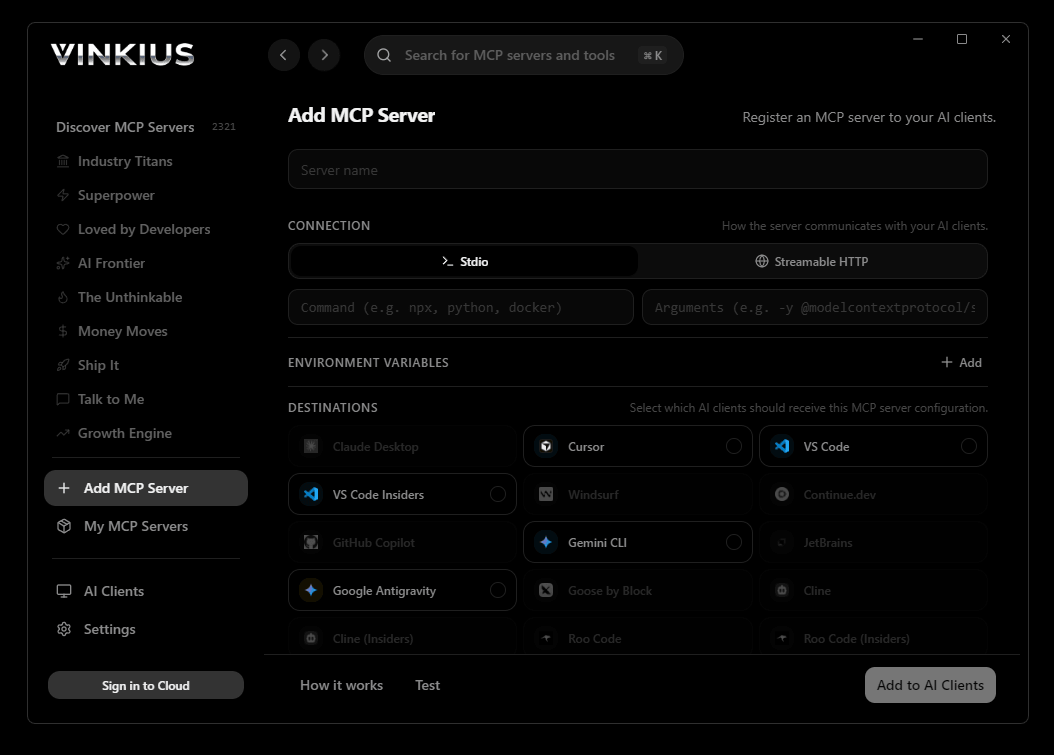

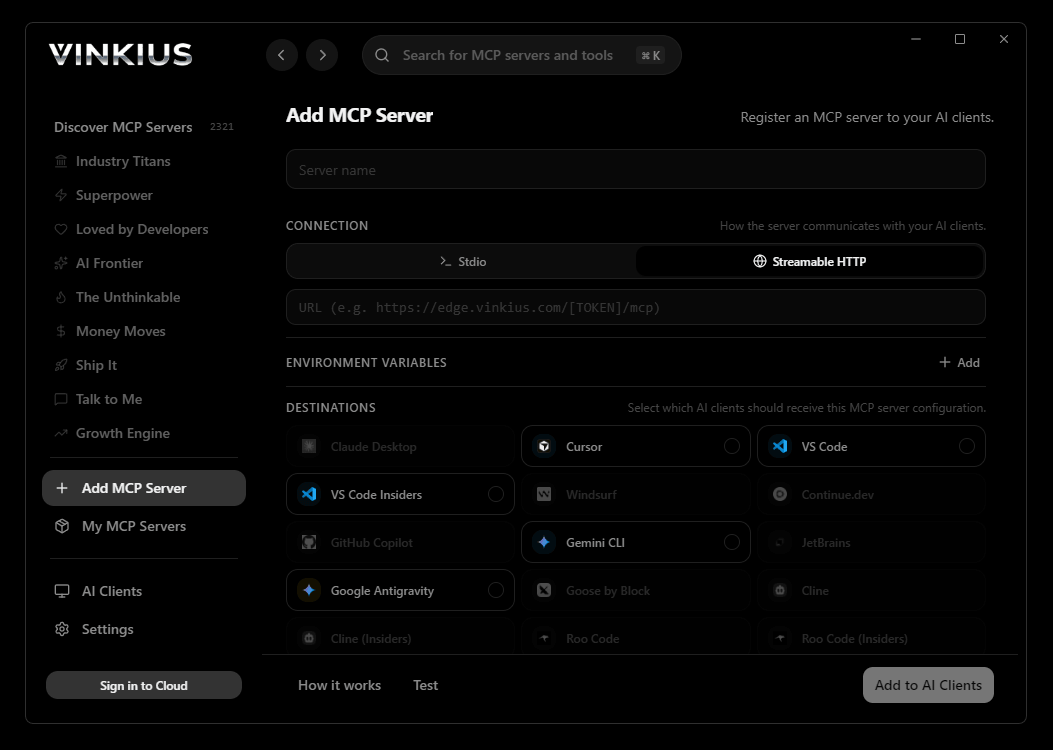
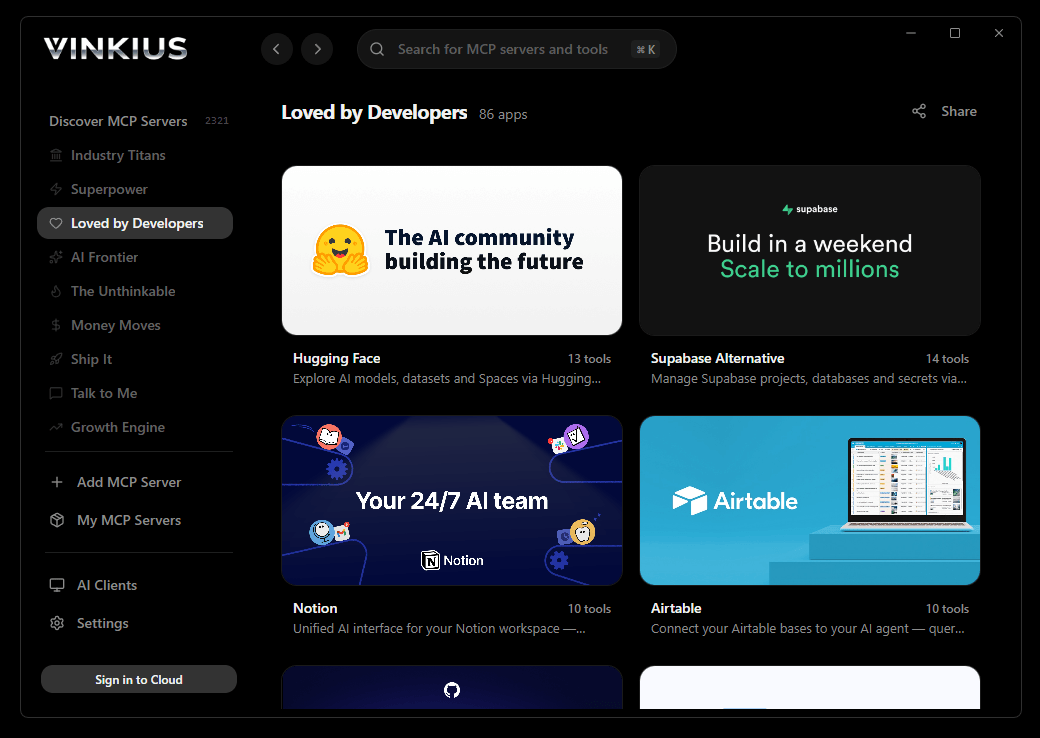
* Every connection is hosted and maintained by Vinkius. We handle the security, updates, and infrastructure so you don't have to write code or manage servers. See our infrastructure
About Howuku MCP Server
Enable your AI agents to analyze user behavior on your websites. This MCP server connects to Howuku (now part of VWO) to list projects, retrieve session recordings, view heatmaps, and monitor user feedback and surveys. Perfect for UX researchers and product managers.
Over 70% of professional developers already live inside VS Code. When you connect Howuku through Copilot Agent mode, those developers do not learn a new tool. They gain a new capability. Copilot discovers 10 tools at startup, and the entire team shares access through a project-scoped config committed to the repository. One pull request gives every engineer on the team the ability to query live Howuku data, generate typed code from real API responses, and write tests grounded in production payloads.
The Howuku MCP Server exposes 10 tools through Vinkius. Connect it to VS Code Copilot in under two minutes. Fully managed, no infrastructure to provision, no vendor lock-in.
10 tools included
Explore every tool Howuku exposes to VS Code Copilot through Vinkius.
Connect Howuku to VS Code Copilot via MCP
Follow these steps to connect Howuku to VS Code Copilot. The setup takes under two minutes and requires no coding or server hosting.
Get your Vinkius Access Token
Create MCP config
.vscode/mcp.json file in your project rootAdd the server config
Enable Agent mode
Start using Howuku
Why Use VS Code Copilot with the Howuku MCP Server
GitHub Copilot for Visual Studio Code provides unique advantages when paired with Howuku through the Model Context Protocol.
Over 70% of professional developers use VS Code. When you commit `.vscode/mcp.json` with your Vinkius token, every contributor who pulls that branch gains instant access to 10 tools from Howuku
Copilot's Agent mode queries Howuku through Vinkius, inspects the response, and generates typed code in the same reasoning step. No copy-pasting from external dashboards
GitHub's enterprise compliance and audit features extend to every Howuku tool call made through Vinkius. Your security team gets visibility without additional infrastructure
Vinkius Edge provides the connection layer, Copilot provides the intelligence layer, and VS Code provides the environment your team already lives in eight hours a day
Howuku + VS Code Copilot Use Cases
Practical scenarios where VS Code Copilot combined with the Howuku MCP Server delivers measurable value.
Live API integration: Copilot can query an MCP server, inspect the response schema, and generate typed API client code in the same step
DevSecOps workflows: security teams can give developers access to domain intelligence tools directly in their editor for real-time vulnerability assessment during code review
Data pipeline development: Copilot fetches sample data via MCP and generates transformation scripts, validators, and test fixtures from actual API responses
Documentation generation: Copilot queries available tools and auto-generates README sections, API reference docs, and usage examples
Example Prompts for Howuku in VS Code Copilot
Ready-to-use prompts you can give your VS Code Copilot agent to start working with Howuku immediately.
"List all my Howuku projects."
"Show me recent session recordings for project ID 123."
"Check for any new user feedback on my site."
Troubleshooting Howuku MCP Server with VS Code Copilot
Common issues when connecting Howuku to VS Code Copilot through Vinkius, and how to resolve them.
MCP tools not available
Howuku + VS Code Copilot FAQ
Common questions about integrating Howuku MCP Server with VS Code Copilot.
Which VS Code version supports MCP?
How do I switch to Agent mode?
Can I restrict which MCP tools Copilot can access?
Does MCP work in VS Code Remote or Codespaces?
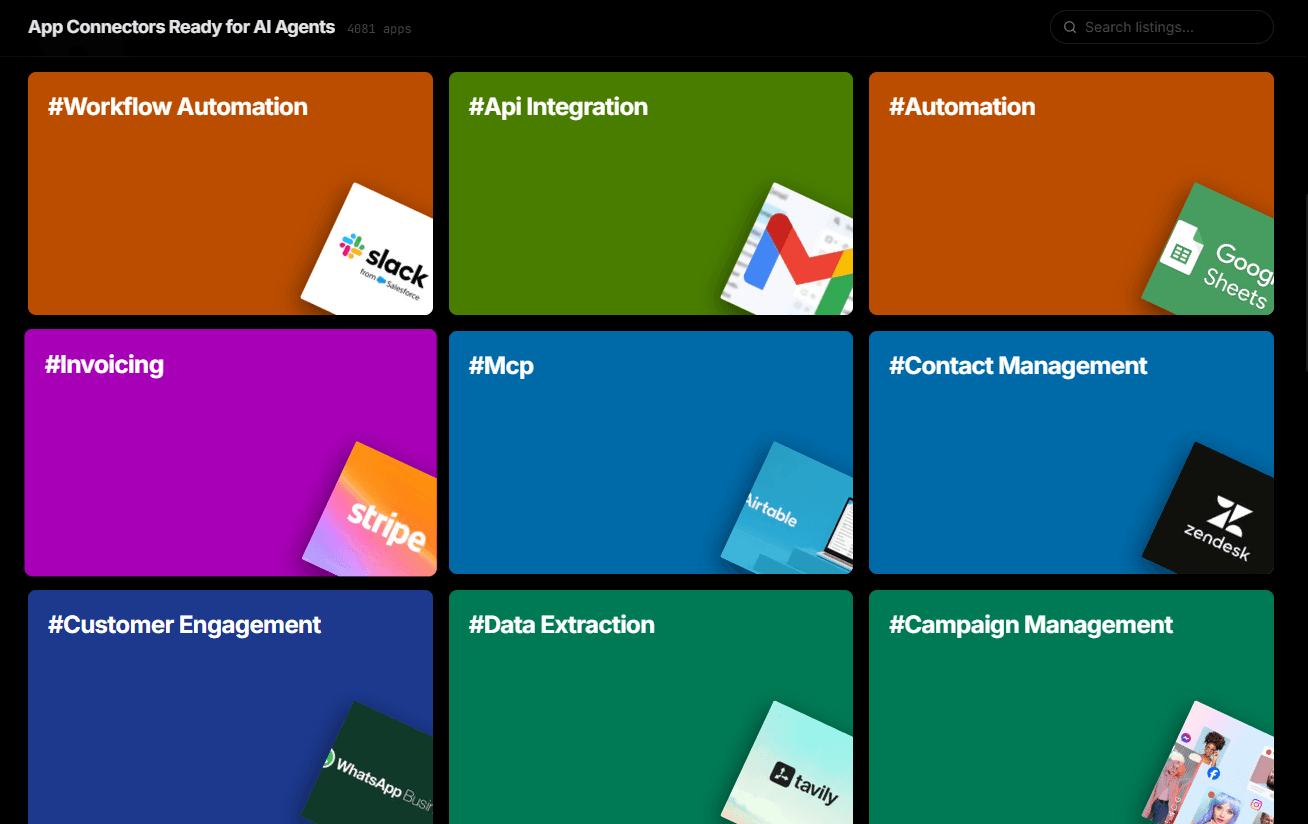
.vscode/mcp.json work in Remote SSH, WSL, and GitHub Codespaces environments. The MCP connection is established from the remote host, so ensure the server URL is accessible from that environment.Over 4,000 integrations ready for AI agents
Explore a vast library of pre-built integrations, optimized and ready to deploy.
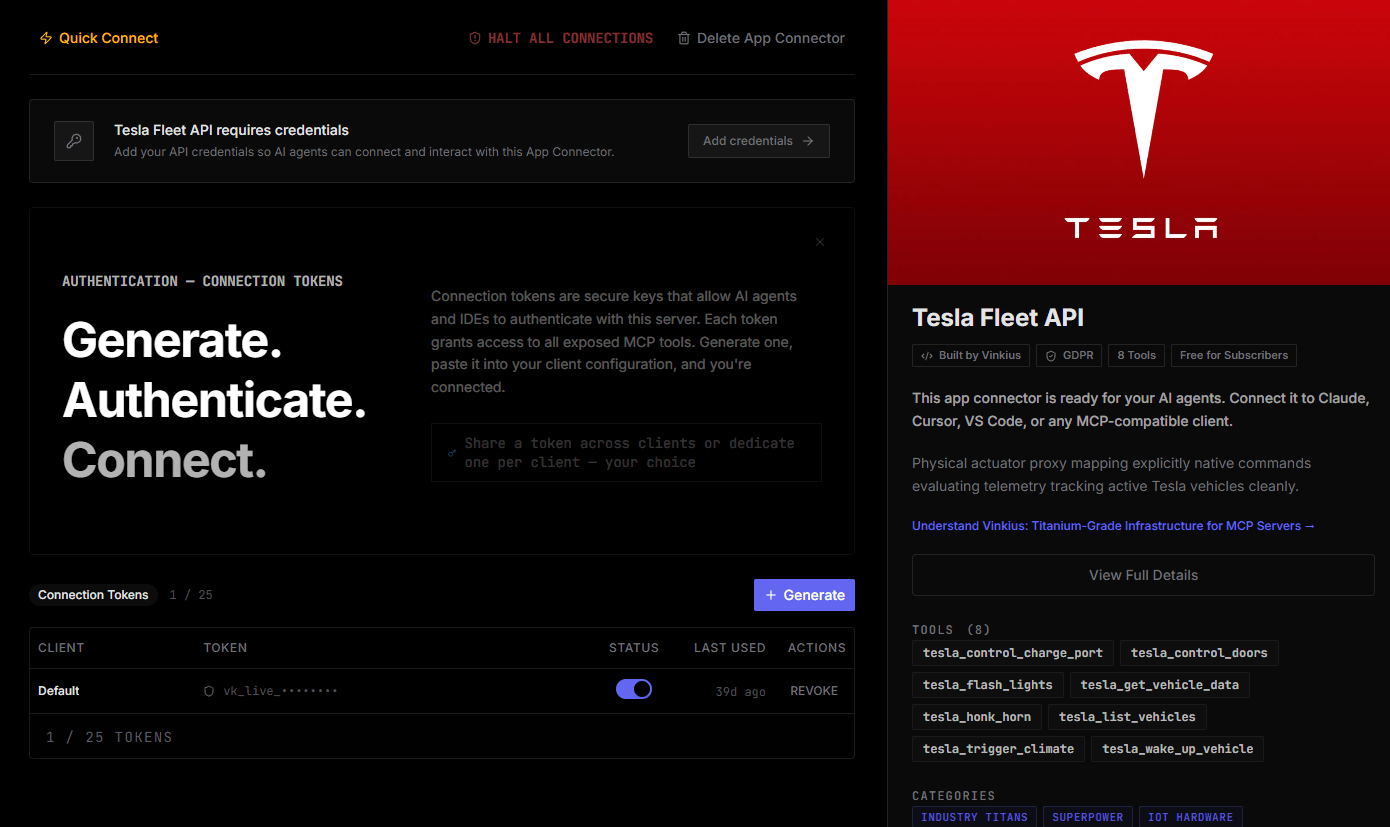
Connect securely in under 30 seconds
Generate tokens to authenticate and link external services in a single step.
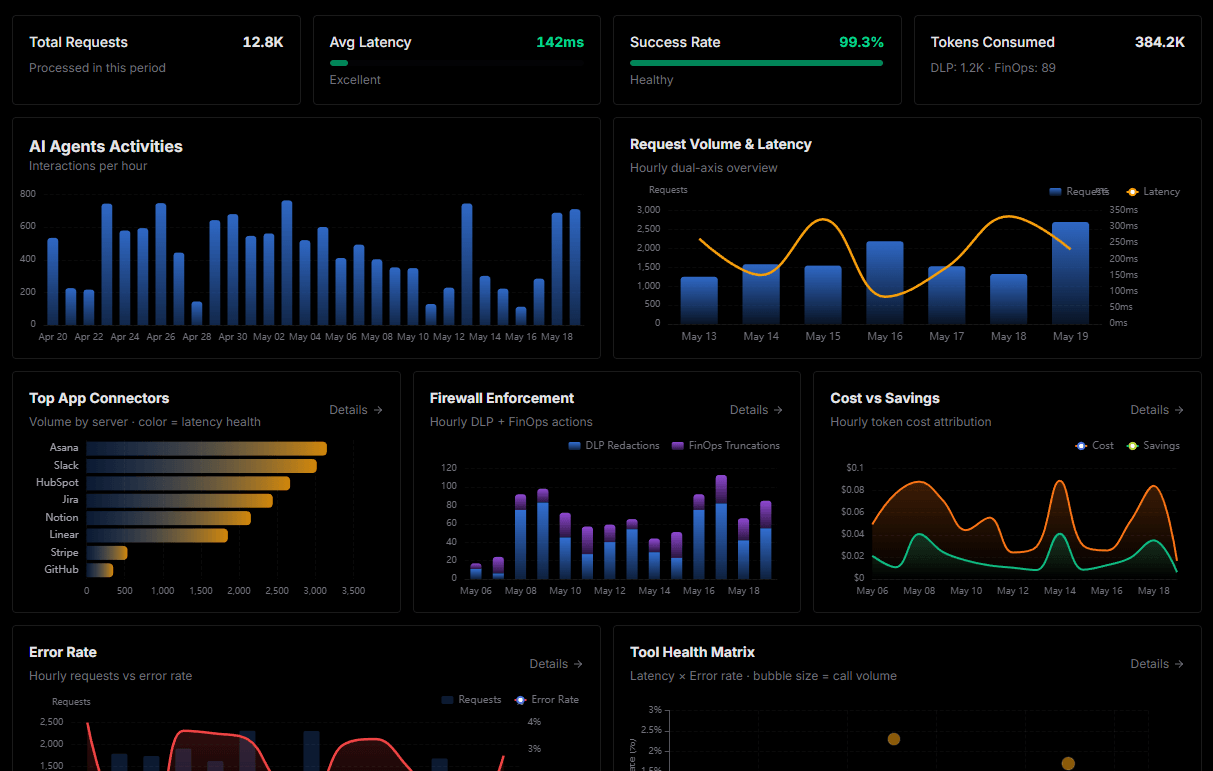
Complete visibility into every agent action
Audit live requests, latency, success rates, and active security compliance policies.
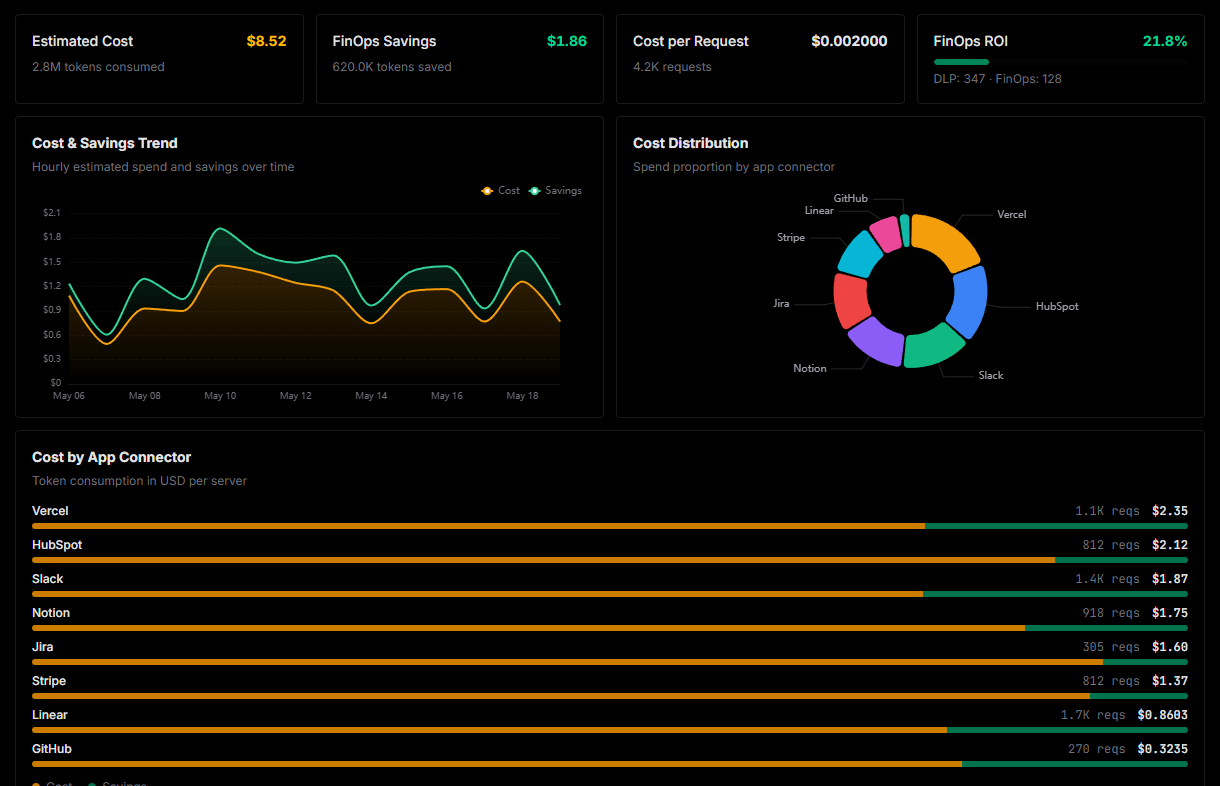
Optimize spending and track token ROI
Analyze real-time token consumption and cost metrics detailed by connection.
Explore our live AI Agents Analytics dashboard to see it all working
This dashboard is included when you connect Howuku using Vinkius. You will never be left in the dark about what your AI agents are doing with your tools.
Connect Howuku with your favorite client
Also available for these clients and frameworks:
Connect Howuku to VS Code Copilot
One click to install, 10 tools ready instantly. Fully managed, no API key setup required.