
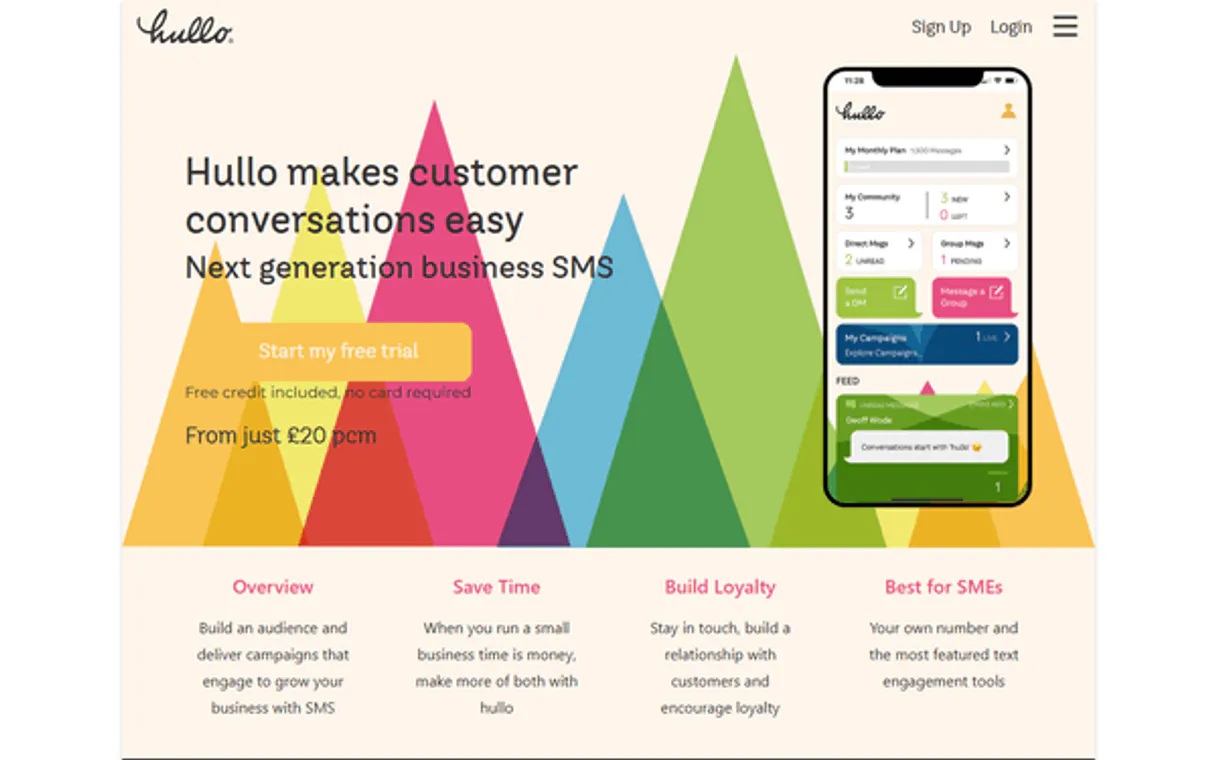
Hullo MCP for AI. Manage Members, Comms, and Community Engagement
 Gemini
 Works with every AI agent you already use
…and any MCP-compatible client









Connect to your AI in seconds.
Hullo connects your AI agent directly to your coworking space data. It lets you manage member communications, track conversation history, and handle full membership lifecycle management—all without leaving your chat window.
Quickly list all members or create a new profile, then send targeted messages to get people engaged right away.
What your AI can do
Create member
Generates a new member profile within the system using provided contact data.
Get conversation
Retrieves all messages and details for an existing conversation thread.
Get member
Fetches the specific record and details for one member ID.
Create complete profiles for new occupants, including all necessary contact details.
Pull up a specific individual's entire record to verify their current membership status or details.
Dispatch custom messages to any listed member, regardless of whether they have opened the app recently.
View all active or past conversation threads and inspect their full message sequence.
Get a comprehensive list of every person currently registered in the system.
Ask an AI about this
Waiting for input…
Hullo: Member Management Tools (6)
These tools let you manage the full lifecycle of a member, from initial profile creation to sending targeted messages or reviewing conversation history.
Make your AI actually useful.
Add this MCP to Claude, Cursor, or Windsurf and your AI stops guessing. It gets real tools to look things up, take action, and handle the stuff you keep doing by hand.
Start using Hullo on VinkiusCreate Member
Generates a new member profile within the system using provided contact data.
Get Conversation
Retrieves all messages and details for an existing conversation thread.
Get Member
Fetches the specific record and details for one member ID.
List Conversations
Provides a summary list of all active or past conversation threads.
List Members
Returns a complete roster listing every member currently registered in the system.
Send Message
Delivers a custom message to a specified member's account.
Security and governance baked right in.
Pick your AI client below to get set up. Just create a Vinkius account, subscribe, and you're instantly up and running. We handle the entire backend infrastructure, delivering out-of-the-box support for HTTPS Streamable, SSE, and OAuth2—zero messy routing required.
Claude AI
Open Claude Settings
Go to claude.ai, click your profile icon, then navigate to Customize → Connectors.
Add Custom Connector
Click the "+" button and select Add custom connector. Paste your Vinkius endpoint URL:
https://edge.vinkius.com/[YOUR_TOKEN_HERE]/mcp
Replace [YOUR_TOKEN_HERE] with your token
from cloud.vinkius.com. For OAuth-protected servers, expand
Advanced settings to add credentials.
Start a conversation
Open a new chat. The Hullo integration is available immediately — no restart needed.
Choose How to Get Started
Build a custom MCP for your own tools, or connect a ready-made integration from our catalog.
Build Your Own
Turn any API into an MCP. Import a spec, define Agent Skills, or deploy with MCPFusion.
- Import from OpenAPI, Swagger, or YAML specs
- Create Agent Skills with progressive disclosure
- Deploy to edge with MCPFusion framework
- Built in DLP, auth, and compliance on every call
- Real time usage dashboard and cost metering
- Publish to catalog or keep private
Make Your AI Do More
Start with Hullo, then connect any of our 5,100+ other servers whenever your AI needs more. One click, no limits.
- Use this MCP plus 5,100+ others, all in one place
- Add new capabilities to your AI anytime you want
- Every connection is secured and compliant automatically
- Track usage and costs across all your servers
- Works with Claude, ChatGPT, Cursor, and more
- New servers added to the catalog every week
Independent Platform Disclaimer: Vinkius is an independent platform and is not affiliated with, endorsed by, sponsored by, verified by, or otherwise authorized by Hullo. All third-party trademarks, logos, and brand names are the property of their respective owners. Their use on this website is strictly for informational purposes to identify service compatibility and interoperability.
VINKIUS INFRASTRUCTURE
Cloud Hosted
Managed infra
V8 Isolated
Sandboxed per request
Zero-Trust Proxy
No stored credentials
DLP Enforced
Policy on every call
GDPR Compliant
EU data residency
Token Compression
~60% cost reduction
Works with Claude, ChatGPT, Cursor, and more
The Model Context Protocol standardizes how applications expose capabilities to LLMs. Instead of operating in isolation, your AI gains direct access to external platforms, live data, and real-world actions through secure, standardized connections.
This connection provides 6 powerful capabilities that interface natively with Claude, ChatGPT, Cursor, and other compatible AI platforms. No middleware. No custom integration required.
The Manual Headache of Membership Tracking
Today, managing a workspace feels like juggling three different apps: your booking calendar, your member database spreadsheet, and your Slack channels. Every time you need to check if someone is active or send them an update, you're copying IDs, opening tabs, cross-referencing who belongs to which group, and then manually drafting the message.
With this MCP, all that friction disappears. You talk to your agent in plain English, telling it exactly what needs to happen—like 'check Ana’s status.' The agent handles the necessary internal calls, pulling up her profile or showing you recent conversations instantly. Your focus stays on the member; the AI manages the data plumbing.
Hullo MCP: Direct Member Communication
You don't have to switch between your CRM and messaging client anymore. The agent combines these steps. You can tell it to 'send a welcome message,' and it handles the creation of the new member record via `create_member` while simultaneously dispatching the first message using `send_message`.
The result is a single, confirmed action from your chat window that updates both the database and the communication history. It makes managing people feel as simple as sending an email.
What your AI can actually do with this
Managing a modern workspace means more than just booking desks; it means community engagement. This MCP lets you manage member communications by integrating Hullo directly with your preferred AI client. Need to onboard someone? You can use the agent to create new profiles and instantly send them a customized welcome message.
It's about centralizing data flow. If you ever find yourself switching between your dashboard, your CRM, and your messaging app just to check on one person, this is for you. Once connected through Vinkius, your agent handles all that comms complexity. You can view every conversation thread or pull up a specific member's full history with natural language prompts.
It turns managing people into simple conversations.
019dd107-88c2-7300-94cc-abbe7953d6e9 
Here's how it actually works
The bottom line is, your chat interface becomes a complete operational dashboard for your entire member base.
First, subscribe to this MCP and enter your Hullo API Key into your Vinkius settings.
Next, reference member data or conversation needs directly within your AI client's prompt.
Your agent executes the necessary tool calls (like list_members or send_message) against Hullo and returns the required information to you.
Who is this actually for?
Community Managers who are tired of manually cross-referencing spreadsheets and message platforms. Operations staff who need to rapidly onboard new members or audit membership status across multiple systems. Customer Success teams that require instant access to full conversation histories during a client call.
They use this MCP to send welcome messages and track community activity without ever logging into the main dashboard.
They manage member databases by listing all members or creating new profiles for incoming occupants, keeping records centralized.
They pull up full conversation history to understand a client’s past issues before making a call or sending an update.
What Changes When You Connect
Audit your entire membership roster instantly. Instead of running reports in a separate portal, you can use list_members to see everyone registered right here.
Stop losing track of context. Need to know what was discussed last week? Use get_conversation to view the full thread history for any member pair.
Rapidly onboard new staff. You can call create_member and immediately follow up by sending a welcome message using send_message, all in one prompt.
Never guess who you're talking to again. Use get_member to instantly pull the full contact details for any person, saving lookup time.
Keep track of every touchpoint. If you need to see what conversations are active or dormant, running list_conversations gives you the overview you need.
See it in action
New hire needs immediate setup
An operations coordinator receives a new member's details. They prompt their agent to first use create_member with the provided data, and then immediately send a welcome message using send_message. This ensures the person is added and greeted in two steps.
Investigating service complaints
A customer success agent needs to check why a member was upset. They ask their AI client to use get_conversation on that member's ID, giving them the full context needed before responding.
Running a weekly audit
A community manager wants a current snapshot of everyone in the building. They prompt for all members and receive the list using list_members, allowing them to spot inactive accounts immediately.
The honest tradeoffs
Mixing up tools
Trying to send a message without first confirming the member exists, which results in an error because the system can't find the target ID.
Always check the record first. Use list_members or get_member to confirm the correct ID before attempting to send_message. This prevents sending communications to phantom accounts.
Over-relying on bulk list calls
Relying solely on calling list_conversations for deep data, which may time out or return too much noise.
If you know the member involved, skip the general list and use get_conversation with the specific conversation ID. It's faster and more focused.
Ignoring required fields
Attempting to call create_member without passing necessary details like email or phone number.
Check the schema for create_member. The agent will prompt you if mandatory data points are missing. Don't assume the system fills in blanks.
When It Fits, When It Doesn't
Use this MCP if your primary need is managing member records and communications within a coworking environment. Specifically, if you frequently need to audit members (using list_members), track message history (get_conversation), or automate onboarding sequences (create_member followed by send_message). Don't use it if you only care about booking desk availability; for that, you need a dedicated scheduling MCP. If your core problem is just simple messaging without needing member profiles or conversation context, a basic messaging tool might suffice. But since Hullo ties membership data to communication history, this is the right fit.
Questions you might have
How do I use `list_members` with Hullo MCP? +
To see everyone, simply ask your agent to list all members. The tool returns a full roster of IDs and basic contact info so you know who's in the system.
Can I use `send_message` without knowing the member ID? +
No. You must first confirm the target member's identity, usually by using get_member to retrieve their full details and specific ID number before sending anything.
`list_conversations` vs `get_conversation`, what’s the difference? +
Use list_conversations for an overview, seeing who talked to whom. Use get_conversation when you need to dive into one specific thread and read the full message history.
Is using `create_member` mandatory? +
No, but it's best practice for new people. If a member isn't in your database, you can't use their ID to send messages or check their details successfully.
What happens if I use `create_member` with incomplete or incorrect data? +
The tool returns a specific error code. You must check the API response for missing fields—like an email address or phone number—and correct your input before trying again.
Does `send_message` only work if the member is currently active in Hullo? +
No, you can send messages even if a member's account status changes. The tool targets communication based on the Member ID, regardless of their current activity level.
Are there rate limits when I use `list_conversations`? +
Yes, Vinkius applies rate limits to protect the API. If your agent runs too many calls in a short time, you’ll receive an error code indicating you need to slow down.
What type of data does `get_member` retrieve? +
It fetches the core profile details for any member. You can expect names, contact information (email and phone), and the unique internal Member ID.
Can I send messages to members through the AI agent? +
Yes. The send_message tool sends a direct message to a member. Provide a JSON payload with the member_id, content (the message text), and type (message type). Use list_members first to find the member ID.
Can I view the full conversation history with a member? +
Yes. Use list_conversations to see all active conversations, then get_conversation with a specific conversation ID to retrieve the full message thread including sender, timestamp, and content for each message.
Can I create new member profiles and manage their contact information? +
Yes. Use create_member with a JSON payload containing first_name, last_name, email, phone, and other contact details. Use list_members to browse existing members and get_member to inspect a specific profile.
We've already built the connector for Hullo. Just plug in your AI agents and start using Vinkius.
No hosting. No infrastructure. No complex setup.
All 6 tools are live and waiting.
You're up and running in seconds.
Gemini Vinkius gives your AI agents access to the full catalog of app connectors, all fully managed, secure, and enterprise-ready. One subscription, every tool you need.
Built, hosted, and secured by Vinkius. You just connect and go.