
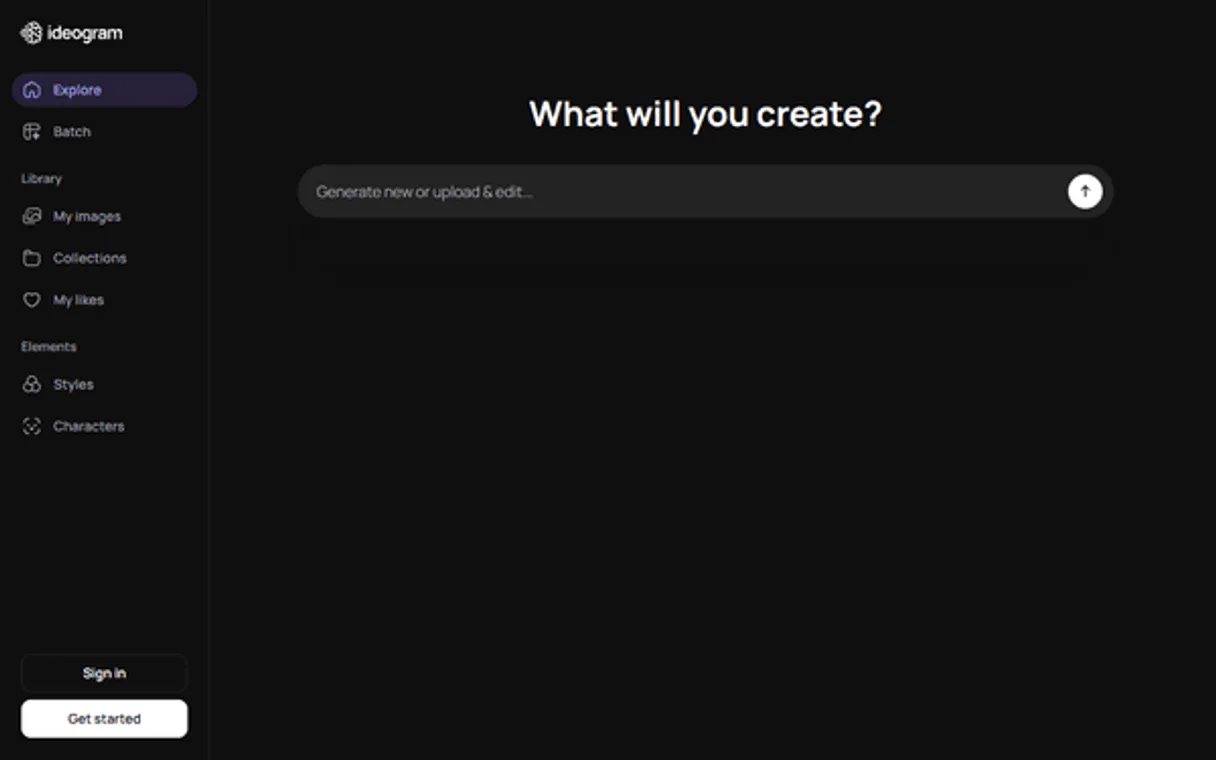
Ideogram MCP Server with 12 Tools Ready for AI Agents
 GDPR Free for Subscribers
Generate stunning images from text prompts with an AI model that excels at typography, logos, and photorealistic compositions. Unlock 12 tools ready out of the box. Connect this App Connector to instantly empower AI agents like Claude Code, Cursor, or any MCP-compatible client with advanced capabilities.
Ask AI about this App Connector
Vinkius delivers Streamable HTTP and SSE to any MCP client
* Every MCP server runs on Vinkius-managed infrastructure inside AWS - a purpose-built runtime with per-request V8 isolates, Ed25519 signed audit chains, and sub-40ms cold starts optimized for native MCP execution. See our infrastructure
What is the Ideogram MCP Server?
The Ideogram MCP Server gives AI agents like Claude, ChatGPT, and Cursor direct access to Ideogram via 12 tools. Generate stunning images from text prompts with an AI model that excels at typography, logos, and photorealistic compositions. Powered by the Vinkius - no API keys, no infrastructure, connect in under 2 minutes.
Built-in capabilities (12)
Tools for your AI Agents to operate Ideogram
Ask your AI agent "Generate a futuristic cityscape at sunset in 16:9 aspect ratio with realistic style." and get the answer without opening a single dashboard. With 12 tools connected to real Ideogram data, your agents reason over live information, cross-reference it with other MCP servers, and deliver insights you would spend hours assembling manually.
Works with Claude, ChatGPT, Cursor, and any MCP-compatible client. Powered by the Vinkius - your credentials never touch the AI model, every request is auditable. Connect in under two minutes.
Why teams choose Vinkius
One subscription gives you access to thousands of MCP servers - and you can deploy your own to the Vinkius Edge. Your AI agents only access the data you authorize, with DLP that blocks sensitive information from ever reaching the model, kill switch for instant shutdown, and up to 60% token savings. Enterprise-grade infrastructure and security, zero maintenance.
Build your own MCP Server with our secure development framework →The Ideogram App Connector works with every AI agent you already use
…and any MCP-compatible client









Use all 12 Ideogram tools with your AI agents right now
Empower your AI agents to connect to Ideogram and securely perform advanced actions on Vinkius infrastructure. Beyond a simple connection, you gain an advanced AI Gateway that provides complete visibility into agent activity, ensuring maximum governance and optimized token usage.
Verify connectivity
Delete an image
Describe an image
Edit an image
Generate an image
Get account info
Get image details
List images
List models
List styles
Remix an image
Upscale an image
What the Ideogram MCP Server unlocks
Connect your Ideogram account to any AI agent and create AI-generated images through natural conversation.
What you can do
- Text-to-Image — Generate high-quality images from text prompts with style, aspect ratio, and model controls
- Image Remix — Transform existing images with new prompts while preserving composition
- Image Editing — Edit specific areas of images with inpainting and masking
- Upscaling — Increase image resolution while preserving quality and detail
- Image Description — Analyze images and generate detailed text descriptions
- Gallery — Browse previously generated images with metadata
How it works
1. Subscribe to this server
2. Enter your Ideogram API Key from the developer dashboard
3. Start generating images from Claude, Cursor, or any MCP-compatible client
Who is this for?
- Designers — generate concept art, mockups, and visual assets through AI
- Marketers — create social media graphics, ad creatives, and brand visuals
- Developers — integrate AI image generation into workflows
Frequently asked questions about the Ideogram MCP Server
Can I generate images with specific styles and aspect ratios?
Yes. The generate_image tool accepts a text prompt along with style presets (realistic, design, 3D, anime), aspect ratio (1:1, 16:9, 9:16, etc.), and model version. You can control the output precisely for different use cases.
Can I edit specific parts of an existing image?
Yes. Use edit_image with a source image and mask to modify specific regions using inpainting. Use remix_image to transform an image with a new prompt while preserving its overall composition and structure.
How does Ideogram authentication work?
Ideogram uses a custom Api-Key header (not Bearer). Your API key is generated from the Ideogram developer dashboard and sent in all requests to api.ideogram.ai.
More in this category

AirOps
10 toolsAI workflow orchestration — execute models, manage agents, and query memory via AI.
Eden AI
10 toolsEquip your AI agent to manage unified AI workflows, track providers, and monitor API usage via the Eden AI platform.

Mistral AI
10 toolsBuild with European open-weight language models that deliver strong reasoning, multilingual capability, and efficient inference.
You might also like

All Digital Rewards
10 toolsIncentive and reward orchestration — manage participants, points, and catalogs via AI.

Gumlet
12 toolsOptimize images and stream video with automatic format conversion, lazy loading, and CDN delivery that loads pages faster.

LearningSuite
10 toolsCreate and deliver corporate training programs with course authoring, quizzes, and progress tracking for distributed teams.