
Insightful MCP. Track team activity and performance metrics.
 Gemini
 Works with every AI agent you already use
…and any MCP-compatible client









Just plug in your AI agents and start using Vinkius.
Insightful MCP Server manages workforce data and productivity metrics. It lets your AI agent check attendance reports (`get_attendance`), list all employees (`list_employees`), track project progress, and view real-time activity logs.
Use it to automate team management and build performance dashboards directly from the Insightful API.
What your AI agents can do
Get attendance
Pulls aggregated reports showing employee attendance and time tracking data.
Get employee
Fetches detailed records for a single specified employee.
Get productivity
Generates aggregated reports on how productive employees are.
Retrieves aggregated data about employee attendance and time tracking.
Retrieves all available profile and status details for one employee.
Retrieves aggregated reports on employee productivity.
Lists the most recent activity performed by employees.
Allows listing all employees, teams, locations, and projects within the organization.
Lists all tasks across projects or lists organizational webhooks.
Ask AI about this MCP
Supported MCP Clients
Gemini Waiting for input…
Insightful MCP Server: 10 Tools for Workforce Analytics
Use these tools to manage employee data, track performance metrics, and pull structured reports from the Insightful API.
019d75b9get attendance
Pulls aggregated reports showing employee attendance and time tracking data.
019d75b9get employee
Fetches detailed records for a single specified employee.
019d75b9get productivity
Generates aggregated reports on how productive employees are.
019d75b9list activity
Lists recent operational activity logs for all employees.
019d75b9list employees
Provides a full list of every employee in the organization.
019d75b9list locations
Lists all physical or virtual locations registered to the organization.
019d75b9list projects
Retrieves a list of all active and past organizational projects.
019d75b9list tasks
Lists every task currently assigned across all projects.
019d75b9list teams
Provides a list of all functional teams within the company.
019d75b9list webhooks
Lists all configured webhooks for the Insightful system.
Choose How to Get Started
Build a custom MCP for your own tools, or connect a ready-made integration from our catalog.
Build Your Own
Turn any API into an MCP. Import a spec, define Agent Skills, or deploy with MCPFusion.
- Import from OpenAPI, Swagger, or YAML specs
- Create Agent Skills with progressive disclosure
- Deploy to edge with MCPFusion framework
- Built in DLP, auth, and compliance on every call
- Real time usage dashboard and cost metering
- Publish to catalog or keep private
Make Your AI Do More
Start with Insightful, then connect any of our 4,700+ other servers whenever your AI needs more. One click, no limits.
- Use this MCP plus 4,700+ others, all in one place
- Add new capabilities to your AI anytime you want
- Every connection is secured and compliant automatically
- Track usage and costs across all your servers
- Works with Claude, ChatGPT, Cursor, and more
- New servers added to the catalog every week
What you can do with this MCP connector
This server gives your AI agent direct access to the Insightful API, letting you manage workforce data and pull structured reports on attendance, productivity, and activity. You don't have to manually export CSVs or jump between dashboards; your agent handles the calls, processes the data, and gives you a clean output right in your chat client.
Staffing and Organization
list_employeesgives you a full roster of every employee in the organization. *list_teamslists all functional teams within the company. *list_locationslists every physical or virtual location registered to the company. *list_projectsretrieves a list of all active and past organizational projects. *list_taskslists every task assigned across all projects. *list_webhooksshows you all configured webhooks for the Insightful system.
Performance Tracking
get_attendancepulls aggregated reports showing employee attendance and time tracking data. *get_productivitygenerates aggregated reports on how productive employees are. *get_employeefetches detailed records and status information for a single specified employee.
Activity Monitoring
list_activitylists the most recent operational activity logs for all employees.
How Insightful MCP Works
- 1 You tell your AI agent what data you need (e.g., 'Show me the productivity report for the Marketing team last month.').
- 2 The agent calls the appropriate tool (e.g.,
get_productivity) and passes the required parameters (like department name or date range). - 3 The server executes the API call, pulls the raw data, and feeds the structured result back to your client, allowing you to analyze it immediately.
The bottom line is, you tell the AI what you want, and it handles the complex API calls and data formatting for you.
Who Is Insightful MCP For?
The Ops Manager who has to manually compile weekly reports from multiple dashboards. The HR specialist needing to verify staff time against project scopes. The Project Lead who needs to know why a key milestone is delayed. If you spend more time aggregating data than acting on it, this is for you.
Uses get_attendance and list_activity to check resource availability and identify process bottlenecks.
Runs list_employees and get_employee to verify employee status, team assignments, and historical activity logs.
Uses list_projects, list_tasks, and get_productivity to track scope creep and team performance against deadlines.
What Changes When You Connect
- See who's logged in and what they're working on by running
list_activity. You get a chronological log of employee actions, not just a summary. - Get a full staff roster and employee profile details using
list_employeesandget_employee. This is faster than digging through HR systems. - Instantly measure performance gaps by calling
get_productivity. It gives you aggregated data, letting you compare department performance across time periods. - Manage project scope by running
list_projectsandlist_tasks. You see the full lifecycle of work, from initial idea to final completion. - Verify compliance and resource allocation by calling
get_attendance. This tool pulls time-tracked data, making payroll and resource audits easier. - Keep your automation running by listing system connections using
list_webhooks. You know exactly which data pipes are active.
Real-World Use Cases
Investigating a Project Delay
A project stalls. Instead of emailing three different department heads, your agent runs list_projects to narrow the scope, then runs list_tasks to find the blockage, and finally uses list_activity to pinpoint which employee was last working on the critical task. Problem solved.
Onboarding a New Team
HR needs to set up a new team. The agent first runs list_employees to get the current roster, then uses list_teams to create the group structure, and finally runs get_employee for key members to verify their permissions and status.
Quarterly Performance Review
A manager needs a full performance picture. The agent calls get_productivity for the last quarter, checks get_attendance for hours logged, and uses list_teams to segment the data, giving a comprehensive report instantly.
Auditing System Integrations
The IT team suspects a data leak. They use list_webhooks to see every active connection point, and then use list_locations to ensure that all regional endpoints are properly registered and reporting.
The Tradeoffs
Building custom reporting scripts
Writing a script that calls the Insightful API, handles pagination, formats the JSON, and then pushes it to a spreadsheet. This takes hours of brittle code.
→
Just let your AI agent do it. Have the agent call get_productivity or get_attendance and format the results for you. The agent handles the whole data pipeline.
Missing employee context
Trying to check a task's status without knowing which team it belongs to, resulting in ambiguous data or missing records.
→
Always start by running list_employees or list_teams to get the necessary context (like the department ID) before calling list_tasks.
Relying on manual dashboard exports
Manually downloading a CSV from the web interface every week just to get a total count of logged hours.
→
Use get_attendance to pull the aggregated data directly into your chat client. It's instant, and the data is structured for immediate use.
When It Fits, When It Doesn't
Use this if your core need is data aggregation and structured querying across multiple, related data silos. You need to answer questions like: 'What was the total logged time for the Marketing team on Project Alpha last month?' This server provides the tools to stitch that together.
Don't use it if you only need one single, simple piece of data, like a list of project names. In that case, just use the dedicated list_projects tool. Don't try to run list_employees and then pass the list to list_locations if you only need a simple list of locations—just call list_locations directly. This server is for complex, multi-step data retrieval, not single-point lookups.
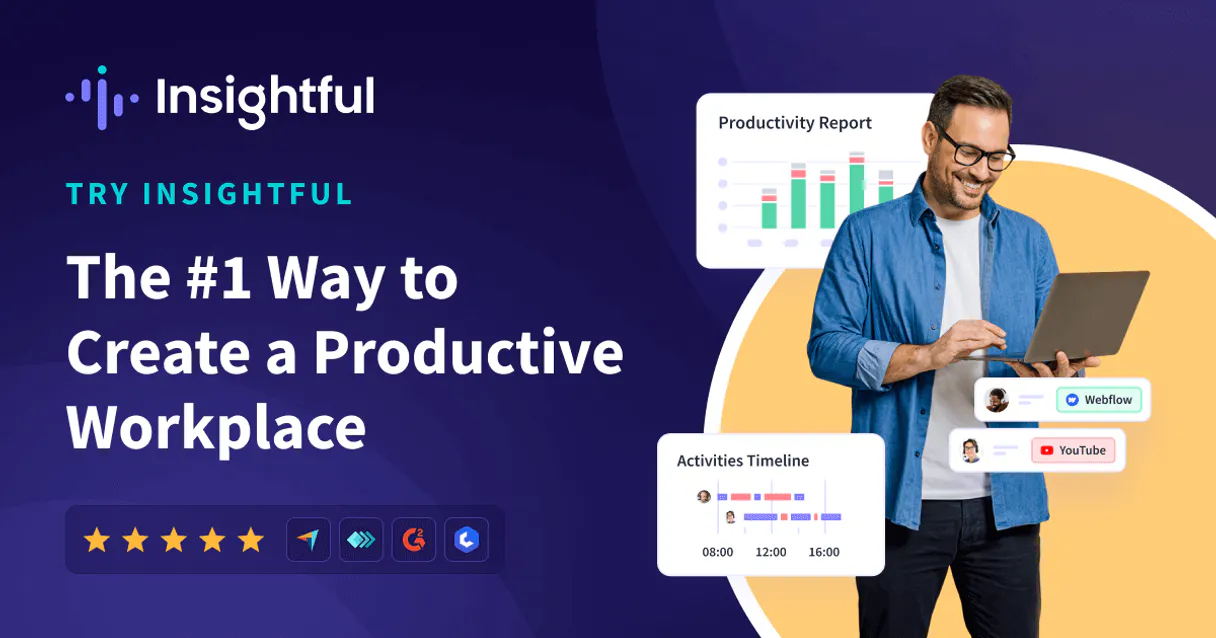
Independent Platform Disclaimer: Vinkius is an independent platform and is not affiliated with, endorsed by, sponsored by, verified by, or otherwise authorized by Insightful. All third-party trademarks, logos, and brand names are the property of their respective owners. Their use on this website is strictly for informational purposes to identify service compatibility and interoperability.
VINKIUS INFRASTRUCTURE
Cloud Hosted
Managed infra
V8 Isolated
Sandboxed per request
Zero-Trust Proxy
No stored credentials
DLP Enforced
Policy on every call
GDPR Compliant
EU data residency
Token Compression
~60% cost reduction
Works with Claude, ChatGPT, Cursor, and more
The Model Context Protocol standardizes how applications expose capabilities to LLMs. Instead of operating in isolation, your AI gains direct access to external platforms, live data, and real-world actions through secure, standardized connections.
This server provides 10 capabilities that interface natively with Claude, ChatGPT, Cursor, and any MCP client. No middleware. No custom integration required.
Available Capabilities
Pulling a full team roster and current activity used to take three separate clicks.
Before this, checking a team's current status meant navigating to the employee portal, filtering by department, downloading the list, and then switching to the activity log to see what they were doing. You'd end up with a spreadsheet full of disconnected IDs and timestamps.
Now, you just ask your agent to 'Show me the roster for the Engineering team and their activity logs.' It runs `list_employees` and `list_activity` in sequence, giving you a clean, unified view right in your chat.
The Insightful MCP Server gives you structured productivity data.
You no longer have to manually compile attendance reports from multiple date ranges or cross-reference logged hours with project scope. The server calls `get_attendance` and `get_productivity` to pull the metrics, structuring the data so you can compare hours against goals immediately.
It's a single action that delivers complex, auditable metrics. You get the data, formatted and ready to use, without touching a dashboard.
Common Questions About Insightful MCP
How do I use the `get_productivity` tool? +
You tell your agent to run get_productivity and specify the time frame or team. The tool pulls aggregated data, allowing you to compare output metrics across different groups.
What does the `list_activity` tool show? +
The list_activity tool shows recent logs of employee actions. It’s useful for troubleshooting or seeing who interacted with a specific record recently.
Can I check employee details using `get_employee`? +
Yes. You call get_employee and pass the employee ID. It returns all available details for that person, including roles and reporting structure.
What tools are available for project management? +
You have list_projects (for all projects) and list_tasks (for all tasks across all projects). You can combine these two tools to track scope.
How do I get current staffing details with `list_employees`? +
Simply request the employee list. The list_employees tool returns the full roster, which you can then filter or use to fetch individual details with get_employee.
How do I use `list_tasks` to find tasks related to a specific project? +
You pass the project ID to the list_tasks tool. This filters the returned list to show only tasks connected to that specific project ID.
What does `get_attendance` report include for a given date range? +
It provides aggregated attendance data, including total hours worked and any recorded absences for the specified period. You can use this to quickly summarize team presence.
Can I use `list_teams` to check which locations are associated with certain teams? +
The list_teams tool retrieves all organizational teams. While it doesn't directly list locations, you can cross-reference the team data with the list_locations tool for full context.
How do I get Insightful API credentials? +
Log in to your Insightful dashboard as an Admin, navigate to Settings > API Tokens, and create a new token. Note that the token is only displayed once.
What is the productivity report? +
The get_productivity tool provides aggregated data on active, productive, and unproductive time for your employees and teams.
Can I see real-time activity? +
Yes, the list_activity tool provides access to recent activity logs recorded in your organization.
Use it with your favorite AI tools
Connect this server to Cursor, Claude, VS Code, and more.
More in this category

Slack
Manage channels, users, and send messages on Slack with AI agents.
Random Facts API
Access thousands of interesting facts — audit random data via AI.
Ashby
Hire top talent faster with an all-in-one recruiting platform that combines ATS, scheduling, and hiring analytics.
You might also like

BoxyHQ (Enterprise SSO)
Manage Enterprise SSO and Directory Sync (SCIM) via BoxyHQ — configure SAML/OIDC connections and automate user provisioning directly from your AI agent.

Ninehire
Hire smarter with a recruitment platform that posts jobs, screens applicants, and moves the best candidates through your pipeline.

Airship
Mobile engagement orchestration — manage push notifications, segments, and channels via AI.