
KuaiDi100 MCP. Track, price, and route any shipment across China.
 Gemini
 Works with every AI agent you already use
…and any MCP-compatible client









Just plug in your AI agents and start using Vinkius.
KuaiDi100 is the MCP Server connecting your AI agent to China's leading package tracking platform. It gives your agent the ability to check carrier availability, estimate shipping costs, and track packages in real-time using just the tracking number.
You can also get map-based tracking data, identify the carrier automatically, and subscribe to status updates. It handles everything from high-volume e-commerce fulfillment to complex international shipments.
What your AI agents can do
Check carrier availability
Checks which carriers service a specific shipping route.
Estimate delivery time
Calculates the expected delivery time between two locations.
Get map tracking
Retrieves map-based data to visualize a shipment's physical path.
Use track_package to retrieve the current status and full journey history for any shipment.
Use identify_carrier to automatically detect the logistics company associated with a tracking number.
Use query_shipping_price to get cost estimates for shipping a package between two points.
Use get_map_tracking to access geographical data showing a shipment's physical route.
Use submit_shipping_order to generate an electronic waybill for printing a shipping label.
Use subscribe_tracking to set up automatic alerts when a package's status changes.
Ask AI about this MCP
Supported MCP Clients
Gemini Waiting for input…
KuaiDi100 MCP Server: 8 Tools for Logistics Tracking
Use these tools to check carrier availability, get real-time package status, estimate shipping prices, and submit orders across China's logistics network.
019d844fcheck carrier availability
Checks which carriers service a specific shipping route.
019d844festimate delivery time
Calculates the expected delivery time between two locations.
019d844fget map tracking
Retrieves map-based data to visualize a shipment's physical path.
019d844fidentify carrier
Automatically detects the carrier responsible for a given tracking number.
019d844fquery shipping price
Gets an estimate of the shipping cost for specified weight and destination.
019d844fsubmit shipping order
Generates an electronic waybill for immediate printing of a shipping label.
019d844fsubscribe tracking
Sets up automated notifications to alert you when a package's status changes.
019d844ftrack package
Tracks a package in real time, sometimes requiring the recipient's phone number.
Choose How to Get Started
Build a custom MCP for your own tools, or connect a ready-made integration from our catalog.
Build Your Own
Turn any API into an MCP. Import a spec, define Agent Skills, or deploy with MCPFusion.
- Import from OpenAPI, Swagger, or YAML specs
- Create Agent Skills with progressive disclosure
- Deploy to edge with MCPFusion framework
- Built in DLP, auth, and compliance on every call
- Real time usage dashboard and cost metering
- Publish to catalog or keep private
Make Your AI Do More
Start with KuaiDi100, then connect any of our 4,700+ other servers whenever your AI needs more. One click, no limits.
- Use this MCP plus 4,700+ others, all in one place
- Add new capabilities to your AI anytime you want
- Every connection is secured and compliant automatically
- Track usage and costs across all your servers
- Works with Claude, ChatGPT, Cursor, and more
- New servers added to the catalog every week
What you can do with this MCP connector
KuaiDi100 hooks your AI agent directly into China's top package tracking system. It lets your agent handle complex shipping logistics, turning a tracking number or a shipping question into an actionable command. You don't have to log into any portal; your agent does the heavy lifting.
Tracking Package Status
Use track_package to get the current status and full journey history for any shipment. You can also use it to track a package in real time, which sometimes requires the recipient's phone number.
Identifying the Carrier
If you've got a tracking number, identify_carrier automatically figures out which logistics company is handling it. When you need to know which carriers service a specific route, check_carrier_availability tells you that too.
Cost and Time Estimates
Need to know what shipping costs or how long it'll take? query_shipping_price gives you cost estimates based on the package's weight and the destination. Meanwhile, estimate_delivery_time calculates the expected delivery time between two locations.
Visualizing the Routeget_map_tracking pulls map data so you can visualize a shipment's physical path. For getting the package moving, you can use submit_shipping_order to generate an electronic waybill right there for printing a shipping label.
Staying in the Loop
Your agent can set up automatic alerts using subscribe_tracking, letting you know the second a package's status changes. It also lets you manage shipping orders and track packages using track_package.
How KuaiDi100 MCP Works
- 1 First, subscribe to the KuaiDi100 server and provide your unique Customer ID and API Key.
- 2 Next, tell your AI agent the task: e.g., 'Find the cost for 5kg from Beijing to Shanghai.'
- 3 The agent calls the appropriate tool (like
query_shipping_price), retrieves the data, and summarizes the answer for you.
The bottom line is, you talk to your agent, and the agent handles the API calls and data synthesis.
Who Is KuaiDi100 MCP For?
This is for e-commerce operations managers and logistics coordinators who deal with high volumes of shipments daily. If you spend time manually checking carrier websites or compiling price quotes, this saves you hours. You get a single, unified interface for all your supply chain data.
Automates customer updates by letting the agent track hundreds of orders and notifying customers via natural language.
Coordinates with multiple carriers and audits delivery performance by requesting price quotes or checking carrier availability.
Provides instant shipping status updates to clients by letting the agent query the latest data through a unified interface.
What Changes When You Connect
- Stop jumping between carrier websites. Your agent uses
identify_carrierto automatically know which company handles the package, saving you manual lookups. - Get instant pricing comparisons. Use
query_shipping_priceto compare costs from different carriers for the same route, eliminating the need for multiple quotes. - Automate customer communication. Set up
subscribe_trackingto receive real-time push notifications, so your agent keeps your clients informed without manual checks. - Visualize the journey.
get_map_trackingpulls map-ready data, letting you see the actual physical path of the shipment, not just text status updates. - Streamline fulfillment. Use
submit_shipping_orderto generate the necessary e-waybill, letting you print the label directly from the AI interface. - Plan routes efficiently. Check feasibility first. Use
check_carrier_availabilityto confirm a carrier can handle the route before wasting time estimating prices.
Real-World Use Cases
High-Volume E-commerce Fulfillment
A fulfillment manager needs to ship 50 items today. Instead of logging into 10 different carrier portals, they ask their agent to 'Get the best price and submit the order for 50 packages from Shenzhen.' The agent runs query_shipping_price, identifies the optimal carrier, and executes submit_shipping_order.
Auditing International Shipments
An international logistics auditor needs to confirm the status of a package received weeks ago. They ask the agent to 'Track this package and find out who the carrier is.' The agent runs identify_carrier followed by track_package, giving the auditor a full status report immediately.
Pre-Shipping Planning
A team member is planning a new product launch across three cities. They ask the agent to 'What are the shipping costs and what carriers can reach this route?' The agent runs check_carrier_availability and query_shipping_price in sequence, providing a viable plan.
Customer Service Inquiry
A customer service rep receives a 'Where is my order?' chat. They ask their agent to 'Give me the status for tracking number XYZ.' The agent runs track_package and provides the exact status, including the expected delivery date, in seconds.
The Tradeoffs
Manually checking every carrier.
The user sees a tracking number and has to open Google, search 'tracking number X', and then click through 5 different carrier websites to find out who actually owns the number.
→
Just ask your agent to identify_carrier with the number. It instantly tells you the carrier, letting you move on to running track_package.
Assuming the price is fixed.
The user estimates a cost based on a single carrier's website, only to find out later the package is too heavy or the route is restricted, making the quote wrong.
→
Always check first. Run check_carrier_availability to confirm the route works, then use query_shipping_price to get a reliable quote.
Ignoring status updates.
The user manually checks the tracking number every morning, wasting time and missing out on timely alerts when the status changes.
→
Use subscribe_tracking. This sets up automatic alerts, so your agent notifies you the second the package status changes.
When It Fits, When It Doesn't
Use this if your job involves tracking, quoting, or submitting shipments in China. You need a single source of truth for carrier data, pricing, and status updates.
Don't use it if you only need general global shipping advice (you'll need a different global logistics tool). Also, don't use it if you just need to manually edit a waybill—use a dedicated label printing system instead. This tool focuses on data retrieval and order generation via the API.
Key flow: Always start by checking feasibility (check_carrier_availability) and cost (query_shipping_price) before attempting to submit (submit_shipping_order).
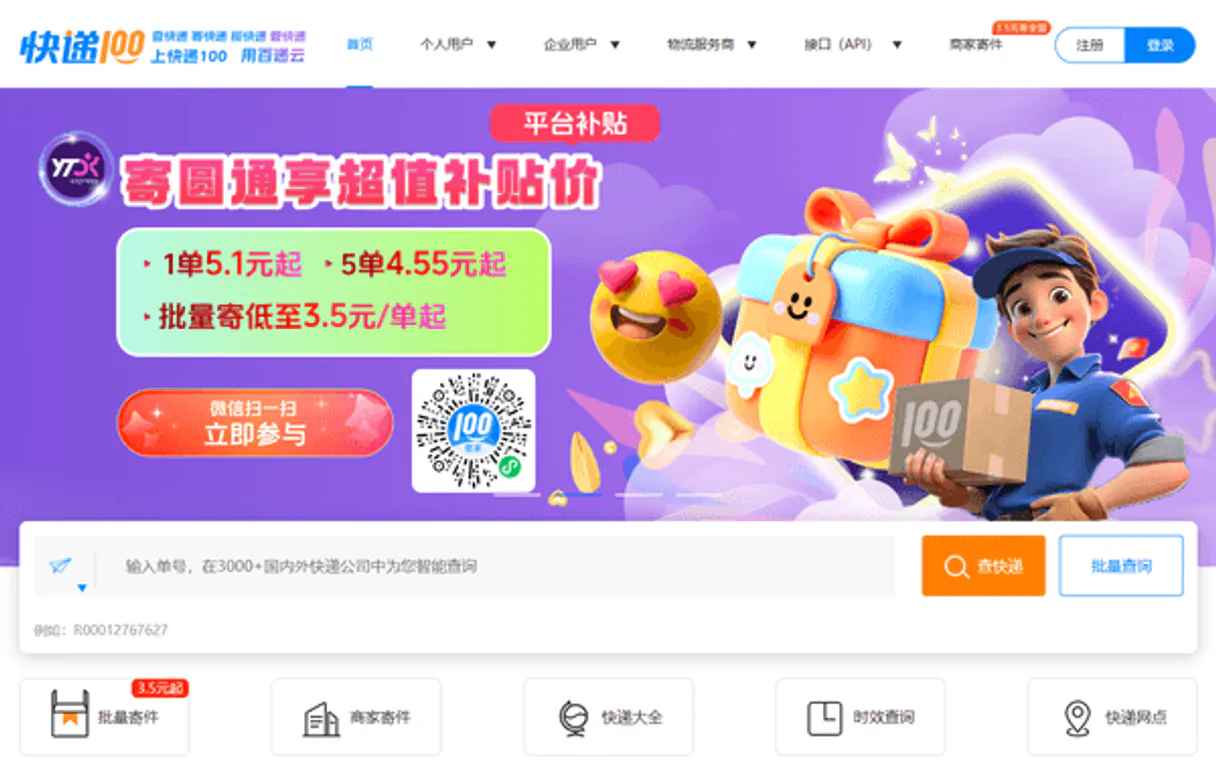
Independent Platform Disclaimer: Vinkius is an independent platform and is not affiliated with, endorsed by, sponsored by, verified by, or otherwise authorized by KuaiDi100. All third-party trademarks, logos, and brand names are the property of their respective owners. Their use on this website is strictly for informational purposes to identify service compatibility and interoperability.
VINKIUS INFRASTRUCTURE
Cloud Hosted
Managed infra
V8 Isolated
Sandboxed per request
Zero-Trust Proxy
No stored credentials
DLP Enforced
Policy on every call
GDPR Compliant
EU data residency
Token Compression
~60% cost reduction
Works with Claude, ChatGPT, Cursor, and more
The Model Context Protocol standardizes how applications expose capabilities to LLMs. Instead of operating in isolation, your AI gains direct access to external platforms, live data, and real-world actions through secure, standardized connections.
This server provides 8 capabilities that interface natively with Claude, ChatGPT, Cursor, and any MCP client. No middleware. No custom integration required.
Available Capabilities
Shipping status updates shouldn't require logging into five different portals.
Today, checking a shipment's status means opening the e-commerce platform, grabbing the tracking number, then opening the carrier's website. You copy-paste the number into a box, hit submit, and wait for the page to load. If the carrier changes, you repeat the whole painful process.
With the KuaiDi100 MCP Server, you just ask your agent: 'What's the status of this shipment?' The agent runs `track_package` and delivers the complete, up-to-date status in plain text. It’s done.
KuaiDi100 MCP Server: Track, price, and route any shipment across China.
Manual processes involve calling multiple APIs or using different websites to check if a route is possible, then running a quote, and finally confirming the carrier. This is a slow, multi-step, error-prone process.
Now, you let your agent run `check_carrier_availability` and `query_shipping_price` back-to-back. It gives you a comprehensive list of options and prices instantly. It's the single workflow you need.
Common Questions About KuaiDi100 MCP
How do I use the `track_package` tool with KuaiDi100? +
You simply ask your agent to 'Track package XYZ.' The agent runs track_package and pulls the real-time status, including the last known location and estimated delivery date. Note that some carriers require the recipient's phone number for tracking.
What is the difference between `identify_carrier` and `track_package`? +
identify_carrier tells you who the carrier is using only the tracking number. track_package uses that information to retrieve the actual, real-time status and history for the shipment.
Can I estimate shipping costs before I commit to a carrier? (query_shipping_price) +
Yes. You run query_shipping_price by providing the weight and destination. This gives you price estimates from multiple carriers without requiring you to select a final service.
Do I need to manually subscribe to updates? (subscribe_tracking) +
No. You use subscribe_tracking to automatically set up webhooks. The agent handles the setup, and you get push notifications whenever the package status changes.
How do I generate a label? (submit_shipping_order) +
You ask your agent to 'Submit the order.' The agent calls submit_shipping_order and generates the required electronic waybill for you to print the shipping label.
What information do I need for the `query_shipping_price` tool? +
You need the origin, destination, and weight. The tool takes these parameters to calculate accurate cost estimates across different carriers.
How does the `identify_carrier` tool work with tracking numbers? +
It analyzes the format and prefixes of the tracking number to determine the most likely carrier. This saves you time identifying the service provider.
Is there a way to get map data using `get_map_tracking`? +
Yes, get_map_tracking returns coordinates and route points. Your AI client can then use this data to visualize the physical path of the shipment.
How do I find my KuaiDi100 Customer ID and Key? +
Log in to the KuaiDi100 API Portal, register for a developer account, and you will find your Customer Code (customer) and Authentication Key (key) in your account management dashboard.
Do I need a phone number for tracking? +
Some premium carriers, especially Shunfeng (SF Express) and JD Logistics, require the last 4 digits of the recipient's phone number to retrieve tracking data for security reasons.
Is international tracking supported? +
Yes! KuaiDi100 supports over 1,000 domestic and international carriers. You can use the identify_carrier tool if you are unsure which global company is handling your shipment.
Use it with your favorite AI tools
Connect this server to Cursor, Claude, VS Code, and more.
More in this category

Extensiv
Manage omnichannel operations via Extensiv — track orders and shipments, monitor inventory and warehouses, and manage vendors directly from any AI agent.

FareHarbor
Manage tour and activity bookings via FareHarbor — list companies, query availability, and handle bookings directly from your AI agent.

Webflow
Design and build professional websites visually with a no-code platform that generates clean, production-ready HTML and CSS.
You might also like

BigCommerce
Manage your online store with product catalogs, order fulfillment, and customer data for high-volume e-commerce operations.

Comunidad de Madrid (Portal Regional)
Access the official Open Data portal of the Community of Madrid. Search datasets, inspect public resources, and query the datastore for regional information.

TextYess
Convert e-commerce browsers into buyers with SMS marketing, abandoned cart recovery, and conversational selling on WhatsApp.