
REST Countries MCP. Audit global demographics and geopolitical data.
 Gemini
 Works with every AI agent you already use
…and any MCP-compatible client









Just plug in your AI agents and start using Vinkius.
REST Countries lets your AI agent handle global research. Need to audit country records, currencies, or languages? This server gives you instant access to geographic and demographic metadata for any nation.
Your agent searches by common name, official code, region, currency type, or language spoken—all without needing a database query. It's the definitive source for geopolitical data lookup.
What your AI agents can do
Get all countries
Pulls a list containing every country record available in the system.
Get countries by currency
Lists all countries that use a specific currency code you provide.
Get countries by language
Returns a list of countries where a specified language is an official tongue.
Your agent pulls detailed metadata (capital, population) when you provide a country's common name or its ISO code.
You ask for all countries in 'Europe,' and the agent returns a list filtered by the specified region or subregion.
The server lists every country that uses a specific currency code, like AUD or JPY.
You specify 'French,' and the agent returns all countries where French is listed as an official language.
The tool pulls a comprehensive list of every country record available in the database, useful for full audits.
Ask AI about this MCP
Supported MCP Clients
Gemini Waiting for input…
REST Countries: 6 Tools for Global Data Lookups
These tools let your agent perform specific lookups—from finding every country in a region to listing nations that speak a particular language.
019d8478get all countries
Pulls a list containing every country record available in the system.
019d8478get countries by currency
Lists all countries that use a specific currency code you provide.
019d8478get countries by language
Returns a list of countries where a specified language is an official tongue.
019d8478get countries by region
Filters and lists countries based on their assigned region or subregion.
019d8478get country by code
Searches for a country record using its official ISO alpha-2 or alpha-3 code.
019d8478get country by name
Retrieves all metadata for a country by providing its common or official name.
Choose How to Get Started
Build a custom MCP for your own tools, or connect a ready-made integration from our catalog.
Build Your Own
Turn any API into an MCP. Import a spec, define Agent Skills, or deploy with MCPFusion.
- Import from OpenAPI, Swagger, or YAML specs
- Create Agent Skills with progressive disclosure
- Deploy to edge with MCPFusion framework
- Built in DLP, auth, and compliance on every call
- Real time usage dashboard and cost metering
- Publish to catalog or keep private
Make Your AI Do More
Start with REST Countries, then connect any of our 4,700+ other servers whenever your AI needs more. One click, no limits.
- Use this MCP plus 4,700+ others, all in one place
- Add new capabilities to your AI anytime you want
- Every connection is secured and compliant automatically
- Track usage and costs across all your servers
- Works with Claude, ChatGPT, Cursor, and more
- New servers added to the catalog every week
What you can do with this MCP connector
REST Countries lets your agent handle global research projects. Need to audit country records, currencies, or languages? This server gives you instant access to geographic and demographic metadata for any nation. Your agent searches by common name, official code, region, currency type, or language spoken—all without needing a database query.
It's the definitive source for geopolitical data lookup.
Your AI client handles all the messy API calls, letting you focus on the actual research. You can pull detailed metadata—like population size, capital city, and official time zone—just by providing a country's common name or its ISO alpha-2/alpha-3 code using get_country_by_name or get_country_by_code. This means if you know the place, your agent gets all the facts right away.
Need to map out global clusters? You can ask for every country in 'Europe' or any other defined region; the server returns a list filtered specifically by that region or subregion via get_countries_by_region. Similarly, if you’re tracking linguistic ties, specify an official language like French, and your agent pulls all countries where that language is listed as an official tongue using get_countries_by_language.
It keeps everything organized for you.
Want to track global finance? You tell the server a currency code, say AUD or JPY, and it instantly lists every country that uses that specific currency via get_countries_by_currency. This is killer for cross-border commerce checks. If you need to audit all available records—like pulling an exhaustive list of every single country in the system—you just fire off the request using get_all_countries.
It dumps the entire global dataset right onto your screen.
When your agent gathers data, it doesn't just give you names; it gives you structured metadata. You can use get_country_by_name to get a country's capital and population count, or you can check its official code using get_country_by_code. If you’re doing comparative studies across different regions—say comparing African nations versus Asian nations—you just point the agent at the region, and it handles the filtering.
This entire server lets your AI client act as a global geopolitical data analyst. It's perfect for anyone building an application that needs reliable country-level details, whether you’re doing academic research or running market intelligence reports. You never have to write a complex SQL query again; just talk to your agent.
How REST Countries MCP Works
- 1 Subscribe to the REST Countries server on Vinkius. No API key is needed; it's an open service.
- 2 Connect your preferred AI client (Claude, Cursor, etc.) to the MCP server via the platform.
- 3 Prompt your agent in natural language: 'What countries use the Euro currency?' or 'Get details for Germany.' The agent selects and runs the appropriate tool call.
The bottom line is that you talk to your AI client, and it handles the complex data lookups using specific tools exposed by this server.
Who Is REST Countries MCP For?
International researchers who need accurate demographic data. Localization managers checking language support across markets. Data analysts performing rapid global audits of currencies or regional clusters. If your job involves cross-border analysis, you need this.
Uses the server to audit country records and find all potential markets that use a specific currency.
Queries by language or region to verify which countries need support for translation, avoiding manual database checks.
Runs bulk data queries using tools like get_all_countries to build comprehensive reports on global distributions.
What Changes When You Connect
- Target specific nations instantly. Use
get_country_by_nameorget_country_by_codeto pull detailed metadata for any country in seconds, skipping manual lookups entirely. - Map financial reach quickly. Run
get_countries_by_currencyto see every market using a currency like the Yen (JPY) without guessing which countries might be involved. - Segment global data by geography. Use
get_countries_by_regionwhen you need to compare all nations in 'East Asia' against each other for a regional report. - Verify language support easily. The
get_countries_by_languagetool lists every country that recognizes Spanish or Mandarin as an official tongue, which is critical for localization planning. - Get the full picture. Run
get_all_countrieswhen you need to audit all global data points at once; it’s a simple way to start a massive dataset comparison.
Real-World Use Cases
Market research for expansion.
A market analyst needs to know which countries in Southeast Asia use the local currency, and what their official language is. Instead of running five separate queries, the agent first uses get_countries_by_region (Asia) then filters that list using get_countries_by_currency, followed by a check with get_countries_by_language. The problem's solved in three steps.
Verifying data for a new app launch.
A developer needs to ensure their application supports all major languages and regions. They start by calling get_all_countries for the full list, then use get_countries_by_language (e.g., German) and get_countries_by_region (e.g., Western Europe) to narrow down target markets immediately.
Auditing a corporate client's reach.
An operations lead needs proof of where their clients operate financially. They use get_countries_by_currency with the code for USD, getting an immediate list. If they need details on one specific country from that list, they then run get_country_by_code to get population and capital data.
Building a comprehensive global database.
A researcher needs to compare the demographic markers of all countries. They call get_all_countries, which provides the initial dataset, allowing them to then run targeted checks on specific areas like language distribution using get_countries_by_language.
The Tradeoffs
Guessing the right tool.
A user searches for 'Brazil' and asks, 'What are its details?' The agent might fail because the prompt is too vague. It doesn't know if you want name data or code data.
→
Be precise with your input. If you know the country name, use get_country_by_name('Brazil'). If you only have the code (BRA), use get_country_by_code('BRA'). Specific inputs guarantee a result.
Over-relying on one function.
A user only uses get_countries_by_region and assumes that list contains everything. They miss countries in subregions or those not explicitly tagged.
→
If you need a complete audit, start by calling get_all_countries. Then use the other tools (get_countries_by_currency, etc.) to filter that full set of data for specific requirements.
Mixing up parameters.
A user asks, 'Show me countries with English and a high population.' This query requires two separate filtering steps and isn't supported by one tool call.
→
Run the queries separately. First, use get_countries_by_language('English') to get the list of eligible countries. Then, you can take those results and run subsequent checks (like population) on a subset.
When It Fits, When It Doesn't
Use this server if your core need is mapping geopolitical data based on known parameters: Name, Code, Region, Currency, or Language. It excels at specialized lookups—'give me all countries that speak X.' Don't use it if you are trying to perform complex relational queries (e.g., 'Find the most populous country in Europe that also speaks French'). For those cases, you need to chain multiple tool calls and process the results yourself. If your data needs involve real-time economic modeling or proprietary datasets, this server won't help—it's purely a lookup utility for standardized global records.
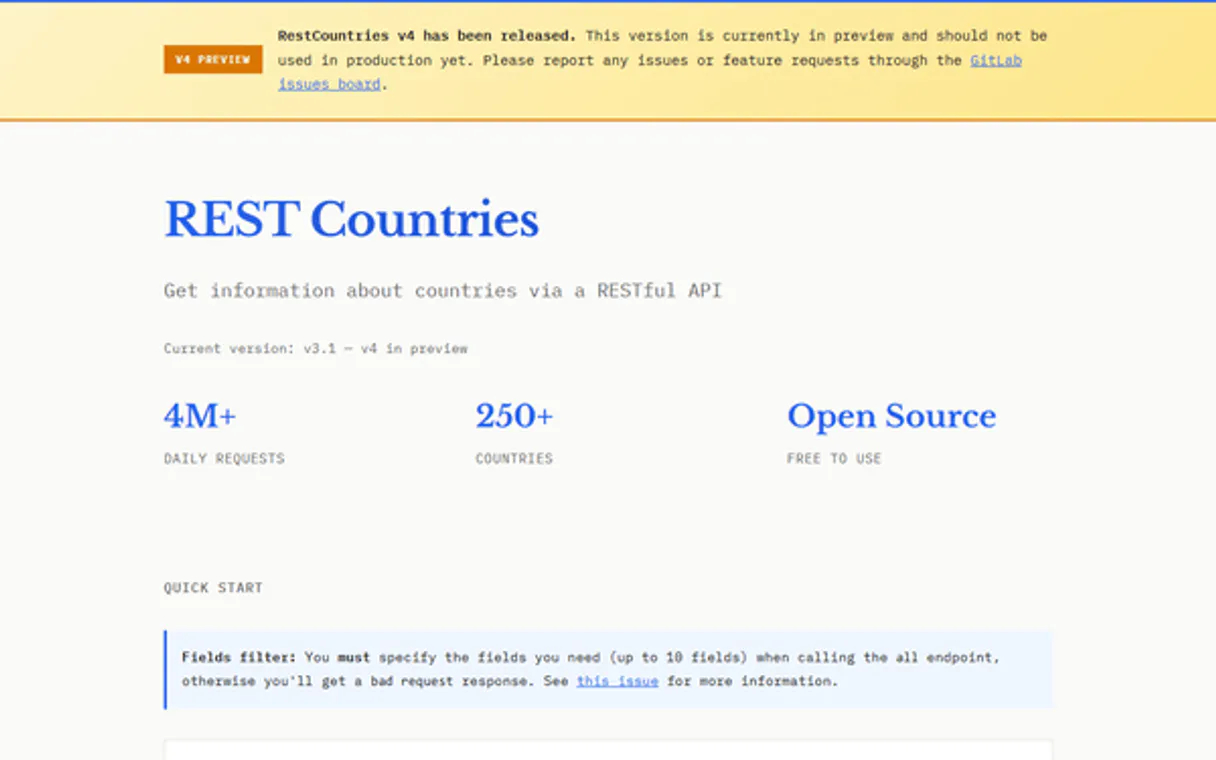
Independent Platform Disclaimer: Vinkius is an independent platform and is not affiliated with, endorsed by, sponsored by, verified by, or otherwise authorized by REST Countries. All third-party trademarks, logos, and brand names are the property of their respective owners. Their use on this website is strictly for informational purposes to identify service compatibility and interoperability.
VINKIUS INFRASTRUCTURE
Cloud Hosted
Managed infra
V8 Isolated
Sandboxed per request
Zero-Trust Proxy
No stored credentials
DLP Enforced
Policy on every call
GDPR Compliant
EU data residency
Token Compression
~60% cost reduction
Works with Claude, ChatGPT, Cursor, and more
The Model Context Protocol standardizes how applications expose capabilities to LLMs. Instead of operating in isolation, your AI gains direct access to external platforms, live data, and real-world actions through secure, standardized connections.
This server provides 6 capabilities that interface natively with Claude, ChatGPT, Cursor, and any MCP client. No middleware. No custom integration required.
Available Capabilities
Finding country details shouldn't feel like running five different searches.
Right now, if you need data on Brazil, you might have to open one tab for demographics and another for currency. Then you check a third source just to confirm the official name against its ISO code. It’s clicking through three or four different dashboards just to get basic metadata.
With this MCP server, your agent handles it all in one prompt. You ask for Brazil's details, and it runs `get_country_by_name` instantly, pulling population, capital, and other metadata back to you without the manual context switching.
REST Countries MCP Server: Get global data from your chat.
The most time-consuming part is correlating data. If you find a currency code, you then have to manually cross-reference that list against regional groupings or language speakers. It’s tedious, error-prone work done across multiple spreadsheets.
Now, your agent manages the correlation. You ask: 'Which countries in Europe use USD and speak English?' The server chains `get_countries_by_region`, then filters using `get_countries_by_currency` and `get_countries_by_language`. It just works.
Common Questions About REST Countries MCP
Can I get all countries using the REST Countries MCP Server? +
Yes, you can run the get_all_countries tool. This pulls a list of every country record in the database for your initial audit.
How do I search for a specific country code using get_country_by_code? +
Simply provide the ISO alpha-2 or alpha-3 code to your agent. For example, ask it to find the data for 'CAN' (Canada) using get_country_by_code.
What if I only know a country's name? +
Use the get_country_by_name(name) tool. It searches by common or official name and returns the full metadata set for that nation.
Can REST Countries help me find countries in Asia? +
Yes, use get_countries_by_region('Asia'). This filters the list down to all nations belonging to the specified geographic cluster.
How do I use the REST Countries MCP Server without needing an API key? +
You don't need one. The server is free and open, so you just connect it to your AI client. Your agent can start making calls immediately; no keys or credentials are required for setup.
What information do I get when I use the get_country_by_name tool? +
It returns comprehensive metadata about the country. You'll receive details like its capital, population count, official languages, and even geographic coordinates for mapping.
How can I combine results from get_countries_by_currency and get_countries_by_language? +
Run the tools sequentially. First, use one tool to generate a list of candidate countries. Then, you feed that filtered list into the second tool's input parameters to narrow down your scope.
Are there any rate limits or performance concerns when running queries? +
The service is robust, but all external integrations have usage guidelines. If you plan high-volume data processing, keep calls within standard operational bounds and anticipate potential throttling during peak use.
Is an API Key required for REST Countries? +
No. REST Countries is a free and open service. This server works out of the box without any static credentials required.
Can the agent search for countries by currency? +
Yes. Use the get_countries_by_currency tool providing the currency code (e.g., 'EUR'). Your agent will return all countries using that specific currency instantly.
Is population data included? +
Yes. Every country record retrieved by your agent includes the most recent official population count available in the database.
Use it with your favorite AI tools
Connect this server to Cursor, Claude, VS Code, and more.
More in this category
OpenAI Alternative
Manage OpenAI resources via API — list models, monitor fine-tunes, manage batches and inspect Assistants from any AI agent.

VectorShift (AI Workflow & RAG Automation)
Automate AI workflows and RAG via VectorShift — manage pipelines, query knowledge bases, and deploy chatbots directly from any AI agent.

Poe
Manage AI chatbots on Poe — create bots, query other AI models, monitor messages, and track usage stats.
You might also like
Guidebook
Create branded mobile apps for events, conferences, and organizations with schedules, maps, and attendee engagement features.

Customer.io
Send behavior-driven emails, push notifications, and in-app messages triggered by what your users actually do in your product.

Quentn
Build email marketing funnels with visual automation workflows designed for German-speaking markets and GDPR compliance.