
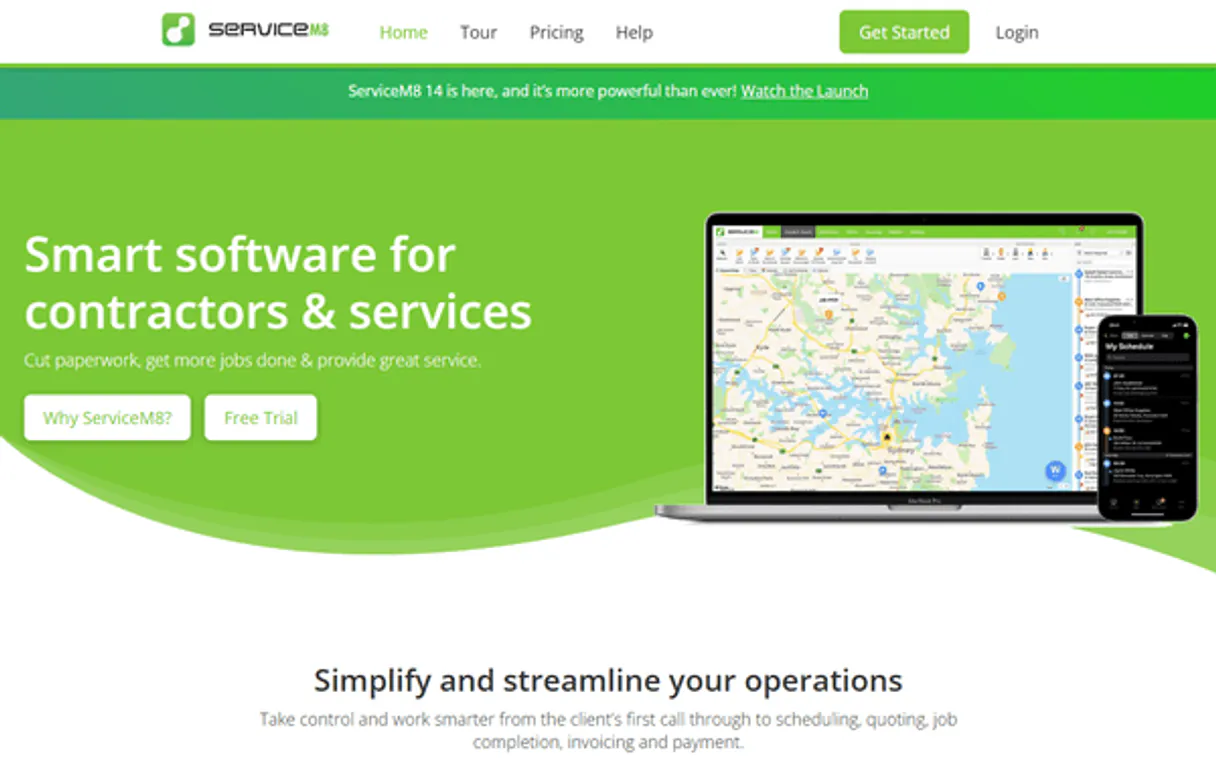
ServiceM8 MCP Server with 9 Tools Ready for AI Agents
 GDPR Free for Subscribers
Run your field service business with job scheduling, quoting, invoicing, and GPS tracking from your phone or tablet. Unlock 9 tools ready out of the box. Connect this App Connector to instantly empower AI agents like Claude Code, Cursor, or any MCP-compatible client with advanced capabilities.
Ask AI about this App Connector
Vinkius delivers Streamable HTTP and SSE to any MCP client
* Every MCP server runs on Vinkius-managed infrastructure inside AWS - a purpose-built runtime with per-request V8 isolates, Ed25519 signed audit chains, and sub-40ms cold starts optimized for native MCP execution. See our infrastructure
What is the ServiceM8 MCP Server?
The ServiceM8 MCP Server gives AI agents like Claude, ChatGPT, and Cursor direct access to ServiceM8 via 9 tools. Run your field service business with job scheduling, quoting, invoicing, and GPS tracking from your phone or tablet. Powered by the Vinkius - no API keys, no infrastructure, connect in under 2 minutes.
Built-in capabilities (9)
Tools for your AI Agents to operate ServiceM8
Ask your AI agent "List all our active jobs on ServiceM8." and get the answer without opening a single dashboard. With 9 tools connected to real ServiceM8 data, your agents reason over live information, cross-reference it with other MCP servers, and deliver insights you would spend hours assembling manually.
Works with Claude, ChatGPT, Cursor, and any MCP-compatible client. Powered by the Vinkius - your credentials never touch the AI model, every request is auditable. Connect in under two minutes.
Why teams choose Vinkius
One subscription gives you access to thousands of MCP servers - and you can deploy your own to the Vinkius Edge. Your AI agents only access the data you authorize, with DLP that blocks sensitive information from ever reaching the model, kill switch for instant shutdown, and up to 60% token savings. Enterprise-grade infrastructure and security, zero maintenance.
Build your own MCP Server with our secure development framework →The ServiceM8 App Connector works with every AI agent you already use
…and any MCP-compatible client









Use all 9 ServiceM8 tools with your AI agents right now
Empower your AI agents to connect to ServiceM8 and securely perform advanced actions on Vinkius infrastructure. Beyond a simple connection, you gain an advanced AI Gateway that provides complete visibility into agent activity, ensuring maximum governance and optimized token usage.
Requires description and company_uuid. Create a new ServiceM8 job
Get details for a specific company
Get details for a specific job
List job categories
List all companies (clients)
List all company contacts
Get activity history for a job
List all ServiceM8 jobs
List ServiceM8 staff members
What the ServiceM8 MCP Server unlocks
Connect your ServiceM8 account to any AI agent and take full control of your field service management workflows through natural conversation. ServiceM8 is the ultimate platform for trade and service businesses, and this integration allows you to orchestrate jobs, coordinate staff, and manage client relations without leaving your chat interface.
What you can do
- Job & Task Orchestration — List all managed jobs and retrieve detailed metadata, including status and scheduled times programmatically.
- Staff & Team Coordination — Access and monitor your staff directory to maintain a clear overview of team assignments and availability directly from the AI interface.
- Client CRM Control — List and search through your client and contact database to keep your professional records synchronized via natural language.
- Job Activity Tracking — Access real-time activity logs for specific jobs to monitor progress and ensuring high-quality service delivery.
- Operational Monitoring — Track job categories and manage system metadata to ensure your field service operations are always optimized.
How it works
1. Subscribe to this server
2. Enter your ServiceM8 API Key from your account settings
3. Start managing your field services from Claude, Cursor, or any MCP-compatible client
No more juggling spreadsheets or multiple browser tabs to see where your team is. Your AI acts as a dedicated dispatcher or operations manager.
Who is this for?
- Field Service Managers — quickly retrieve job details and monitor staff schedules without switching apps.
- Operations Teams — automate the management of client records and track job activities via natural conversation.
- Business Owners — streamline the retrieval of service metadata and monitor organizational health directly within the chat.
Frequently asked questions about the ServiceM8 MCP Server
Can my AI automatically find the details and activity for a specific job just by providing its UUID?
Yes! Use the get_job tool with the Job UUID. Your agent will respond with complete metadata, including status, scheduled times, and specific operational notes in seconds.
How do I list all staff members to check availability?
Simply ask the agent to run the list_staff action. It will retrieve the full directory of staff members configured in your ServiceM8 account.
How do I find my ServiceM8 API Key?
Log in to your ServiceM8 dashboard, navigate to Settings > ServiceM8 Add-ons, and enable the API add-on to find your unique API Key.
More in this category

Snowflake
11 toolsExecute SQL queries, manage databases, and analyze data on Snowflake with AI agents.

Reportei
10 toolsGenerate marketing performance reports from Google, Facebook, and Instagram data in minutes for client presentations.
PreciseFP
13 toolsCollect client financial data digitally with compliant intake forms designed for wealth management and financial planning firms.
You might also like

Zoho CRM Analytics
5 toolsAccess custom views, organization info, module metadata, fields, and pipeline analysis in Zoho CRM.

Campaigner
10 toolsManage email marketing via Campaigner — track campaigns, manage subscribers, and monitor performance directly from any AI agent.

ClickHouse (Vector Search)
7 toolsManage vector embeddings and SQL via ClickHouse — list databases, execute SQL, and perform high-speed vector searches directly from any AI agent.