
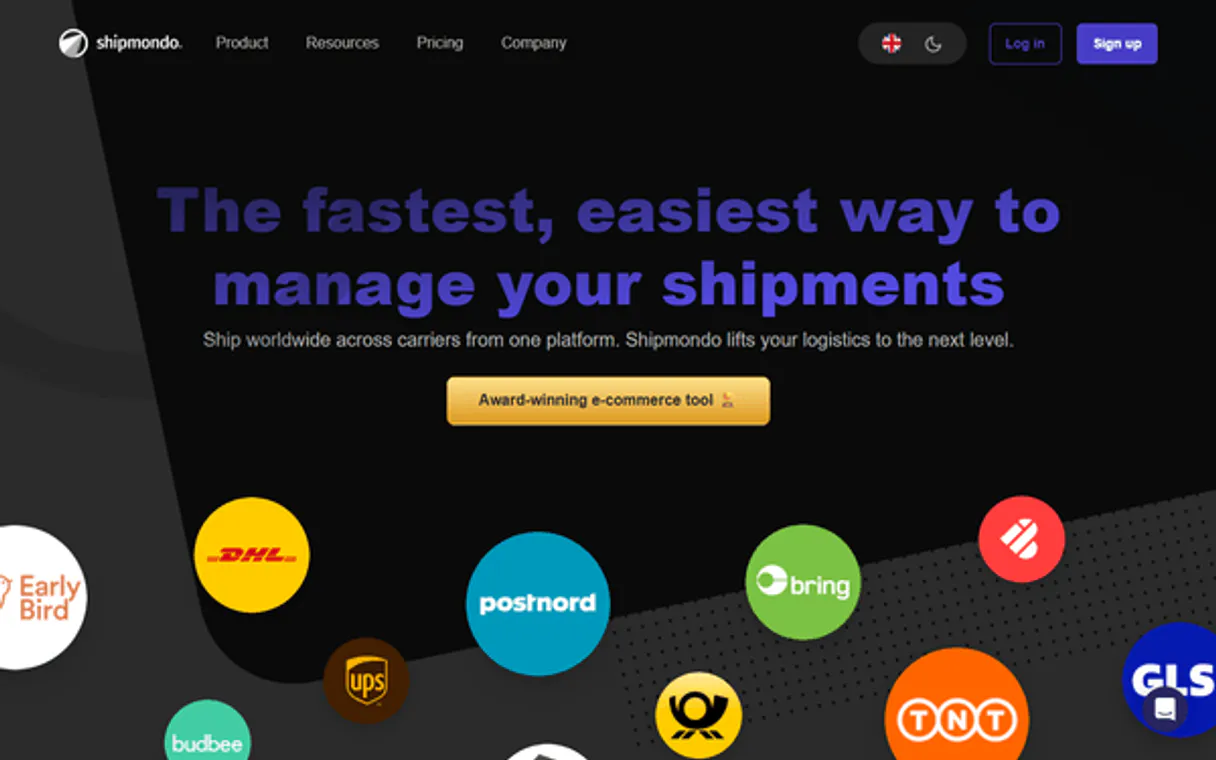
Shipmondo MCP. Automate multi-carrier shipping and returns across Europe.
 Gemini
 Works with every AI agent you already use
…and any MCP-compatible client









Just plug in your AI agents and start using Vinkius.
Shipmondo MCP Server connects your AI agent directly to multi-carrier e-commerce logistics across Scandinavia and Europe. Use one platform to create labels, get real-time quotes from carriers like PostNord and UPS, manage returns, track shipments, and check account balances.
It handles the complexity of global shipping data without you ever logging into a carrier portal.
What your AI agents can do
Create shipment
Generates a new tracking label for an outgoing package.
Get account balance
Checks the available funds in your Shipmondo account.
Get order
Retrieves specific details for a single sales order ID.
The agent generates new shipment records or retrieves the status of existing packages using create_shipment, get_shipment, and list_shipments.
It allows you to pull full sales order details (get_order) or list all incoming return shipments for processing via list_returns.
The system calculates shipping quotes using specific dimensions and locations with get_shipping_quote, or finds local drop-off points using list_pickpoints.
You can check configured warehouse lists (list_warehouses), list all available carriers (list_carriers), or verify current funding with get_account_balance.
Ask AI about this MCP
Supported MCP Clients
OAuth 2.0 Compatible Gemini Waiting for input…
Shipmondo MCP Server: 11 Tools for Logistics Automation
These eleven tools allow your agent to perform every step of the fulfillment process—from checking account balances to creating final shipping labels.
Make your AI actually useful.
Add this MCP to Claude, Cursor, or Windsurf and your AI stops guessing. It gets real tools to look things up, take action, and handle the stuff you keep doing by hand.
Start using Shipmondo on Vinkius019dd15acreate shipment
Generates a new tracking label for an outgoing package.
019dd15aget account balance
Checks the available funds in your Shipmondo account.
019dd15aget order
Retrieves specific details for a single sales order ID.
019dd15aget shipment
Pulls the current status and tracking information for one shipment.
019dd15aget shipping quote
Calculates the cost and estimated time to ship a package based on its size and route.
019dd15alist carriers
Lists every shipping carrier configured in your Shipmondo account.
019dd15alist orders
Provides a list of all sales orders needing fulfillment attention.
019dd15alist pickpoints
Finds the nearest drop-off points for packages based on location and carrier code.
019dd15alist returns
Gathers a list of all incoming return shipments that need processing.
019dd15alist shipments
Retrieves a comprehensive list of all existing and historical shipments.
019dd15alist warehouses
Shows all warehouse locations configured in your account.
Choose How to Get Started
Build a custom MCP for your own tools, or connect a ready-made integration from our catalog.
Build Your Own
Turn any API into an MCP. Import a spec, define Agent Skills, or deploy with MCPFusion.
- Import from OpenAPI, Swagger, or YAML specs
- Create Agent Skills with progressive disclosure
- Deploy to edge with MCPFusion framework
- Built in DLP, auth, and compliance on every call
- Real time usage dashboard and cost metering
- Publish to catalog or keep private
Make Your AI Do More
Start with Shipmondo, then connect any of our 4,800+ other servers whenever your AI needs more. One click, no limits.
- Use this MCP plus 4,800+ others, all in one place
- Add new capabilities to your AI anytime you want
- Every connection is secured and compliant automatically
- Track usage and costs across all your servers
- Works with Claude, ChatGPT, Cursor, and more
- New servers added to the catalog every week
Independent Platform Disclaimer: Vinkius is an independent platform and is not affiliated with, endorsed by, sponsored by, verified by, or otherwise authorized by Shipmondo. All third-party trademarks, logos, and brand names are the property of their respective owners. Their use on this website is strictly for informational purposes to identify service compatibility and interoperability.
VINKIUS INFRASTRUCTURE
Cloud Hosted
Managed infra
V8 Isolated
Sandboxed per request
Zero-Trust Proxy
No stored credentials
DLP Enforced
Policy on every call
GDPR Compliant
EU data residency
Token Compression
~60% cost reduction
Works with Claude, ChatGPT, Cursor, and more
The Model Context Protocol standardizes how applications expose capabilities to LLMs. Instead of operating in isolation, your AI gains direct access to external platforms, live data, and real-world actions through secure, standardized connections.
This server provides 11 capabilities that interface natively with Claude, ChatGPT, Cursor, and any MCP client. No middleware. No custom integration required.
Managing international shipments shouldn't feel like working on three different websites at once.
Today, fulfilling one order means opening a portal for the primary carrier, logging in with separate credentials, copying the tracking number, then maybe checking a second site to see if returns are accepted. You spend half your day just moving data between screens, and you often miss key details because of the manual handoff.
With this MCP Server, that process disappears. Give the agent the order ID. It checks `list_orders`, pulls shipment data via `get_shipment`, calculates the best rate with `get_shipping_quote`, and outputs a ready-to-use manifest—all in one step. Your AI client handles the complexity.
Shipmondo MCP Server: Generate labels, track returns, and quote rates.
Before this server, generating a return label meant finding the correct carrier's site, manually entering the tracking number from the initial shipment record, and then hoping their portal accepted your specific parcel dimensions. It was slow and error-prone.
Now, you run `list_returns` to pull the batch IDs. The agent finds the right carrier, runs the necessary checks, and uses `create_shipment` to generate a compliant label file—no logins required. You just ask for it.
What you can do with this MCP connector
Shipmondo MCP Server connects your AI agent straight to multi-carrier e-commerce logistics across Scandinavia and Europe. You use one platform to create labels, grab real-time quotes from carriers like PostNord and UPS, manage returns, track everything that moves, and check account balances. It handles the whole mess of global shipping data so you never gotta log into a carrier portal again.
You're running your operation through natural conversation—that's it. The server uses Shipmondo's full API to process sales orders, manage multi-carrier shipments, and point you to delivery spots globally.
Getting the Job Done
Managing Your Inventory & Setup: You can check all your configured warehouse locations using list_warehouses. If you need to know which carriers you've set up, running list_carriers gives you that list. Before you ship a thing, you gotta make sure you got the dough; checking available funds is easy with get_account_balance.
For tracking incoming problems, list_returns pulls together every single return shipment waiting for you to process it.
Understanding Your Orders: You can pull up a list of all sales orders that need attention using list_orders. If you wanna deep dive on one specific sale, get_order gives you the full details just by providing the order ID.
Planning the Shipment: Gotta figure out how much it's gonna cost? You run get_shipping_quote with the package dimensions and route to calculate the exact cost and estimated time. If you need a drop-off spot, list_pickpoints finds the closest available points based on your location or carrier code. When you're ready to ship, create_shipment generates that new tracking label for an outgoing package.
Tracking Everything: You can see a comprehensive list of every shipment—past and present—by running list_shipments. Need the status on one specific box? get_shipment pulls up its current location and tracking info. It’s all there, right in your agent.
This whole setup means you never gotta switch between carrier websites or deal with multiple APIs; your AI client acts like a dedicated logistics coordinator for everything from initial order placement through to the final delivery confirmation.
019dd15a-9ac4-732b-93aa-39ac4fd33dce 
How Shipmondo MCP Works
- 1 Subscribe to the server and provide your Shipmondo API User and API Key.
- 2 Your AI agent sends a request (e.g., 'Get quote for 5kg from London to Paris').
- 3 The agent uses the necessary tools (
get_shipping_quote) and returns the structured data directly in the chat.
The bottom line is, your AI client handles all API calls and complex logistics logic so you don't have to write a single script.
Who Is Shipmondo MCP For?
This tool is for the fulfillment manager who spends hours manually cross-referencing carrier websites. It’s built for operations engineers tired of copy/pasting tracking numbers between five different portals. If your job involves shipping products across multiple countries, this saves you time and headaches.
Manages the entire order flow: receiving an order, getting quotes using get_shipping_quote, creating labels (create_shipment), and ensuring returns are logged via list_returns.
Integrates the logistics stack into internal systems. They use tools like list_orders and get_account_balance to build reliable, automated fulfillment workflows.
Analyzes shipping performance. They use list_shipments and query carrier data to report on average delivery times by different carriers.
What Changes When You Connect
- Stop paying for manual data entry. Use
get_orderandlist_ordersto pull full sales order details instantly, feeding that info directly into your label creation workflow. - Cut down on quoting time by using
get_shipping_quote. Give the agent the package dimensions and endpoints, and it returns rates from multiple carriers at once. No more switching tabs. - Handle complex logistics without a dedicated team. The server lets you track every shipment (
list_shipments) while also managing returns throughlist_returns—all in one chat window. - Know your limits before you ship. Use
get_account_balanceto check funds and avoid processing a large batch of orders only to hit an account credit wall mid-day. - Find the quickest drop-off point, no matter where the customer is. Run
list_pickpointswith just a zip code and carrier name, and you get multiple location options back instantly.
Real-World Use Cases
Bulk Quote Generation for New Products
A new product launch requires calculating shipping costs to 10 different European cities. Instead of visiting ten carrier websites, the agent runs list_pickpoints and then loops through those locations using get_shipping_quote. It returns a single table with all rates, allowing the pricing team to finalize margins immediately.
Processing a High Volume Return Batch
A customer submits 25 items for return. Instead of manually logging them, the agent uses list_returns to get a batch ID, then calls get_order on those IDs. It determines which carrier is best suited and queues up the necessary label printing via create_shipment.
Diagnosing an Order Fulfillment Stall
An order hasn't shipped for three days, and no one knows why. The agent pulls all data: first checking get_order for the original status, then running list_shipments to see if a label was created, finally using get_shipping_quote to check for rate changes that might have stalled the process.
Mapping Warehouse Locations
The company is expanding into a new region. Instead of getting physical site visits, the operations team uses list_warehouses and cross-references it with list_pickpoints to ensure local drop-off points are available near all newly listed inventory centers.
The Tradeoffs
Copying Order Data Manually
An ops worker receives an email with 50 order numbers. They copy the SKU, zip code, and dimensions into a spreadsheet, then manually open five different carrier sites to get quotes for each one.
→
Don't touch spreadsheets. Use list_orders first to pull all relevant data points into your agent. Then, pass that entire dataset directly to get_shipping_quote. The agent handles the iteration and compilation of results.
Checking Status via Carrier Websites
A manager needs to know the status of 10 shipments across three carriers. They spend an hour logging into PostNord, UPS, and DHL just to check tracking numbers.
→
Use list_shipments. Provide the agent with a list of shipment IDs, and it runs get_shipment for every single one. You get all 10 status updates in a single response.
Assuming Inventory is Ready
A developer tries to create a shipment using only the order ID, assuming inventory is staged, but fails because they didn't know which warehouse was assigned.
→
Always check your starting points first. Use list_warehouses and then cross-reference that data with get_order. This confirms both the product and the origin location before running create_shipment.
When It Fits, When It Doesn't
Use this MCP Server if your core job is execution: creating labels, calculating final rates, or confirming logistics status. You need tools like create_shipment, get_shipping_quote, and list_returns. Don't use it if you only need to view data—for instance, if you just needed a full history of all shipments without filtering by date range, using list_shipments is fine. But if your goal was complex financial reporting over the last quarter, you might be better off using a dedicated accounting or database connector tool instead. This server manages physical movement; it doesn't manage books.
Common Questions About Shipmondo MCP
How do I check rates before making an actual shipment using get_shipping_quote? +
You run get_shipping_quote by providing the package dimensions, origin zip code, and destination zip code. The tool returns multiple carriers' current costs and estimated delivery times without reserving any labels or creating records.
Does list_orders give me everything I need to ship a product? +
It gives you the initial order details, which is necessary for fulfillment. You should run get_order immediately after using list_orders to get specific metadata required by the shipping tools.
What if I need to track a shipment that was created last year? Can list_shipments find it? +
Yes, list_shipments covers historical data. Just provide the date range or key identifiers you have, and the tool compiles a history of all records associated with your account.
How do I know if my shipping account has enough money? +
Use get_account_balance. This tool pulls your real-time balance directly from Shipmondo, preventing unexpected payment failures when running bulk label creations using create_shipment.
What happens if I use `create_shipment` with invalid or incomplete package dimensions? +
The tool returns a specific error code and details exactly which field failed validation. You'll get back the required correction, like 'Dimensions must be positive' or 'Weight exceeds carrier limit.' This prevents bad data from entering your logistics stream.
How can I use `list_pickpoints` to find locations that support a specific service, like same-day drop-off? +
You pass the required service code or type identifier in your query parameters. The tool filters results based on carrier capability flags, not just location name. This lets you narrow down options quickly.
Does running `list_returns` require a return authorization number (RMA)? +
Yes, providing the RMA or RA number is necessary to narrow down results and prevent listing unrelated returns. It's the primary identifier needed for processing that specific reverse logistics workflow.
If I have a very large volume of sales orders, how do I handle pagination when using `list_orders`? +
The API supports cursor-based pagination. You'll receive a next_page_token in the response payload; you use that token to fetch the next batch of records until all orders are retrieved.
Can my AI find pickpoints for a specific carrier like PostNord or DHL? +
Yes! Use the list_pickpoints tool with the carrier code (e.g., 'pnd' for PostNord, 'dhl' for DHL) and the zip code. Your agent will return a list of available locations instantly.
How do I check if I have enough balance to generate new labels? +
Simply ask the AI to run the get_account_balance action. It will retrieve your real-time balance directly from your Shipmondo account.
Where do I find my API credentials? +
Log in to your Shipmondo account, go to Settings > API > Access, and you will find your API User and API Key there.
Use it with your favorite AI tools
Connect this server to Cursor, Claude, VS Code, and more.