
SimplyBook.me MCP. Manage appointments and client records from chat.
 Gemini
 Works with every AI agent you already use
…and any MCP-compatible client









Just plug in your AI agents and start using Vinkius.
SimplyBook.me connects your AI agent directly to a service business's scheduling platform. It lets you manage client appointments, check staff availability, and handle records without ever opening the dashboard.
Your agent can read services, list clients, book new spots using `create_booking`, or adjust existing times with `update_booking`. This is for automating front-office operations from chat.
What your AI agents can do
Cancel booking
Stops a scheduled appointment. Note: this action is irreversible.
Create booking
Schedules a new client appointment, requiring the service ID, provider unit ID, and start time.
Get booking details
Pulls up all specific details for one existing booking by its identifier.
Your agent creates new appointments using create_booking or changes existing ones with update_booking, handling the necessary service IDs and start times automatically.
You can query staff schedules, getting a full view of who is working and when they are free using get_work_calendar.
The agent accesses client profiles to retrieve contact details or review past appointment history via the list_clients tool.
You get a complete list of all available services (list_services) and see every provider or location on file using list_units.
The agent pulls up comprehensive lists of upcoming appointments, allowing you to quickly audit the schedule using list_bookings.
Ask AI about this MCP
Supported MCP Clients
Gemini Waiting for input…
SimplyBook.me MCP Server: 10 Tools for Appointment Management
This server gives your AI agent ten specific tools to handle every part of the booking process—from listing services to confirming cancellations.
019d7608cancel booking
Stops a scheduled appointment. Note: this action is irreversible.
019d7608create booking
Schedules a new client appointment, requiring the service ID, provider unit ID, and start time.
019d7608get booking details
Pulls up all specific details for one existing booking by its identifier.
019d7608get work calendar
Retrieves the full work calendar and available slots for a specified service unit or provider.
019d7608list bookings
Generates a list of all scheduled appointments across the entire system timeframe.
019d7608list clients
Retrieves a comprehensive roster of every client associated with your company.
019d7608list events
Lists all specific calendar events, classes, or recurring group sessions.
019d7608list services
Provides a complete list of every service (e.g., haircut, facial) and its pricing/duration offered by the company.
019d7608list units
Lists all service units available—this includes individual providers or physical locations.
019d7608update booking
Changes details on a booking that already exists, such as moving the time or changing the associated service.
Choose How to Get Started
Build a custom MCP for your own tools, or connect a ready-made integration from our catalog.
Build Your Own
Turn any API into an MCP. Import a spec, define Agent Skills, or deploy with MCPFusion.
- Import from OpenAPI, Swagger, or YAML specs
- Create Agent Skills with progressive disclosure
- Deploy to edge with MCPFusion framework
- Built in DLP, auth, and compliance on every call
- Real time usage dashboard and cost metering
- Publish to catalog or keep private
Make Your AI Do More
Start with SimplyBook.me, then connect any of our 4,700+ other servers whenever your AI needs more. One click, no limits.
- Use this MCP plus 4,700+ others, all in one place
- Add new capabilities to your AI anytime you want
- Every connection is secured and compliant automatically
- Track usage and costs across all your servers
- Works with Claude, ChatGPT, Cursor, and more
- New servers added to the catalog every week
What you can do with this MCP connector
Connect your AI client directly to SimplyBook.me. Your agent handles every part of a service business's scheduling process—from booking new appointments right through to updating records—without you ever having to open the actual dashboard. It’s built for automating front-office operations straight from chat.
Handling Appointments and Availability
Your agent manages all appointment changes using specific tools. You can book a brand-new client slot with create_booking, which requires the service ID, provider unit ID, and start time to lock it down. If things change, you modify an existing reservation with update_booking. For permanent cancellations, your agent invokes cancel_booking; be warned, that action is irreversible.
To check who’s working and when they got free slots, the system uses get_work_calendar, giving a full view of availability for any specified provider or service unit. If you need to see all class times or recurring group sessions, your agent calls list_events. Furthermore, if you just want an overview of everything scheduled across the entire timeframe, running list_bookings pulls up that comprehensive list.
Client and Record Management
For client details, your agent accesses profiles using list_clients, giving a full roster of every customer associated with your company. To review specific history or contact info for one person, it calls get_booking_details by the booking identifier. The system also lets you pull up an entire list of all current bookings via list_bookings, keeping everything auditable.
Inventory and Resource Lookups
When you need to know what services are offered or who can provide them, your agent handles that lookup automatically. It pulls a complete menu using list_services, providing every available service name along with its pricing structure and duration. To see which staff members or physical spots are on the books, it uses list_units to get every service unit ID.
These tools ensure your agent always knows what resources exist before trying to book anything.
The Full Workflow Summary
Your AI client can build an entire operational flow by combining these functions. If a customer walks in needing a haircut, the agent first uses list_services to confirm 'Haircut' is available, then calls list_units to see if Provider X is open that afternoon. Next, it checks staff availability with get_work_calendar for Provider X and finds an opening at 2:00 PM.
It then executes the booking using create_booking, confirming the service ID, unit ID, and time slot all in one move. If the client needs to reschedule later that week, the agent can use update_booking directly on the original record. When it's done with a client interaction, your agent has access to every piece of data needed—the full list of clients from list_clients, the status of all scheduled events via list_events, and the detailed records pulled by get_booking_details.
You don't touch any screens; you just talk to your agent, and it runs the whole show.
How SimplyBook.me MCP Works
- 1 First, add the SimplyBook.me integration and provide your required credentials (API Key, API Secret, Company Login) to your AI client.
- 2 Next, tell your agent what needs doing in plain language—for example, 'Find an opening for a haircut next Tuesday.'
- 3 The agent translates that request into tool calls (
get_work_calendar,list_services) and executes them against the SimplyBook.me API to provide the answer.
The bottom line is: your AI client acts as the natural language interface, translating human requests into precise, multi-step API calls across all ten tools.
Who Is SimplyBook.me MCP For?
Salon and spa owners; clinic administrators; service operations managers. This setup solves the pain of having to manually jump between a chat window, a dashboard login, and a calendar view just to book one appointment. If your day involves coordinating schedules or checking client history via multiple systems, this is for you.
Uses the agent to check staff availability (get_work_calendar) and schedule new appointments for clients directly from their internal messaging system.
Manages patient bookings by listing all upcoming consultations (list_bookings) or updating times using update_booking, without needing to open the main dashboard.
Tracks group events and class schedules by calling list_events and ensuring that resources are allocated correctly across multiple providers (list_units).
What Changes When You Connect
- Automate booking: You eliminate manual data entry by letting your agent use
create_bookingto schedule services, bypassing the entire web interface. - Real-time visibility: Instead of opening multiple tabs, you get a consolidated view of staff schedules and open times using
get_work_calendar. Check availability instantly. - Client history access: Need to know what a client got last time? Use
list_clientsorget_booking_detailsto pull up their record in seconds. No digging through old files required. - Comprehensive resource mapping: You never have to guess if a service exists. Calling
list_servicesgives you the full catalog, including duration and cost details. - Total oversight: By running
list_bookings, you get an immediate audit of all scheduled appointments across the entire business day or week.
Real-World Use Cases
Rescheduling a Client Appointment
A client asks their assistant to move next week's manicure. Instead of having the assistant log into the system, they simply ask the agent. The agent uses get_booking_details to find the original booking and then runs update_booking with the new time slot, confirming the change instantly.
Checking Staff Availability for a New Service
A manager needs to book three employees for a group training next month. They ask the agent to check availability across multiple staff members. The agent runs get_work_calendar and cross-references it with list_units to find the narrowest window.
Audit Before Launch Day
The operations team needs to know every appointment scheduled for next week. They ask the agent, which executes list_bookings, providing a full summary that prevents double-booking or missed clients before staff arrive.
Adding a New Service Line
A Spa owner wants to check if they can add 'Hot Stone Massage.' They ask the agent to list all current services. The agent runs list_services, allowing them to see existing categories and pricing structure before adding anything.
The Tradeoffs
Manually cross-referencing calendars
The user checks the staff dashboard for Unit A, then switches to a spreadsheet to check Unit B's availability. They spend 15 minutes copying and pasting times to compare.
→
Use get_work_calendar with the agent. You tell it which units you need; the agent calls the tool multiple times internally and returns one clean, consolidated view of all available time slots.
Guessing booking parameters
The user tries to book a service but doesn't know the exact Service ID or Unit ID. They run create_booking with bad data and get an API error.
→
Before creating, always call list_services and list_units. You grab the necessary IDs from the list output, then provide them to your agent for a successful booking via create_booking.
Over-relying on one view
The user only checks the main calendar dashboard and misses appointments scheduled by an entirely separate department.
→
You need a full audit. Use list_bookings. This tool pulls all scheduled bookings, regardless of which specific service unit or location booked it.
When It Fits, When It Doesn't
Use this server if your primary job is managing time-based resources (appointments, classes, staff). The core strength here is the agent's ability to manage state across multiple steps: reading a list (list_services), checking availability (get_work_calendar), and then writing the final result (create_booking). Don't use this if you are only managing static client data (e.g., just storing contact info). For simple record-keeping, an identity management tool is better; for booking flow, you need these tools.
Remember: If a task requires checking what services exist and who can perform them before scheduling, this suite handles it. However, if your workflow involves billing integration or inventory tracking (like physical goods), this server won't cut it. It is purely for time and appointments.
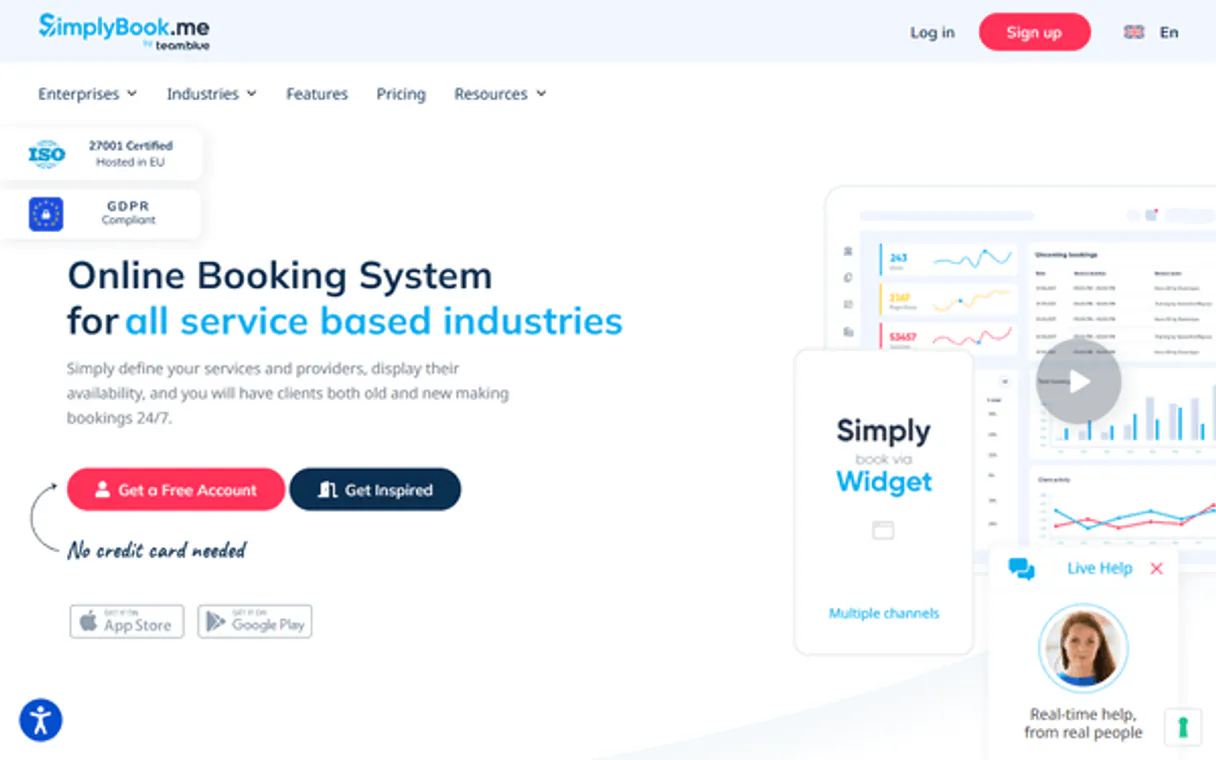
Independent Platform Disclaimer: Vinkius is an independent platform and is not affiliated with, endorsed by, sponsored by, verified by, or otherwise authorized by SimplyBook.me. All third-party trademarks, logos, and brand names are the property of their respective owners. Their use on this website is strictly for informational purposes to identify service compatibility and interoperability.
VINKIUS INFRASTRUCTURE
Cloud Hosted
Managed infra
V8 Isolated
Sandboxed per request
Zero-Trust Proxy
No stored credentials
DLP Enforced
Policy on every call
GDPR Compliant
EU data residency
Token Compression
~60% cost reduction
Works with Claude, ChatGPT, Cursor, and more
The Model Context Protocol standardizes how applications expose capabilities to LLMs. Instead of operating in isolation, your AI gains direct access to external platforms, live data, and real-world actions through secure, standardized connections.
This server provides 10 capabilities that interface natively with Claude, ChatGPT, Cursor, and any MCP client. No middleware. No custom integration required.
Available Capabilities
The clock-in/clock-out process shouldn't involve 5 different screens.
Right now, booking one client means logging into the main dashboard. You check staff availability on the calendar tab, then you click 'New Appointment,' select a service from a dropdown list, pick the provider unit, and finally hit save. If any step fails or you have to switch contexts, the process breaks down.
With this MCP server, your agent handles it all in natural language. You just ask: 'Book Maria for a haircut next Tuesday.' The agent runs `get_work_calendar` and `create_booking` behind the scenes. All you get is a simple confirmation message.
SimplyBook.me MCP Server: Manage bookings from chat.
The manual steps that vanish are navigating through service IDs, finding the correct unit ID for scheduling, and ensuring all dates/times align across multiple internal dashboards. It’s a tedious cycle of clicking, verifying, and copying data points.
Now, you treat the entire system like one API endpoint. You tell your agent the goal; it figures out which tools—`list_services`, `get_work_calendar`, or `create_booking`—to call in order to make it happen. Period.
Common Questions About SimplyBook.me MCP
How do I check staff availability using the get_work_calendar tool? +
You ask your agent to run get_work_calendar and specify the Unit ID or Provider name. It returns all working hours, showing exactly when they are free for a booking.
Can I list all services using the list_services tool? +
Yes, calling list_services provides a full catalog of every service offered by your company, including pricing and expected duration. This helps you guide clients when they book.
What is the difference between list_bookings and get_booking_details? +
list_bookings shows you a roster—a summary of many appointments (e.g., '8 bookings next week'). get_booking_details gives you the deep dive on just one specific booking.
If I want to cancel an appointment, which tool should I use? +
Use the cancel_booking tool. Just provide the necessary booking ID and confirm the cancellation; it handles the deletion from your system immediately.
What data points can I modify using the `update_booking` tool? +
The update_booking tool lets you change details on an existing appointment. You must provide the booking ID and then specify which fields—like the service or time—you want to alter.
What information do I get when I run `list_clients`? +
The tool returns a list of all company clients. You can pull basic contact details and view their booking history, which helps your agent build context for new interactions.
What credentials are required to successfully use the `get_work_calendar` tool? +
You need the API Key, API Secret, and the specific Unit ID. The unit ID is crucial because it tells the agent exactly which staff member's schedule you want to view.
If I forget required details when using `create_booking`, what happens? +
The system will throw an error if key parameters are missing. For a booking, you must always provide the Service ID, Unit ID, and the start time to successfully make the appointment.
Can the AI accidentally delete all my bookings? +
No. The cancel_booking tool only cancels a single specific booking by its ID. It cannot perform bulk deletions or affect account settings. Each cancellation requires an explicit booking ID.
How does authentication work? +
You provide your API Key, API Secret, and Company Login. The integration automatically exchanges them for a session token (X-Token) on each request — no manual OAuth setup required.
Can the AI create new bookings or only manage existing ones? +
The AI can both create new bookings and manage existing ones. Use create_booking to schedule appointments and cancel_booking to cancel specific reservations by their ID.
Use it with your favorite AI tools
Connect this server to Cursor, Claude, VS Code, and more.
More in this category

Customers.ai
Identify anonymous website visitors by name and turn them into leads with AI-powered visitor identification and outreach automation.
RateUpdate
Manage hotel rates and availability across OTAs and booking channels with centralized distribution and pricing intelligence.

Text In Church
Keep your congregation engaged with church-specific texting, email, and communication tools that grow attendance and giving.
You might also like
123FormBuilder
Build and manage online forms, collect submissions, and organize workspaces with AI-powered form automation for any workflow.
GovInfo
Search and retrieve official US Government documents and publications via AI.
Docker Hub
Manage Docker images on Docker Hub — list repositories, browse tags, create repos and search for community images from any AI agent.