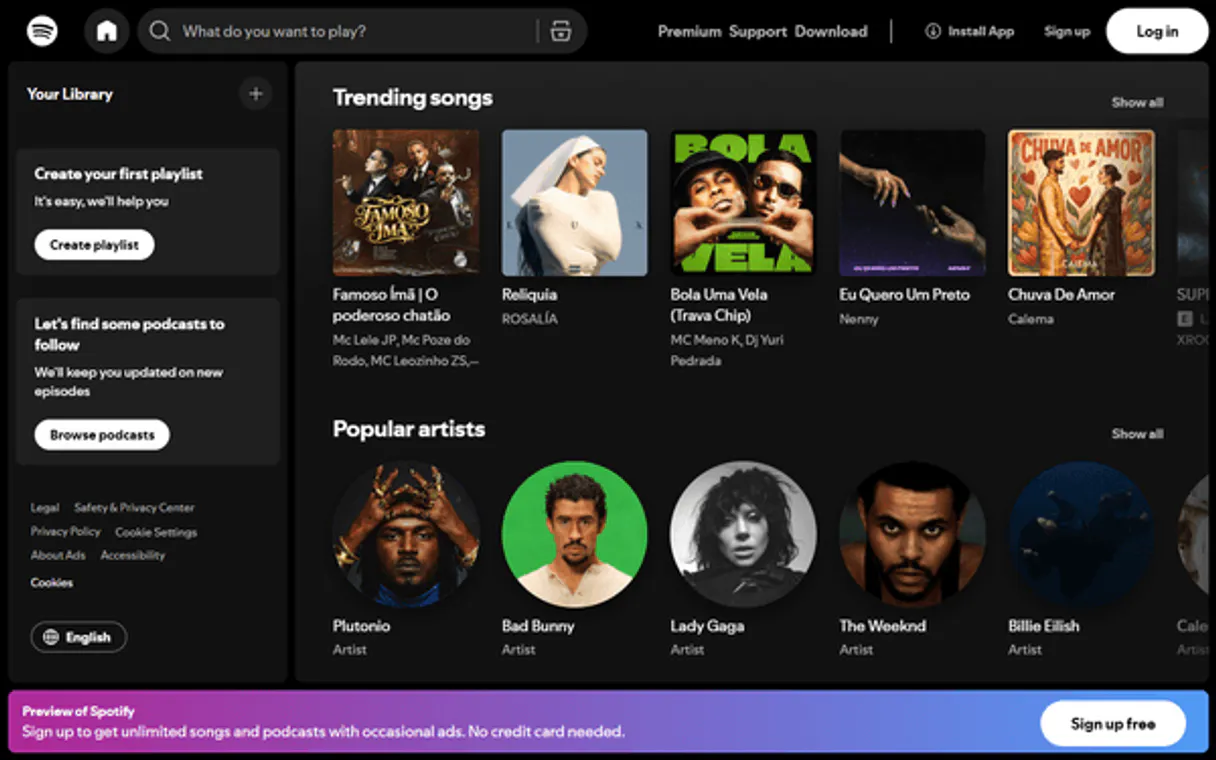
Spotify Music MCP. Analyze audio features and control playback from your agent.
Works with every AI agent you already use
…and any MCP-compatible client

Just plug in your AI agents and start using Vinkius.
Spotify Music MCP Server lets your agent control everything on Spotify. Use it to search millions of tracks by name, get deep audio analytics (like tempo and energy), manage your entire queue, or discover new music based on existing favorites.
It's built for agents that need reliable playback control and detailed metadata access—everything from playing a track to checking out the artist’s whole catalog.
What your AI agents can do
Add to queue
Adds a specified track ID directly into the current playback queue.
Get album
Retrieves detailed metadata for an entire album, including its tracks and release date.
Get artist
Fetches all available information about a specific recorded artist.
Find any track, artist, album, or playlist across millions of entries.
Retrieve specific data points for a track, including its danceability score, energy level, and tempo (BPM).
Start or pause the music currently playing on your connected device.
Add specific tracks to the current queue or fetch details about existing user-created playlists.
Generate a list of new, related songs based on seed artists, genres, or initial tracks you specify.
Ask AI about this MCP
Supported MCP Clients
Waiting for input…
Spotify Music MCP Server: 13 Tools for Media Control
These tools let your agent perform everything from searching the catalog to analyzing deep audio metrics on Spotify.
019d760cadd to queue
Adds a specified track ID directly into the current playback queue.
019d760cget album
Retrieves detailed metadata for an entire album, including its tracks and release date.
019d760cget artist
Fetches all available information about a specific recorded artist.
019d760cget audio features
Returns quantifiable metrics (like energy, valence, and danceability) for any given track ID.
019d760cget current track
Checks what song is playing right now on the user's device. Returns empty if nothing is active.
019d760cget new releases
Pulls a list of albums and singles that were recently added to Spotify.
019d760cget playlist
Retrieves specific details, including track counts and creator info, for a user-defined playlist.
019d760cget recommendations
Generates new song suggestions based on input genres, artists, or existing tracks.
019d760cget track
Gets comprehensive metadata for a single track ID (title, duration, etc.).
019d760cget user playlists
Lists all the playlists belonging to the currently connected user account.
019d760cpause
Stops playback on the user's device without ending the session.
019d760cplay
Starts or resumes music playback immediately.
019d760csearch
Searches Spotify for tracks, artists, albums, or entire playlists by keyword.
Choose How to Get Started
Build a custom MCP for your own tools, or connect a ready-made integration from our catalog.
Build Your Own
Turn any API into an MCP. Import a spec, define Agent Skills, or deploy with MCPFusion.
- Import from OpenAPI, Swagger, or YAML specs
- Create Agent Skills with progressive disclosure
- Deploy to edge with MCPFusion framework
- Built in DLP, auth, and compliance on every call
- Real time usage dashboard and cost metering
- Publish to catalog or keep private
Make Your AI Do More
Start with Spotify Music, then connect any of our 4,700+ other servers whenever your AI needs more. One click, no limits.
- Use this MCP plus 4,700+ others, all in one place
- Add new capabilities to your AI anytime you want
- Every connection is secured and compliant automatically
- Track usage and costs across all your servers
- Works with Claude, ChatGPT, Cursor, and more
- New servers added to the catalog every week
What you can do with this MCP connector
You need your agent to handle music, right? This Spotify Music MCP Server gives it full control over the Spotify API—it's like handing your AI client the master keys to everything: playback, deep analytics, and discovery. Forget using the native app; you'll let your agent do all the heavy lifting.
When you use search, your agent can look up tracks, artists, albums, or entire playlists across millions of entries by just typing in a keyword. If you need to know what’s playing right now on the user’s device, running get_current_track checks that for you; it returns empty if nothing's active.
For controlling the music itself, your agent can start or resume playback immediately using play, and it'll stop everything dead with a simple call to pause. You don't even have to end the session to pause. If you want to manage the queue, calling add_to_queue lets your agent drop any specified track ID right into the current line-up.
When it comes to digging up metadata, the server is loaded. To get full details on a specific song, your agent uses get_track, which returns comprehensive info like the title and duration. Want deep data on an entire album? get_album pulls all that metadata for you, including every track name and when it dropped.
You can also get all the scoop on any artist using get_artist. For managing your personal collections, calling get_user_playlists lists every playlist belonging to the connected account, while get_playlist lets you fetch specific details—like track counts or who made it—for a defined list.
The analytical capabilities are nuts. To get quantifiable metrics for any given song ID, your agent uses get_audio_features, which returns scores like energy, valence, and danceability. You can also pull technical data points by using get_track's metadata access. Need new music? Your agent runs get_recommendations, generating fresh song suggestions based on seed artists, genres, or initial tracks you specify.
If you just wanna see what’s dropping right now, calling get_new_releases pulls a list of albums and singles recently added to Spotify.
Finally, building lists is simple. Besides adding specific songs with add_to_queue, your agent can fetch details about all your existing music collections using get_user_playlists and then get the contents of those playlists via get_playlist. It's built for agents that need reliable playback control and detailed metadata access—everything from playing a track to checking out an artist’s whole catalog.
How Spotify Music MCP Works
- 1 First, subscribe to the server and provide your Spotify Access Token via the developer dashboard.
- 2 Next, your AI client uses natural language prompts to call specific tools (e.g.,
searchorget_audio_features). - 3 The MCP Server executes the API calls, returns the structured data payload, and updates your agent's state.
The bottom line is: your agent speaks music commands, and this server translates them into Spotify actions.
Who Is Spotify Music MCP For?
Sound engineers, party planners, content creators, and data scientists. This isn't for the casual listener; it’s for the professional who needs to treat music as a data stream or an actionable utility. If you find yourself manually checking BPMs or cross-referencing playlists across multiple apps, you need this.
Uses get_audio_features to analyze segment music for optimal background energy and tempo matching the spoken script.
Manages a complex set of tracks using add_to_queue and get_recommendations to build seamless, genre-blending sets on the fly.
Calls get_album and get_artist repeatedly to gather structured metadata for analysis of music trends or emotional resonance.
What Changes When You Connect
- You stop guessing what works. By calling
get_audio_features, you get hard numbers—like danceability or tempo—so you know exactly if a track fits the mood before adding it to the queue. - Never manually search again. The
searchtool lets your agent pinpoint any specific song, album, or artist across the entire library in seconds. - Automate mix building. Need a playlist that flows? Use
get_recommendationswith seed artists and genres; it builds out curated suggestions you can then manage viaadd_to_queue. - Instant playback control. The agent can pause or resume music immediately using the
pauseandplaytools, making real-time interaction possible without needing the native app open. - Deep library insight. You don't just see tracks; you get context. Tools like
get_albumandget_artistgive structured data about the creator or the release structure. - Stay current on hits. The dedicated
get_new_releasestool keeps your agent updated, so it always knows what major albums are dropping this week.
Real-World Use Cases
Curating a themed party playlist
A host needs 3 hours of music that stays high energy (Energy > 70). The agent first calls get_audio_features on several potential tracks, filtering for minimum energy. It then uses get_recommendations based on the best-scoring genre and feeds the results into add_to_queue, maintaining flow without manual adjustments.
Analyzing a competitor's sound profile
A music marketer wants to know what makes Artist X popular. The agent uses get_artist first, then focuses on key tracks using get_track and repeatedly calls get_audio_features. This allows them to quantify the ideal 'sonic sweet spot' for their own branding.
Emergency background music control
A developer is recording a voiceover and needs quiet, ambient music that can be instantly paused. The agent first checks get_current_track to confirm status, then calls pause when the voiceover starts, and resumes playback with one simple command.
Building a travel discovery list
A user wants music from a specific region they're visiting. The agent uses search for local genres (e.g., 'Kyoto folk') and then calls get_user_playlists to see if the user already has related collections, compiling everything into one manageable list.
The Tradeoffs
Asking for general music vibes
Just prompting: 'Play some good background tunes.' This is useless because the agent can't interpret 'good' or 'background'. It just starts playing whatever was last active.
→
Instead, use search with specific parameters like genre and mood (e.g., 'lo-fi beats for studying'). If you need data, call get_audio_features first to define the required metrics.
Forgetting the queue structure
Telling the agent: 'Play Artist A, then Artist B.' The agent might just start playing them sequentially without proper transition management.
→
Always use add_to_queue for every track you want to play. This ensures they are correctly lined up and gives you control over the playback order.
Ignoring album context
Just requesting a song name like 'Blinding Lights' without knowing its origin. You miss out on related tracks or context.
→
Use get_track to get the core metadata, then immediately call get_album using that track's album ID. This gives you the full context of the release.
When It Fits, When It Doesn't
You should use this server if your workflow requires interacting with music as structured data or needing precise playback control—think analytics, mixing, or programmatic curation. Specifically, if you need to calculate energy scores (get_audio_features), manage large queues (add_to_queue), or analyze catalog depth (get_album, get_artist), this is the tool.
Don't use it if your goal is simply 'casual listening.' If all you need is a general, mood-based suggestion and don't care about why the song was picked, basic search might suffice. But if you want to build logic—like 'find me songs between 120-135 BPM with high danceability'—you must use get_audio_features in conjunction with search. The tools are deep; they require specific inputs for reliable output.
Independent Platform Disclaimer: Vinkius is an independent platform and is not affiliated with, endorsed by, sponsored by, verified by, or otherwise authorized by Spotify. All third-party trademarks, logos, and brand names are the property of their respective owners. Their use on this website is strictly for informational purposes to identify service compatibility and interoperability.
VINKIUS INFRASTRUCTURE
Cloud Hosted
Managed infra
V8 Isolated
Sandboxed per request
Zero-Trust Proxy
No stored credentials
DLP Enforced
Policy on every call
GDPR Compliant
EU data residency
Token Compression
~60% cost reduction
Works with Claude, ChatGPT, Cursor, and more
The Model Context Protocol standardizes how applications expose capabilities to LLMs. Instead of operating in isolation, your AI gains direct access to external platforms, live data, and real-world actions through secure, standardized connections.
This server provides 13 capabilities that interface natively with Claude, ChatGPT, Cursor, and any MCP client. No middleware. No custom integration required.
Available Capabilities
Writing about music used to mean copy-pasting track names and hoping the API worked.
Today, getting a playlist ready involves jumping between Spotify's web player, third-party mix tools, and spreadsheet software. You manually check BPMs in one place, record artist details in another, and then try to build a seamless queue across multiple systems. It’s slow, and it always breaks.
With the Spotify Music MCP Server, your agent handles all that boilerplate. You simply tell it: 'Build me a set of 15 tracks that peak at high energy.' The server runs `get_audio_features` in the background, finds the matches, and loads them into the queue using `add_to_queue`. Done.
Spotify Music MCP Server: Get every detail about any track.
Before this server, if you wanted to know a song's tempo or energy score, you had to use an external web utility. You couldn't integrate that data point into your workflow; it was isolated information that required manual transfer and comparison.
Now, the agent calls `get_audio_features` directly. The resulting metrics—danceability 51%, energy 73%—come back in a clean JSON payload. This lets your code make immediate decisions: 'This track is too low energy; discard.' That's the difference.
Common Questions About Spotify Music MCP
How do I get a Spotify Access Token? +
Go to the Spotify Developer Dashboard, log in with your Spotify account, click 'Create App', and generate a token. The token expires every hour.
What are 'Audio Features'? +
Audio features are data points Spotify calculates for every track, including Danceability (0-100%), Energy (0-100%), Tempo (BPM), and Valence (Positivity). You can use get_audio_features to analyze a song's vibe.
Can I control playback on any device? +
Yes! The player tools (play, pause, add_to_queue) work on your currently active Spotify device, whether it's your phone, computer, or smart speaker.
Does it support podcasts? +
This integration currently focuses on music and library management. Podcast playback is not directly exposed as native commands.
What happens if I run `get_track` for an ID that doesn't exist? +
The server returns a structured error response. This allows your agent to know exactly why the request failed, like invalid track IDs or restricted content. You can build logic around these explicit failure states.
Are there rate limits when using `search` frequently in a short time? +
Yes, API calls are subject to Spotify's rate limits. The MCP server catches standard throttling errors and sends a specific status code. Your agent can pause its actions or implement a retry mechanism based on this feedback.
How do I handle large playlist data using `get_user_playlists`? +
The tool retrieves your list of playlists first. If you need detailed information about tracks within a very large playlist, you must pass appropriate pagination parameters to the relevant detail tools.
What should my agent do if `get_current_track` returns nothing? +
It returns an empty data set or null status when no music is playing. Your agent needs to check for this zero-state response before attempting playback commands like adding tracks or pausing.
Use it with your favorite AI tools
Connect this server to Cursor, Claude, VS Code, and more.
More in this category
OceanBase
Enterprise distributed relational database — manage clusters, tenants, and databases via AI.
Freshdesk
Manage customer support via Freshdesk — track tickets, handle contacts, and oversee agent groups via AI agents.
Wing Assistant
Manage your Wing virtual assistants and delegate tasks programmatically through AI.
You might also like
Unbounce
Automate marketing tasks via Unbounce — retrieve landing pages, fetch captured leads, audit performance stats, and manage test variants easily.
CDC Public Health / 美国疾控中心
U.S. CDC official health resources — search media, audit topics, and get health recommendations via AI.
Foxentry
Validate and autocomplete addresses, emails, and phone numbers in forms to eliminate bad data before it enters your systems.