
TfL MCP Server for Pydantic AI 12 tools — connect in under 2 minutes
Pydantic AI brings type-safe agent development to Python with first-class MCP support. Connect TfL through Vinkius and every tool is automatically validated against Pydantic schemas. catch errors at build time, not in production.
ASK AI ABOUT THIS MCP SERVER
Vinkius supports streamable HTTP and SSE.
import asyncio
from pydantic_ai import Agent
from pydantic_ai.mcp import MCPServerHTTP

async def main():
    # Your Vinkius token. get it at cloud.vinkius.com
    server = MCPServerHTTP(url="https://edge.vinkius.com/[YOUR_TOKEN_HERE]/mcp")

    agent = Agent(
        model="openai:gpt-4o",
        mcp_servers=[server],
        system_prompt=(
            "You are an assistant with access to TfL "
            "(12 tools)."
        ),
    )

    result = await agent.run(
        "What tools are available in TfL?"
    )
    print(result.data)

asyncio.run(main())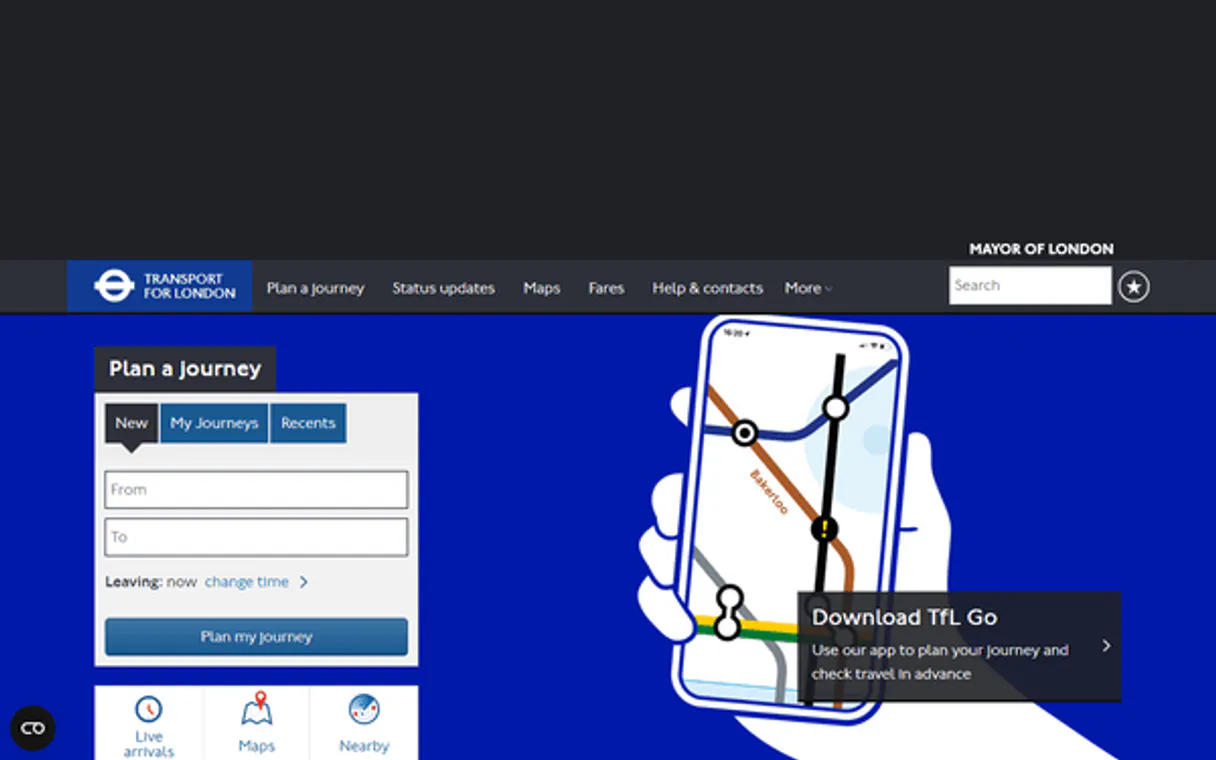
* Every MCP server runs on Vinkius-managed infrastructure inside AWS - a purpose-built runtime with per-request V8 isolates, Ed25519 signed audit chains, and sub-40ms cold starts optimized for native MCP execution. See our infrastructure
About TfL MCP Server
Connect your TfL Unified API London public transport data platform to any AI agent and take full control of real-time Tube and bus tracking, multimodal journey planning, line status monitoring, and Santander Cycles availability through natural conversation.
Pydantic AI validates every TfL tool response against typed schemas, catching data inconsistencies at build time. Connect 12 tools through Vinkius and switch between OpenAI, Anthropic, or Gemini without changing your integration code. full type safety, structured output guarantees, and dependency injection for testable agents.
What you can do
- Real-Time Arrivals — Get live arrival predictions for any Tube station, bus stop, DLR, Overground, Elizabeth line, tram, river, or cable-car stop
- Stop Point Search — Find any TfL stop point by station name, street, or landmark across all transport modes
- Line Status — Check current service status for all Tube lines, bus routes, DLR, Overground, Elizabeth line, and more
- Journey Planning — Plan door-to-door multimodal trips combining Tube, bus, DLR, Overground, Elizabeth line, tram, walking, and cycling
- Stop Details — Get comprehensive station information including accessibility, fare zones, and step-free access
- Santander Cycles — Browse all bike docking stations with real-time availability (bikes and empty docks)
- Road Status — Monitor London road conditions, closures, and disruptions for driving planning
- Place Search — Discover places and points of interest across London by category
- Transport Modes — Explore all available transport modes in the TfL network
- Vehicle Compliance — Check ULEZ and Congestion Charge compliance for registered vehicles
The TfL MCP Server exposes 12 tools through the Vinkius. Connect it to Pydantic AI in under two minutes — no API keys to rotate, no infrastructure to provision, no vendor lock-in. Your configuration, your data, your control.
How to Connect TfL to Pydantic AI via MCP
Follow these steps to integrate the TfL MCP Server with Pydantic AI.
Install Pydantic AI
Run pip install pydantic-ai
Replace the token
Replace [YOUR_TOKEN_HERE] with your Vinkius token
Run the agent
Save to agent.py and run: python agent.py
Explore tools
The agent discovers 12 tools from TfL with type-safe schemas
Why Use Pydantic AI with the TfL MCP Server
Pydantic AI provides unique advantages when paired with TfL through the Model Context Protocol.
Full type safety: every MCP tool response is validated against Pydantic models, catching data inconsistencies before they reach your application
Model-agnostic architecture. switch between OpenAI, Anthropic, or Gemini without changing your TfL integration code
Structured output guarantee: Pydantic AI ensures tool results conform to defined schemas, eliminating runtime type errors
Dependency injection system cleanly separates your TfL connection logic from agent behavior for testable, maintainable code
TfL + Pydantic AI Use Cases
Practical scenarios where Pydantic AI combined with the TfL MCP Server delivers measurable value.
Type-safe data pipelines: query TfL with guaranteed response schemas, feeding validated data into downstream processing
API orchestration: chain multiple TfL tool calls with Pydantic validation at each step to ensure data integrity end-to-end
Production monitoring: build validated alert agents that query TfL and output structured, schema-compliant notifications
Testing and QA: use Pydantic AI's dependency injection to mock TfL responses and write comprehensive agent tests
TfL MCP Tools for Pydantic AI (12)
These 12 tools become available when you connect TfL to Pydantic AI via MCP:
get_arrivals
g., 940GZZLUSCL for Oxford Circus Underground, or 490007653 for a bus stop). Returns predicted arrival times, line names, destination stations, time to station in minutes, vehicle IDs, expected arrival timestamps, and service types (tube, bus, dlr, elizabeth-line, overground, tram, river, cable-car). Essential for real-time arrival awareness, passenger waiting time estimation, trip timing, and connection coordination across the entire London transport network. AI agents should reference this when users ask "when is the next Northern Line train at Bank", "show upcoming buses at stop 490007653", or need real-time arrival predictions for any TfL stop point. Stop IDs can be found using search_stop_point. Get real-time arrival predictions for a specific TfL stop point
get_bike_point
Returns dock ID, common name, precise location (latitude, longitude, address), total capacity, current available bikes, current empty docks, installation date, last update timestamp, and operational status. Essential for dock-level bike availability checks, capacity planning, and real-time bike-sharing awareness for specific docking stations. AI agents should use this when users ask "how many bikes are at dock BikePoints_1234", "tell me about the docking station at Hyde Park Corner", or need specific docking station details for bike hire planning. Get detailed information about a specific Santander Cycles docking station
get_bike_points
Returns docking station IDs, common names, geographic coordinates, total bike capacity, number of available bikes, number of empty docks, installation date, and operational status. Covers thousands of docking stations across central London and expanding into outer boroughs. Essential for bike hire planning, dock availability awareness, cycle route planning, and understanding London's bike-sharing network coverage. AI agents should reference this when users ask "where are the nearest bike docking stations", "how many bikes are available at this dock", or need to identify bike hire options for last-mile connectivity. List all Santander Cycles (bike hire) docking stations across London
get_journey
Returns multiple route options combining tube, bus, dlr, overground, elizabeth-line, tram, river, walking, and cycling. Each route includes total duration, walking distance, number of interchanges, fare estimates, CO2 savings, and detailed leg-by-leg instructions with line names, directions, station sequences, and departure/arrival times. Essential for multimodal trip planning, route comparison, accessibility-aware journey selection, and passenger information. AI agents should use this when users ask "how do I get from Paddington to Greenwich", "plan a journey from Heathrow to Tower Bridge", or need door-to-door trip planning across London's transport network. Plan a journey between two locations using TfL transport modes
get_line_status
Returns line IDs, line names, status severity (Good Service, Minor Delays, Severe Delays, Part Suspended, Suspended, Planned Work, Special Service), status descriptions, reason codes, and disruption details. Can query all lines system-wide or filter by specific modes (tube, bus, dlr, overground, tram, river, cable-car, elizabeth-line, national-rail). Essential for service disruption awareness, alternative route planning, passenger communication, and understanding overall TfL reliability. AI agents should reference this when users ask "is the Victoria Line running normally", "what is the status of the Overground", or need to check service reliability before planning London journeys. Get current service status for TfL lines, optionally filtered by mode
get_modes
Returns modes including tube, bus, dlr, overground, elizabeth-line, tram, river, cable-car, national-rail, and walking. Essential for understanding the scope of TfL's multimodal network, mode identification for filtered queries, and transport network analysis. AI agents should reference this when users ask "what transport modes does TfL cover", "list all available modes", or need to understand the full range of London transport options before planning journeys. List all available transport modes in the TfL network
get_place_search
Returns place IDs, names, categories, geographic coordinates, address information, and related links. Can optionally filter by place type (e.g., "TubeStation", "BusStation", "Park", "Museum", "Hospital"). Essential for place discovery, tourist planning, accessibility research, and understanding London's infrastructure. AI agents should use this when users ask "find parks near Westminster", "search for museums in South Bank", or need to identify places and points of interest for comprehensive London trip planning. Search for places and points of interest across London
get_road_disruptions
Returns disruption descriptions, affected road segments, cause types (roadworks, incidents, events, utility works), start and end dates, severity levels, and alternative route recommendations. Can query all disruptions system-wide or filter by specific road. Essential for driving disruption awareness, alternative route planning, delivery logistics, and understanding road reliability. AI agents should reference this when users ask "are there any roadworks on the A4", "what disruptions affect my drive to Heathrow", or need to check road conditions before planning driving journeys in London. Get current road disruptions and closures across London
get_road_status
Returns road IDs, road names, status descriptions, corridor details, and operational information. Can query all roads system-wide or filter by a specific road ID (e.g., "A1", "A40", "A205" South Circular). Essential for driving route planning, road closure awareness, understanding London road network conditions, and commuter driving decisions. AI agents should use this when users ask "what is the status of the A40", "are there any road closures on the North Circular", or need to check road conditions before driving journeys in London. Get current status of London roads, optionally filtered by specific road
get_stop_point_details
Returns stop ID, common name, station type, modes served, geographic coordinates, address, accessibility information (step-free access, lift availability), fare zone, hub station affiliations, and parent/child station relationships. Essential for stop identification, accessibility planning, fare zone awareness, station navigation, and understanding station hierarchy in the TfL network. AI agents should use this when users ask "tell me about King's Cross station", "is this station step-free", or need detailed stop metadata to contextualise transit queries. Get detailed information about a specific TfL stop point
get_vehicle_details
Returns vehicle registration, make, model, compliance status, charge exemptions, and registration dates. Essential for London driving compliance checks, ULEZ awareness, congestion charge planning, and vehicle registration verification. AI agents should use this when users ask "check if vehicle AB12 CDE is ULEZ compliant", "is my car exempt from Congestion Charge", or need to verify vehicle compliance before driving in central London. Get vehicle details for a registered vehicle in London (ULEZ/congestion charge)
search_stop_point
Returns matching stop points with their IDs, common names, modes served (tube, bus, dlr, overground, tram, river, cable-car, elizabeth-line), geographic coordinates (lat/lon), and station hierarchy information. Can optionally filter by transport mode. Essential for stop discovery, journey planning interfaces, stop identification, and building location-based transit features. AI agents should use this when users ask "find the tube station near Covent Garden", "search for stops called Victoria", or need to identify stop IDs for use in arrival queries. Search for TfL stop points by name or location
Example Prompts for TfL in Pydantic AI
Ready-to-use prompts you can give your Pydantic AI agent to start working with TfL immediately.
"When is the next Northern Line train arriving at Bank station?"
"How many Santander Cycles are available near Hyde Park Corner?"
"What is the status of the Victoria Line and Jubilee Line right now?"
Troubleshooting TfL MCP Server with Pydantic AI
Common issues when connecting TfL to Pydantic AI through the Vinkius, and how to resolve them.
MCPServerHTTP not found
pip install --upgrade pydantic-aiTfL + Pydantic AI FAQ
Common questions about integrating TfL MCP Server with Pydantic AI.
How does Pydantic AI discover MCP tools?
MCPServerHTTP instance with the server URL. Pydantic AI connects, discovers all tools, and generates typed Python interfaces automatically.Does Pydantic AI validate MCP tool responses?
Can I switch LLM providers without changing MCP code?
Connect TfL with your favorite client
Step-by-step setup guides for every MCP-compatible client and framework:
Anthropic's native desktop app for Claude with built-in MCP support.
AI-first code editor with integrated LLM-powered coding assistance.
GitHub Copilot in VS Code with Agent mode and MCP support.
Purpose-built IDE for agentic AI coding workflows.
Autonomous AI coding agent that runs inside VS Code.
Anthropic's agentic CLI for terminal-first development.
Python SDK for building production-grade OpenAI agent workflows.
Google's framework for building production AI agents.
Type-safe agent development for Python with first-class MCP support.
TypeScript toolkit for building AI-powered web applications.
TypeScript-native agent framework for modern web stacks.
Python framework for orchestrating collaborative AI agent crews.
Leading Python framework for composable LLM applications.
Data-aware AI agent framework for structured and unstructured sources.
Microsoft's framework for multi-agent collaborative conversations.
Connect TfL to Pydantic AI
Get your token, paste the configuration, and start using 12 tools in under 2 minutes. No API key management needed.