
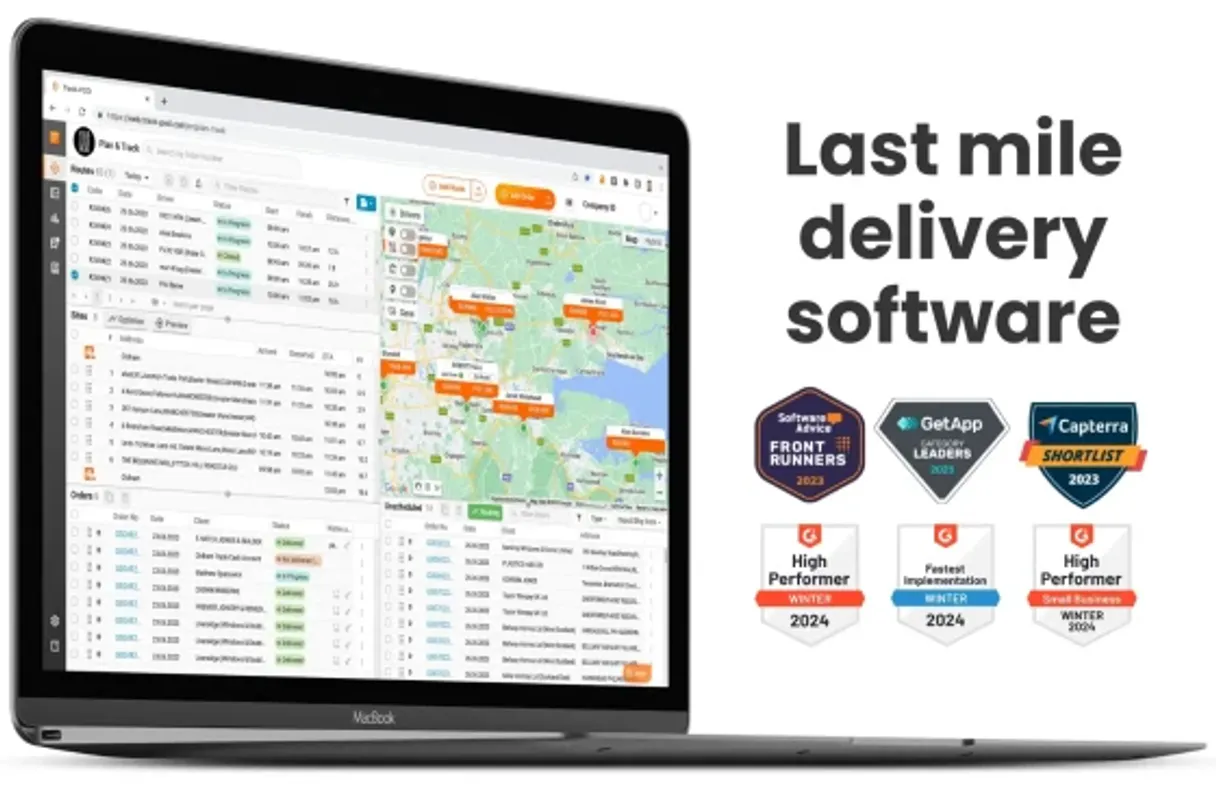
Track-POD MCP for AI. Manage logistics operations from conversation.
 Gemini
 Works with every AI agent you already use
…and any MCP-compatible client









How this MCP server connects to your AI agent
Track-POD connects your delivery account to any AI client. Use it to list orders, monitor active routes, create new unscheduled tasks, and query driver availability for last-mile logistics management.
It gives agents direct access to real-time fleet data.
What AI agents can do with Track-POD Automation
Create order
Creates a new delivery order by requiring an order number and client name.
Get order by number
Retrieves full details for one specific order using its unique identifier.
List drivers
Returns a list of all registered drivers in your system.
Pass an order number to pull detailed metadata on a job's status, assignment, and expected delivery time.
Build unscheduled tasks by providing the client name and physical address for a new delivery job.
Retrieve comprehensive lists of all existing orders or monitor every active/planned route in your system.
Pull current data on available drivers, vehicles, and the overall operational status of your entire fleet.
Run a mandatory health check to confirm that the server is connected and ready for use with your provided credentials.
Ask an AI about this
Waiting for input…
What AI agents can do with Track-POD MCP Server: 7 Tools for Logistics Management
These seven tools let your agent list every order, check driver status, manage vehicles, or create new delivery tasks in one conversation.
Make your AI actually useful.
Add this MCP to Claude, Cursor, or Windsurf and your AI stops guessing. It gets real tools to look things up, take action, and handle the stuff you keep doing by hand.
Start using Track-POD on VinkiusCreate Order
Creates a new delivery order by requiring an order number and client name.
Get Order By Number
Retrieves full details for one specific order using its unique identifier.
List Drivers
Returns a list of all registered drivers in your system.
List Orders
Pulls a complete list of every order currently tracked by the platform.
List Routes
Lists all active or planned delivery routes for monitoring and oversight.
List Vehicles
Provides a directory listing of every vehicle assigned to the fleet.
Test Api Connection
Validates your API key and confirms that the server connection is working correctly.
Security and governance baked right in.
Pick your AI client below to get set up. Just create a Vinkius account, subscribe, and you're instantly up and running. We handle the entire backend infrastructure, delivering out-of-the-box support for HTTPS Streamable, SSE, and OAuth2—zero messy routing required.
Claude AI
Open Claude Settings
Go to claude.ai, click your profile icon, then navigate to Customize → Connectors.
Add Custom Connector
Click the "+" button and select Add custom connector. Paste your Vinkius endpoint URL:
https://edge.vinkius.com/[YOUR_TOKEN_HERE]/mcp
Replace [YOUR_TOKEN_HERE] with your token
from cloud.vinkius.com. For OAuth-protected servers, expand
Advanced settings to add credentials.
Start a conversation
Open a new chat. The Track-POD integration is available immediately — no restart needed.
Choose How to Get Started
Build a custom MCP for your own tools, or connect a ready-made integration from our catalog.
Build Your Own
Turn any API into an MCP. Import a spec, define Agent Skills, or deploy with MCPFusion.
- Import from OpenAPI, Swagger, or YAML specs
- Create Agent Skills with progressive disclosure
- Deploy to edge with MCPFusion framework
- Built in DLP, auth, and compliance on every call
- Real time usage dashboard and cost metering
- Publish to catalog or keep private
Make Your AI Do More
Start with Track-POD, then connect any of our 5,100+ other servers whenever your AI needs more. One click, no limits.
- Use this MCP plus 5,100+ others, all in one place
- Add new capabilities to your AI anytime you want
- Every connection is secured and compliant automatically
- Track usage and costs across all your servers
- Works with Claude, ChatGPT, Cursor, and more
- New servers added to the catalog every week
Independent Platform Disclaimer: Vinkius is an independent platform and is not affiliated with, endorsed by, sponsored by, verified by, or otherwise authorized by Track-POD. All third-party trademarks, logos, and brand names are the property of their respective owners. Their use on this website is strictly for informational purposes to identify service compatibility and interoperability.
VINKIUS INFRASTRUCTURE
Cloud Hosted
Managed infra
V8 Isolated
Sandboxed per request
Zero-Trust Proxy
No stored credentials
DLP Enforced
Policy on every call
GDPR Compliant
EU data residency
Token Compression
~60% cost reduction
Built on the Model Context Protocol (MCP) for Claude, ChatGPT, Cursor, and more
The Model Context Protocol standardizes how applications expose capabilities to LLMs. Instead of operating in isolation, your AI gains direct access to external platforms, live data, and real-world actions through secure, standardized connections.
This connection provides 7 powerful capabilities that interface natively with Claude, ChatGPT, Cursor, and other compatible AI platforms. No middleware. No custom integration required.
Checking order status shouldn't take four different tabs and a spreadsheet lookup., Solved with Vinkius AI Gateway
Today, checking one customer’s delivery status means opening the main dashboard, finding their ID, switching to the 'Tracking' tab, then possibly cross-referencing that against a separate driver roster. It takes five clicks and three minutes of clicking through menus.
With Track-POD MCP Server, you just ask your agent: 'What's the status for order #ORD-9902?' The server runs `get_order_by_number` and gives you all the details—status, driver, expected time—in one clean answer.
Track-POD MCP Server: Coordinate your entire fleet.
Before, planning a route required checking if enough vehicles were available *and* if the assigned drivers weren't double-booked. You had to manually run checks on driver lists and vehicle inventories separately.
Now, you ask the agent to coordinate the fleet. It pulls data from `list_vehicles` and `list_drivers` simultaneously, letting you know exactly what assets are ready for deployment.
What your AI can actually do with this
You wanna manage last-mile logistics, right? You need a solid connection to your delivery account, and this is it. The Track-POD MCP Server connects your preferred AI client straight into your fleet's operational data. It gives you direct access to real-time tracking info—you can list every job on the books, check which trucks are out there, or even schedule an unscheduled run.
Basically, it makes sure your agent knows exactly where everybody is and what needs doing.
Order Management Details
Need to know about a specific delivery? Just pass the unique identifier into get_order_by_number, and you'll pull up all the detailed metadata on that job. You get the status, who it’s assigned to, and the expected drop-off time—all in one go. Wanna see everything currently active or planned? Use list_orders to grab a complete list of every single delivery job tracked by the platform.
If you need to build an unscheduled task on the fly, you can run create_order, providing both the client name and the physical address for the new drop-off point.
Checking Out Your Fleet Status
Figuring out where your assets are is half the battle. You can use list_drivers to get a list of every registered driver in the system, so you know who's available. Need to check the equipment? Run list_vehicles and it gives you a directory listing of every truck assigned to the fleet.
To track where all the action is happening, use list_routes, which pulls up details on every active or planned delivery path for total oversight.
System Health Check
Before you start running complex commands, you gotta make sure everything's talking right. Run test_api_connection first. It validates your API key and confirms that the server connection is working correctly with your credentials. You can also pull up a full list of all available resources by checking the status using list_vehicles, which keeps track of every unit you’ve got on the road.
This server gives your agent more than just data; it lets it act. It helps you coordinate multiple moving parts—the job, the person, and the truck—all from one place. You'll use these tools to check driver availability against outstanding orders, or create a new urgent task immediately when something changes out there on the ground.
019dd178-6201-72ef-a1a3-e88eeeacddf3 
Here's how it actually works
The bottom line is you manage your entire delivery operation by talking to your AI client, not clicking through dashboards.
Subscribe to this server on Vinkius and enter your Track-POD API Key.
Your AI agent uses the key to authenticate and connect to the logistics backend.
You ask your agent to perform a task (e.g., 'List all routes for tomorrow') using natural language.
Who is this actually for?
This server is built for the Logistics Manager who gets tired of switching between separate fleet tracking tools and order management systems. It's for anyone who needs a single pane of glass to manage dispatch, track performance, and handle real-time job changes.
Creates new orders using create_order and checks driver availability with list_drivers before assigning a run.
Runs bulk queries like list_routes or list_orders to get high-level status reports across the whole network.
Uses get_order_by_number to check a specific job's current status without logging into the main portal.
What Changes When You Connect
Get real-time status on any job. Instead of logging into the portal, simply ask your agent to get_order_by_number and get instant metadata (status, assigned driver, ETA).
Coordinate dispatch instantly. Need a new run? Use create_order in conversation. The system handles generating the task record without you touching a web form.
See your entire fleet at a glance. Run list_drivers or list_vehicles to check availability across all assets before planning routes, eliminating manual roster checks.
Monitor delivery paths easily. Use list_routes to see if a planned route is active or stalled. It lets you oversee the network without needing map software.
Build trust with simple validation. Always run test_api_connection first. This confirms your API key and connection are live before you try running any critical commands.
See it in action
The Morning Dispatch Check
A dispatcher needs to know who's available today for a rush job. They ask the agent, which immediately runs list_drivers and filters by status. The agent replies with three drivers ready to go, saving 15 minutes of checking spreadsheets.
Tracking an Unknown Shipment
A client calls asking about order #ORD-7890. Instead of waiting for a human to check the database, the agent runs get_order_by_number and reports back: 'In Transit, assigned to Mike Miller, ETA 11:30 AM.' Problem solved instantly.
Planning Tomorrow's Runs
The operations team wants to see all jobs scheduled for the next day. They run list_orders, getting a summarized list of required deliveries, which they then use to build out routes via manual input.
Building a New Service Area
A manager needs to test if their new zip code is covered. They first run list_vehicles to check asset capacity and then use create_order, providing the client data, setting up the job before any physical dispatch happens.
The honest tradeoffs
Over-relying on old CSV exports
Manually exporting a list of 50 orders into Excel, then having to cross-reference driver names against a separate spreadsheet.
Instead, ask the agent to run list_orders and include the required metadata fields. If you need drivers, use list_drivers. Keep all data in the chat.
Assuming connectivity is fine
Starting a complex task like generating routes (list_routes) only to get an API authentication failure halfway through.
Always run test_api_connection first. If that passes, you know your credentials are valid before committing time to large data requests.
Forgetting the core order ID
Trying to get details on an order by just typing a street address into the chat prompt.
You must use get_order_by_number. The tool requires the unique number, not the location. Use that specific identifier.
When It Fits, When It Doesn't
Use this server if your current process involves frequently asking 'What's happening with X?'—whether it's an order status, driver availability, or route progress. It’s best for high-volume dispatch teams who need to check multiple data points quickly.
Don't use this if you are building a complex, long-term predictive model that requires historical analysis of failed routes (look at specialized BI tools for that). Also, don't rely on it as your primary accounting ledger; it handles logistics and tracking, not billing. If your only need is to view static reports, sticking to the web portal might be simpler, but if you need actions based on data, this server's tools are what you want.
Questions you might have
How do I check if my API key works with Track-POD MCP Server? +
You run the test_api_connection tool. This immediately verifies your credentials and confirms that the server is connected to your account without needing any other setup.
Can I list all my orders using the list_orders tool? +
Yes, running list_orders pulls a complete list of every job. This is useful for getting a high-level view before filtering down to specific tasks.
What if I want to create a new order? Do I need the client name? +
Yes, create_order requires both an order number and the client's name. You must provide both pieces of information for the task to be successfully logged.
Does list_routes show me planned routes or just active ones? +
It lists both. You can use it to monitor currently running paths, or you can check future planning by listing all potential delivery paths.
How do I use the `get_order_by_number` tool? +
You provide a specific order number, and the tool returns full metadata for that single record. This is perfect when you need quick details—like status or assigned driver—without having to sift through an entire list of orders.
What data does the `list_drivers` tool provide? +
It returns a directory of all drivers and their vehicles. You'll get key details like the driver's name, assigned vehicle ID, and current availability status. This helps dispatchers quickly gauge overall manpower distribution.
Does `list_vehicles` show me every asset, even if it’s not currently on a route? +
Yes, the tool gives you a full inventory of every vehicle registered in your system. You get details on the asset ID and its make/model, regardless of whether it's active or sitting idle.
If I run any tool and receive an error, what should I check first? +
First, use test_api_connection to confirm your API key is valid. If that passes, the issue is likely rate limiting; repeatedly calling the same function too fast will trigger a temporary block.
Can I see all the orders for a specific client? +
Yes! Use the list_orders tool. While it returns the full list, you can ask the AI agent to filter or identify all records matching a specific client name.
How do I create a new delivery order via AI? +
Use the create_order tool. You'll need to provide an Order Number, the Client Name, and an optional delivery address to register the new task in Track-POD.
Is it possible to list all the drivers currently available in the fleet? +
Absolutely. Use the list_drivers query. The agent will retrieve the complete directory of delivery drivers associated with your account, helping you coordinate assignments.
We've already built the connector for Track-POD. Just plug in your AI agents and start using Vinkius.
No hosting. No infrastructure. No complex setup.
All 7 tools are live and waiting.
You're up and running in seconds.
Gemini Vinkius gives your AI agents access to the full catalog of app connectors, all fully managed, secure, and enterprise-ready. One subscription, every tool you need.
Built, hosted, and secured by Vinkius. You just connect and go.