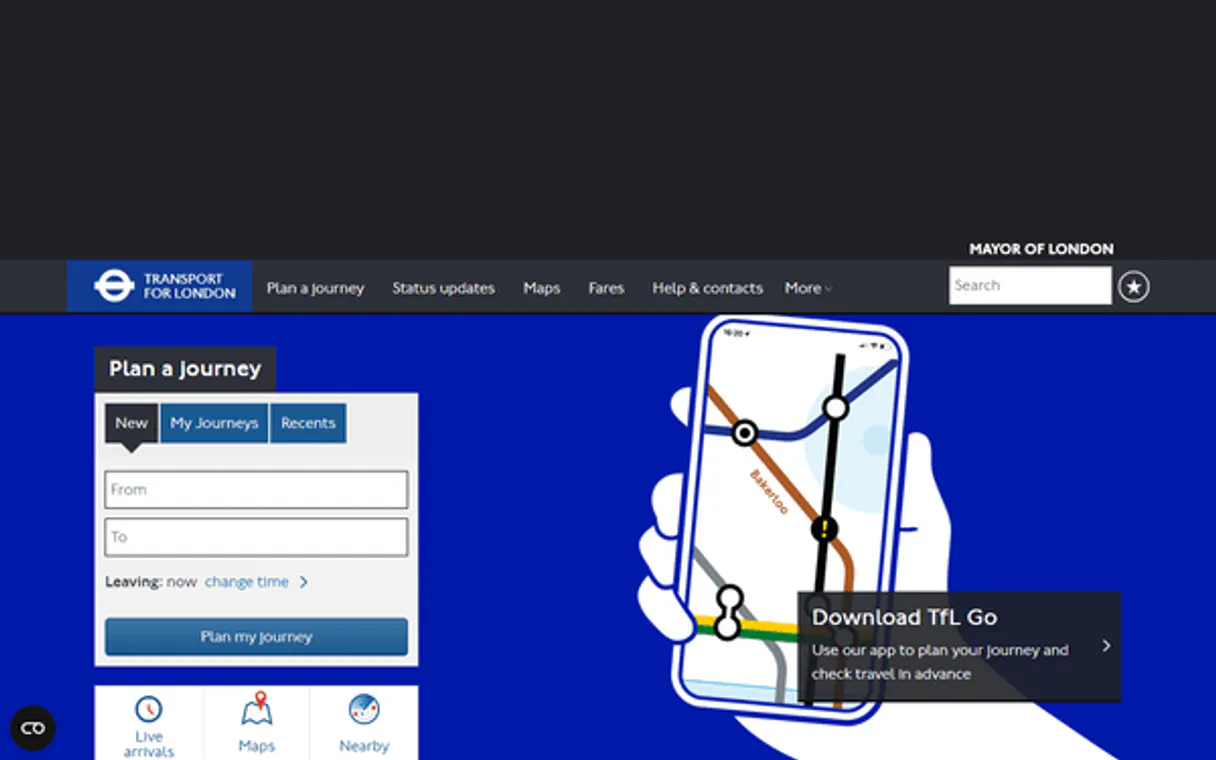
TfL MCP. Get live status for every tube line and bus stop.
Works with every AI agent you already use
…and any MCP-compatible client

Just plug in your AI agents and start using Vinkius.
Transport for London MCP Server provides live transit data across all London modes. Use it to check Tube line status, predict bus arrivals at any stop, plan multi-step journeys between addresses, and locate bike docks or report road disruptions instantly.
What your AI agents can do
Get arrivals
Provides live predictions for buses arriving at a specific stop ID.
Get bike point detail
Pulls detailed information about one specific bike docking station location.
Get bike points
Searches for nearby cycle docks and reports available bikes and empty docks.
Calculates optimal routes between two points, providing estimated travel time, cost, and required changes.
Retrieves the current status (Good Service, Delays, Suspended) for any specific Underground or tram line.
Uses a stop ID to get live predictions for the next few buses arriving at that location.
Returns current information on major London roads, noting congestion severity and known disruptions.
Searches for nearby bike points, providing the count of available bikes and empty docks.
Ask AI about this MCP
Supported MCP Clients
Waiting for input…
Transport for London: 11 Tools for Urban Mobility Data
These tools cover every aspect of London travel—from checking individual bus arrival predictions to mapping major road congestion and planning complex multi-stage journeys.
019d848cget arrivals
Provides live predictions for buses arriving at a specific stop ID.
019d848cget bike point detail
Pulls detailed information about one specific bike docking station location.
019d848cget bike points
Searches for nearby cycle docks and reports available bikes and empty docks.
019d848cget journey
Plans a complete route between two locations, detailing changes, cost, and total time.
019d848cget line detail
Gets detailed operational information for any specific TfL line (tube, tram, etc.).
019d848cget line routes
Returns the ordered list of all stations served by a given tube or rail line.
019d848cget line status
Checks the real-time service status (Good/Minor/Severe Delay) for specified Tube lines.
019d848cget road disruptions
Reports current major road disruptions, including severity and expected clearance times.
019d848cget road status
Checks the live congestion level (Good/Minor/Severe) for London's main roads.
019d848cget stop details
Retrieves metadata and ID details for a specific bus stop or station name.
019d848csearch stop
Finds matching transit stops, returning their unique IDs, locations, and routes.
Choose How to Get Started
Build a custom MCP for your own tools, or connect a ready-made integration from our catalog.
Build Your Own
Turn any API into an MCP. Import a spec, define Agent Skills, or deploy with MCPFusion.
- Import from OpenAPI, Swagger, or YAML specs
- Create Agent Skills with progressive disclosure
- Deploy to edge with MCPFusion framework
- Built in DLP, auth, and compliance on every call
- Real time usage dashboard and cost metering
- Publish to catalog or keep private
Make Your AI Do More
Start with Transport for London, then connect any of our 4,700+ other servers whenever your AI needs more. One click, no limits.
- Use this MCP plus 4,700+ others, all in one place
- Add new capabilities to your AI anytime you want
- Every connection is secured and compliant automatically
- Track usage and costs across all your servers
- Works with Claude, ChatGPT, Cursor, and more
- New servers added to the catalog every week
What you can do with this MCP connector
This server gives your agent real-time data across every mode of transport in London, from the Underground to bikes and major roads. You use it to plan trips, check line health, predict bus arrivals, or map traffic jams.
Trip Planning & Location Services
To start a journey, you call get_journey. It calculates an optimal route between any two addresses you give it, providing the estimated travel time, how much money it'll cost, and exactly how many transfers you gotta make. If you just need to find a stop or station name first, you run search_stop.
That tool finds matching transit stops, giving you their unique IDs, exact locations, and all the routes that pass through them.
Once you have an ID, you use get_stop_details to pull up metadata for specific bus stops or stations. This gives context about the location itself, not just its coordinates.
Underground & Rail Status
When you gotta check if a line's running smooth, you hit get_line_status. You give it specific Tube lines, and it checks their current service status—Good Service, Minor Delay, Severe Delay, or Suspended. For deeper details on any particular TfL rail line (tube or tram), you use get_line_detail to pull its full operational profile.
If you need to know every single station that runs along a given line, get_line_routes returns the complete, ordered list of all stations served by that specific tube or rail line.
Surface Transit (Buses)
When you're waiting for a bus, you use search_stop to get the correct ID for your location. Then, running get_arrivals uses that stop ID to give live predictions on when the next few buses will arrive. You don’t have to guess; it tells you exactly what’s coming and when.
Road Traffic & Disruptions
To check how bad the traffic is right now, you call get_road_status. It gives current congestion levels for London's main roads—Good, Minor, or Severe. If there's a major incident blocking travel, you use get_road_disruptions. This tool reports every current major road disruption, including how bad it is and when they expect to clear the area.
Cycling Infrastructure
For bike commuters, this server tracks dock availability. You run get_bike_points to search for cycle docks nearby. It immediately tells you the count of available bikes and how many empty docks are standing by at that location. If you need deep info on a single docking station, use get_bike_point_detail. That tool pulls all the specific details about one bike dock ID you provide.
How TfL MCP Works
- 1 You initiate a query asking about London transit (e.g., 'What's the status of the Northern line?').
- 2 Your AI client identifies the necessary tool and calls it, passing required parameters like specific station names or stop IDs.
- 3 The server returns structured data—like delay times or route options—which your agent uses to generate a simple, conversational answer.
The bottom line is you talk naturally, and the agent handles the complexity of London's public transit API structure.
Who Is TfL MCP For?
Anyone who relies on getting from point A to point B in London. This means mobile app developers building city guides, operational managers coordinating field crews, or just a commuter tired of checking five different websites for delay updates.
Builds location-aware services by calling get_journey and using search_stop to build out robust trip planning features.
Manages field crews that need reliable, real-time knowledge of road closures or Tube delays via get_road_disruptions before dispatching teams.
Creates daily itineraries for groups using the combined data from get_arrivals, get_line_detail, and get_bike_points to suggest multimodal routes.
What Changes When You Connect
- Stop guessing about delays. The
get_line_statustool gives immediate, real-time health reports on every Tube line you need to know about. - No more manual searches: Use
search_stopfirst to get a precise ID, then pass that ID toget_arrivalsfor accurate bus predictions at any location. - Plan complex trips in one go. The
get_journeytool handles the entire routing process—from multiple transfers to calculating the fare cost. - Know what's happening on the surface and below. You can check major road congestion with
get_road_statusor look for subway failures withget_line_statussimultaneously. - Multimodal planning is simple. The server covers trains, buses (
get_arrivals), roads (get_road_disruptions), and even cycle paths (get_bike_points). - The system gives you structured data points that are easy for your AI client to consume, meaning the output isn't a wall of JSON.
Real-World Use Cases
Rerouting due to unexpected closures
A logistics manager needs to move staff across London. They ask their agent: 'What’s the best route from Paddington to Canary Wharf, assuming road closures?' The agent runs get_road_disruptions first, then uses that data to feed into get_journey, providing an alternate route via Tube lines instead of a congested bridge.
Optimizing a tourist itinerary
A tour guide needs to plan three stops for the day. They ask: 'Plan a trip that hits the British Museum and Westminster, using only reliable public transport.' The agent uses search_stop to find IDs, then runs get_line_details and get_journey, giving the optimal path while avoiding known minor delays.
Checking for a connection delay
A commuter is leaving an office building. They ask: 'I'm at Queen Victoria station. Is my train running, and what's the next bus after it?' The agent checks get_line_status first, then uses that status to inform the optimal exit strategy by calling get_arrivals.
Developing a 'last mile' mobility tool
A developer needs to build an app for short-distance trips. They use get_bike_points to show nearby docks and then use the location data in conjunction with get_stop_details to provide a complete, bike/bus handover plan.
The Tradeoffs
Treating all status checks as one endpoint
Asking 'Tell me about London travel' and hoping the agent magically knows if I need to check road traffic, train delays, AND bike availability. It won't.
→
Be specific with your tools. If you need Tube status, call get_line_status. If you need car congestion, use get_road_status and specify the area.
Forgetting to identify a stop ID first
Asking 'What time does the bus arrive at Oxford Circus?' without providing the specific stop ID. The agent fails because it can't pinpoint the exact physical location.
→
Always start by calling search_stop with the general area name to retrieve the precise ID, then use that returned ID in get_arrivals.
Assuming a direct route exists
Asking 'Drive from A to B' and getting confused when the agent returns public transport options. The tools are for transit, not driving directions.
→
For walking or cycle routes, use get_journey. If you need car-specific travel advice, check get_road_status first, but understand this server is primarily focused on mass transit.
When It Fits, When It Doesn't
Use this if your core requirement involves real-time public movement data in London. Specifically, use it when you need to calculate a trip path (get_journey), check the current operational status of infrastructure (lines via get_line_status, roads via get_road_status), or predict immediate arrivals (get_arrivals). Don't use this if your goal is historical data retrieval (e.g., 'What was the delay last Tuesday?') or general knowledge (e.g., 'How big is London?'). For static location information, simple web searches are fine. But for any trip planning, you need the granular power of search_stop and get_journey to stitch together a reliable plan.
Independent Platform Disclaimer: Vinkius is an independent platform and is not affiliated with, endorsed by, sponsored by, verified by, or otherwise authorized by Transport for London. All third-party trademarks, logos, and brand names are the property of their respective owners. Their use on this website is strictly for informational purposes to identify service compatibility and interoperability.
VINKIUS INFRASTRUCTURE
Cloud Hosted
Managed infra
V8 Isolated
Sandboxed per request
Zero-Trust Proxy
No stored credentials
DLP Enforced
Policy on every call
GDPR Compliant
EU data residency
Token Compression
~60% cost reduction
Works with Claude, ChatGPT, Cursor, and more
The Model Context Protocol standardizes how applications expose capabilities to LLMs. Instead of operating in isolation, your AI gains direct access to external platforms, live data, and real-world actions through secure, standardized connections.
This server provides 11 capabilities that interface natively with Claude, ChatGPT, Cursor, and any MCP client. No middleware. No custom integration required.
Available Capabilities
Checking London transit used to mean opening five different tabs.
Today, figuring out a simple journey requires jumping between multiple sites: checking the Tube status page for delays, then going to Google Maps to see road closures, and finally using a separate bus tracker site for arrival predictions. It's tedious, slow, and often gives conflicting information.
With this MCP server, your agent handles it all in one go. You ask about a journey, and the system runs `get_line_status`, checks `get_road_disruptions`, and calculates the full route via `get_journey`. The result is immediate, consolidated, and actionable.
Using get_journey: Getting your trip plan in seconds.
Before this, planning a multi-leg journey meant manually looking up the nearest station, then checking its service status, estimating the walk time, and finally calculating the fare. It was a messy spreadsheet process that always felt incomplete.
Now, you just ask your agent to 'Plan a trip from X to Y.' The tool runs all necessary checks—including walking distance and line transfers—and hands you a complete, structured itinerary right in your chat.
Common Questions About TfL MCP
Do I need an API key? +
No! TfL's Unified API is completely free and open. No authentication required.
What transport modes are covered? +
TfL covers: Tube (Underground), Overground, DLR, Elizabeth line, Tram, Bus, River Bus, Santander Cycles (Boris Bikes) and major roads across London.
Can I plan a journey between two locations? +
Yes! Use get_journey with origin and destination (station names, addresses or postcodes). Returns multiple route options with duration, changes, walking distance and step-by-step directions.
Can I check live bus arrivals? +
Yes! First use search_stop to find the stop ID by name, then use get_arrivals with that stop ID to get real-time bus arrival predictions.
How do I check for current major road status using the `get_road_status` tool? +
The get_road_status tool shows if London's major roads have Good, Minor, or Severe congestion. This helps you immediately gauge traffic levels before starting a journey.
What information does the `get_bike_points` tool provide? +
The get_bike_points tool returns availability data for Santander Cycle docks, including how many bikes and how many docks are free. You can use this to find nearby cycling stations.
Before I use the `get_arrivals` tool, how do I find a bus stop ID? +
You must first run the search_stop tool. This searches by name and returns matching stops with their required IDs, locations, and service routes for later queries.
How can I check the real-time status of all Tube lines using the `get_line_status` tool? +
The get_line_status tool gives you immediate feedback on whether each tube line is running with Good Service, Minor Delays, Severe Delays, or if it's Suspended. You can check specific lines by listing their IDs.
Use it with your favorite AI tools
Connect this server to Cursor, Claude, VS Code, and more.
More in this category
KanbanZone
Manage projects visually with multi-board Kanban views, WIP limits, and process metrics that streamline team delivery.
AI21 Studio
Unlock AI21's Jamba models and language tools for summarizing, paraphrasing, and grammar correction natively.
EventTemple
Fill your venue calendar with event bookings, catering orders, and banquet management tools made for hospitality sales teams.
You might also like
Yodiz
Manage user stories, sprints, bugs, and epics on Yodiz — the all-in-one agile project management and issue tracking tool.
Nalpeiron V10
Protect your software with license management, usage tracking, and entitlement enforcement for desktop and cloud applications.
Glow Loyalty
Manage loyalty members, track point balances, and oversee rewards via AI agents with Glow Loyalty.