
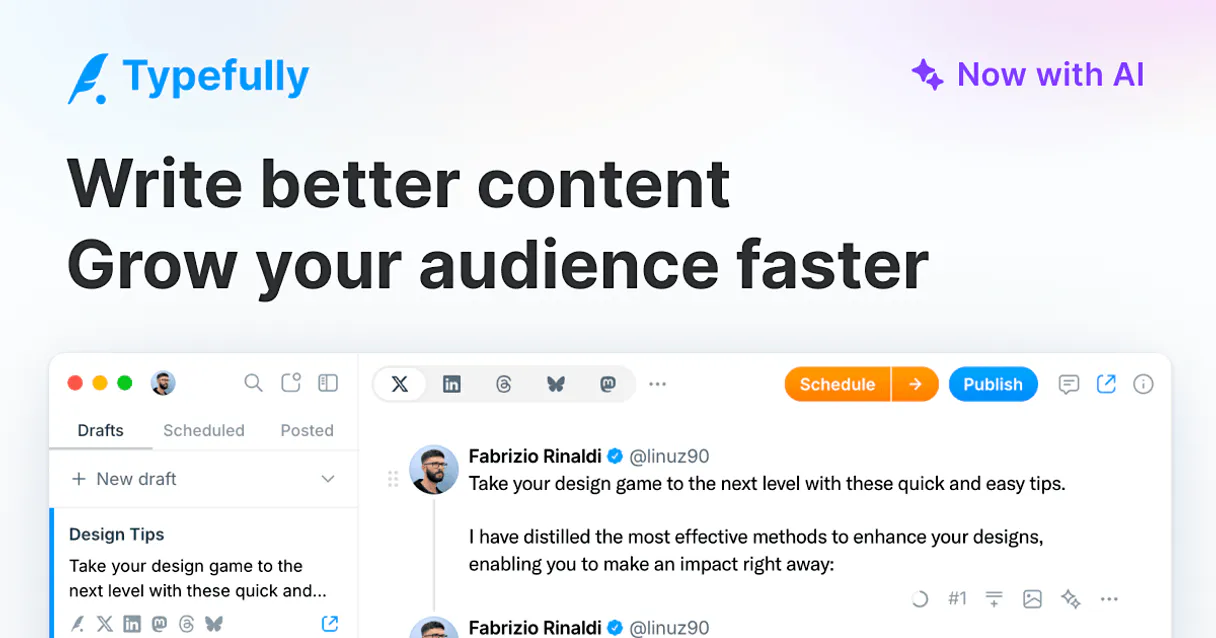
Typefully MCP Server with 9 Tools Ready for AI Agents
 GDPR Free for Subscribers
Write, schedule, and grow your audience on Twitter and LinkedIn with an editor that helps you craft threads that go viral. Unlock 9 tools ready out of the box. Connect this App Connector to instantly empower AI agents like Claude Code, Cursor, or any MCP-compatible client with advanced capabilities.
Ask AI about this App Connector
Vinkius delivers Streamable HTTP and SSE to any MCP client
* Every MCP server runs on Vinkius-managed infrastructure inside AWS - a purpose-built runtime with per-request V8 isolates, Ed25519 signed audit chains, and sub-40ms cold starts optimized for native MCP execution. See our infrastructure
What is the Typefully MCP Server?
The Typefully MCP Server gives AI agents like Claude, ChatGPT, and Cursor direct access to Typefully via 9 tools. Write, schedule, and grow your audience on Twitter and LinkedIn with an editor that helps you craft threads that go viral. Powered by the Vinkius - no API keys, no infrastructure, connect in under 2 minutes.
Built-in capabilities (9)
Tools for your AI Agents to operate Typefully
Ask your AI agent "List all my social accounts in Typefully." and get the answer without opening a single dashboard. With 9 tools connected to real Typefully data, your agents reason over live information, cross-reference it with other MCP servers, and deliver insights you would spend hours assembling manually.
Works with Claude, ChatGPT, Cursor, and any MCP-compatible client. Powered by the Vinkius - your credentials never touch the AI model, every request is auditable. Connect in under two minutes.
Why teams choose Vinkius
One subscription gives you access to thousands of MCP servers - and you can deploy your own to the Vinkius Edge. Your AI agents only access the data you authorize, with DLP that blocks sensitive information from ever reaching the model, kill switch for instant shutdown, and up to 60% token savings. Enterprise-grade infrastructure and security, zero maintenance.
Build your own MCP Server with our secure development framework →The Typefully App Connector works with every AI agent you already use
…and any MCP-compatible client









Use all 9 Typefully tools with your AI agents right now
Empower your AI agents to connect to Typefully and securely perform advanced actions on Vinkius infrastructure. Beyond a simple connection, you gain an advanced AI Gateway that provides complete visibility into agent activity, ensuring maximum governance and optimized token usage.
Create a new content draft
Remove a draft
Get details for a draft
Get your Typefully profile
List content drafts
List connected social accounts
Publish content right now
Schedule content for later
Modify an existing draft
What the Typefully MCP Server unlocks
Connect your Typefully account to any AI agent and simplify how you draft, schedule, and publish high-engagement content for X (Twitter) and LinkedIn through natural conversation.
What you can do
- Draft Management — List all your content drafts and retrieve detailed text and settings for specific ideas.
- Instant Publishing — Post content immediately to all your enabled social platforms directly via AI commands.
- Smart Scheduling — Schedule your posts for a specific time or use the 'next-free-slot' feature to optimize your queue.
- Account Directory — List all connected social sets and brands managed in your Typefully workspace.
- Draft Lifecycle — Create, update, and delete drafts programmatically to maintain your content pipeline.
- User Insights — Retrieve your profile details and verify account configurations directly from the agent.
How it works
1. Subscribe to this server
2. Enter your Typefully Personal API Key (found in your settings under API)
3. Start managing your social presence from Claude, Cursor, or any MCP client
Who is this for?
- Content Creators & Influencers — quickly draft threads and schedule posts via simple AI commands.
- Marketing Managers — monitor content queues and publish updates across multiple brands directly from the workspace.
- Social Media Teams — coordinate draft reviews and optimize publishing times via the AI assistant.
Frequently asked questions about the Typefully MCP Server
Can I publish to both X and LinkedIn at the same time?
Yes! When using the publish_immediately tool, you can specify the target platform or let Typefully post to all enabled channels for that social set.
How do I schedule a post for the next available time slot?
Use the schedule_content tool and set the publishAt parameter to 'next-free-slot'. Typefully will automatically place the post in the best upcoming time according to your queue settings.
Is it possible to see the content of an existing draft?
Absolutely. Use the get_draft_details tool and provide the Social Set ID and Draft ID. The agent will retrieve the full text and configuration for that draft.
More in this category

Glean
12 toolsSearch across all your company apps and docs with AI that understands your organization and surfaces the right answer instantly.

Planly
11 toolsSchedule and auto-publish social media posts across Instagram, TikTok, Twitter, and LinkedIn with a clean visual calendar.

MyHR
10 toolsSimplify employee management in New Zealand and Australia with leave tracking, timesheets, and HR compliance tools.
You might also like

ContactOut
7 toolsFind personal emails and direct phone numbers for professionals on LinkedIn to build targeted outreach lists that convert.

Jasper
10 toolsEquip your AI agent with direct access to Jasper — generate marketing copy, manage brand voices, and orchestrate content campaigns without opening the Jasper app.

Donately
11 toolsManage Donately fundraising and donor data using AI agents.