
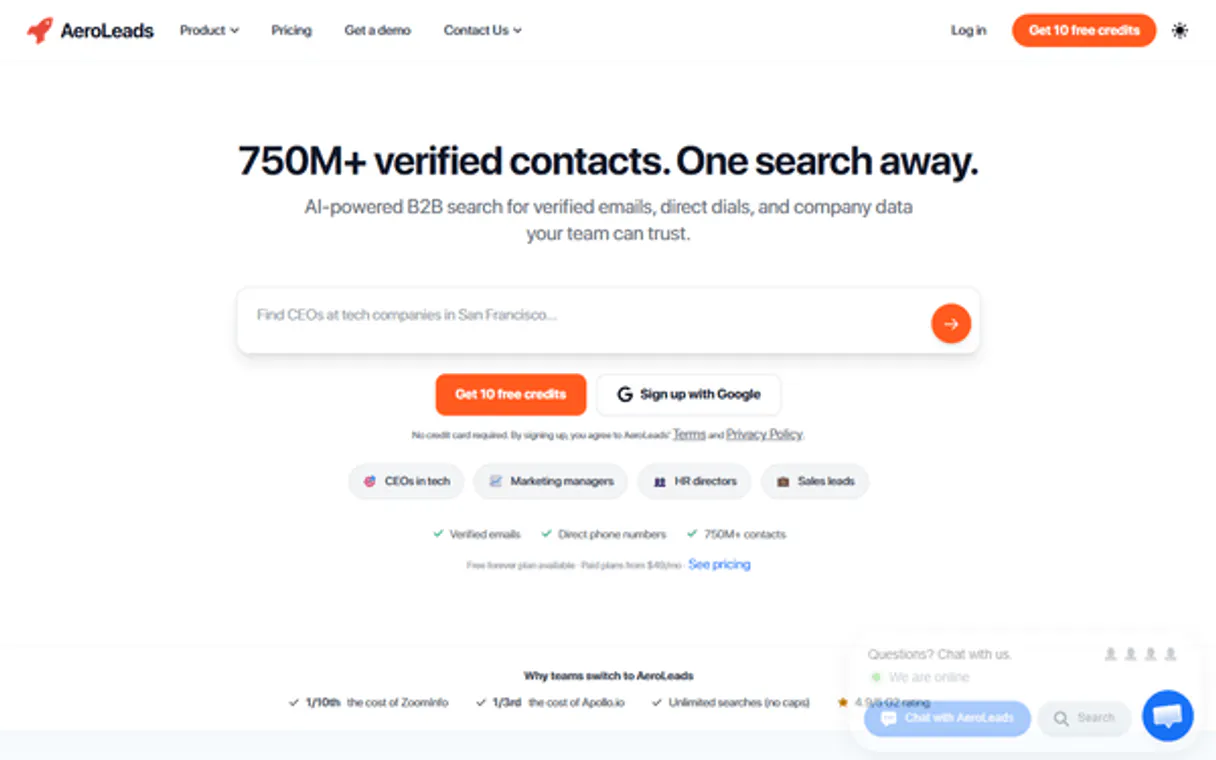
AeroLeads MCP. Find verified emails from names and domains.
 Gemini
 Works with every AI agent you already use
…and any MCP-compatible client









Just plug in your AI agents and start using Vinkius.
AeroLeads lets your AI agent find verified business emails and phone numbers for any prospect instantly. It builds targeted, high-fidelity lead lists by enriching profiles pulled from LinkedIn and searching specific company domains.
Stop guessing contact info; get actionable, verifiable B2B data through natural conversation.
What your AI agents can do
Add new lead
Adds a specific lead record to your list manually.
Delete lead
Removes an existing captured lead from the system.
Search domain leads
Searches for and identifies professional contacts associated with any given company domain.
Your agent locates professional email addresses using only a prospect's name and company domain.
The MCP pulls over 60 data points from public LinkedIn URLs, including job roles and phone numbers.
You can programmatically list, create new records, or delete captured leads directly through your agent.
Your agent searches a specific company domain to identify all associated professional contacts and decision-makers.
You can check remaining account credits and list team members' activity directly through the MCP.
Ask AI about this MCP
Supported MCP Clients
OAuth 2.0 Compatible Gemini Waiting for input…
AeroLeads: 12 Tools for Lead Data Management
These tools allow your agent to perform every step of the B2B lead generation process—from finding emails to managing records.
Make your AI actually useful.
Add this MCP to Claude, Cursor, or Windsurf and your AI stops guessing. It gets real tools to look things up, take action, and handle the stuff you keep doing by hand.
Start using AeroLeads on Vinkius019dd0b3add new lead
Adds a specific lead record to your list manually.
019dd0b3delete lead
Removes an existing captured lead from the system.
019dd0b3search domain leads
Searches for and identifies professional contacts associated with any given company domain.
019dd0b3find email by name
Finds a professional email address given a prospect's name and company domain.
019dd0b3get account info
Retrieves general details about your connected account profile.
019dd0b3get credit balance
Checks the current status and remaining credits for the service.
019dd0b3get lead details
Retrieves all detailed information about a specific lead record you already possess.
019dd0b3get linkedin details
Pulls deep data points and professional metadata from a provided LinkedIn URL.
019dd0b3list captured leads
Generates a list of all the leads you have previously captured through the system.
019dd0b3list prospecting lists
Shows you the names and details of your saved lead lists.
019dd0b3list team members
Lists all users who have access to this account.
019dd0b3list webhooks
Displays a list of active webhooks set up for notifications.
Choose How to Get Started
Build a custom MCP for your own tools, or connect a ready-made integration from our catalog.
Build Your Own
Turn any API into an MCP. Import a spec, define Agent Skills, or deploy with MCPFusion.
- Import from OpenAPI, Swagger, or YAML specs
- Create Agent Skills with progressive disclosure
- Deploy to edge with MCPFusion framework
- Built in DLP, auth, and compliance on every call
- Real time usage dashboard and cost metering
- Publish to catalog or keep private
Make Your AI Do More
Start with AeroLeads, then connect any of our 5,000+ other servers whenever your AI needs more. One click, no limits.
- Use this MCP plus 5,000+ others, all in one place
- Add new capabilities to your AI anytime you want
- Every connection is secured and compliant automatically
- Track usage and costs across all your servers
- Works with Claude, ChatGPT, Cursor, and more
- New servers added to the catalog every week
Independent Platform Disclaimer: Vinkius is an independent platform and is not affiliated with, endorsed by, sponsored by, verified by, or otherwise authorized by AeroLeads. All third-party trademarks, logos, and brand names are the property of their respective owners. Their use on this website is strictly for informational purposes to identify service compatibility and interoperability.
VINKIUS INFRASTRUCTURE
Cloud Hosted
Managed infra
V8 Isolated
Sandboxed per request
Zero-Trust Proxy
No stored credentials
DLP Enforced
Policy on every call
GDPR Compliant
EU data residency
Token Compression
~60% cost reduction
Works with Claude, ChatGPT, Cursor, and more
The Model Context Protocol standardizes how applications expose capabilities to LLMs. Instead of operating in isolation, your AI gains direct access to external platforms, live data, and real-world actions through secure, standardized connections.
This server provides 12 capabilities that interface natively with Claude, ChatGPT, Cursor, and any MCP client. No middleware. No custom integration required.
Manually finding and verifying prospect contact details is a massive time sink.
Today, if you need to build a list of contacts for a new campaign, you start by guessing emails or clicking through multiple company directory pages. Then, for every single lead, you have to cross-reference LinkedIn profiles just to verify the job title and phone number. This process is slow, tedious, and frankly, it's impossible to scale.
With this MCP, that entire manual cycle vanishes. You tell your agent a target domain or name, and it handles all the verification and data enrichment in one go. You get clean, verifiable leads instantly, letting you focus on outreach instead of copy-pasting.
Getting organized with AeroLeads MCP makes lead management simple.
Before this tool, capturing a new contact meant juggling multiple tools: running the search, copying details into a spreadsheet, and then remembering to manually save the record. It was messy, prone to error, and always felt like an afterthought.
Now, you can enrich data using `get_linkedin_details` and immediately have your agent capture it by executing `add_new_lead`. The workflow is seamless. You get a centralized, clean source of truth without the friction.
What you can do with this MCP connector
Forget switching between browser extensions or manually validating every single email. This MCP connects your AI agent directly to deep prospect data, letting you manage entire lead generation workflows using simple language commands. You just tell your agent who you're looking for—a name and a company domain—and it performs the high-fidelity search against millions of professional contacts.
Need to check if that contact exists in your current database? No problem; your agent can list existing leads or create new records programmatically. Plus, you get full visibility into how much credit you're using and who on your team is active. This functionality makes Vinkius the central point for automating your B2B pipeline, giving your AI client the power of a dedicated data architect right inside your workspace.
019dd0b3-cfbe-71d9-a64b-d9e4e9553a6f 
How AeroLeads MCP Works
- 1 First, you subscribe to this MCP on Vinkius and pull your unique API Key from your AeroLeads dashboard settings.
- 2 Next, you connect your AI client (like Claude or Cursor) to the catalog. Your agent now has access to all the underlying data tools.
- 3 Finally, you simply ask your agent for what you need—for example, 'Find the email for John Smith at AcmeCorp.' The MCP executes the search and returns verified contact details.
The bottom line is that once connected, your AI client handles all the complex data lookups without you needing to write any code.
Who Is AeroLeads MCP For?
This MCP is for sales development reps and growth teams who spend too much time manually verifying emails or hopping between LinkedIn and internal CRM dashboards. If your job involves finding contacts, this saves hours of tedious clicking.
They use the MCP to quickly find high-fidelity contact details for a target list, then use add_new_lead to immediately populate their CRM.
They run enrichment commands on LinkedIn URLs to gather detailed professional profiles and verify phone numbers before reaching out to candidates.
They use the MCP to automatically build targeted prospect lists, monitor account credit via get_credit_balance, and run domain searches for campaign planning.
What Changes When You Connect
- You stop guessing email addresses. By using
find_email_by_name, your agent runs a high-fidelity search, giving you verifiable contacts instantly. - Data depth is the key here. Instead of just getting a name, running through
get_linkedin_detailspulls over sixty data points, including verified phone numbers and job titles. - Managing leads becomes conversational. You no longer need to click 'Save' on every contact; you simply ask your agent to list or create records using tools like
list_captured_leadsoradd_new_lead. - Expand your search scope. If you know the company but not the person, running
search_domain_leadsfinds all key players associated with that domain. - Maintain control over operations. Tools like
get_credit_balanceandlist_team_memberskeep you informed about resource usage without leaving your workspace.
Real-World Use Cases
Need to build a list of key decision-makers?
You run into a major company domain but don't know who the VP of Marketing is. You tell your agent to search_domain_leads for 'companyx.com'. It scans the domain and returns five contacts, identifying the specific roles you need.
Found an email, but need more context on the person?
Your team found a verified email using find_email_by_name. To make that lead truly valuable, you immediately run get_linkedin_details on their profile URL. Your agent compiles both pieces of data into one enriched record.
Launched a new outreach campaign and need to track the list?
After gathering contacts from multiple sources, you ask your agent to list_prospecting_lists. This lets you see which leads are ready for the next phase of outreach, ensuring nothing gets lost.
Want to clean up old or incorrect data?
You realize a lead was captured incorrectly. Instead of manually deleting it from multiple places, you ask your agent to delete_lead using the specific record ID, keeping your database clean.
The Tradeoffs
Treating contact discovery like simple keyword search
Manually searching a company website for an email address or guessing the correct format is slow and often fails.
→
Don't guess. Use find_email_by_name to perform a high-fidelity, verified lookup using only the prospect name and domain.
Ignoring account limits during large campaigns
Running dozens of searches without checking usage leads to unexpected API failures and stalled pipelines.
→
Always check your operational status first. Use get_credit_balance before initiating a major data pull.
Attempting manual, multi-step lead creation
Copying details from LinkedIn into your CRM and then manually running a search for validation is time consuming.
→
Let the agent handle it. First use get_linkedin_details, then ask the agent to add_new_lead with all the enriched data in one step.
When It Fits, When It Doesn't
Use this MCP if your core business function involves finding, enriching, or managing high volumes of professional B2B contacts. The key is that you need verified emails and phone numbers derived from specific identifiers (name/domain) or public profiles (LinkedIn URL). Don't use it if you only need to track internal employee records; for that, simply listing team members might suffice. If your primary goal is just general market research without contact details, this MCP won't help. However, if you are trying to build a targeted list of decision-makers within an industry, the combination of search_domain_leads and find_email_by_name makes this indispensable.
Common Questions About AeroLeads MCP
How does the AeroLeads MCP find verified emails? +
The agent uses the find_email_by_name tool to perform a high-fidelity search. It verifies professional email addresses using only the prospect's name and company domain.
Can I enrich LinkedIn profiles with this MCP? +
Yes, you use get_linkedin_details. This function pulls over 60 data points from a given LinkedIn URL, providing rich profile context like job roles and phone numbers.
What if I don't know the specific person? Can I still find leads? +
Absolutely. You can use search_domain_leads to scan an entire company domain. This identifies multiple professional contacts associated with that organization, helping you pinpoint key decision-makers.
How do I manage the leads after finding them? +
The MCP gives you several tools for this. You can use list_captured_leads to see everything, or if needed, run add_new_lead to formally save a new contact.
How do I check my usage limits using the `get_credit_balance` tool? +
You use get_credit_balance to instantly see your remaining credits. This prevents running out of data points mid-workflow, ensuring continuity for large prospecting campaigns.
What is the best way to handle notifications using the `list_webhooks` tool? +
The list_webhooks tool lets you manage all active endpoints. Setting up webhooks means data gets pushed automatically, eliminating manual polling from your AI client.
How can I control team access with the `list_team_members` tool? +
The list_team_members tool shows who has access to your account. This is crucial for maintaining data integrity and controlling permissions across all users.
When I run `list_captured_leads`, what format does the output use? +
The leads are returned in a clean, structured JSON format. This makes it easy for your AI client to parse, process, and immediately feed into other applications or databases.
How do I find my AeroLeads API Key? +
Log in to your account, navigate to Settings > API Key, and copy your unique personal token.
Does searching consume account credits? +
Yes! Each high-fidelity email search or LinkedIn enrichment typically consumes 1 credit from your available balance.
How do I check my remaining credits via AI? +
Use the get_credit_balance tool to retrieve real-time information about your current credits and usage limits.
Use it with your favorite AI tools
Connect this server to Cursor, Claude, VS Code, and more.