
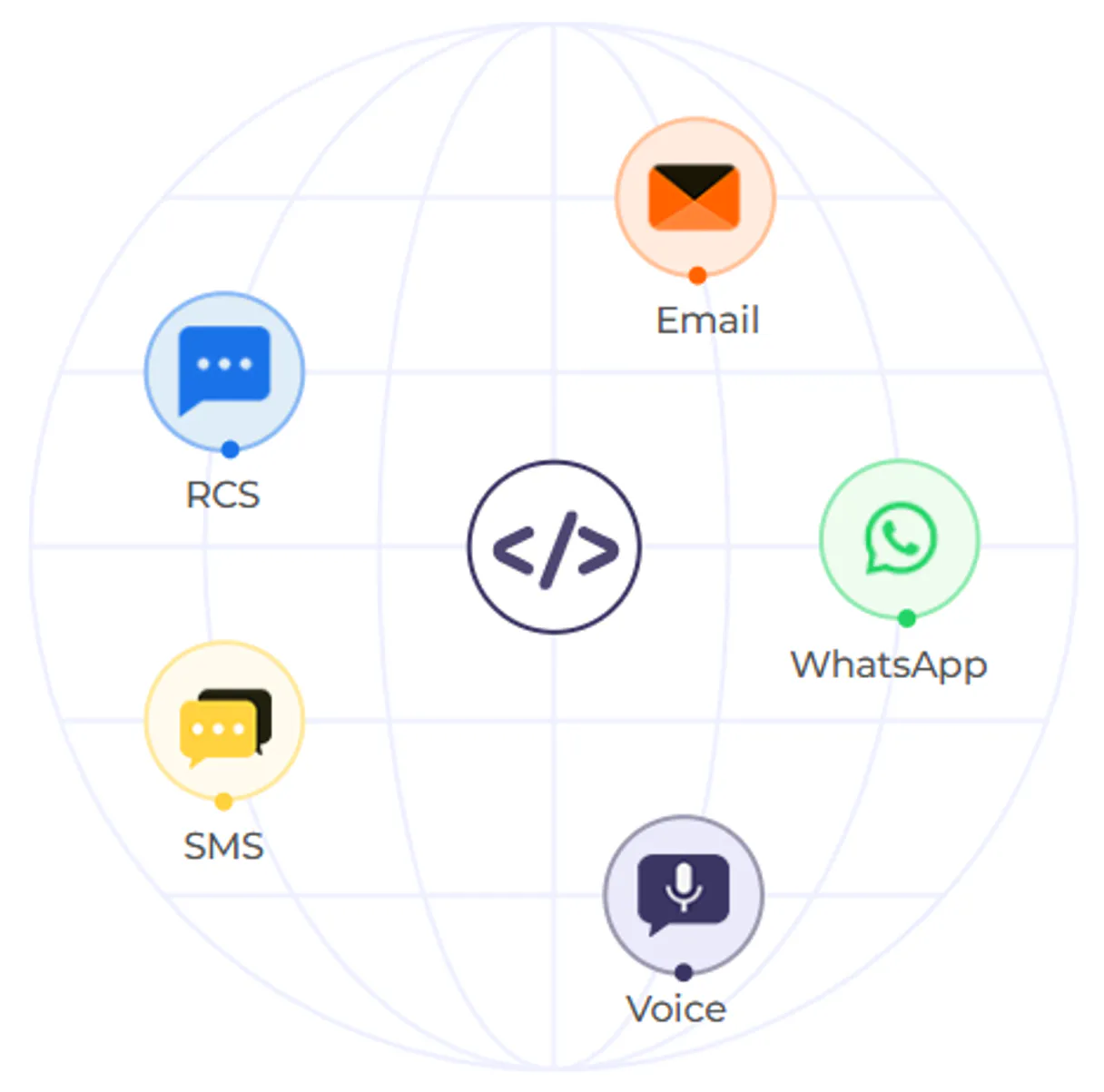
Authkey MCP. Manage all messaging and security flows from one prompt.
 Gemini
 Works with every AI agent you already use
…and any MCP-compatible client









Just plug in your AI agents and start using Vinkius.
Authkey MCP sends transactional messages across SMS, email, voice calls, and WhatsApp using one unified gateway. It gives your AI agent full control over automated notifications, security verification (OTPs), and real-time operational reporting.
You manage multi-channel communication workflows without jumping between multiple vendor portals.
What your AI agents can do
Check balance
Retrieves a real-time count of available credits for SMS, voice minutes, and emails across all channels.
Check authkey status
Checks the overall connection status to ensure the service is currently operational.
Get email status
Fetches the status details related to outgoing email messages.
Dispatch high-fidelity SMS messages or transactional emails using pre-defined templates.
Initiate automated voice calls for security alerts or customer service updates, supporting Text-to-Speech audio.
Programmatically send and verify One-Time Passwords (OTPs) to build secure two-factor authentication flows.
Check the current balance and status across all communication channels, including SMS, voice, and email credits.
List and reference existing communication templates to ensure brand messaging is consistent for every message type.
Ask AI about this MCP
Supported MCP Clients
OAuth 2.0 Compatible Gemini Waiting for input…
Authkey Messaging & Communication (13 Tools)
These tools allow your agent to send and track messages across SMS, email, and voice channels. They help you manage authentication, monitor usage, and log communication history.
Make your AI actually useful.
Add this MCP to Claude, Cursor, or Windsurf and your AI stops guessing. It gets real tools to look things up, take action, and handle the stuff you keep doing by hand.
Start using Authkey on Vinkius019dd0becheck balance
Retrieves a real-time count of available credits for SMS, voice minutes, and emails across all channels.
019dd0becheck authkey status
Checks the overall connection status to ensure the service is currently operational.
019dd0beget email status
Fetches the status details related to outgoing email messages.
019dd0beget sms status
Retrieves the current delivery status for specific SMS transmissions.
019dd0beget voice status
Checks the delivery and connection status of initiated voice calls.
019dd0belist sms history
Retrieves a log detailing all previously sent SMS messages, including timestamps and recipients.
019dd0belist templates
Provides an inventory of available communication templates for both SMS and email channels.
019dd0besend bulk sms
Sends a single message to multiple recipients simultaneously, useful for mass announcements or alerts.
019dd0besend email
Dispatches a structured email message using the system's template directory.
019dd0besend otp
Sends an immediate One-Time Password (OTP) to a specified user for verification purposes.
019dd0besend sms
Transmits a single, targeted SMS message to one specific phone number.
019dd0besend voice
Initiates an automated voice call using Text-to-Speech or pre-recorded audio templates.
019dd0beverify otp
Takes a provided code and confirms if it matches the expected OTP for a given session ID.
Choose How to Get Started
Build a custom MCP for your own tools, or connect a ready-made integration from our catalog.
Build Your Own
Turn any API into an MCP. Import a spec, define Agent Skills, or deploy with MCPFusion.
- Import from OpenAPI, Swagger, or YAML specs
- Create Agent Skills with progressive disclosure
- Deploy to edge with MCPFusion framework
- Built in DLP, auth, and compliance on every call
- Real time usage dashboard and cost metering
- Publish to catalog or keep private
Make Your AI Do More
Start with Authkey, then connect any of our 5,000+ other servers whenever your AI needs more. One click, no limits.
- Use this MCP plus 5,000+ others, all in one place
- Add new capabilities to your AI anytime you want
- Every connection is secured and compliant automatically
- Track usage and costs across all your servers
- Works with Claude, ChatGPT, Cursor, and more
- New servers added to the catalog every week
Independent Platform Disclaimer: Vinkius is an independent platform and is not affiliated with, endorsed by, sponsored by, verified by, or otherwise authorized by Authkey. All third-party trademarks, logos, and brand names are the property of their respective owners. Their use on this website is strictly for informational purposes to identify service compatibility and interoperability.
VINKIUS INFRASTRUCTURE
Cloud Hosted
Managed infra
V8 Isolated
Sandboxed per request
Zero-Trust Proxy
No stored credentials
DLP Enforced
Policy on every call
GDPR Compliant
EU data residency
Token Compression
~60% cost reduction
Works with Claude, ChatGPT, Cursor, and more
The Model Context Protocol standardizes how applications expose capabilities to LLMs. Instead of operating in isolation, your AI gains direct access to external platforms, live data, and real-world actions through secure, standardized connections.
This server provides 13 capabilities that interface natively with Claude, ChatGPT, Cursor, and any MCP client. No middleware. No custom integration required.
Managing alerts means jumping between five different dashboards today.
Right now, if you need to send an alert, you probably log into one portal for SMS. Then you open a second dashboard for email campaigns and copy-paste the content again. If it's a critical security notification, you might have to switch yet another system just to record the event or check the balance.
With this MCP, all that manual toggling disappears. Your agent handles the entire sequence—send the SMS via `send_sms`, then trigger the email using `send_email`—all from one command line interaction. You get coordinated messaging without leaving your workflow.
The Authkey MCP gives you full control over verification and security.
You don't have to rely on separate, siloed systems for Two-Factor Authentication. You can tell your agent: 'Send the code now.' The agent executes `send_otp` using a specific template ID, and immediately after, it waits for the response and runs `verify_otp`. It keeps the entire sequence logged.
It's not just about sending; it's about managing the entire security lifecycle. You get reliable, auditable verification right inside your agent workflow.
What you can do with this MCP connector
Your agent handles all global notifications through a single conversational interface. Instead of manually logging into separate systems for SMS, email campaigns, or voice alerts, you direct your AI client to coordinate the entire workflow. Need to send an order update and then verify the user's identity? Your agent manages both steps automatically.
It sends high-fidelity SMS messages, fires off transactional emails using pre-approved templates, or initiates automated voice calls for critical security alerts. You can even monitor usage costs instantly by asking your agent what the current balance is across all channels. This level of communication control makes managing complex customer journeys simple.
Because Vinkius hosts this MCP in its catalog, you connect once and gain access to a full-featured CPaaS solution right from your natural language commands.
019dd0be-9b23-7104-b7fa-3ed6503ac2fe 
How Authkey MCP Works
- 1 Subscribe to this MCP, then retrieve your API Key from the Authkey dashboard.
- 2 Connect the key to your AI client. Your agent can now access all communication tools through natural language commands.
- 3 Tell your agent exactly what you need—for example, 'Send a security code via SMS and wait for confirmation.' — and it handles the sequence.
The bottom line is that you're using one simple instruction set to manage complex communication flows across multiple channels.
Who Is Authkey MCP For?
This MCP is built for organizations whose core function involves sending automated, reliable communications. It's for the security architect who needs high-speed 2FA implementation; the customer support lead dealing with order status updates; or the marketing operations specialist running bulk campaigns.
Integrates high-speed OTP verification and two-factor authentication into custom bots, ensuring secure user sign-up flows.
Sends immediate order updates or account confirmation codes to customers using simple natural language commands. They use list_sms_history for auditing support tickets.
Automates the dispatch of omnichannel alerts and monitors real-time credit usage across all communication channels, calling check_balance before running a large campaign.
What Changes When You Connect
- Avoid manual toggling between different vendor portals. You tell your agent what to do, and it executes the flow using
send_sms,send_email, orsend_voicewithout you having to switch tabs. - Build secure authentication flows instantly. Use
send_otpand thenverify_otpin a single conversation with your agent for reliable two-factor verification. - Stop guessing about costs. Before sending anything, always call
check_balance. This ensures your operations don't fail halfway through an alert run because the credits ran out. - Coordinate complex campaigns easily. You can list templates using
list_templatesand then use that information to power asend_bulk_smsorsend_emailaction. - Get immediate visibility into message delivery. Use tools like
get_sms_statusorlist_sms_historyto audit exactly when and if a message was received by the user.
Real-World Use Cases
Onboarding a new client
A security engineer needs to set up 2FA for a new user. Instead of manually calling three different APIs, they tell their agent: 'Send an OTP code via SMS and then confirm the user's response.' The agent runs send_otp followed by waiting for and running verify_otp. It’s done.
Handling a failed order shipment
A customer support rep needs to notify a client. They first run check_balance to confirm funds, then use the agent to send an update via email (send_email) and follow up with a quick SMS alert (send_sms). No manual coordination needed.
Running a compliance audit
A lead needs to prove all outgoing alerts were logged. They ask the agent to retrieve list_sms_history and then confirm if any voice calls failed by checking get_voice_status. The logs are centralized.
Running a massive marketing campaign
A marketing team runs a big alert. They use the agent to access approved messaging standards via list_templates, then trigger the dispatch using send_bulk_sms and monitor usage with get_email_status afterward.
The Tradeoffs
Sending without checking resources
Running a large-scale notification job, only to have it fail halfway through because the account ran out of credits. You're left scrambling and can't tell if the failure was code or cost related.
→
Always start by calling check_balance. This confirms you have enough funds for both SMS, email, and voice actions before committing to a large send job.
Mixing up communication channels
Trying to use an SMS template ID when the message is actually going out via email. The system throws an error because the protocol types don't match.
→
Always check your available templates using list_templates and ensure you specify whether the content belongs to SMS or Email.
Ignoring message status logs
Sending a critical alert via voice but having no way of knowing if the call actually connected, went to voicemail, or was blocked. You're left guessing on delivery.
→
After any send action (send_voice, send_sms), check the specific status using get_voice_status or get_sms_status.
When It Fits, When It Doesn't
Use this MCP if your workflow requires coordinating communication across two or more distinct channels: SMS, email, and voice. If you only need to read data from a single source (e.g., pulling user names from a database), don't use it; just call the simple getter tool. However, if your primary goal is simply sending one type of message—like an automated password reset—you might get away with using just send_otp and verify_otp. But remember: this MCP handles the full lifecycle, including balance checks (check_balance) and history retrieval (list_sms_history). It's the single source of truth for all your transactional comms.
Common Questions About Authkey MCP
How do I check my spending limit with Authkey MCP? +
Call check_balance. This tool gives you a real-time count of credits for SMS, voice, and email across all channels so you know exactly what you're spending.
Can I send multiple types of messages with Authkey MCP? +
Yes. You can coordinate complex flows by sending an SMS (send_sms), followed by a voice call (send_voice), and finally wrapping up with an email (send_email)—all in sequence.
What if my message fails using Authkey MCP? +
You can check the failure point using status tools. For SMS, use get_sms_status; for voice calls, check get_voice_status to find out why it didn't go through.
How do I create an OTP with Authkey MCP? +
You first dispatch the code using send_otp. Once the user provides the code, you run verify_otp to confirm identity for your agent.
How do I check my recent message activity using the `list_sms_history` tool? +
The list_sms_history tool retrieves a record of all past SMS communications. You can use this to audit deliveries, confirm timestamps, and verify which messages were sent successfully.
What should I do if the connection fails? How does `check_authkey_status` help? +
Running check_authkey_status verifies your current connectivity to the Authkey gateway. If this tool reports an error, it means the issue is on the platform side; you'll need to check your API credentials or contact support.
How do I make sure my messages use consistent branding? Should I use `list_templates` first? +
Yes, using list_templates lets you see all available communication templates. This ensures that every automated message—from emails to SMS—uses approved language and maintains brand consistency.
What is the best way to send thousands of alerts at once? Should I use `send_bulk_sms`? +
Send_bulk_sms processes large volumes of messages efficiently. This tool groups multiple recipients together, making it ideal for operations like mass campaign notifications or system-wide alerts.
How do I find my Authkey API Key? +
Log in to your account at authkey.io, navigate to the dashboard, and copy your unique Authkey.
Can I verify OTPs via AI? +
Yes! The verify_otp tool allows your agent to confirm security codes by providing the Log ID from the original request and the code entered by the user.
How do I check my remaining credits? +
Use the check_balance tool to retrieve high-fidelity real-time credit status for SMS, Voice, and Email channels directly through your agent.
Use it with your favorite AI tools
Connect this server to Cursor, Claude, VS Code, and more.