
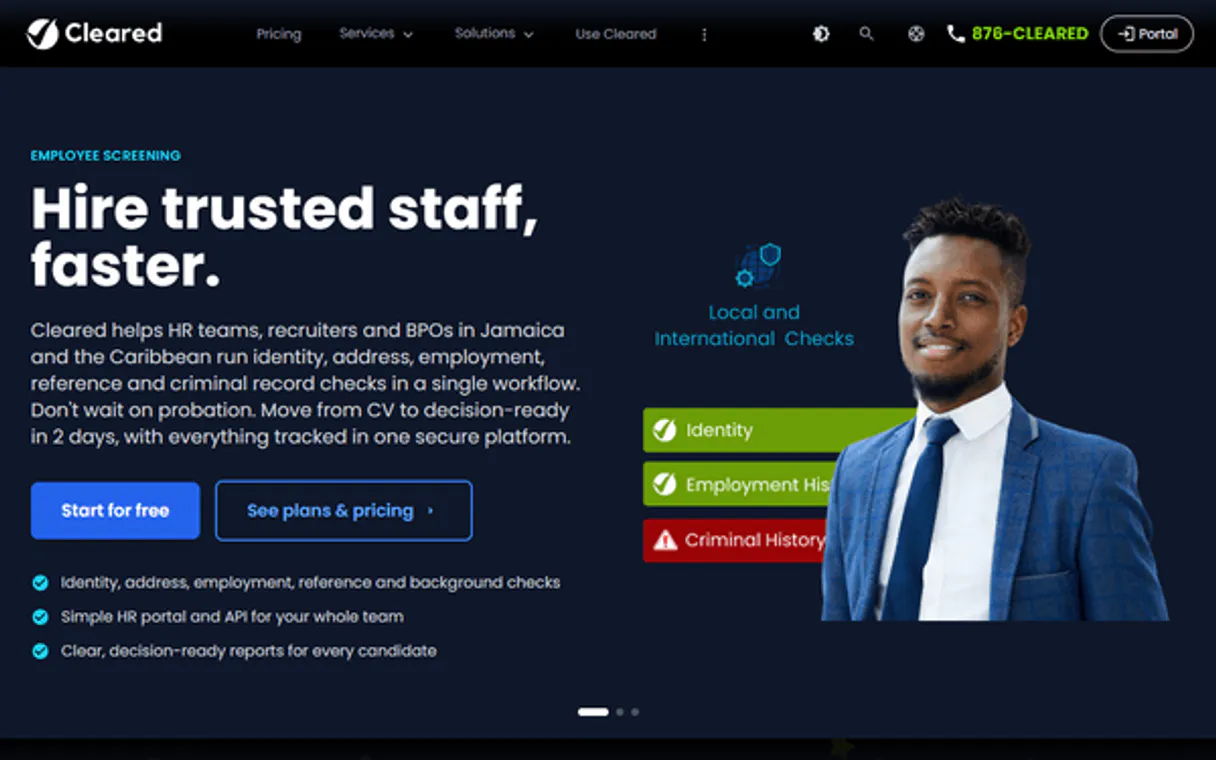
Supercharge your AI with Cleared (ClearedIn). Audit Identity, Screening, and Signature Data
 Gemini
 Works with every AI agent you already use
…and any MCP-compatible client









Connect to your AI in seconds.
ClearedIn gives your AI agent direct access to all identity verification, background screening, digital signature, and security audit logs for compliance workflows.
Track user status changes, retrieve deep screening reports, and manage account metadata without opening a single portal.
What your AI can do
Get cleared account info
Retrieves core metadata about the account and its associated users.
Get screening details
Gets detailed results for a specific background screening request.
Get signature details
Checks the status and details of a particular digital signature request.
Retrieves core metadata about the overall cleared account and associated users.
Lists all identity verification requests, showing their current status (e.g., Pending or Verified).
Retrieves detailed results for a specific background screening check.
Gives a list of all digital signature requests and their completion status.
Accesses the system's security logs to see exactly who accessed sensitive data and when.
Ask an AI about this
Compatible AI Apps
OAuth 2.0 Compatible Gemini Waiting for input…
Cleared (ClearedIn) MCP: 8 Tools
Use these tools to pull specific data points related to user identities, screenings, and account activity directly from the Cleared system.
Make your AI actually useful.
Add this MCP to Claude, Cursor, or Windsurf and your AI stops guessing. It gets real tools to look things up, take action, and handle the stuff you keep doing by hand.
Start using Cleared (ClearedIn) on VinkiusGet Cleared Account Info
Retrieves core metadata about the account and its associated users.
Get Screening Details
Gets detailed results for a specific background screening request.
Get Signature Details
Checks the status and details of a particular digital signature request.
Get Verification Details
Retrieves detailed information on a single identity verification process.
List Cleared Audit Logs
Pulls a list of security audit logs showing data access history.
List Background Screenings
Lists every background screening request made against the account.
List Digital Signatures
Lists all digital signature requests and their current completion status.
List Identity Verifications
Provides a list of all identity verification requests made to the account.
Connect to your AI in seconds. Security and governance baked right in.
Pick your AI client below to get set up. Just create a Vinkius account, subscribe, and you're instantly up and running. We handle the entire backend infrastructure, delivering out-of-the-box support for HTTPS Streamable, SSE, and OAuth2—zero messy routing required.
Claude AI
Open Claude Settings
Go to claude.ai, click your profile icon, then navigate to Customize → Connectors.
Add Custom Connector
Click the "+" button and select Add custom connector. Paste your Vinkius endpoint URL:
https://edge.vinkius.com/[YOUR_TOKEN_HERE]/mcp
Replace [YOUR_TOKEN_HERE] with your token from
cloud.vinkius.com. For OAuth-protected servers, expand Advanced
settings to add credentials.
Start a conversation
Open a new chat. The Cleared (ClearedIn) integration is available immediately — no restart needed.
Choose How to Get Started
Build a custom MCP for your own tools, or connect a ready-made integration from our catalog.
Build Your Own
Turn any API into an MCP. Import a spec, define Agent Skills, or deploy with MCPFusion.
- Import from OpenAPI, Swagger, or YAML specs
- Create Agent Skills with progressive disclosure
- Deploy to edge with MCPFusion framework
- Built in DLP, auth, and compliance on every call
- Real time usage dashboard and cost metering
- Publish to catalog or keep private
Make Your AI Do More
Start with Cleared (ClearedIn), then connect any of our 5,000+ other servers whenever your AI needs more. One click, no limits.
- Use this MCP plus 5,000+ others, all in one place
- Add new capabilities to your AI anytime you want
- Every connection is secured and compliant automatically
- Track usage and costs across all your servers
- Works with Claude, ChatGPT, Cursor, and more
- New servers added to the catalog every week
Independent Platform Disclaimer: Vinkius is an independent platform and is not affiliated with, endorsed by, sponsored by, verified by, or otherwise authorized by Cleared (ClearedIn). All third-party trademarks, logos, and brand names are the property of their respective owners. Their use on this website is strictly for informational purposes to identify service compatibility and interoperability.
VINKIUS INFRASTRUCTURE
Cloud Hosted
Managed infra
V8 Isolated
Sandboxed per request
Zero-Trust Proxy
No stored credentials
DLP Enforced
Policy on every call
GDPR Compliant
EU data residency
Token Compression
~60% cost reduction
Works with Claude, ChatGPT, Cursor, and more
The Model Context Protocol standardizes how applications expose capabilities to LLMs. Instead of operating in isolation, your AI gains direct access to external platforms, live data, and real-world actions through secure, standardized connections.
This connection provides 8 powerful capabilities that interface natively with Claude, ChatGPT, Cursor, and other compatible AI platforms. No middleware. No custom integration required.
Compliance checks require jumping between too many secure portals.
Right now, closing a client file means logging into the verification portal for identity status. Then you open your browser again and log into the screening platform to run background checks. Finally, you jump to a third system just to confirm that all necessary contracts were signed off. You spend half your time copying IDs from one screen and pasting them into another.
With this MCP, you simply ask your agent about the client file. It automatically runs the necessary lookups, pulling data on identity status, background screening results, and signature completion in a single conversation thread. You get one clear answer instead of three sets of tabs to close.
Get full visibility with `get_verification_details`.
Before this MCP, getting detailed status meant navigating into a specific ID and clicking through several layers of metadata. You risked missing which data points were actually tied to the verification event itself.
Now, when you ask for details, the agent uses `get_verification_details`. It pulls every required piece of information—the date, the user's status, and all associated metadata—and presents it cleanly. That’s a huge difference.
What your AI can actually do with this
Managing client onboarding used to mean juggling multiple secure portals: one for identity checks, another for background screenings, and yet a third just for signatures. This MCP lets your AI agent handle all of it through natural conversation. You get full oversight on who passed verification, the status of every screening request, and which security logs were accessed—all from within your chat interface.
Because this runs on Vinkius, you connect once to manage these compliance checks across any compatible client. It’s about getting a single source of truth for user trust and regulatory data right when you need it.
019d7571-3ba3-7080-8b87-d3bab7dd282d 
Here's how it actually works
The bottom line is you get a single conversational interface for complex, multi-step compliance checks.
Subscribe to this MCP on Vinkius and enter your Cleared API Key, which you get from the Admin Portal.
Connect this MCP to your preferred AI client (like Cursor or Claude).
Ask your agent specific questions, like 'What's the status of Jane Doe’s background check?' The MCP runs the query and delivers the results directly.
Who is this actually for?
Compliance officers who are tired of cross-referencing five different secure portals to close one client file. HR managers needing instant audit access on employee screening results. Security teams that need real-time visibility into who is touching sensitive account data.
Checks identity verification volumes and monitors the lifecycle of verifications, ensuring no compliance gap exists.
Audits background screening results without having to log into the separate HR admin portal.
Quickly pulls security audit logs and verification details directly from their chat interface for incident response.
What Changes When You Connect
Instead of navigating multiple screens to check user status, you simply ask the agent to list all identity verifications using list_identity_verifications and instantly see who is Pending or Verified.
Need a deep dive on one person? Use get_screening_details to pull comprehensive results for background checks without leaving your chat window.
Track compliance signatures effortlessly. You can list all digital signature requests via list_digital_signatures to know exactly which documents are still waiting for a sign-off.
When suspicious activity pops up, use list_cleared_audit_logs to pull an immediate record of who accessed what data and when, speeding up incident response.
The system keeps track of user profiles. Use get_cleared_account_info to retrieve core account metadata so you always know the scope of the client's identity.
See it in action
Compliance officer needs a risk summary.
A compliance officer asks their agent, 'Give me a status report on all new users this month.' The agent automatically runs list_identity_verifications and summarizes the count of Pending versus Verified records.
HR manager needs to check employee background history.
The HR manager asks, 'Show me Jane Doe's full screening report.' The agent uses get_screening_details with her ID and returns a clean, readable summary of all checks.
Operations team needs to audit data access.
An operations lead asks the agent, 'Who viewed the executive records last night?' The agent runs list_cleared_audit_logs and provides a time-stamped list of users who accessed sensitive data.
The honest tradeoffs
Checking status via admin portal.
A user has to log into the main Cleared Portal, navigate to 'Verifications,' then filter by date range, and finally copy the ID for a single record.
Just ask your agent. You can run list_identity_verifications in one prompt to get all necessary status updates without clicking anything.
Tracking signatures manually.
A manager receives emails about signature requests for contracts, leading to confusion over which ones are signed and which haven't been viewed yet.
Use list_digital_signatures with your agent. It aggregates the status across all pending contract types in one place.
Searching logs via spreadsheet exports.
A security analyst needs to know who accessed data yesterday, requiring them to download a massive log file and manually search through dates and user IDs.
Use list_cleared_audit_logs. The agent filters the history for you in real-time conversation.
When It Fits, When It Doesn't
You should use this MCP if your workflow requires checking a sequence of mandatory, structured compliance steps: identity status, background checks, and signature completion. It’s perfect for initial client vetting or employee onboarding where data integrity is paramount. Don't use it if you need to interpret qualitative legal documents or assess risk based on external, non-credentialed sources; this MCP only works with Cleared's existing records. If your problem is simply 'I need a list of all users,' then list_identity_verifications handles that fine. But if you need the details on one user, make sure to use get_verification_details to get maximum data.
Questions you might have
How do I check if all background screening requests are complete using `list_background_screenings`? +
The agent lists every request, giving you the current status of each one. You can then follow up by asking for details on a specific ID to see exactly which checks passed or failed.
What data does `list_identity_verifications` provide? +
list_identity_verifications provides a list of all verification requests, showing key metadata like the user's name, request date, and current status (Pending, Verified, etc.).
Can I audit who saw sensitive data using `list_cleared_audit_logs`? +
Yes. list_cleared_audit_logs gives you a record of activity, detailing which user accessed what type of sensitive data and exactly when they did it.
How do I get the full details for one specific signature? Use `get_signature_details`. +
You provide the request ID, and get_signature_details pulls all status information—who signed it, when they signed it, and if any parties still need to take action.
If a verification fails, how do I find out why using `get_verification_details`? +
The response object contains a detailed status code and an error message. You check the 'status' field to see if it returned 'Failed.' The accompanying metadata tells you exactly which step or requirement caused the failure.
I have many signature requests; how do I get a summary of all pending items with `list_digital_signatures`? +
You can filter the results by status like 'Pending' or 'Partial.' The list provides a quick count and a date range for every request, so you know exactly what needs attention without opening any portal.
What core metadata does `get_cleared_account_info` provide about my active user accounts? +
This tool retrieves the overall account health and key user data. You get an overview of your established users, API limits, and system configuration details right in your chat interface.
Using `get_screening_details`, how do I see which specific checks were run for a given background screen? +
The output breaks down the screening into component reports. You'll find separate sections detailing results for criminal, employment, and education records, giving you full visibility of every check performed.
Can I see if a user has finished their background check? +
Yes! Use the get_screening_details tool with the screening ID. The agent will return the current status and the final result of the check.
How do I find out who accessed a specific verification record? +
Use the list_cleared_audit_logs tool. Your agent will fetch the account's security logs, allowing you to audit access to sensitive personal information.
Where do I find my Cleared API Key? +
Log in to your Cleared (ClearedIn) Admin Portal and navigate to the Integrations section. You can generate and copy your API key from there.
We've already built the connector for Cleared (ClearedIn). Just plug in your AI agents and start using Vinkius.
No hosting. No infrastructure. No complex setup.
All 8 tools are live and waiting.
You're up and running in seconds.
Gemini Vinkius gives your AI agents access to the full catalog of app connectors, all fully managed, secure, and enterprise-ready. One subscription, every tool you need.
Built, hosted, and secured by Vinkius. You just connect and go.