
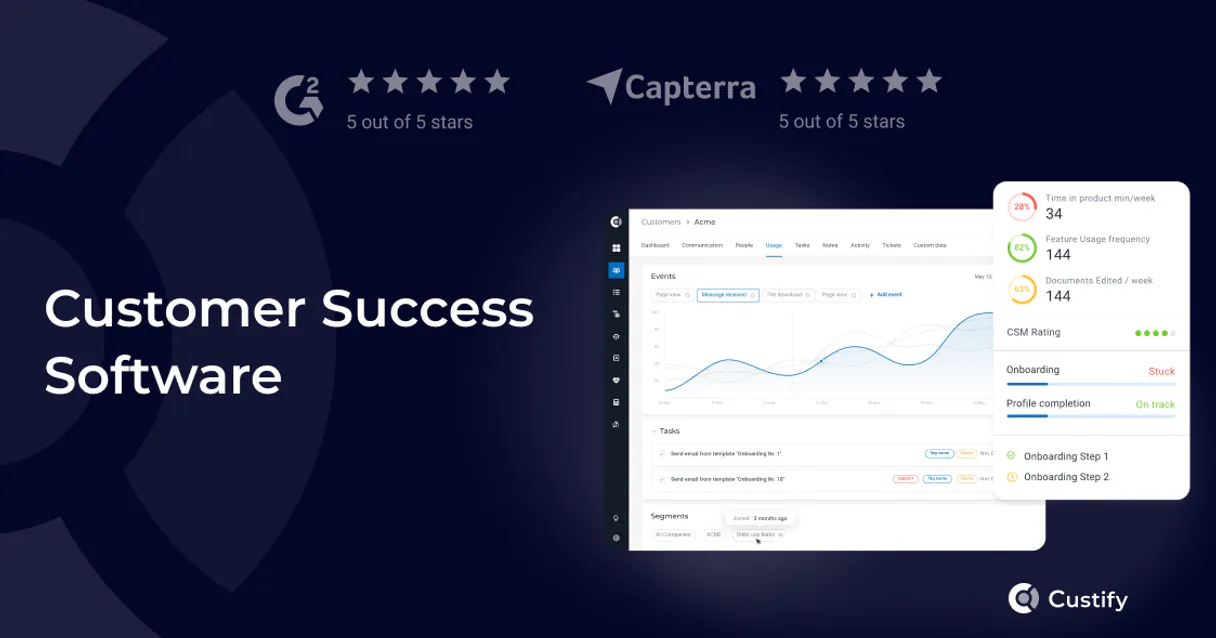
Custify MCP. Predict Churn Risk with Account Health Scores
 Gemini
 Works with every AI agent you already use
…and any MCP-compatible client









Just plug in your AI agents and start using Vinkius.
Custify predicts and prevents customer churn by giving your AI agent a live feed of account health scores, user activity, and company metadata.
Track every touchpoint and monitor risk levels instantly without leaving your chat client.
What your AI agents can do
Create person
Creates a brand-new person record in your system.
Get company details
Retrieves detailed data for one specific company account.
Get person details
Pulls the full profile and metadata for a single user contact.
Query specific metrics and values to instantly identify which customers are at risk of churning.
Fetch deep metadata about people or entire organizations managed in your account.
Programmatically record specific user actions, like feature usage or button clicks, to feed analytics.
Retrieve a roster of all people using the product or query defined groups of users within your base.
Create new person records or change profile data directly through AI commands.
Ask AI about this MCP
Supported MCP Clients
OAuth 2.0 Compatible Gemini Waiting for input…
Custify: 8 Tools for CSM Data
Use these tools to list users, check company details, and track custom events right from the chat interface.
Make your AI actually useful.
Add this MCP to Claude, Cursor, or Windsurf and your AI stops guessing. It gets real tools to look things up, take action, and handle the stuff you keep doing by hand.
Start using Custify on Vinkius019dd0d9create person
Creates a brand-new person record in your system.
019dd0d9get company details
Retrieves detailed data for one specific company account.
019dd0d9get person details
Pulls the full profile and metadata for a single user contact.
019dd0d9list companies
Lists out all the customer companies you manage.
019dd0d9list health scores
Provides a list of current health scores across your managed accounts.
019dd0d9list people
Lists all active product users in your system.
019dd0d9list user segments
Retrieves a list of defined customer segments for analysis.
019dd0d9track user event
Records custom user actions or events against an account.
Choose How to Get Started
Build a custom MCP for your own tools, or connect a ready-made integration from our catalog.
Build Your Own
Turn any API into an MCP. Import a spec, define Agent Skills, or deploy with MCPFusion.
- Import from OpenAPI, Swagger, or YAML specs
- Create Agent Skills with progressive disclosure
- Deploy to edge with MCPFusion framework
- Built in DLP, auth, and compliance on every call
- Real time usage dashboard and cost metering
- Publish to catalog or keep private
Make Your AI Do More
Start with Custify, then connect any of our 5,000+ other servers whenever your AI needs more. One click, no limits.
- Use this MCP plus 5,000+ others, all in one place
- Add new capabilities to your AI anytime you want
- Every connection is secured and compliant automatically
- Track usage and costs across all your servers
- Works with Claude, ChatGPT, Cursor, and more
- New servers added to the catalog every week
Independent Platform Disclaimer: Vinkius is an independent platform and is not affiliated with, endorsed by, sponsored by, verified by, or otherwise authorized by Custify. All third-party trademarks, logos, and brand names are the property of their respective owners. Their use on this website is strictly for informational purposes to identify service compatibility and interoperability.
VINKIUS INFRASTRUCTURE
Cloud Hosted
Managed infra
V8 Isolated
Sandboxed per request
Zero-Trust Proxy
No stored credentials
DLP Enforced
Policy on every call
GDPR Compliant
EU data residency
Token Compression
~60% cost reduction
Works with Claude, ChatGPT, Cursor, and more
The Model Context Protocol standardizes how applications expose capabilities to LLMs. Instead of operating in isolation, your AI gains direct access to external platforms, live data, and real-world actions through secure, standardized connections.
This server provides 8 capabilities that interface natively with Claude, ChatGPT, Cursor, and any MCP client. No middleware. No custom integration required.
The Dashboard Overload
Right now, checking on a single customer means jumping through hoops. You open the main dashboard to see their score, then click over to the 'Users' tab to check who logged in last week, and finally switch to the 'Company Profile' section just to confirm if they are part of a high-priority segment. It’s three different screens, multiple clicks, and you lose your train of thought every time.
With this MCP, you simply talk to your agent. You ask, 'What's going on with Acme Corp?' The agent runs the checks internally—it pulls company details, reads user activity logs, and cross-references segment data—and gives you a single, cohesive answer right where you are.
Custify MCP: Actionable Insights
The manual steps that vanish include having to pull the list of all people (`list_people`), comparing those names against your segment definitions (`list_user_segments`), and then manually checking the current health score for each one. It's a multi-step audit just to get a picture.
Now, you ask the question once. The MCP coordinates all that data—it shows you who’s using the product and gives you an immediate risk assessment based on live scores. You don't analyze the data; you act on it.
What you can do with this MCP connector
Need to know if an account is slipping before the customer complains? This MCP connects directly to your Customer Success platform, letting you manage product users and track account health through natural conversation.
Instead of jumping between dashboards and spreadsheets just to see a user's last activity or their overall health score, you talk to your AI client. It gathers all that data for you. You can check who the key contacts are at an organization, list out every segment of users you manage, or query specific metrics to pinpoint exactly where a customer is struggling.
It’s about getting immediate context on user activity and company status. When you connect this MCP through Vinkius, your agent doesn't just read data; it lets you build playbooks right in the chat window. You can track custom events or update basic records with simple commands. It makes managing a large book of business feel like talking to an expert CSM on speed dial.
019dd0da-0801-70fe-a692-24e823bed9f8 
How Custify MCP Works
- 1 Subscribe to this MCP and paste your Custify API Key into the Vinkius connection settings.
- 2 Ask your agent a question, for example: 'Show me the health score for Acme Corp.'
- 3 The agent uses the tool to pull live data on company status, user activity, and risk scores, delivering the answer in plain text.
The bottom line is you get immediate insights into customer risk without switching applications or writing code.
Who Is Custify MCP For?
Customer Success Managers (CSMs) who spend too much time cross-referencing dashboards. Operations Analysts tired of manually pulling user segment reports. Product Teams needing quick data on feature adoption.
Needs to quickly check an account's health and review recent user events for a client during a call.
Monitors segment distributions, lists all managed companies, and verifies company metadata across the entire portfolio.
Tracks custom feature adoption events to build case studies or report on product usage trends.
What Changes When You Connect
- Stop guessing about risk. You can query
list_health_scoresto instantly see which accounts are dropping below acceptable thresholds. - Get full context on who's doing what. Use the agent to fetch engagement history and metadata, or get specific details using
get_person_detailsfor a key contact. - Build better reports by recording data. You can use
track_user_eventto log custom actions—like logging 'Feature X Used'—to feed into your analytics. - Keep your CRM clean. Need to add a new account representative? Use the agent to execute
create_person, updating records without leaving your workspace. - Analyze usage patterns by listing groups of people or companies using
list_user_segmentsandlist_companies.
Real-World Use Cases
The QBR prep is a mess.
A CSM needs to prepare for Quarterly Business Reviews. Instead of manually logging into the platform, running reports, and cross-referencing spreadsheets, they ask their agent: 'Give me the health score and last three events for Acme Corp.' The agent runs list_health_scores and pulls recent data using track_user_event, giving them all the talking points instantly.
We need to onboard a new client.
The Success Ops Analyst has a new company. They use the MCP to list all managed companies (list_companies) to verify they aren't duplicates, and then use get_company_details to pull basic metadata before setting up the account in the CRM.
Who are my power users?
A Product Team member wants to know which user group adopted a new feature. They ask the agent to list all people (list_people) and then filter by 'power user' segment using list_user_segments for immediate insights.
Updating contact data is slow.
The CSM finds an outdated email address. Instead of logging into the CRM, they just tell their agent to update it. The agent uses the tool to create_person and updates the profile data directly.
The Tradeoffs
Treating it like a simple list.
Running 'list_people' and then getting frustrated because you only see names, not if they are actively using features or why their score is dropping. You get raw data, but no context.
→
Don't just list people. Always follow up by asking the agent to check the health scores (list_health_scores) and pull detailed profile info for specific users using get_person_details.
Assuming all data is connected.
You see a user name, but you don't know if they belong to a high-risk company or which segment they fall into. The data feels siloed and incomplete.
→
Ask the agent to run get_company_details first. This connects the person's profile to the parent organization's health score, giving you the full picture.
Manual record updates.
Having to log into a separate CRM tool just to change a user's role or add their company name. This takes time and introduces errors.
→
Let your agent handle it. Use the create_person tool when you need to build out records or update profiles without leaving Vinkius.
When It Fits, When It Doesn't
Use this MCP if your primary pain point is connecting disparate pieces of customer data—like linking a low health score to an individual user's last login event. It’s perfect for CSM workflows where you need to know why the account is struggling and who needs talking to. Don't use it, though, if you only need simple reporting on non-customer metrics (e.g., internal sales pipeline data). For that, connect a dedicated financial or marketing analytics MCP instead. If your goal is massive, raw event logging without any contextual lookup, a pure webhook/streaming service might be better than the track_user_event tool.
Common Questions About Custify MCP
How do I check account health with list_health_scores? +
You ask your agent to run list_health_scores. It pulls a roster of all managed accounts and shows their current risk level, instantly flagging anyone who needs attention.
Can I update records using create_person? +
Yes. You can use the agent to execute create_person when you need to add a new user contact or update existing profile data without logging into your CRM.
What is list_user_segments for? +
list_user_segments lets you see how your entire customer base is grouped. This helps you understand if certain groups of people are behaving differently and need targeted playbooks.
How does track_user_event help me? +
It records specific user actions, like 'Feature X Used'. You tell your agent to track_user_event so that the data feeds back into the health score calculation and improves accuracy.
Do I need get_company_details for every check? +
It’s useful when you're unsure about a company's status. Using get_company_details gives you a deep dive into one organization, confirming its metadata and current standing.
If I use `get_person_details`, what information do I need besides an email address? +
You need a valid unique identifier for the person. While you can search by email, using the dedicated ID ensures accurate data retrieval and prevents ambiguity when querying profiles.
If I use `list_companies` and get hundreds of results, how do I retrieve all the company names? +
The MCP handles large datasets through pagination. You must check the response metadata for a 'next page' token or cursor to continue calling the tool until every record has been retrieved.
After running `list_people`, what should I use if I want the specific company details for one person? +
Use the primary ID from the person record and pass it to another tool. This allows your agent to cross-reference the individual with their associated organization's full profile data.
Can I check the health score of a company via AI? +
Yes! Use the get_company_details tool and provide the Company ID. Your agent will retrieve the current health score, risk status, and account metadata.
How do I track a custom user event using the agent? +
Use the track_user_event action. Provide the User ID and the Event Name. You can also pass a JSON object with additional attributes for the action.
Is it possible to see my defined customer segments via AI? +
Absolutely. Use the list_user_segments query. The agent will retrieve the complete list of segments configured in your Custify account.
Use it with your favorite AI tools
Connect this server to Cursor, Claude, VS Code, and more.