
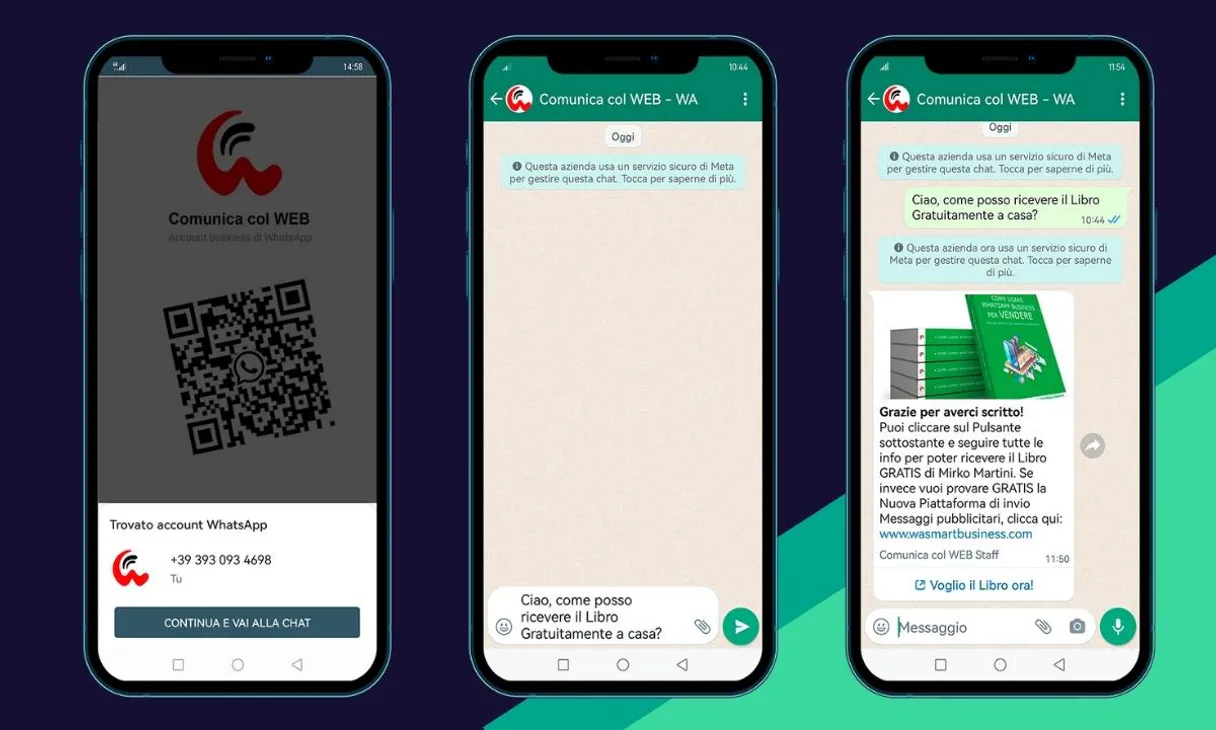
WA Smart Business MCP. Automate high-volume messaging and customer support.
 Gemini
 Works with every AI agent you already use
…and any MCP-compatible client









Just plug in your AI agents and start using Vinkius.
WA Smart Business MCP manages your entire WhatsApp communication stack through natural conversation. You can programmatically send high-fidelity media and text, manage contact databases, coordinate support teams, and trigger bulk campaigns without leaving your AI client.
It's full marketing automation for growing companies.
What your AI agents can do
Check wasmart status
Verifies the current operational connection and status of the WhatsApp Business account.
Create customer
Adds a new contact to your main customer database within WA Smart Business.
Get agent
Retrieves detailed information about a specific support agent by name or ID.
Send images, PDFs, videos, and standard text messages to specific contacts.
Retrieve detailed customer profiles by name or ID, giving you access to full metadata records.
View the complete roster of support personnel and get details on who is assigned to a particular client.
Verify that the API connection is active and monitoring messaging volume for scaling checks.
See all existing communication templates and marketing campaign types ready to be used.
Ask AI about this MCP
Supported MCP Clients
OAuth 2.0 Compatible Gemini Waiting for input…
WA Smart Business: 13 Tools for Communication Ops
These tools let you perform every critical action needed for high-volume messaging, from listing contacts to sending structured media and templates.
Make your AI actually useful.
Add this MCP to Claude, Cursor, or Windsurf and your AI stops guessing. It gets real tools to look things up, take action, and handle the stuff you keep doing by hand.
Start using WA Smart Business on Vinkius019dd185check wasmart status
Verifies the current operational connection and status of the WhatsApp Business account.
019dd185create customer
Adds a new contact to your main customer database within WA Smart Business.
019dd185get agent
Retrieves detailed information about a specific support agent by name or ID.
019dd185get customer
Gets the full, current profile details for a single existing customer contact.
019dd185list agents
Lists all support agents currently registered in your organization's directory.
019dd185list campaigns
Retrieves a list of pre-designed marketing campaigns available for use.
019dd185list customers
Provides a full, paginated directory listing of all contacts in your system.
019dd185list messages
Fetches the history and details of recent communications exchanged with customers.
019dd185list templates
Shows available communication templates that can be used for outbound messages.
019dd185search customers
Searches the customer database using keywords or partial information to find specific contacts quickly.
019dd185send media
Sends images, PDFs, and other media files directly to a specified recipient's WhatsApp number.
019dd185send message
Transmits an arbitrary text message to a customer contact.
019dd185send template
Sends a pre-approved, structured template message that requires specific data fills.
Choose How to Get Started
Build a custom MCP for your own tools, or connect a ready-made integration from our catalog.
Build Your Own
Turn any API into an MCP. Import a spec, define Agent Skills, or deploy with MCPFusion.
- Import from OpenAPI, Swagger, or YAML specs
- Create Agent Skills with progressive disclosure
- Deploy to edge with MCPFusion framework
- Built in DLP, auth, and compliance on every call
- Real time usage dashboard and cost metering
- Publish to catalog or keep private
Make Your AI Do More
Start with WA Smart Business, then connect any of our 5,000+ other servers whenever your AI needs more. One click, no limits.
- Use this MCP plus 5,000+ others, all in one place
- Add new capabilities to your AI anytime you want
- Every connection is secured and compliant automatically
- Track usage and costs across all your servers
- Works with Claude, ChatGPT, Cursor, and more
- New servers added to the catalog every week
Independent Platform Disclaimer: Vinkius is an independent platform and is not affiliated with, endorsed by, sponsored by, verified by, or otherwise authorized by WA Smart Business. All third-party trademarks, logos, and brand names are the property of their respective owners. Their use on this website is strictly for informational purposes to identify service compatibility and interoperability.
VINKIUS INFRASTRUCTURE
Cloud Hosted
Managed infra
V8 Isolated
Sandboxed per request
Zero-Trust Proxy
No stored credentials
DLP Enforced
Policy on every call
GDPR Compliant
EU data residency
Token Compression
~60% cost reduction
Works with Claude, ChatGPT, Cursor, and more
The Model Context Protocol standardizes how applications expose capabilities to LLMs. Instead of operating in isolation, your AI gains direct access to external platforms, live data, and real-world actions through secure, standardized connections.
This server provides 13 capabilities that interface natively with Claude, ChatGPT, Cursor, and any MCP client. No middleware. No custom integration required.
Managing customer conversations used to mean endless context switching.
Right now, if you need to run a campaign or support an issue, you jump between your CRM dashboard, the WhatsApp tab, and maybe a spreadsheet. You copy names, check statuses in one place, then paste them into another. It's manual, slow, and easy to miss critical replies.
With this MCP, that entire process disappears. Your agent coordinates it all: checking contact details, selecting the right template, and sending media—all without you ever leaving your chat window. You just get results.
Getting a full view of every client using `list_customers`
Before this MCP, getting a complete list required manual filtering across multiple reports or exporting dozens of CSV files. You'd spend hours just trying to compile the current state of your entire contact base.
Now, you ask for it and get the full directory instantly. This single action powers everything else—from triggering campaigns to verifying who needs attention.
What you can do with this MCP connector
This connector lets you take manual effort out of managing customer communications entirely. Instead of jumping between tabs or manually copying IDs, your agent talks directly to your WhatsApp Business account. You can list contacts, find detailed profiles, and coordinate entire support teams through simple requests.
The system handles everything from listing template options to sending a promotional image via send_media. If you're building automations that cross multiple platforms—for example, triggering a message after a record is created in your CRM—you know the power of Vinkius. The platform ensures all credentials pass through a zero-trust proxy; your keys never sit on a disk.
You just connect once from Claude, Cursor, or any MCP-compatible client and build complex workflows that span your entire tech stack.
019dd185-a4bc-7018-9a15-959daeebdb23 
How WA Smart Business MCP Works
- 1 Subscribe to this MCP in Vinkius.
- 2 Retrieve your specific API key from the WA Smart Business dashboard settings.
- 3 Connect the service using any AI agent compatible with the MCP standard.
The bottom line is, you tell your AI client what needs to happen—like 'Send a promo image to John Doe'—and it executes the full process automatically.
Who Is WA Smart Business MCP For?
This MCP is for growing companies whose daily operations rely on high-volume, consistent customer communication. It targets the support lead who hates manual coordination, and the marketing manager who needs immediate campaign visibility.
Uses this to coordinate agent assignments for complex issues or check message history to resolve disputes without logging into multiple systems.
Triggers large-scale outreach using predefined templates and monitors delivery rates after sending a campaign run.
Builds custom tools that need to pull customer metadata or check API connectivity status before running high-volume scripts.
What Changes When You Connect
- Coordinate response teams instantly: Use
list_agentsandget_agentto see which personnel are assigned to a client, ensuring the right expert handles every query. - Manage your database with precision: Instead of guessing who you need, use
search_customersorget_customerto pull accurate, detailed metadata on any contact in seconds. - Run complex campaigns safely: You can list available templates (
list_templates) and then trigger sends usingsend_template, all while the Vinkius platform keeps a cryptographically signed audit trail of every action. - Monitor activity without logs: Use
list_messagesto pull conversation history, or runcheck_wasmart_statusto verify API connectivity, giving you full visibility into the system's health. - Build comprehensive workflows: By chaining this messaging MCP with other services (like a CRM), your agent can manage everything from listing customers to sending media in one automated flow.
Real-World Use Cases
Onboarding New Clients
A sales rep needs to send onboarding materials. They use list_customers first to verify the client exists, then they trigger a campaign using send_template that includes specific product links and contact details.
Escalating Support Issues
The support team detects an issue with 'Client X'. They run get_customer to verify the account's full history, then use list_agents to see who is available and assign a specialist.
Running Flash Sales
The marketing team needs to announce an urgent sale. They first run list_campaigns to select the correct campaign type, then use natural language commands to trigger mass sends via send_media across all active contacts.
API Development
A developer is building an internal dashboard. They need reliable data flow and start by running check_wasmart_status to confirm connectivity before writing any code that relies on customer records or message history.
The Tradeoffs
Sending a generic text
Just calling 'send message' without specifying the required format or data points. The agent might fail because it lacks structured input.
→
Always use send_template when sending bulk messages, as this forces you to adhere to approved WhatsApp formats and ensures predictable delivery.
Assuming a customer exists
Trying to send an update or retrieve history for a client who might have been deleted or never fully onboarded.
→
Always run search_customers first. This confirms the identity and status of the contact before attempting any communication.
Missing agent context
Assigning a high-priority ticket to an agent who isn't actually available, leading to delays.
→
Use list_agents or get_agent before assigning. This validates the agent's current capacity and role.
When It Fits, When It Doesn't
You should use this MCP if your primary need is automating outbound communication (sending messages, templates, media) or managing customer data retrieval within WhatsApp’s ecosystem. It handles message flow and contact records perfectly. Don't use it if you are primarily dealing with internal billing logic, complex accounting transactions, or updating core user account details that aren't related to messaging history. If your problem is 'I need to write a report on sales revenue,' this isn't the tool—you need a dedicated financial MCP.
Common Questions About WA Smart Business MCP
How do I send a structured message using `send_template`? +
You must first use list_templates to see what formats are available. Then, your agent will prompt you for the specific data fields (like product names or dates) needed to fill the template correctly.
Can I find a customer's history using `list_messages`? +
Yes, running list_messages pulls the full record of past conversations. You can then use this data with your agent for deeper analysis or reporting.
What if I need to update a customer's phone number? Should I use `create_customer`? +
The MCP focuses on communication, not core profile updates. For verification, you should run get_customer. If an update is required, consult your underlying platform documentation.
How do I check if my API key is working before a big campaign? +
Use the check_wasmart_status tool. It verifies connectivity and monitoring volume, giving you confidence that high-volume messaging will work when you need it most.
How do I find a specific contact's details? Should I use `search_customers` or `get_customer`? +
search_customers is for finding potential matches using keywords across the database. Use get_customer when you already know the precise ID and need all metadata for that single user.
How do I use `send_media` to make sure my promotional image or PDF actually gets delivered? +
You pass the direct URL of the media file into the tool. The system validates the content type and ensures it's high-fidelity, which means images, PDFs, and videos get formatted correctly for WhatsApp delivery.
If I need to see who is on my support team or check agent status, should I use `list_agents`? +
Yes, that's the right call. It pulls your entire directory of active agents and their current assignments. This lets you know exactly who can handle a query before automating an assignment.
When running a large campaign with thousands of contacts, what should I expect if I hit rate limits while calling `list_customers`? +
The API handles throttling automatically. If you exceed the allowed volume, your agent will pause and return a specific error code. You just wait for the designated interval before resuming the data pull.
How do I find my WA Smart Business API Key? +
Log in to your account, navigate to Settings > API, and copy your unique Access Token or API Key from the credentials section.
Can I send PDFs or Images via AI? +
Yes! The send_whatsapp_media tool allows your agent to send high-fidelity files by providing the recipient's number and the media URL.
How do I list my support agents? +
Use the list_whatsapp_agents tool to retrieve your complete high-fidelity directory along with the current assignments for all team members.
Use it with your favorite AI tools
Connect this server to Cursor, Claude, VS Code, and more.