
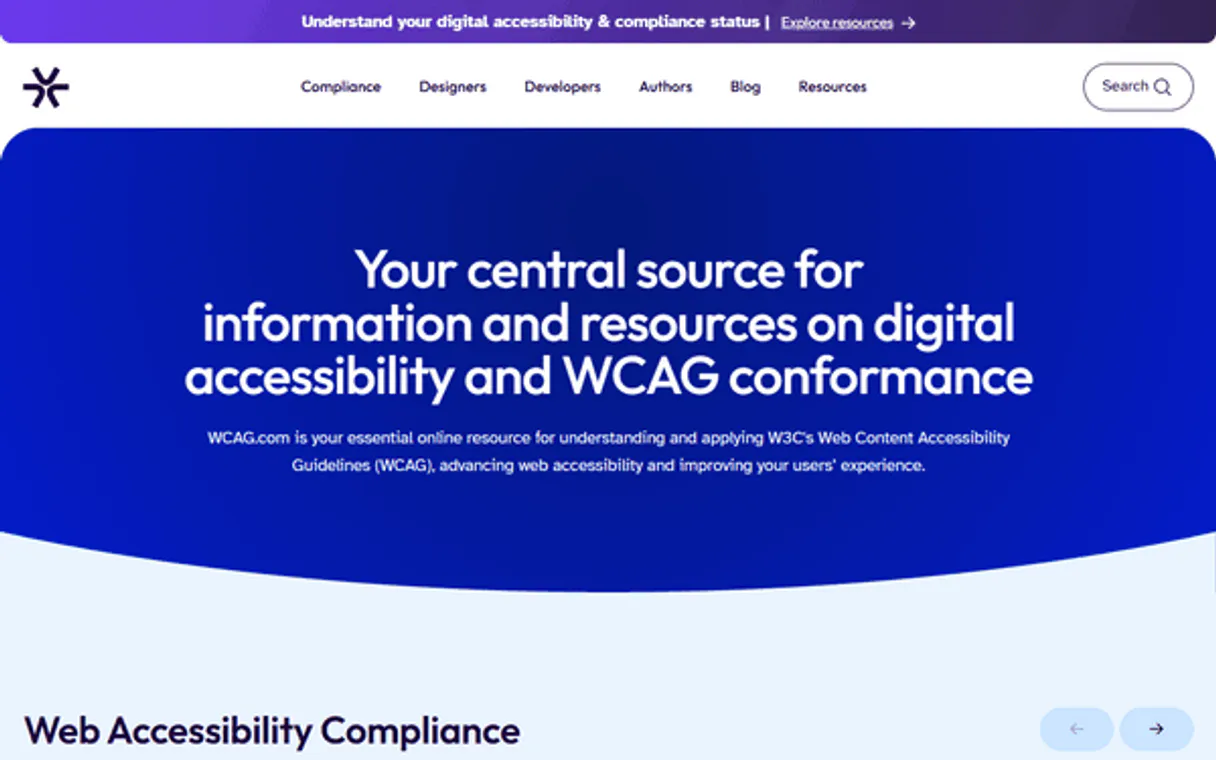
WCAG.com Accessibility MCP. Audit compliance and get remediation data for any site.
 Gemini
 Works with every AI agent you already use
…and any MCP-compatible client









Just plug in your AI agents and start using Vinkius.
WCAG.com Accessibility audits your websites against official compliance standards. Run deep accessibility checks on any URL or specific guideline to find issues, get remediation advice, and confirm digital inclusion requirements automatically.
What your AI agents can do
Audit url accessibility
Performs a full WCAG audit on a given URL to flag compliance issues and necessary fixes.
Check api status
Verifies if the WCAG.com service is currently operational and ready for use.
Get wcag guideline details
Retrieves detailed information, recommendations, and success criteria for a single specified WCAG guideline.
Runs an immediate audit against a specific website link to identify all accessibility issues.
Retrieves detailed documentation and recommendations for any single WCAG guideline you name.
Pulls the full, current catalog of accessibility rules used by the compliance engine.
Confirms that the WCAG.com service is online and ready to run audits.
Ask AI about this MCP
Supported MCP Clients
OAuth 2.0 Compatible Gemini Waiting for input…
WCAG.com Accessibility: 4 Tools
Use these tools to perform comprehensive checks on web accessibility standards, verify guideline details, or list all relevant compliance rules.
Make your AI actually useful.
Add this MCP to Claude, Cursor, or Windsurf and your AI stops guessing. It gets real tools to look things up, take action, and handle the stuff you keep doing by hand.
Start using WCAG.com Accessibility on Vinkius019d849baudit url accessibility
Performs a full WCAG audit on a given URL to flag compliance issues and necessary fixes.
019d849bcheck api status
Verifies if the WCAG.com service is currently operational and ready for use.
019d849bget wcag guideline details
Retrieves detailed information, recommendations, and success criteria for a single specified WCAG guideline.
019d849blist accessibility rules
Presents the complete list of all accessibility rules used by the auditing engine.
Choose How to Get Started
Build a custom MCP for your own tools, or connect a ready-made integration from our catalog.
Build Your Own
Turn any API into an MCP. Import a spec, define Agent Skills, or deploy with MCPFusion.
- Import from OpenAPI, Swagger, or YAML specs
- Create Agent Skills with progressive disclosure
- Deploy to edge with MCPFusion framework
- Built in DLP, auth, and compliance on every call
- Real time usage dashboard and cost metering
- Publish to catalog or keep private
Make Your AI Do More
Start with WCAG.com Accessibility, then connect any of our 4,900+ other servers whenever your AI needs more. One click, no limits.
- Use this MCP plus 4,900+ others, all in one place
- Add new capabilities to your AI anytime you want
- Every connection is secured and compliant automatically
- Track usage and costs across all your servers
- Works with Claude, ChatGPT, Cursor, and more
- New servers added to the catalog every week
Independent Platform Disclaimer: Vinkius is an independent platform and is not affiliated with, endorsed by, sponsored by, verified by, or otherwise authorized by WCAG.com. All third-party trademarks, logos, and brand names are the property of their respective owners. Their use on this website is strictly for informational purposes to identify service compatibility and interoperability.
VINKIUS INFRASTRUCTURE
Cloud Hosted
Managed infra
V8 Isolated
Sandboxed per request
Zero-Trust Proxy
No stored credentials
DLP Enforced
Policy on every call
GDPR Compliant
EU data residency
Token Compression
~60% cost reduction
Works with Claude, ChatGPT, Cursor, and more
The Model Context Protocol standardizes how applications expose capabilities to LLMs. Instead of operating in isolation, your AI gains direct access to external platforms, live data, and real-world actions through secure, standardized connections.
This server provides 4 capabilities that interface natively with Claude, ChatGPT, Cursor, and any MCP client. No middleware. No custom integration required.
Tracking Accessibility Compliance Is a Nightmare
Right now, checking if your site meets accessibility standards means jumping between specialized tools, downloading guidelines, and cross-referencing complex documentation. You run an audit, get 20 errors, then open another tab to figure out which WCAG guideline applies to that error, and finally copy/paste the recommendation into a spreadsheet. It's slow, prone to human error, and makes you feel like you need three PhDs just to launch a page.
With this MCP, your agent handles the entire loop. You ask it to check compliance on a URL. It runs the audit and returns not only the violation but also the specific WCAG rule that was broken—all in one conversational reply. You get actionable intelligence immediately.
Get Clarity with `list_accessibility_rules`
Manually, you'd have to hunt through dozens of technical whitepapers and documentation pages just to build a master list of standards. You wouldn’t know if the current version used 15 rules or 30.
Now, using `list_accessibility_rules` gives you an immediate, authoritative catalog of every rule in use by the WCAG auditing engine. It cuts out all the guesswork; you work off the single source of truth.
What you can do with this MCP connector
Building a site requires more than just making it look good; it has to work for everyone. This MCP connects you directly to the WCAG.com API, turning complex web compliance audits into simple conversations with your agent. You can instantly run comprehensive checks on any URL, pinpointing exactly where your code fails against official standards like WCAG 2.1.
Need to know the rules? You can pull up detailed metadata for specific guidelines or list every rule used by the auditing engine. This means you never have to manually check documentation or guess what's required for compliance. Because credential security is critical here, when you connect your API key through Vinkius, it passes through a zero-trust proxy—meaning your keys are only used in transit and never stored on disk.
You get verifiable data that lets you prove compliance without ever touching a technical validator yourself.
019d849b-4dd1-72e5-9fde-f95e109c9840 
How WCAG.com Accessibility MCP Works
- 1 Subscribe to this MCP and provide your required WCAG.com API key.
- 2 Connect your agent from any compatible client like Cursor or Claude.
- 3 Tell your agent what you need—like 'Audit example.com for AA compliance'—and it runs the check.
The bottom line is, you send a natural language request and get back structured data detailing specific compliance violations and how to fix them.
Who Is WCAG.com Accessibility MCP For?
This MCP is for Compliance Officers and QA engineers who are tired of manual audits across dozens of pages. It's also perfect for web designers needing instant, verifiable proof that their work meets global accessibility standards.
Runs bulk checks on staging environments to find and log every WCAG violation before launch.
Performs rapid, deep-dive audits for clients, generating reports that cite specific guidelines and rulesets.
Verifies component accessibility by checking against defined WCAG standards directly from their IDE workflow.
What Changes When You Connect
- Stop guessing about standards. Use
list_accessibility_rulesto pull the full, current catalog of WCAG rules used by the engine so you know exactly what your code is being measured against. - When a client needs an audit, use
audit_url_accessibilityto get instant reports on specific URLs, identifying issues and compliance levels in minutes instead of days. - Don't waste time searching documentation. If you need details on '1.3.1 Info and Relationships,' just call
get_wcag_guideline_detailsto pull the official criteria instantly. - You can confirm your workflow is running smoothly any time by calling
check_api_status, ensuring your entire accessibility research process stays operational. - The best part? You don't have to manually track API keys. Vinkius handles the secure connection through a zero-trust proxy, so your credentials never sit on disk.
Real-World Use Cases
Pre-launch QA Check
A QA engineer needs to verify 50 pages for compliance. Instead of running 50 manual checks, they use audit_url_accessibility in a loop, feeding the results directly into their report.
Consulting Client Pitch
An accessibility consultant needs to prove expertise on color contrast issues. They call get_wcag_guideline_details for '1.4.3 Contrast' and use the precise metadata to structure their presentation.
Developer Troubleshooting
A developer is getting vague error messages. They first run list_accessibility_rules to see the exact standard the system uses, then target a specific issue with audit_url_accessibility.
Operational Monitoring
An ops lead needs to ensure their entire compliance pipeline hasn't broken overnight. They quickly run check_api_status to confirm the WCAG service is live before starting any major audits.
The Tradeoffs
Using generic audit tools
Running a basic, built-in browser accessibility checker that only flags simple issues and gives no remediation steps.
→
Use audit_url_accessibility. This MCP provides high-resolution reports tied to specific WCAG levels (A, AA) and includes detailed metadata on how to fix the problem.
Manual guideline searching
Opening multiple browser tabs or downloading PDFs just to confirm if a specific requirement was met.
→
Call get_wcag_guideline_details. It pulls the authoritative source data instantly, giving you the exact criteria needed for compliance.
Assuming API uptime
Starting an entire audit workflow and only realizing halfway through that the underlying service is down.
→
Always call check_api_status first. It confirms the WCAG service is fully operational before you invest time running a complex, multi-URL audit.
When It Fits, When It Doesn't
Use this MCP if your job requires verifying compliance against published, industry-standard rules (WCAG 2.1). You need verifiable data on why something fails, not just that it failed. The core strength here is the depth of the audit: you can pinpoint issues using audit_url_accessibility and then immediately reference the official rule via get_wcag_guideline_details. Don't use this if your goal is simple keyword tagging or general content review; you need a true compliance checker. If all you want are broad industry best practices without URL testing, there might be other resources, but for hard-data auditing and technical validation, this MCP is the definitive choice.
Common Questions About WCAG.com Accessibility MCP
How do I audit my website using `audit_url_accessibility`? +
Just ask your agent to run an accessibility audit on your URL. The tool will check it against WCAG 2.1 and provide a detailed report listing all detected issues by level (A, AA).
`get_wcag_guideline_details` needs a specific code? What format does the guideline name take? +
The tool accepts standard WCAG identifiers like '1.4.3' or '2.1.1'. These are the official, structured codes used in compliance documentation.
What if I need to check the service status first? Do I use `check_api_status`? +
Yes, always run check_api_status when starting a large workflow. It confirms that the WCAG.com API is running smoothly before your agent attempts any heavy data retrieval.
Can I use this MCP to build multi-step compliance reports? +
Absolutely. You can chain requests—for example, first calling list_accessibility_rules to scope the project, then running multiple audits with audit_url_accessibility and compiling all findings in one go.
How do I check the entire catalog of standards available using `list_accessibility_rules`? +
This tool immediately returns a comprehensive list of all active accessibility rules. You get visibility into every standard used by the WCAG auditing engine, which helps you scope your audits and identify specific compliance gaps for your project.
When I run an audit with `audit_url_accessibility`, how detailed is the remediation metadata provided? +
The results include unique issue identifiers and precise remediation recommendations. You don't just get a failure flag; you get actionable steps detailing exactly how to fix the compliance marker, speeding up developer workflow.
Are there any rate limits when I use `audit_url_accessibility` or other auditing tools? +
Vinkius manages usage and provides operational monitoring via check_api_status. While specific vendor limits apply, the platform helps manage your overall quota to ensure continuous accessibility research workflows.
If I'm concerned about security, where are my API credentials stored when using this MCP? +
Credentials pass through a zero-trust proxy and are used only in transit; they aren't stored on disk. Vinkius ensures your keys never sit anywhere other than the secure connection layer.
Use it with your favorite AI tools
Connect this server to Cursor, Claude, VS Code, and more.