
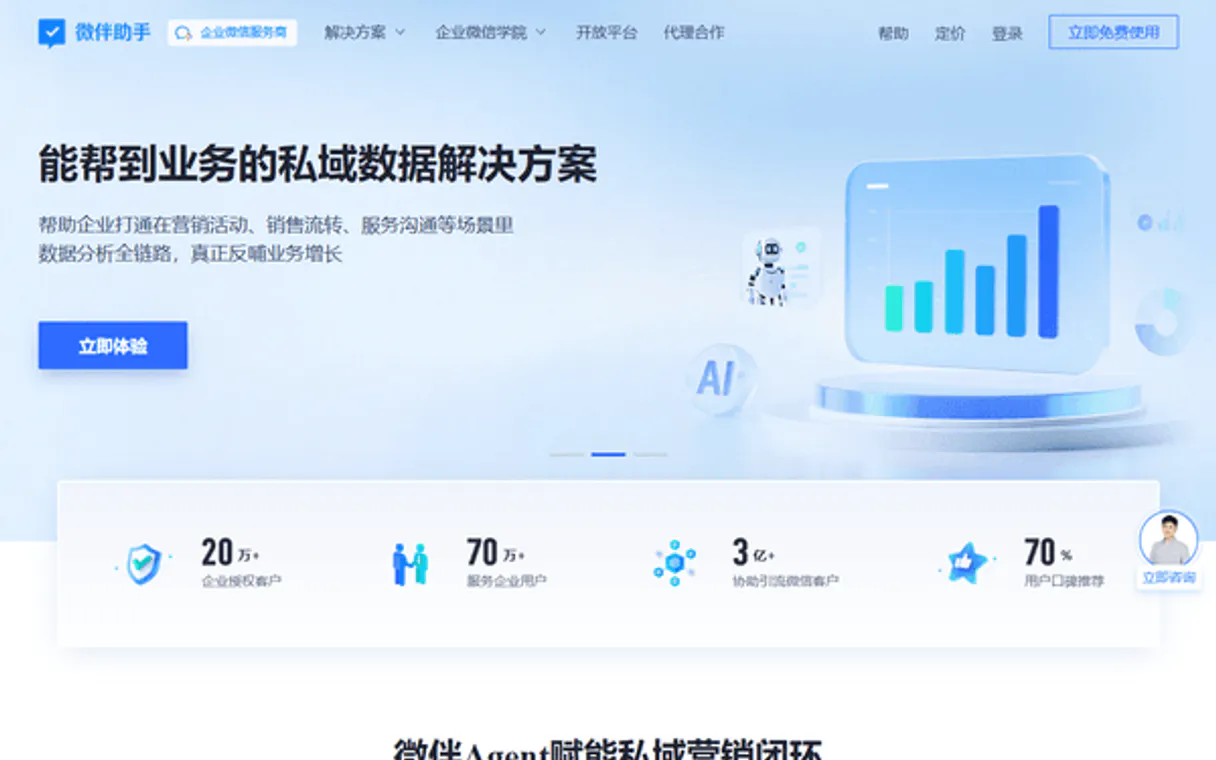
Weiban Assistant MCP. Get total visibility across your leads, chats, and customers.
 Gemini
 Works with every AI agent you already use
…and any MCP-compatible client









Just plug in your AI agents and start using Vinkius.
Weiban Assistant MCP handles all customer relationship management for WeCom and WeChat. It lets your agent track leads, manage group chats, retrieve detailed customer profiles, and monitor staff performance across the entire organization.
What your AI agents can do
Create lead
Creates a new sales lead record within the WeCom system.
Get customer details
Retrieves detailed information for any specific customer account.
Get group chat
Gets comprehensive details about a single WeCom group chat.
Retrieve specific details on individual customers, list all active users, or get a full summary of organization-wide activity.
Create new leads and view lists of existing prospects to track the status of potential accounts.
List active group chats, retrieve their details, or get a summary of engagement across multiple groups.
Get statistics on staff behavior and list all organization employees to monitor team productivity.
Ask AI about this MCP
Supported MCP Clients
OAuth 2.0 Compatible Gemini Waiting for input…
Weiban Assistant With 10 Tools
These tools allow you to manage every aspect of your WeCom presence, from creating new leads to analyzing organization-wide chat activity.
Make your AI actually useful.
Add this MCP to Claude, Cursor, or Windsurf and your AI stops guessing. It gets real tools to look things up, take action, and handle the stuff you keep doing by hand.
Start using Weiban Assistant on Vinkius019d849ccreate lead
Creates a new sales lead record within the WeCom system.
019d849cget customer details
Retrieves detailed information for any specific customer account.
019d849cget group chat
Gets comprehensive details about a single WeCom group chat.
019d849cget org summary
Pulls a high-level overview of organization activity and overall engagement metrics.
019d849cget staff stats
Generates performance statistics for staff members, like message handling rates or response times.
019d849clist chat records
Lists the history of messages and interactions within a specific chat thread.
019d849clist customers
Retrieves a full list of all customers associated with your WeCom account.
019d849clist group chats
Provides an index of all group chats currently active in the organization.
019d849clist leads
Generates a comprehensive list of sales leads that need follow-up.
019d849clist staff
Provides a directory and count of all staff members registered in the organization.
Choose How to Get Started
Build a custom MCP for your own tools, or connect a ready-made integration from our catalog.
Build Your Own
Turn any API into an MCP. Import a spec, define Agent Skills, or deploy with MCPFusion.
- Import from OpenAPI, Swagger, or YAML specs
- Create Agent Skills with progressive disclosure
- Deploy to edge with MCPFusion framework
- Built in DLP, auth, and compliance on every call
- Real time usage dashboard and cost metering
- Publish to catalog or keep private
Make Your AI Do More
Start with Weiban Assistant, then connect any of our 4,900+ other servers whenever your AI needs more. One click, no limits.
- Use this MCP plus 4,900+ others, all in one place
- Add new capabilities to your AI anytime you want
- Every connection is secured and compliant automatically
- Track usage and costs across all your servers
- Works with Claude, ChatGPT, Cursor, and more
- New servers added to the catalog every week
Independent Platform Disclaimer: Vinkius is an independent platform and is not affiliated with, endorsed by, sponsored by, verified by, or otherwise authorized by Weiban Assistant. All third-party trademarks, logos, and brand names are the property of their respective owners. Their use on this website is strictly for informational purposes to identify service compatibility and interoperability.
VINKIUS INFRASTRUCTURE
Cloud Hosted
Managed infra
V8 Isolated
Sandboxed per request
Zero-Trust Proxy
No stored credentials
DLP Enforced
Policy on every call
GDPR Compliant
EU data residency
Token Compression
~60% cost reduction
Works with Claude, ChatGPT, Cursor, and more
The Model Context Protocol standardizes how applications expose capabilities to LLMs. Instead of operating in isolation, your AI gains direct access to external platforms, live data, and real-world actions through secure, standardized connections.
This server provides 10 capabilities that interface natively with Claude, ChatGPT, Cursor, and any MCP client. No middleware. No custom integration required.
Sifting through chat history and status updates takes all day.
Today, checking on a customer means opening the CRM tab to see if they're listed, then switching over to WeCom to check if there are recent messages in their group chats. Then you might open a separate staff performance dashboard just to see who last responded. You spend hours clicking between tabs and copy-pasting status updates.
With this MCP, your agent does all that work for you. Just ask it about 'Customer X'. It pulls the full profile, checks the group chat summary, and even provides a list of related leads—all in one answer. It's immediate intelligence, not scattered data.
See what happens when you use `list_customers`.
You no longer need to manually run a report to find all users in a certain segment. Instead of clicking through dozens of pages just to count how many customers fit your criteria, the agent runs `list_customers` and gives you an immediate, actionable list.
The difference is that you get an answer immediately, right where you're talking to the AI. No dashboards, no loading screens, just clear facts.
What you can do with this MCP connector
This connector gives your AI agent a full view of your business interactions inside the WeCom ecosystem. Instead of logging into multiple dashboards to check on leads, chat activity, or customer history, you just ask your agent. It pulls all that information together instantly.
For instance, you can tell it to list all customers who haven't opened an email in 30 days and then get a summary of the group chats they are part of. Your agent handles the entire sequence, bringing data from different parts of WeCom into one conversation thread. Because your credentials pass through Vinkius's secure, zero-trust proxy, you never worry about where those keys sit; they only exist in transit.
The real power comes when you chain this MCP with other services—for example, linking it to a billing MCP and then triggering an alert if a high-value customer is flagged as inactive. You build automations that span multiple platforms using one AI agent. It keeps your data accurate and your team responsive without requiring manual effort.
019d849c-a6af-7199-8e58-1d9a38f8660a 
How Weiban Assistant MCP Works
- 1 Subscribe to this MCP on Vinkius. Enter your unique Weiban Corp ID and Secret keys.
- 2 Connect the MCP to your preferred AI client (like Cursor or Claude). The agent now has access to the communication tools.
- 3 Tell your agent what you need—for example, 'List my top 10 customers'—and it executes the necessary calls.
The bottom line is, you talk to the MCP through natural conversation; the agent handles the complex data retrieval and orchestration behind the scenes.
Who Is Weiban Assistant MCP For?
Sales Operations Managers who are tired of manually compiling reports from chat logs and CRM dashboards. Marketing Leads who need real-time visibility into group engagement. Customer Success Directors who track customer health across multiple channels.
Uses the MCP to check lead progress or retrieve full details on a prospect, eliminating the need to switch between spreadsheets and chat logs.
Asks the agent to get a summary of group chats or list customer histories to proactively identify accounts that might be falling out of engagement.
Checks organization activity summaries and staff stats to see where team efforts are focused and if any departmental goals are being missed.
What Changes When You Connect
- You stop manually checking different chat logs. With the agent, you can run
list_chat_recordsto pull chat history and instantly analyze it for key insights. - Need to qualify a prospect? Instead of opening multiple tabs, ask your agent to use
list_leadsthen follow up withget_customer_detailson the most promising ones. - Monitor team performance easily. Use
get_staff_statsto see exactly how many messages staff handled today without running any reports yourself. - Keep track of who's talking to whom. Your agent can use
list_group_chatsandget_org_summaryto show you which groups are seeing the most activity right now. - The process is safer too. Because credentials pass through Vinkius's zero-trust proxy, your keys are never stored on disk; they only move during the call.
Real-World Use Cases
Identifying Stalled Leads
A sales rep asks: 'Show me all leads created last month that haven't been contacted.' The agent uses list_leads and filters them instantly, giving the rep a clear list of who needs follow-up.
Post-Campaign Analysis
An operations manager asks: 'What was the overall engagement in our main customer group after the product launch?' The agent uses get_org_summary and cross-references it with specific chat records using list_chat_records.
Onboarding a New Employee
A team lead asks: 'What is Mario's performance score this quarter?' The agent uses get_staff_stats and pulls up his metrics instantly, giving the lead an accurate picture of readiness.
Auditing Customer Relationships
A customer success team member needs to know a client's full history. They ask the agent to get_customer_details for the account and then check their recent chat activity using list_chat_records.
The Tradeoffs
Over-relying on single views
Checking only the 'Leads' dashboard misses important context like if a lead was already talked to in a group chat, making follow-up efforts redundant.
→
Don't just run list_leads. Ask your agent to combine list_leads with get_group_chat details. This gives you the full picture: who is interested and where they talk.
Manual data aggregation
Copying staff performance numbers from one screen, then pasting them into a spreadsheet, only to realize key group chat activity was missed.
→
Let the agent run get_staff_stats and get_org_summary back-to-back. The report is generated live inside your conversation thread.
Forgetting context
Starting a chat about a customer but forgetting to retrieve their full details, leading to inaccurate follow-ups.
→
Always start by running get_customer_details first. This makes sure your agent has the complete background on that client before moving to any action.
When It Fits, When It Doesn't
Use this MCP if your job requires connecting customer records, sales pipeline status, and chat activity into a single source of truth. You need to know not just who they are (customer details) but also how they interact (group chats/chat logs). Don't use it if you only need to manage simple email campaigns or run isolated HR payroll reports; for those, look at dedicated billing or HR MCPs. If your goal is simply listing names without context, list_customers works, but if you need why they are customers (i.e., their activity), this MCP is necessary.
Common Questions About Weiban Assistant MCP
How do I find my Weiban Corp ID and Secret? +
Log in to your Weiban administration backend, go to [App Center] → [Open Platform], and you will find your Corp ID and Secret there. Ensure you have the necessary permissions enabled.
Can I see chat records through this server? +
Yes. Use the list_chat_records tool to retrieve historical chat between staff members and customers. This is essential for auditing service quality and tracking sales conversations.
Is it possible to monitor group chat activity? +
Yes! You can use the list_group_chats tool to see all active groups and get_group_chat with a specific ID to retrieve detailed information about participation and engagement levels.
When I use `get_customer_details`, what specific information can I retrieve for an individual account? +
You get a comprehensive profile, including contact details and their full interaction history within WeCom. This covers everything from initial lead status to current service usage.
If I use `create_lead`, what input formats or required fields must I provide for the new prospect? +
You need at minimum a contact identifier, assigned owner, and categorization. The MCP validates these inputs instantly to prevent creating incomplete records.
Does `get_staff_stats` only show message counts, or does it track broader employee performance metrics? +
No, the function tracks behavior beyond just message volume. It provides metrics like average response time and customer satisfaction scores for staff members.
What kind of overall activity summary do I get when calling `get_org_summary`? +
The organization summary gives a high-level view of engagement across WeCom. It tracks metrics like total active users and departmental participation rates.
When using `list_customers`, how does the MCP handle retrieving thousands of customer records efficiently? +
It supports paginated calls, meaning you can request data in manageable chunks. This prevents timeouts and ensures quick retrieval even with large datasets.
Use it with your favorite AI tools
Connect this server to Cursor, Claude, VS Code, and more.