
Connect Aliyun API Market / 阿里云云市场 MCP to VS Code Copilot via Vinkius.
Process documents and verify identity details with AI-assisted coding.
Bring Api Marketplace
to VS Code Copilot
Create your Vinkius account to connect Aliyun API Market / 阿里云云市场 to VS Code Copilot and route execution through our secure gateway. The platform manages server hosting, runtime updates, and security layers. Configuration requires no manual server provisioning.
 GDPR Free for Subscribers
What VS Code Copilot can do with Aliyun API Market / 阿里云云市场 MCP Server
Enable VS Code Copilot to orchestrate thousands of professional data services with the Aliyun API Market (阿里云云市场), the premier gateway for third-party cloud capabilities in China. By connecting the Aliyun Market to VS Code Copilot, you change complex API integrations for OCR, SMS delivery, identity verification, and logistics tracking into a natural conversation. VS Code Copilot can instantly recognize text from images, send verification codes, lookup geographic data, and audit shipment statuses without you ever needing to write custom integration code for each provider. Whether you are conducting compliance audits or managing mobile operations, VS Code Copilot acts as a unified interface for the entire Aliyun API ecosystem, providing accurate and reliable results from a single, authorized source.
What you can do
- API Orchestration. Call any Aliyun Market API using your unified AppCode for fast and secure access.
- Visual Intelligence. Extract structured text from images using professional OCR services for documents and IDs.
- Communication Control. Send SMS messages and manage mobile recharges directly through authorized market providers.
- Identity Verification. Verify ID cards and bank card metadata against official records for KYC compliance.
- Logistics Auditing. Track express shipments and retrieve real-time delivery histories from multiple carriers.
How it works
- Subscribe to this server
- Enter your Aliyun AppCode from the Aliyun Console
- Start querying thousands of data services through Claude, Cursor, or any MCP-compatible client
Who is this for?
- Back-end Developers. Prototype and integrate third-party data services into your AI-driven daily routines.
- Compliance Officers. Automate KYC and identity verification checks through natural language queries.
- Logistics Managers. Monitor delivery statuses and audit carrier performance directly from your AI-powered workspace.
- Aliyun Market Power Users. Integrate your existing data service subscriptions into your AI-driven daily routines.
"Recognize the text from this invoice image: [URL]."
I've processed the image using the Aliyun Market OCR service. The invoice total is 1,250.00 CNY, dated Oct 27, 2023. I've extracted all line items into a structured format for you.
Isolated on VS Code Copilot.
Enforced across all tools.
Provision Aliyun API Market / 阿里云云市场 for VS Code Copilot now. Expand to additional AI engines at any time with a single account and unified credential store.
Cross-platform
10+
AI clients. Simultaneous.
One Vinkius account distributes to every supported AI client in parallel.
MCP Catalog
4,500+
Isolated MCP Servers
CRM, payments, analytics, DevOps, bind any combination from the catalog. Governed.
Portability
Zero
lock-in. Ever.
Vinkius runs the infrastructure. Every MCP Server connection is portable by design.
Governance
Full
operational control
Policies, runbooks, RBAC, audit trails, and token budgets. Every MCP Server from one place.
Aliyun API Market / 阿里云云市场 talks.
Vinkius decides what VS Code Copilot hears.
Every response is filtered, logged, and gated before reaching the AI agent. No raw data passes through.
Aliyun API Market / 阿里云云市场
raw payload
DLP
Tokens, PII, secrets redacted
Audit
Write-once log, tamper-proof
RBAC
Roles, approvals, circuit breaker
VS Code Copilot
clean data only

* Every connection is hosted and maintained by Vinkius. We handle the security, updates, and infrastructure so you don't have to write code or manage servers. See our infrastructure
VS Code Copilot executes. Vinkius governs.
Guardrails, token cost tracking, audit logs, and usage analytics for every Aliyun API Market / 阿里云云市场 tool call are managed from a single dashboard. Vinkius operates the routing and scaling infrastructure.
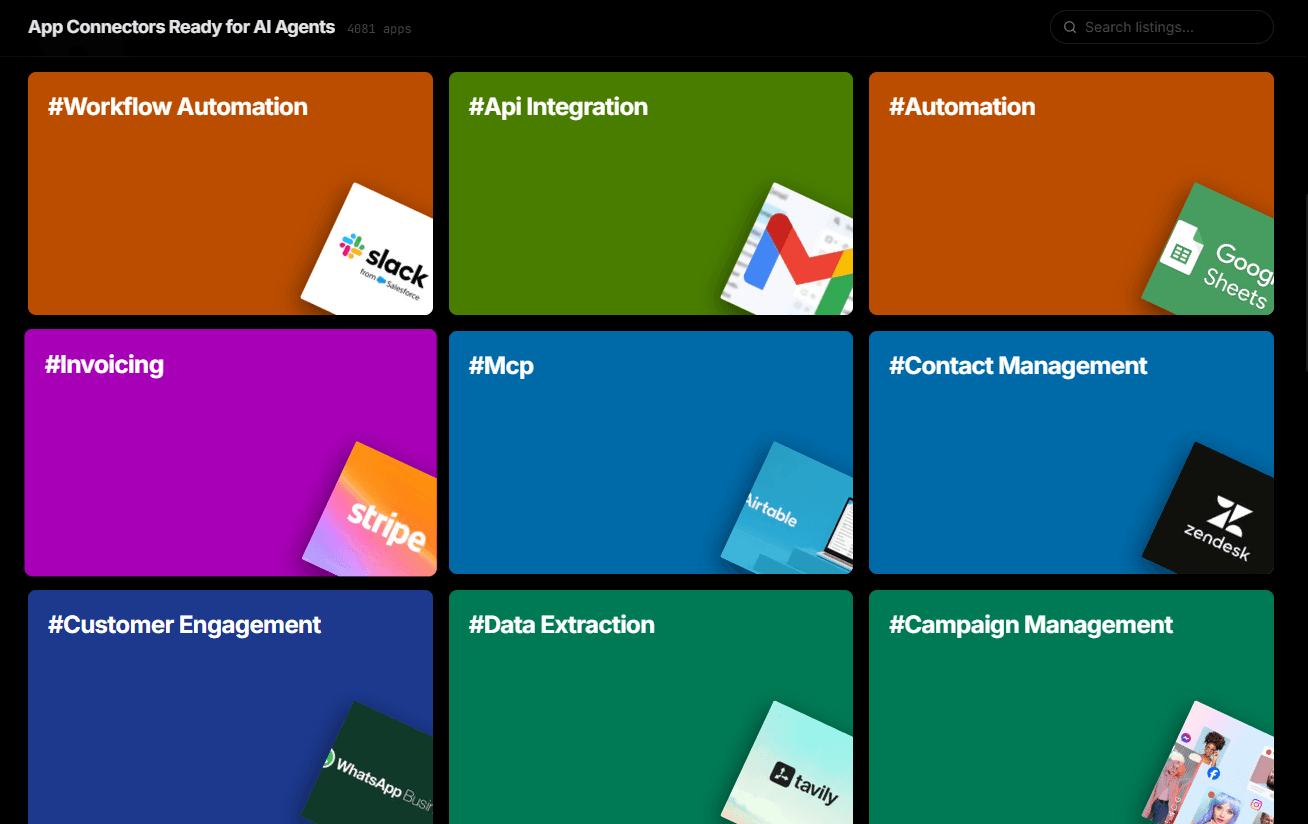
Over 4,000 integrations ready for AI agents
Explore a vast library of pre-built integrations, optimized and ready to deploy.
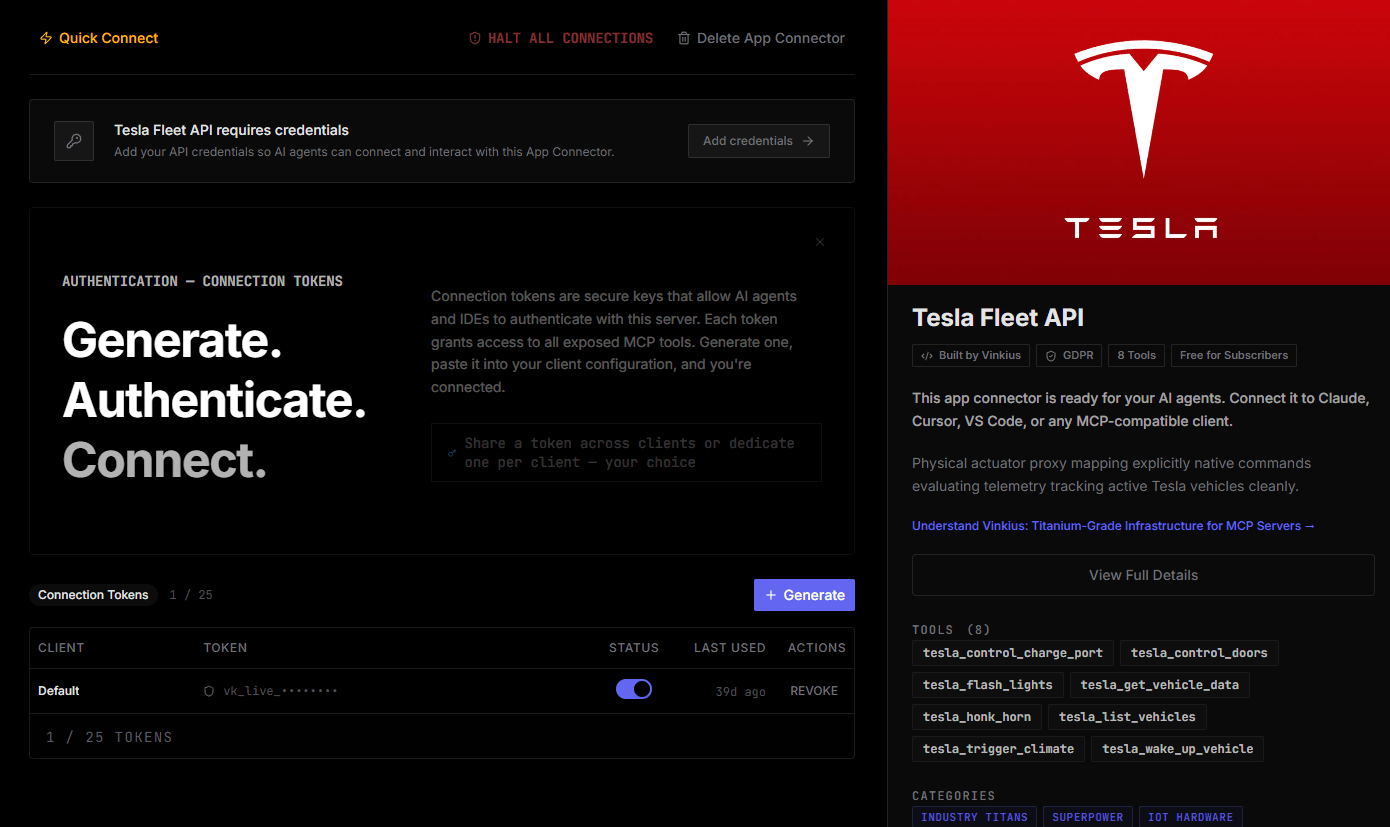
Connect securely in under 30 seconds
Generate tokens to authenticate and link external services in a single step.
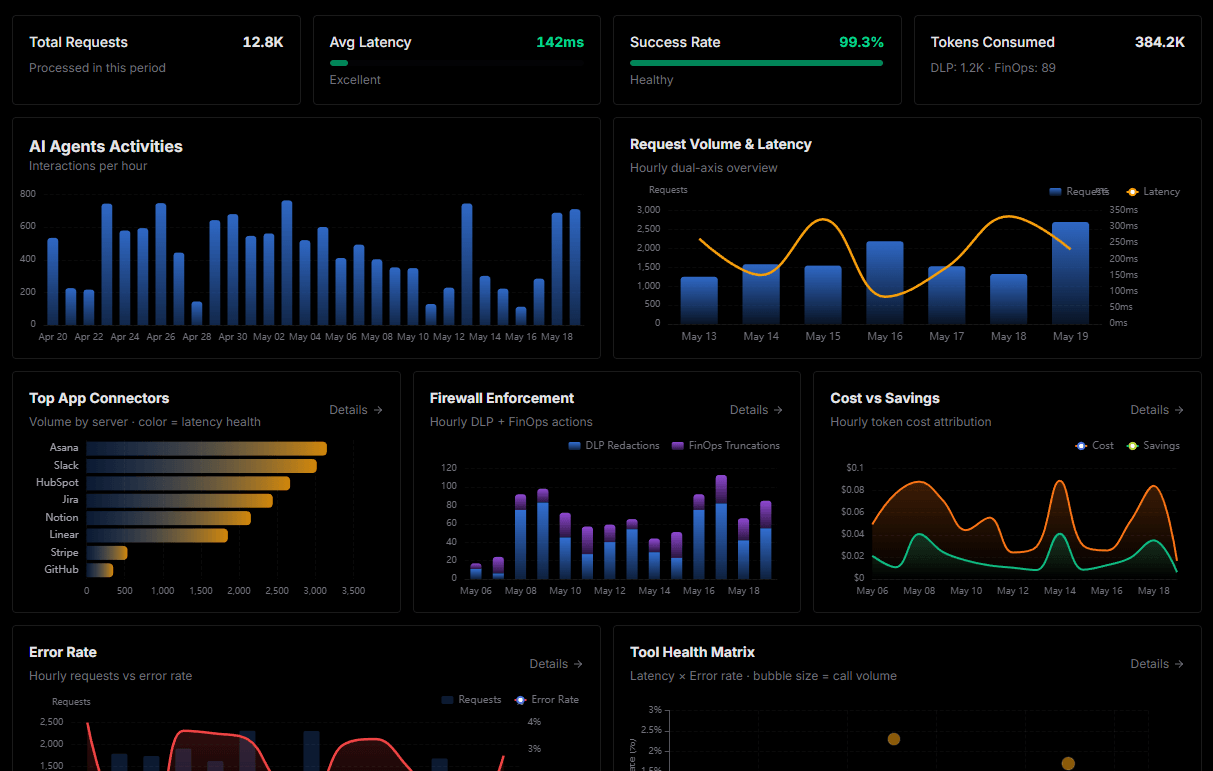
Complete visibility into every agent action
Audit live requests, latency, success rates, and active security compliance policies.
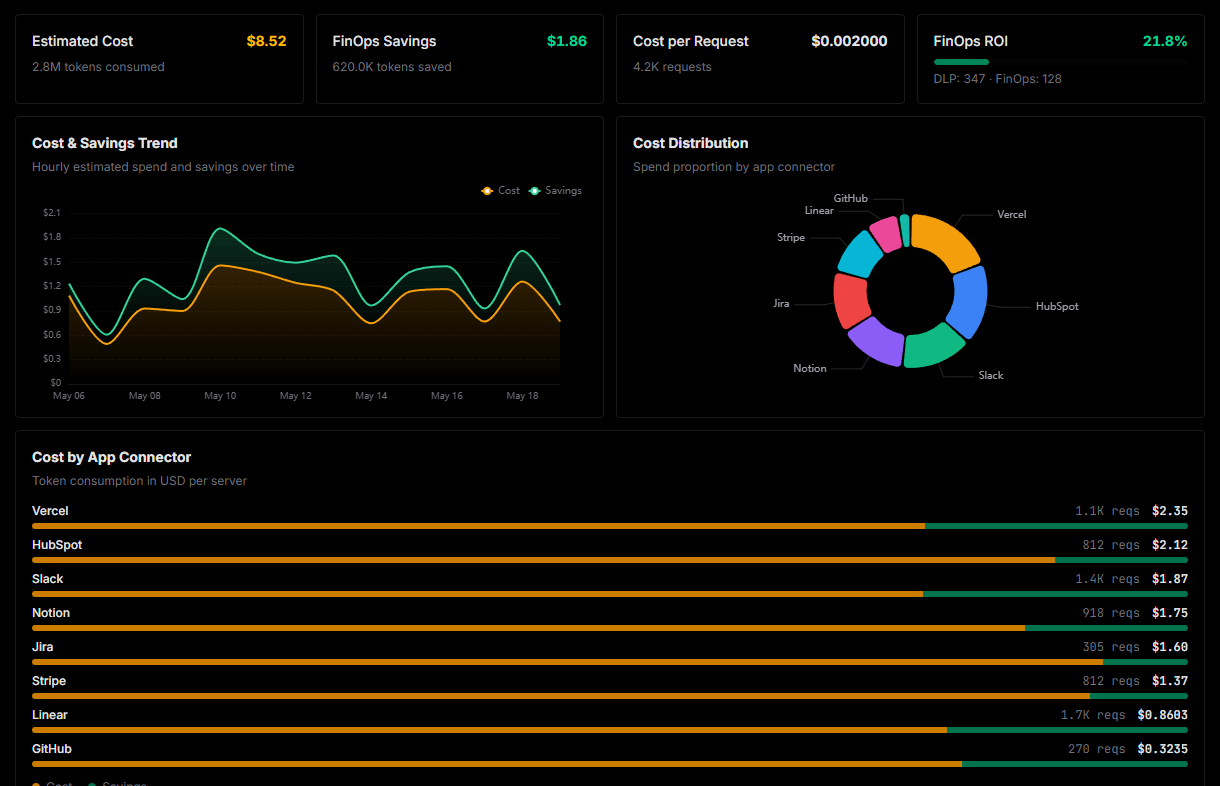
Optimize spending and track token ROI
Analyze real-time token consumption and cost metrics detailed by connection.
Explore our live AI Agents Analytics dashboard to see it all working
This dashboard is included when you connect Aliyun API Market / 阿里云云市场 using Vinkius. You will never be left in the dark about what your AI agents are doing with your tools.
Aliyun API Market / 阿里云云市场 and the entire MCP catalog. No arbitrary hosting. Zero-trust by default.
Deploying Aliyun API Market / 阿里云云市场 to VS Code Copilot via Vinkius eliminates custom development, server maintenance, and security overhead. Integration profiles are pre-compiled and run on dedicated sandboxed infrastructure.
Raw MCP | Vinkius | |
|---|---|---|
| Hardened MCPs | Find and configure each manually | Full catalog sandboxed |
| Connection Setup | Manual coding & server setup | Isolated synchronous binding |
| Server Hosting | You host it yourself (needs 24/7 uptime) | 100% hosted & managed by Vinkius |
| Security & Privacy | Stored in plaintext config files | Bank-grade encrypted vault |
| Activity Visibility | Blind execution (no logs or tracking) | Live dashboard with real-time logs |
| Cost Control | Runaway AI token spend risk | Automatic budget limits |
| Revoking Access | Must delete files or code to stop | 1-click disconnect button |
How Vinkius secures
Aliyun API Market / 阿里云云市场 for VS Code Copilot
All transactions between VS Code Copilot and Aliyun API Market / 阿里云云市场 pass through a secure egress gateway. Vinkius redacts sensitive payloads, enforces allowlist constraints, and supports immediate connection revocation.
Frequently asked questions
How do I find my Aliyun AppCode?
Log in to the Aliyun Console, go to 'Purchased Services', and select an API subscription. Your unique AppCode will be displayed in the API details or application management section.
Do I need to subscribe to each API individually?
Yes. Before calling a specific API via this server, you must have an active subscription (often with a free tier) for that service in the Aliyun Market to use your AppCode.
Can I use this for any provider on the market?
This server uses the standard Authorization: APPCODE header, which is supported by the vast majority of APIs on the Aliyun Cloud Market. Some high-security official services might require AK/SK signatures which are not the primary focus of this connector.
Which VS Code version supports MCP?
MCP support requires VS Code 1.99 or later with the GitHub Copilot extension. Ensure both are updated to the latest version. Older versions of Copilot may not expose the Agent mode toggle.
How do I switch to Agent mode?
Open the Copilot Chat panel and look for two mode options: "Ask" and "Agent". Click "Agent" to enable autonomous tool calling. In Ask mode, Copilot provides conversational answers but cannot invoke MCP tools.
Can I restrict which MCP tools Copilot can access?
Yes. VS Code shows a tool consent dialog before any MCP tool is invoked for the first time. You can also configure tool access policies at the organization level through GitHub Copilot settings.
Does MCP work in VS Code Remote or Codespaces?
Yes. MCP servers configured via .vscode/mcp.json work in Remote SSH, WSL, and GitHub Codespaces environments. The MCP connection is established from the remote host, so ensure the server URL is accessible from that environment.
MCP tools not available
Ensure you are in Agent mode in Copilot Chat. MCP tools only appear in Agent mode.
Explore More MCP Servers
View all →
Conekta MCP Integration
8 toolsEquip your AI agent to securely manage Latin American payments, view transactions, and track sales using the Conekta API.

Global Wine Score MCP Integration
6 toolsAccess aggregated wine ratings from the world's top critics. Normalized scores, vintage analysis, and top-rated wine discovery through natural conversation.
Hurma MCP Server
12 toolsManage your HR processes with employee records, leave tracking, and performance reviews designed for growing teams.
Safepoint MCP
11 toolsProtect your business data with secure backup, disaster recovery, and cloud-to-cloud replication for critical SaaS applications.