
Arrivy MCP. Manage tasks, crews, and customer locations in one chat.
 Gemini
 Works with every AI agent you already use
…and any MCP-compatible client









Just plug in your AI agents and start using Vinkius.
Arrivy MCP Server coordinates field service tasks, crew movements, and customer data in a single workflow. Use your AI agent to list tasks, create new service jobs, update crew assignments, and track customer records directly from your chat interface.
It handles last-mile delivery and job scheduling for field operations.
What your AI agents can do
Create customer
Adds a new customer record to the Arrivy system.
Create task
Schedules a new service task or delivery job in Arrivy.
Get account check
Verifies that your Arrivy account is connected and active.
The agent adds a new customer profile to the system using create_customer.
The agent generates and assigns a new service task or delivery job using create_task.
The agent retrieves details for a specific job with get_task or changes the status of an existing job with update_task.
The agent lists all available field crews and personnel using list_crews.
The agent fetches a list of all customers in the system using list_customers.
The agent fetches a list of all scheduled service tasks using list_tasks.
The agent verifies the connection status of your Arrivy account using get_account_check.
Ask AI about this MCP
Supported MCP Clients
Gemini Waiting for input…
019d7552create customer
Adds a new customer record to the Arrivy system.
019d7552create task
Schedules a new service task or delivery job in Arrivy.
019d7552get account check
Verifies that your Arrivy account is connected and active.
019d7552get task
Retrieves all details for one specific service task by its ID.
019d7552list crews
Lists every field crew and available personnel in the system.
019d7552list customers
Fetches a complete list of all customers in Arrivy.
019d7552list locations
Gets a list of all currently tracked locations in the field.
019d7552list tasks
Fetches a list of all scheduled service tasks in Arrivy.
019d7552update task
Modifies the status or details of an existing service task.
Choose How to Get Started
Build a custom MCP for your own tools, or connect a ready-made integration from our catalog.
Build Your Own
Turn any API into an MCP. Import a spec, define Agent Skills, or deploy with MCPFusion.
- Import from OpenAPI, Swagger, or YAML specs
- Create Agent Skills with progressive disclosure
- Deploy to edge with MCPFusion framework
- Built in DLP, auth, and compliance on every call
- Real time usage dashboard and cost metering
- Publish to catalog or keep private
Make Your AI Do More
Start with Arrivy, then connect any of our 4,700+ other servers whenever your AI needs more. One click, no limits.
- Use this MCP plus 4,700+ others, all in one place
- Add new capabilities to your AI anytime you want
- Every connection is secured and compliant automatically
- Track usage and costs across all your servers
- Works with Claude, ChatGPT, Cursor, and more
- New servers added to the catalog every week
What you can do with this MCP connector
Your AI agent handles all your field service tasks, coordinating crews and customer data through Arrivy. You'll use it to list tasks, create new jobs, update crew assignments, and track customer records right from your chat. It handles last-mile delivery and job scheduling for field operations.
Checking the Setup
Your agent verifies the Arrivy account connection status using get_account_check.
Managing Locations and People
It pulls a list of all currently tracked locations with list_locations and lists every field crew and available person using list_crews.
Handling Customers
To keep tabs on who you serve, your agent adds new customer profiles with create_customer and fetches a complete list of all existing customers using list_customers.
Scheduling and Updating Jobs
For scheduling, your agent generates and assigns a new service task or delivery job with create_task. You can get all the details for a specific job using get_task, or change the status or details of an existing job with update_task.
Keeping Track of Tasks
Your agent fetches a list of all scheduled service tasks using list_tasks.
How Arrivy MCP Works
- 1 Tell your AI agent to perform a function (e.g., 'Find out the status of the HVAC repair at 123 Main').
- 2 The agent uses the relevant tool (e.g.,
get_task) to query the Arrivy system and retrieves the job's status, crew details, and ETA. - 3 The agent formats the raw data and presents a natural language summary back to you.
The bottom line is your AI agent handles the API calls and data translation so you don't have to.
Who Is Arrivy MCP For?
Operations Managers, Dispatchers, and Field Service Leads. If you spend your day switching between CRM, scheduling software, and mapping tools, you know the pain. You need to coordinate jobs, crews, and customer history without leaving your chat interface.
Audits active jobs and crew statuses across multiple locations without opening separate dashboards.
Creates and assigns new service tasks instantly based on customer requests, and checks the current availability of field crews.
Pulls up a customer's complete job history and real-time ETA instantly to give accurate updates to clients.
What Changes When You Connect
- See all active jobs and crew statuses by running
list_tasksorlist_crews. You don't need to jump between the scheduling dashboard and the crew roster. - Quickly create new jobs using
create_task. You just tell your agent the details, and it schedules the job, including the required location data. - Provide accurate client updates. Your agent uses
get_taskto pull the current job status and ETA, so you never give a wrong time. - Build customer history on the fly. You can use
list_customersandcreate_customerto keep records accurate without manual data entry. - Audit your field operations. Running
list_locationsgives you a quick overview of where everyone is, right when you need to know. - Update jobs when things change. Use
update_taskto mark a job as 'Completed' or change the assigned crew, all through a single command.
Real-World Use Cases
New Customer Onboarding
A new client calls and needs a service job. You tell your agent: 'Add a new customer and schedule a follow-up task for next week.' The agent uses create_customer first, then create_task, tying the two actions together so the job is linked to the right person.
Emergency Dispatch
A major leak breaks. You need a crew dispatched now. You tell your agent: 'List all crews and assign the fastest available team to the emergency leak at 45 Oak Lane.' The agent uses list_crews and then create_task to execute the dispatch.
Status Check for Clients
A customer calls asking where the repair crew is. You ask your agent: 'What's the status of task T998?' The agent uses get_task and replies immediately with the current status and estimated completion time.
Daily Operations Audit
It's 8 AM. You need to know what's happening today. You ask your agent: 'List all tasks for today and show the crew assigned to each.' The agent runs list_tasks and provides a consolidated, filterable list.
The Tradeoffs
Manual Data Spreadsheets
You track tasks in a spreadsheet, then manually update the status in Arrivy, then call the crew leader to confirm the location. This wastes time and leads to data gaps.
→
Let your agent handle the flow. Use list_tasks to see what's scheduled, then use update_task when the job is done. The system keeps the record accurate.
Relying on UI Filters
You have to click through 'Jobs' > 'Crews' > 'Locations' to find out who is near the job site. This is slow and requires too many clicks.
→ Just ask your agent. It combines the data. Ask it to 'List crews near the task ID T123.' It pulls the location data and the crew data in one go.
Forgetting the Customer Link
You create a task for a job, but forget to associate it with the customer record. The job exists, but you can't find it later.
→
Always start by running create_customer if the person isn't in the system. Then, use create_task and ensure the customer ID is included in the request payload.
When It Fits, When It Doesn't
Use this if your core pain point is coordinating multiple, related pieces of field data—like linking a customer record, a specific task, and the assigned crew's location. It's built for complex, multi-step operational workflows. Don't use this if you just need to check one piece of data in isolation, like just listing all customers. In that case, you might only need list_customers and wouldn't need the full Arrivy server. This server is for orchestration, not for single data lookups.
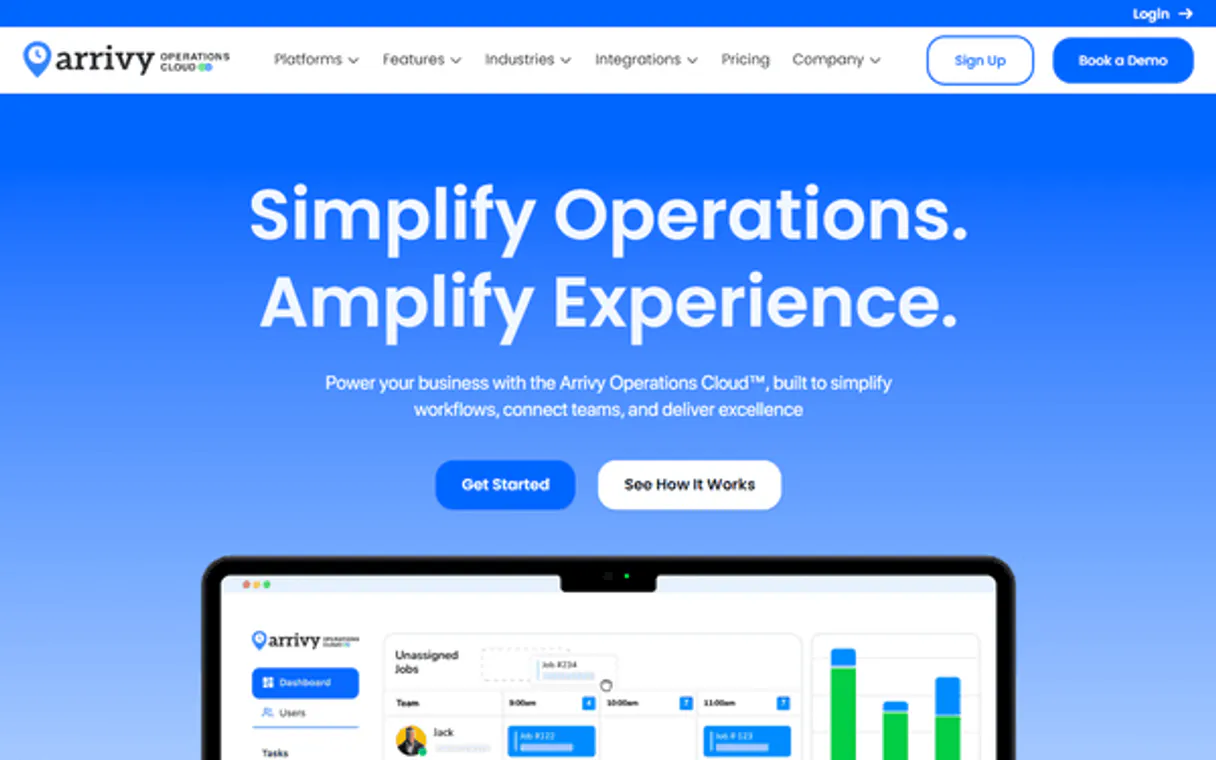
Independent Platform Disclaimer: Vinkius is an independent platform and is not affiliated with, endorsed by, sponsored by, verified by, or otherwise authorized by Arrivy. All third-party trademarks, logos, and brand names are the property of their respective owners. Their use on this website is strictly for informational purposes to identify service compatibility and interoperability.
VINKIUS INFRASTRUCTURE
Cloud Hosted
Managed infra
V8 Isolated
Sandboxed per request
Zero-Trust Proxy
No stored credentials
DLP Enforced
Policy on every call
GDPR Compliant
EU data residency
Token Compression
~60% cost reduction
Works with Claude, ChatGPT, Cursor, and more
The Model Context Protocol standardizes how applications expose capabilities to LLMs. Instead of operating in isolation, your AI gains direct access to external platforms, live data, and real-world actions through secure, standardized connections.
This server provides 9 capabilities that interface natively with Claude, ChatGPT, Cursor, and any MCP client. No middleware. No custom integration required.
Available Capabilities
Juggling job status, crew rosters, and customer history takes too many clicks.
Right now, you start in the scheduling dashboard. You find a job ID, copy it. Then you open the crew roster to see who is available. You switch to the customer tab to check their service history. Finally, you open the location map to see if they've left the service area. That's four different screens, and it takes minutes of copy/pasting and context switching.
With the Arrivy MCP Server, you just tell your agent what you need. 'What's the status of the job at 123 Main Street?' The agent runs `get_task` and pulls in the crew, the customer history, and the current location status. You get the answer instantly, right in your chat.
Arrivy MCP Server: Manage tasks, crews, and locations
You no longer need to manually run reports combining crew availability, pending tasks, and customer addresses. Your agent handles the data relationships behind the scenes, automatically linking the data from `list_crews` to `list_tasks` and `list_customers`.
The difference is reliable, automated coordination. You speak to your agent like you're talking to a coworker, and it handles the messy API calls needed to get the job done.
Common Questions About Arrivy MCP
How do I use the Arrivy MCP Server to schedule a new job? +
Use the create_task tool. You tell your agent the job details (what, where, when), and it handles scheduling the task in Arrivy. It's much faster than going into the web app.
Can I list all customers using the Arrivy MCP Server? +
Yes, use list_customers. This tool fetches a complete list of every customer in the Arrivy system so you can get an overview of your base.
What is the difference between `get_task` and `list_tasks` in Arrivy? +
list_tasks shows you a list of all scheduled jobs. get_task lets you drill down to get every single detail for one specific task ID.
How do I check if the Arrivy MCP Server can access my account? +
Run get_account_check. This tool verifies the connection between your AI client and the Arrivy system, ensuring everything is working before you start.
Can I update a task status with the Arrivy MCP Server? +
Yes, use update_task. You just tell the agent to mark a job as complete or change the crew assigned, and it updates the record.
How do I use `list_crews` to see which field personnel are assigned to a job? +
The list_crews tool returns a roster of all field personnel. You can filter this list by job ID or specialization to see who is assigned to a specific task.
What is the purpose of the `create_customer` tool? +
The create_customer tool lets you establish a new customer record in Arrivy. This is useful when you're starting service with a brand new client and need their details documented.
How do I use `get_account_check` to verify my Arrivy connection? +
Running get_account_check immediately confirms your Arrivy credentials are active. It provides a simple status message, confirming your agent can interact with the platform.
How do I find my Arrivy API Key? +
Log in to your Arrivy account, go to Settings > Integrations, and you will find your API Key under the Developer or API section.
Can I assign a crew to a task via this server? +
Yes, you can use the update_task tool and provide the crew IDs in the update body to assign or reassign tasks.
Does Arrivy support real-time ETAs? +
Yes, Arrivy calculates real-time ETAs based on field personnel location. You can retrieve these via the get_task or list_locations tools.
Use it with your favorite AI tools
Connect this server to Cursor, Claude, VS Code, and more.
More in this category
FieldAware
Connect FieldAware to automate field service management — manage jobs, customers, and invoices directly from your AI agent.

X Ads (Twitter)
Manage your X Ads campaigns — audit accounts, line items, and analytics via AI.

Anthropic Alternative
Access Claude models via Anthropic API — send messages, count tokens, manage batches and discover models from any AI agent.
You might also like

BallotReady
Civic data and election information — track upcoming elections, candidates, and districts via AI.

PandaDoc
Close deals faster with proposals, contracts, and e-signatures in one platform that tracks document engagement in real time.

Lit Protocol (Decentralized Access Control)
Manage decentralized access control, Programmable Key Pairs (PKPs), and execute immutable Lit Actions within TEEs directly from your AI agent.