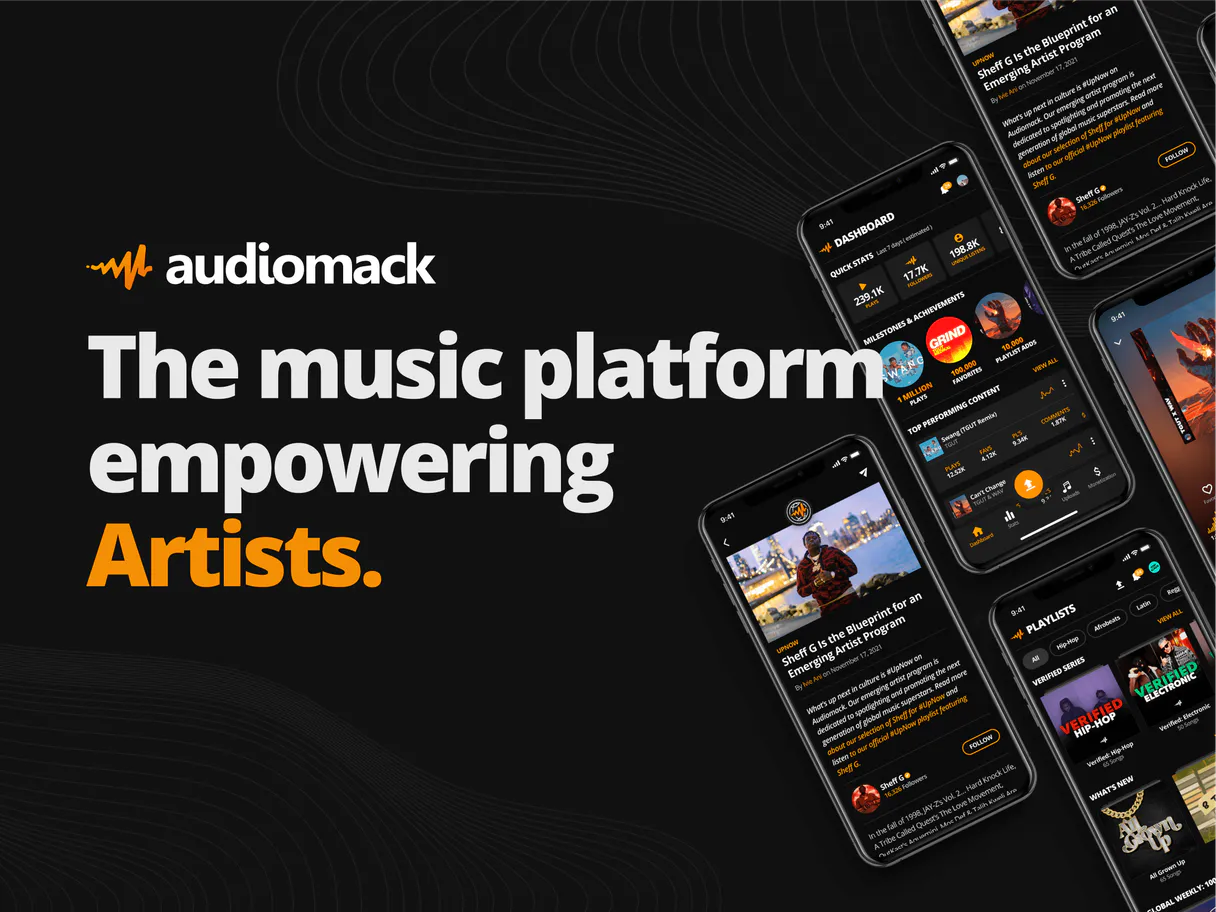
Audiomack Music MCP. Search, track, and analyze millions of music tracks instantly.
Works with every AI agent you already use
…and any MCP-compatible client

Just plug in your AI agents and start using Vinkius.
Audiomack Music MCP Server connects your AI agent to Audiomack's entire music catalog. Search for songs, albums, and artists by name or genre.
Check real-time trending charts and view deep artist profiles, including full discographies. It lets your agent access millions of tracks and verify metadata instantly, all from a chat interface.
What your AI agents can do
Get album details
Retrieves detailed information for a specific album ID.
Get artist details
Gets comprehensive information for a specific artist ID.
Get artist music
Lists all songs or albums associated with a specific artist ID.
Your agent searches the entire Audiomack catalog for matching songs, albums, or artists using a simple keyword query.
Your agent retrieves detailed metadata for a specific artist, including their bio and social links.
Your agent pulls the latest list of trending music and popular playlists from Audiomack.
Your agent gathers all songs or albums associated with a specified artist ID.
Your agent pulls detailed metadata and track lists for a single, specific album.
Your agent fetches details about the Audiomack developer account linked to the server.
Ask AI about this MCP
Supported MCP Clients
Waiting for input…
Audiomack Music MCP Server: 6 Tools for Music Data
Use these tools to search the Audiomack catalog, retrieve specific album details, and fetch comprehensive artist information.
019d8419get album details
Retrieves detailed information for a specific album ID.
019d8419get artist details
Gets comprehensive information for a specific artist ID.
019d8419get artist music
Lists all songs or albums associated with a specific artist ID.
019d8419get authenticated account
Retrieves information about the Audiomack account linked to the server.
019d8419get trending music
Pulls the current list of trending music and popular tracks on Audiomack.
019d8419search music
Searches the entire Audiomack catalog for songs, albums, or artists based on keywords.
Choose How to Get Started
Build a custom MCP for your own tools, or connect a ready-made integration from our catalog.
Build Your Own
Turn any API into an MCP. Import a spec, define Agent Skills, or deploy with MCPFusion.
- Import from OpenAPI, Swagger, or YAML specs
- Create Agent Skills with progressive disclosure
- Deploy to edge with MCPFusion framework
- Built in DLP, auth, and compliance on every call
- Real time usage dashboard and cost metering
- Publish to catalog or keep private
Make Your AI Do More
Start with Audiomack Music, then connect any of our 4,700+ other servers whenever your AI needs more. One click, no limits.
- Use this MCP plus 4,700+ others, all in one place
- Add new capabilities to your AI anytime you want
- Every connection is secured and compliant automatically
- Track usage and costs across all your servers
- Works with Claude, ChatGPT, Cursor, and more
- New servers added to the catalog every week
What you can do with this MCP connector
Your AI client connects to Audiomack, letting you search the whole music catalog. You can use the agent to search for songs, albums, or artists using keywords. You'll also get the latest list of trending music and popular playlists. Need to dig into an artist? You can get detailed metadata for any specific artist, including their bio and social links.
If you know the ID, the agent can list all the songs or albums associated with that artist. You can also pull detailed metadata and track lists for a single album. When you need to check your own credentials, the agent retrieves details about the Audiomack account linked to the server.
You'll also find out what's going on with the whole system by using the agent to get album details for a specific ID.
How Audiomack Music MCP Works
- 1 Subscribe to the Audiomack Music server and input your Consumer Key and Secret.
- 2 Your AI client makes a request (e.g., 'Show me the discography for Foo Fighters').
- 3 The server executes the appropriate tool (like
get_artist_music) and returns the structured music metadata to your client.
The bottom line is, your agent can talk to Audiomack and bring back structured music data without you leaving the chat.
Who Is Audiomack Music MCP For?
Anyone who works with music metadata or content curation needs this. It's for the music journalist who needs to fact-check an artist's bio instantly, the content creator who needs to verify track data for a review, or the researcher tracking genre trends. It saves them from clicking through five different websites just to get a full picture.
Uses the server to quickly pull artist bios and metadata for articles, ensuring all facts about an artist are current and accurate.
Runs searches and checks album details to gather track lists and verify metadata for reviews or blog posts.
Checks get_trending_music and uses get_artist_details to analyze genre growth and track popularity across different periods.
What Changes When You Connect
- See the full scope of an artist's work instantly. Use
get_artist_musicto list every album and song associated with a specific artist ID, eliminating the need to navigate through multiple pages. - Always know what's hot right now.
get_trending_musicpulls the latest, real-time trending lists, so you never miss a chart-topping hit. - Stop guessing about artists.
get_artist_detailsprovides verified metadata, including bios and social links, letting you write accurate, sourced content. - Pinpoint specific album data. If you know the album ID,
get_album_detailsgives you the tracklist and full metadata for that single release. - Find anything fast. The
search_musictool lets you query the whole catalog (songs, albums, artists) using just keywords, no matter the content type. - Manage your integration. Use
get_authenticated_accountto check the credentials and details of your Audiomack developer account.
Real-World Use Cases
Fact-checking a biography for an article
A music journalist needs to write about a new artist and verify their background. Instead of opening multiple tabs and scraping their profile, they ask their agent to run get_artist_details. The agent instantly pulls the bio and verified social links, letting the journalist write the article knowing the data is accurate.
Building a playlist of current hits
A curator wants to build a 'Top 10 Right Now' list. They prompt their agent to execute get_trending_music. The agent returns a clean list of popular tracks, which the curator can then use immediately to build a playlist, avoiding manual chart scraping.
Analyzing an artist's career growth
A researcher wants to map the entire career of an artist. They ask the agent to use get_artist_music to list all associated albums and then follow up with get_album_details for each one. This maps the full discography without manual data gathering.
Finding a song by partial memory
A user remembers a song but can't recall the title. They simply ask their agent to run search_music using vague keywords or a genre. The agent returns a list of matching songs and albums, solving the memory gap immediately.
The Tradeoffs
Over-relying on keyword search
Asking the agent to 'tell me about the best songs from the 90s.' The agent might only use search_music, which gives a list of tracks but lacks context on genre or era, forcing multiple follow-up queries.
→
First, use search_music to narrow down the time period or genre. Then, if you have an artist in mind, use get_artist_details to get context, or use get_artist_music to limit the scope to a specific decade's albums.
Treating data as static
Assuming an artist's profile is always available. If the data is outdated, the user gets stale information, which is useless for current reporting.
→
Always check the trends first. Start with get_trending_music to see what's current. Then, use get_artist_details to get the most up-to-date bio and social links.
Trying to find everything in one call
Asking the agent, 'Give me the bio, discography, and top trending tracks for this artist.' The agent will fail or run an inefficient, multi-tool call.
→
Break it down. Start with get_artist_details for the bio. Next, run get_artist_music for the discography. Finally, check get_trending_music to see if the artist is currently popular.
When It Fits, When It Doesn't
Use this server if your workflow requires structured, verifiable music metadata. Specifically, if you need to list an artist's entire catalog (get_artist_music) or track real-time popular songs (get_trending_music). Don't use it if you are just looking for general recommendations or mood-based suggestions; those require a different type of recommendation engine. If you only need a single song title and nothing else, the search_music tool is usually enough, but for full context, you need the full suite.
Independent Platform Disclaimer: Vinkius is an independent platform and is not affiliated with, endorsed by, sponsored by, verified by, or otherwise authorized by Audiomack. All third-party trademarks, logos, and brand names are the property of their respective owners. Their use on this website is strictly for informational purposes to identify service compatibility and interoperability.
VINKIUS INFRASTRUCTURE
Cloud Hosted
Managed infra
V8 Isolated
Sandboxed per request
Zero-Trust Proxy
No stored credentials
DLP Enforced
Policy on every call
GDPR Compliant
EU data residency
Token Compression
~60% cost reduction
Works with Claude, ChatGPT, Cursor, and more
The Model Context Protocol standardizes how applications expose capabilities to LLMs. Instead of operating in isolation, your AI gains direct access to external platforms, live data, and real-world actions through secure, standardized connections.
This server provides 6 capabilities that interface natively with Claude, ChatGPT, Cursor, and any MCP client. No middleware. No custom integration required.
Available Capabilities
Manually collecting music data is a slow, multi-tab process.
Right now, if you need an artist's full profile, you click to their page. Then you open a second tab to find their bio. You click a third tab to see their discography. You might open a fourth tab just to see what's trending in that genre. You end up copying and pasting data from five different places just to write one article.
With the Audiomack Music MCP Server, you just ask your agent. It runs the necessary tools (`get_artist_details`, `get_artist_music`) and returns the complete, structured data set in one go. You get the full picture without leaving your chat.
Audiomack Music MCP Server: Get full music data from chat.
You no longer have to jump between the search page, the artist profile, and the trends page. Your agent handles the complex calls—it pulls the bio via `get_artist_details`, lists the catalog via `get_artist_music`, and checks the current vibe with `get_trending_music`—all based on your simple prompt.
The data flow is seamless. You get structured, verified music metadata directly into your workspace. This isn't just searching; it's analysis.
Common Questions About Audiomack Music MCP
How do I use the `search_music` tool with an artist name? +
You simply ask your agent to search for the artist name. The agent uses search_music and returns results for both songs and albums associated with that name. You can then use get_artist_details for more info.
What is the difference between `get_artist_details` and `get_artist_music`? +
Use get_artist_details when you need the artist's bio and verified profile info. Use get_artist_music when you need a list of all their albums or songs.
Can I find out what is currently popular using `get_trending_music`? +
Yes. get_trending_music fetches the real-time trending list of music on Audiomack. It gives you the most popular tracks and playlists right now.
What if I need metadata for a specific album? +
Use the get_album_details tool. You just need the album ID, and the agent returns the full tracklist and metadata for that single album.
Does `get_authenticated_account` help me find music? +
No. get_authenticated_account only retrieves information about the developer account linked to the server. It's for verifying credentials, not for finding music.
How do I use `get_album_details` if I only have the album title? +
You must provide the album's unique ID to get_album_details. If you only have the title, use search_music first to get the correct album ID.
What information does `get_artist_details` provide about an artist? +
It returns comprehensive data including the artist's biography, verified social links, and general profile information. This helps you verify artist credentials quickly.
Is `get_authenticated_account` required to use the other music tools? +
No, you don't need it for searching or fetching public data. However, using get_authenticated_account lets your agent check your specific Audiomack usage details.
Where do I get Audiomack API keys? +
You must apply for access at the Audiomack Developer Portal. Once approved, you can generate your Consumer Key and Secret.
Can I play music directly through this agent? +
This integration is optimized for music discovery and metadata retrieval. The agent will provide direct links to listen to tracks on the Audiomack website or mobile app.
What kind of artist insights can I retrieve? +
You can fetch detailed artist biographies, verified status, social media links (Twitter, Instagram), and their complete catalog of songs and albums available on the platform.
Use it with your favorite AI tools
Connect this server to Cursor, Claude, VS Code, and more.
More in this category
MusicBrainz
Explore the open music encyclopedia — search artists, albums, tracks, labels and musical works.
Gladia (Speech AI)
Transcribe, translate, and analyze audio with Gladia's high-speed Speech AI — support for pre-recorded files and live streaming.
Hiro.fm
Create and distribute audio content with a podcast-like platform that lets you build a private audio feed for your audience.
You might also like
Udemy
Access Udemy API to search courses, retrieve instructor reviews, QA, and messages.
USDA FoodData Central
Access the gold standard in nutrition data — 300,000+ foods with scientific-grade nutrient profiles from the U.S. Department of Agriculture.
Reverb
Manage your Reverb shop — create listings, track orders, handle payouts, and communicate with buyers directly via AI.