
Binance (Crypto Market) MCP, Ready to Go
Connect your AI agents to Binance market data with this Connector. Use Claude or Cursor to track real-time crypto prices, volumes, and trends instantly.
No credit card required. Experience the power of this integration risk-free.
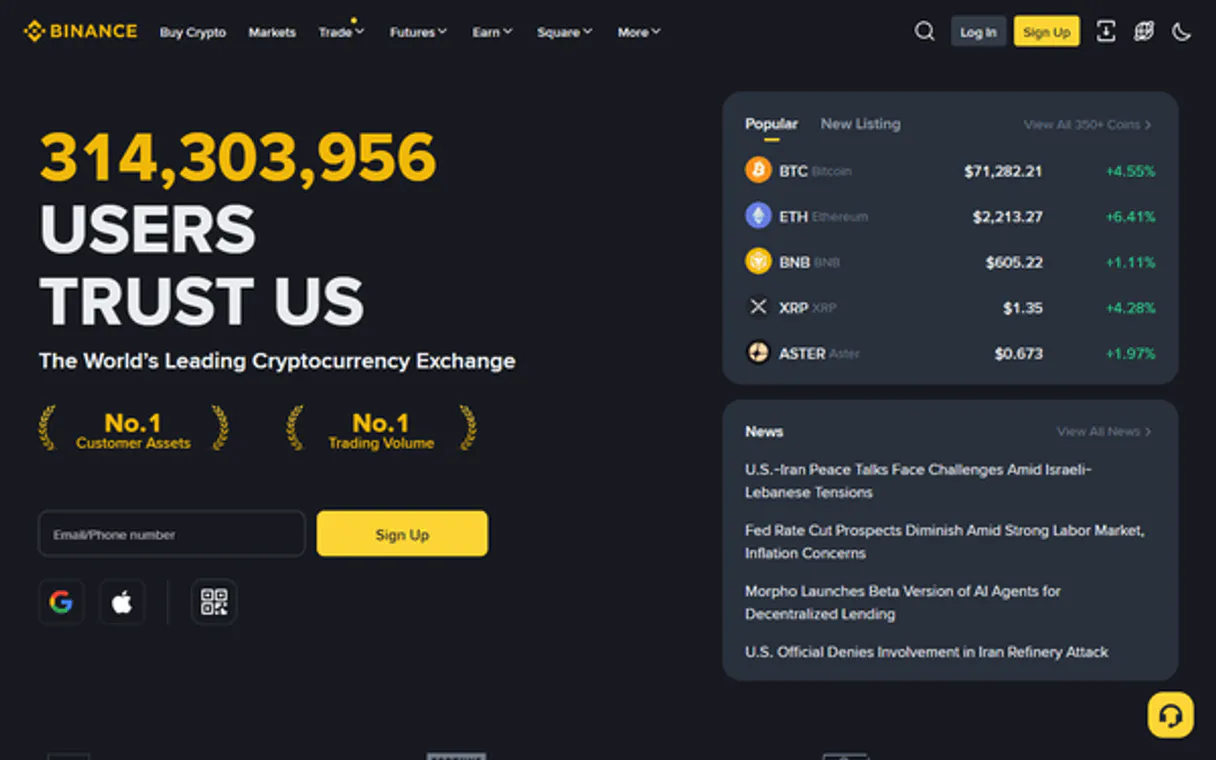
Track real-time cryptocurrency prices and market trends instantly.
Works with every AI agent you already use
…and any MCP-compatible client









How fast is the Binance (Crypto Market) Connector?
Average time for the server to become ready for requests over the last 14 days, measured until the initialize / tools/list handshake completes. Metrics are updated daily between 00:00 and 04:00 UTC. Create a free account, use this Connector on Vinkius Cloud, and connect it to your AI agent in seconds.
Waiting for input…
What AI agents can do with Binance (Crypto Market) 7-Tool Crypto Market Data Suite
Get real-time prices, volume rankings, and historical candlestick data directly in your AI chat.
Get price
Get the current price and 24h trend for any cryptocurrency in USDT. This works for quick checks on popular assets like Bitcoin or Ethereum.
Get ticker
Retrieve full 24h statistics including trade counts and volume for a trading pair. Use this when you need deep metadata beyond just the current price.
List market
Pull a ranked list of the top cryptocurrencies by their 24h USDT volume. This helps you identify high-liquidity hotspots and market leaders.
Get candles
Extract OHLCV candlestick data for specific time intervals like 1m, 1h, or 1d. This is the go-to tool for historical price action and technical charting.
Compare coins
Compare multiple coins side-by-side to see price, volume, and relative performance. It assigns a verdict on which coins are outperforming the others.
List movers
Find the top gainers and losers in the last 24 hours with a minimum $1M volume. This helps you filter out noise and find significant market moves.
Get volatility
Analyze price fluctuations to get the trend direction and bull/bear ratios. It computes the amplitude and trend based on the last N candles.
A Connector is a URL. Vinkius runs it: hosting, security, governance, observability.
You're looking at one of 5,800+ managed Connectors. The real value isn't the catalog. It's the control plane that secures, governs, audits, and manages every interaction between your agents and the tools they use.
No Shadow AI
Every agent action is visible, approved, and auditable. Nothing runs outside your governance.
Absolute agent control
Fine-grained permissions for every agent, MCP, and tool. Instantly revoke access and audit every execution.
Cost control per token
Spend broken down to the token, tool, and agent. Budgets and hard limits. No surprise invoices.
Managed & monitored infra
We operate the runtime, authentication, scaling, retries, and monitoring. Your team manages AI, not infrastructure.
Data protection, DLP by design
Sensitive data is filtered before reaching the model. Access is governed so agents receive only the information they're allowed to use.
Token optimization, real savings
Lower AI costs by delivering the right context instead of unnecessary tools. Better accuracy, faster responses, and fewer wasted tokens.
Binance (Crypto Market) MCP for Real-Time Market Research
This is for anyone who spends their day staring at charts and price feeds. If you're tired of manual data scraping or switching between multiple trading terminals to track your portfolio, this tool puts the data where you're already working.
Crypto Trader
Checks price trends and market movers to decide on entry points during active sessions.
Financial Analyst
Audits trading volumes and volatility across hundreds of pairs to write reports.
Portfolio Manager
Monitors the real-time value and performance of a diversified asset list.
Blockchain Developer
Tests and debugs market data logic and candlestick calculations.
Frequently Asked Questions
Does the Binance (Crypto Market) MCP require my private API keys? +
No, this Connector only uses Binance's public REST endpoints. You don't need to provide any private keys or account credentials to access market data.
Can I use the Binance (Crypto Market) MCP to see my personal balance? +
No, this tool is designed for market research only. It cannot access your personal account balance, trade history, or private portfolio data.
What kind of coins can I check with the Binance (Crypto Market) MCP? +
You can check any cryptocurrency trading pair available on the Binance public market, including major assets like Bitcoin and Ethereum.
How often is the data updated in the Binance (Crypto Market) MCP? +
The data is updated in near real-time, allowing your agent to provide current prices and 24h trends as they happen on the exchange.
Can the Binance (Crypto Market) MCP help with technical analysis? +
Yes, it can extract historical candlestick data for various time intervals, which you can use to identify trends and price action patterns.
Is the Binance (Crypto Market) MCP good for tracking pump signals? +
Yes, it is excellent for this. You can use it to monitor the top gainers and losers in the last 24 hours to spot significant market moves.
Does this server require a Binance API key or account? +
No. This server uses Binance's public REST API endpoints, which do not require authentication for market data, ticker stats, or candlestick retrieval. You can start using it immediately without any setup.
Can I get historical price data for technical analysis? +
Yes. Use the 'get_candles' tool. You can specify the symbol and the interval (e.g., '1h', '1d'). The agent will retrieve the OHLC (Open, High, Low, Close) candlestick data needed for technical charting and analysis.
How do I identify the top gainers in the crypto market? +
Use the 'list_movers' tool. It analyzes the entire market and identifies the top 10 gainers and top 10 losers based on 24h price change percentage, helping you spot radical volatility instantly.
Your AI, connected to everything.












No credit card required · Free tier available













Other Connectors in this category
Highnote Connector
Automate card issuance and financial management via Highnote. Manage account holders, cards, and transactions directly from any AI agent.
Checkbook.io Connector
Manage digital and physical check payments via Checkbook. Send money, track checks, and monitor invoices directly from any AI agent.
N26 Banking Connector
Universal N26 intelligence. Check balances, accounts, and spaces via AI.
Related Connectors
NeverBounce Connector
Verify and clean email addresses via NeverBounce. Track single checks and bulk jobs directly from your AI agent.
Zeev Connector
Zeev MCP connects your AI agent to your business process management platform. It lets you handle workflows, manage approvals, and submit forms through a chat interface instead of clicking through multiple tabs. It turns complex business operations into simple conversations.
Anaplan Connector
Manage Anaplan workspaces, models, and data actions (imports, exports, processes) directly via AI.