
CBRE EA MCP. Global real estate data, now in natural conversation.
 Gemini
 Works with every AI agent you already use
…and any MCP-compatible client









Just plug in your AI agents and start using Vinkius.
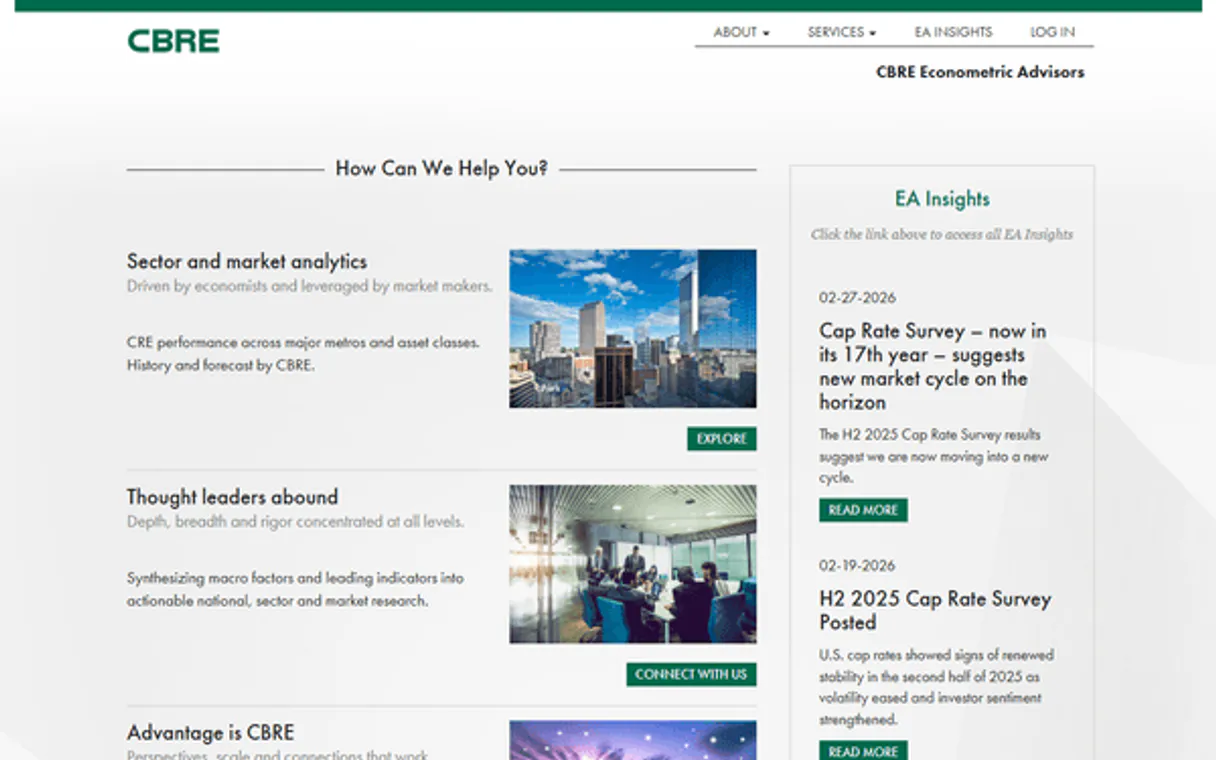
CBRE Econometric Advisors (EA) MCP Server lets you access deep, global commercial real estate data directly through conversation. Track rents, vacancy rates, and market forecasts for Office, Industrial, Retail, and Multifamily sectors in major markets across the U.S., Canada, Europe, and APAC.
Get macroeconomic indicators, cap rates, and submarket deep-dives without leaving your chat interface.
What your AI agents can do
Get macroeconomic data
Retrieves population, employment, and income statistics for a specific market.
Get market cap rates
Pulls cap rates and Net Operating Income metrics for a market sector.
Get market forecasts
Gets historical and forecast data for any market.
Retrieves population, employment, and income statistics for a specified market.
Gathers capital rates and Net Operating Income metrics for a specific market sector.
Pulls both historical data and expert forecast data for a given market.
Fetches current data for a specific market and real estate asset sector.
Provides a list of all real estate asset sectors available in the CBRE EA database.
Lists all global real estate markets covered by the CBRE EA database (US, Canada, Europe, APAC).
Generates a list of smaller, defined submarkets within a major metropolitan area.
Searches the database for specific real estate assets or indices by name or criteria.
Ask AI about this MCP
Supported MCP Clients
Gemini Waiting for input…
CBRE Econometric Advisors (EA): 8 Tools for Real Estate Analysis
These tools let your agent access specific real estate data points, including macro indicators, cap rates, and sector metrics, for deep market analysis.
019d756aget macroeconomic data
Retrieves population, employment, and income statistics for a specific market.
019d756aget market cap rates
Pulls cap rates and Net Operating Income metrics for a market sector.
019d756aget market forecasts
Gets historical and forecast data for any market.
019d756aget market sector data
Retrieves current metrics for a specified market and real estate sector.
019d756alist asset sectors
Lists all real estate asset sectors available in the database (e.g., Office, Industrial).
019d756alist cbre markets
Lists all global markets covered by the CBRE EA database (US, Canada, Europe, APAC).
019d756alist submarkets
Lists specific submarkets within a major metropolitan area.
019d756asearch cbre assets
Searches for specific real estate assets or indices within the CBRE EA database.
Choose How to Get Started
Build a custom MCP for your own tools, or connect a ready-made integration from our catalog.
Build Your Own
Turn any API into an MCP. Import a spec, define Agent Skills, or deploy with MCPFusion.
- Import from OpenAPI, Swagger, or YAML specs
- Create Agent Skills with progressive disclosure
- Deploy to edge with MCPFusion framework
- Built in DLP, auth, and compliance on every call
- Real time usage dashboard and cost metering
- Publish to catalog or keep private
Make Your AI Do More
Start with CBRE Econometric Advisors (EA), then connect any of our 4,700+ other servers whenever your AI needs more. One click, no limits.
- Use this MCP plus 4,700+ others, all in one place
- Add new capabilities to your AI anytime you want
- Every connection is secured and compliant automatically
- Track usage and costs across all your servers
- Works with Claude, ChatGPT, Cursor, and more
- New servers added to the catalog every week
What you can do with this MCP connector
CBRE Econometric Advisors (EA) MCP Server lets your AI client access deep, global commercial real estate data just by talking to it. You'll track rents, vacancy rates, and market forecasts for Office, Industrial, Retail, and Multifamily sectors across the U.S., Canada, Europe, and APAC. You get macro indicators, cap rates, and submarket deep-dives without leaving your chat interface.
get_macroeconomic_data retrieves population, employment, and income statistics for any specific market you name. get_market_cap_rates pulls capital rates and Net Operating Income metrics for any market sector. get_market_forecasts gets historical and expert forecast data for any market. get_market_sector_data retrieves current metrics for a specified market and real estate sector. list_asset_sectors lists every real estate asset sector in the database, like Office or Industrial. list_cbre_markets lists all global markets the CBRE EA database covers, including the US, Canada, Europe, and APAC. list_submarkets generates a list of smaller, defined submarkets within a major metro area. search_cbre_assets searches the database for specific real estate assets or indices by name or criteria.
How CBRE EA MCP Works
- 1 First, subscribe to the server and get your CBRE EA API Key and Client ID.
- 2 Next, input your API credentials into your AI client's configuration.
- 3 Then, ask your AI client a question—like 'What is the cap rate for Industrial in London?'—and the agent uses the tools to pull the data.
The bottom line is, your AI client turns complex, multi-step real estate research into a single, natural language conversation.
Who Is CBRE EA MCP For?
Real Estate Investors, Portfolio Managers, Market Analysts, and Asset Managers. If your job involves evaluating property value, tracking market cycles, or planning acquisitions, this is for you. It stops you from wasting time clicking through siloed dashboards just to piece together a single market view.
Evaluates potential acquisitions by comparing current market trends and cap rates to historical data using natural language prompts.
Audits a portfolio's current performance against historical benchmarks without manually pulling data from dozens of separate reports.
Quickly retrieves macroeconomic and asset-specific forecasts for multiple markets straight from their chat interface for reports.
Verifies current vacancy rates and rent growth dynamics across a portfolio's assets to inform immediate strategy changes.
What Changes When You Connect
- Track cap rates and NOI growth instantly. Instead of opening a separate financial dashboard, use
get_market_cap_ratesto get key financial metrics for any sector and market. - See full market context. Use
get_macroeconomic_datato pull population, employment, and income stats, giving you the big picture needed before looking at specific assets. - Deep-dive into specific areas. Start broad by using
list_cbre_marketsand then narrow the focus withlist_submarketsto drill down into precise, actionable submarkets. - Compare performance over time. Running
get_market_forecastsgives you historical context and expert predictions, letting you spot emerging trends without manually charting data. - Check sector health. Use
get_market_sector_datato get current metrics for a specific sector (like Retail or Office) in a market, keeping your analysis current and focused. - Find specific properties. If you need data on a known asset,
search_cbre_assetspulls it directly, bypassing general searches and going straight to the source.
Real-World Use Cases
Evaluating a New Market Entry
A developer needs to know if Dallas CBD is viable. They ask their agent to run list_cbre_markets to confirm the area, then use list_submarkets to map out specific neighborhoods. Finally, they run get_market_sector_data to check current metrics, giving them a complete, actionable picture in one session.
Assessing Portfolio Risk
A Portfolio Manager wants to know if the current economic climate will hurt their Industrial assets. They first use get_macroeconomic_data to check employment trends, then run get_market_forecasts on the sector, which immediately flags potential risks that need attention.
Quickly Benchmarking a Competitor
A Market Analyst needs to compare the cap rates of two competing office towers. They use get_market_cap_rates for both locations and immediately get a comparison, bypassing the need to export and model data in Excel.
Deep Dive on Asset Class Shifts
An Asset Manager needs to verify if the Multifamily sector in London is seeing rent growth. They use list_asset_sectors to confirm the category, then run get_market_sector_data with the specific market and sector to get the current growth dynamics.
The Tradeoffs
Jumping between tabs
Opening a spreadsheet, finding the macro data, opening a separate tab for cap rates, then running a third search for submarkets—it takes 15 minutes and you lose context.
→
Use your agent to synthesize the entire flow. Start with get_macroeconomic_data for the big picture, then chain the results into get_market_sector_data to get the granular details you need.
Searching too broadly
Asking the AI for 'all real estate data for North America' without specifying the sector or time period. The response is a massive, unusable data dump.
→
Always narrow the scope first. Use list_cbre_markets to confirm the region, then use list_asset_sectors to define the asset class, before running get_market_sector_data.
Ignoring forecasts
Only looking at current metrics using get_market_sector_data, and assuming the current rate is the permanent rate. This ignores future risk.
→
Always check the future. Use get_market_forecasts alongside your current data to get expert projections and understand the full risk profile.
When It Fits, When It Doesn't
Use this if you need to build a complete, multi-variable picture of a specific real estate market. You need to understand how macro trends (like population growth, retrieved via get_macroeconomic_data) impact sector-specific metrics (like cap rates from get_market_cap_rates). It's for analysts who need to synthesize a full report, not just pull a single number. Don't use it if you only need to check one piece of data—just ask the agent directly. If you only need to list available sectors, just use list_asset_sectors without the server. This server is for correlation and synthesis.
Independent Platform Disclaimer: Vinkius is an independent platform and is not affiliated with, endorsed by, sponsored by, verified by, or otherwise authorized by CBRE EA. All third-party trademarks, logos, and brand names are the property of their respective owners. Their use on this website is strictly for informational purposes to identify service compatibility and interoperability.
VINKIUS INFRASTRUCTURE
Cloud Hosted
Managed infra
V8 Isolated
Sandboxed per request
Zero-Trust Proxy
No stored credentials
DLP Enforced
Policy on every call
GDPR Compliant
EU data residency
Token Compression
~60% cost reduction
Works with Claude, ChatGPT, Cursor, and more
The Model Context Protocol standardizes how applications expose capabilities to LLMs. Instead of operating in isolation, your AI gains direct access to external platforms, live data, and real-world actions through secure, standardized connections.
This server provides 8 capabilities that interface natively with Claude, ChatGPT, Cursor, and any MCP client. No middleware. No custom integration required.
Available Capabilities
Stitching together market data shouldn't feel like a full-time job.
Right now, getting a single market overview means bouncing between five different dashboards. You check a macro portal for employment numbers; then you switch to a separate page for cap rates; after that, you manually cross-reference the submarket list. You copy-paste numbers into a spreadsheet just to start modeling the relationships.
With the CBRE EA MCP Server, you talk to your agent. You ask, 'What's the forecast for Office in Boston?' The agent handles the market segmentation, pulls the `get_market_sector_data`, and returns a single, structured answer. Done.
CBRE Econometric Advisors (EA) MCP Server: Market Data Retrieval
The manual process involves calling three or four different, specialized data feeds—one for the macro context, one for the sector, and one for the asset—and then spending hours reconciling the dates and geographic boundaries. It's messy, slow, and prone to human error.
Now, you simply ask the question. The agent executes the necessary calls (`get_macroeconomic_data`, `get_market_sector_data`, etc.) and synthesizes the findings. You get the insight, not the raw data dump.
Common Questions About CBRE EA MCP
Can I use get_market_cap_rates to get data for a new city? +
You must first confirm the market exists using list_cbre_markets. The server needs to know the geographic boundary before pulling financial metrics.
How do I use get_market_forecasts for multiple sectors? +
Ask your agent to check the sectors one by one. The server can handle multiple calls for get_market_forecasts in a single query, but you should specify the sectors and markets in your prompt.
What is the difference between get_market_sector_data and search_cbre_assets? +
Use get_market_sector_data when you need current, high-level metrics (like vacancy rates) for a whole sector. Use search_cbre_assets when you are looking for a specific property or index by name.
Does list_submarkets help me find a market? +
No, list_cbre_markets lists major global markets. list_submarkets only works after you've specified a major market, helping you drill down within that region.
What information does list_cbre_markets provide, and what should I do if I need a market not listed? +
list_cbre_markets provides a definitive list of all global markets covered by CBRE EA. If your desired market isn't listed, you must check with your account manager to see if it's a supported extension or if the data needs to be sourced through a different API endpoint.
If I run get_macroeconomic_data for a large region, how does the system handle the data volume? +
The system processes data volume by segmenting results and providing paginated outputs. You request the macro indicators, and the agent retrieves the data in structured chunks, which prevents timeouts and keeps the response manageable.
How do I ensure my AI client can use all the tools, like get_market_sector_data and get_market_cap_rates? +
Compatibility is ensured when you connect your client using the full MCP standard. Once authenticated with the correct API key, your AI agent sees all available tools, allowing it to select the correct function for your request.
Can I combine list_submarkets and get_market_sector_data to narrow down my search? +
Yes, you can. First, use list_submarkets to identify the specific neighborhood or submarket. Then, pass that resulting identifier to get_market_sector_data to get granular metrics for that precise area.
Which asset sectors are covered by this integration? +
The integration covers all major sectors including Office, Industrial, Retail, Multifamily, Hotel, and Medical Office. Use the list_asset_sectors tool to see all available options.
How do I see vacancy rate forecasts for a specific market? +
Use the get_market_forecasts tool with your market ID and asset sector. The agent will retrieve the expert forecast data from CBRE EA.
Where do I get my CBRE EA API credentials? +
API access is restricted to licensed clients. You must contact your CBRE Account Manager or the Global Helpdesk to enable API access and receive your credentials.
Use it with your favorite AI tools
Connect this server to Cursor, Claude, VS Code, and more.
More in this category

Octoparse
Scrape data from any website visually with a no-code web scraper that handles pagination, login, and JavaScript rendering.

Riot Games
Access League of Legends player data — summoner profiles, match history, ranked stats, champion masteries and live games.

LinkedIn Ads
Access marketing analytics, campaigns, and reporting via the LinkedIn Ads REST API.
You might also like

ClickSend
Manage SMS and multi-channel messaging via ClickSend — send messages, track history, and monitor inbound SMS directly from any AI agent.

Pipedrive Mail
Browse email threads, read messages, and view deal-linked emails — manage your Pipedrive mail integration through conversation.

Gamma (AI Presentations)
Generate AI-powered presentations, documents, and webpages. List, update, and manage your Gamma workspace directly from any AI agent.