
Cincopa MCP. Manage your entire media library from your chat client.
 Gemini
 Works with every AI agent you already use
…and any MCP-compatible client









Just plug in your AI agents and start using Vinkius.
Cincopa MCP Server manages your video and media assets. Use it to list galleries, pull detailed metadata for any asset, upload new content securely, and manage the entire library structure—all from your chat client.
It gives you full control over your media without opening the dashboard.
What your AI agents can do
Create new gallery
Creates a new media gallery container using a specified template.
Delete media asset
Permanently removes a specific media asset from the account.
Get asset metadata
Retrieves detailed technical information (resolution, file size) for a single media asset ID.
Retrieves a list of every media gallery and folder in your Cincopa account.
Pulls deep information about one specific gallery, including its contents and structure.
Returns detailed technical information (size, resolution, format) for a single media asset ID.
Retrieves a complete list of every video, image, and audio file in your account.
Provides a temporary, secure URL that your client can use to upload new media files to Cincopa.
Lets you build new gallery containers or permanently remove old ones directly via conversation.
Ask AI about this MCP
Supported MCP Clients
Gemini Waiting for input…
Cincopa MCP Server: 8 Tools for Media Gallery Management
These tools allow your AI client to list, create, delete, and retrieve detailed metadata for media assets and galleries within your Cincopa account.
019d756fcreate new gallery
Creates a new media gallery container using a specified template.
019d756fdelete media asset
Permanently removes a specific media asset from the account.
019d756fget asset metadata
Retrieves detailed technical information (resolution, file size) for a single media asset ID.
019d756fget gallery details
Fetches comprehensive information about a specific gallery, including its contents.
019d756fget media upload url
Generates a temporary, secure URL required to upload new media files to Cincopa.
019d756flist cincopa assets
Lists every media asset in the account, including videos, images, and audio files.
019d756flist cincopa galleries
Lists all the media galleries available in the account.
019d756flist cincopa templates
Retrieves a list of available gallery templates for new content.
Choose How to Get Started
Build a custom MCP for your own tools, or connect a ready-made integration from our catalog.
Build Your Own
Turn any API into an MCP. Import a spec, define Agent Skills, or deploy with MCPFusion.
- Import from OpenAPI, Swagger, or YAML specs
- Create Agent Skills with progressive disclosure
- Deploy to edge with MCPFusion framework
- Built in DLP, auth, and compliance on every call
- Real time usage dashboard and cost metering
- Publish to catalog or keep private
Make Your AI Do More
Start with Cincopa, then connect any of our 4,700+ other servers whenever your AI needs more. One click, no limits.
- Use this MCP plus 4,700+ others, all in one place
- Add new capabilities to your AI anytime you want
- Every connection is secured and compliant automatically
- Track usage and costs across all your servers
- Works with Claude, ChatGPT, Cursor, and more
- New servers added to the catalog every week
What you can do with this MCP connector
You connect your Cincopa account to your AI client and get full control over your video and media assets. You can manage everything—listing galleries, checking asset metadata, uploading new content, and restructuring your whole library—all from your chat window. You don't gotta open the dashboard to do this stuff.
List all media galleries: You can use list_cincopa_galleries to pull a list of every gallery and folder in your Cincopa account. To dig deeper, you can call get_gallery_details to pull all the info on a specific gallery, including what it contains.
List all media assets: Need to know everything you got? list_cincopa_assets gives you a complete rundown of every video, image, and audio file in your account.
Check asset metadata: You can check the technical details of any single asset ID using get_asset_metadata. That tells you the resolution, file size, and format for that media piece.
Upload new content: When you're ready to dump new media, get_media_upload_url spits out a temporary, secure URL. Your client uses that URL to upload new files to Cincopa.
Manage galleries and assets: You can build new content containers with create_new_gallery after picking a template with list_cincopa_templates. You can also wipe out old junk with delete_media_asset or delete_media_asset.
How Cincopa MCP Works
- 1 Subscribe to the Cincopa server and provide your API Token (get this from the API & Developers settings).
- 2 Tell your agent what you want—for example, 'List all my marketing galleries.'
- 3 The agent calls the necessary tools, processes the results, and gives you a clean list or data payload.
The bottom line is, you manage your entire media library using natural language prompts, without logging into the Cincopa dashboard.
Who Is Cincopa MCP For?
The Content Manager who needs to audit a video library without opening the dashboard. The Marketing Specialist who has to check asset performance and metadata daily. The E-learning Developer who needs to grab asset IDs for a course structure. This is for anyone whose job involves managing media at scale.
Uses the server to list all galleries, check asset metadata, and manage the overall gallery structure using natural language commands.
Audits media performance and checks asset metadata to ensure brand consistency before a campaign launches.
Quickly looks up asset IDs and organizes course content directly from their chat interface, saving time in the CMS.
Verifies media uploads and checks metadata integration during technical setup, ensuring the pipeline works.
What Changes When You Connect
- Audit media performance and metadata without opening the dashboard. Use
get_asset_metadatato check a video's resolution or size instantly. - Control your content structure directly. Use
list_cincopa_galleriesandcreate_new_galleryto map out your entire media library structure conversationally. - Stop manual uploads.
get_media_upload_urlgives you a temporary, secure endpoint, letting you push new content without worrying about credentials or UI steps. - Maintain brand consistency. You can list templates using
list_cincopa_templatesand ensure every new gallery follows the required brand guidelines. - Manage assets at scale. Use
list_cincopa_assetsto get a full inventory of every video, image, and audio file, eliminating the need for bulk dashboard exports. - Clean up quickly. If you spot old, unused content, use
delete_media_assetto permanently remove the media file in a single chat command.
Real-World Use Cases
The Quarterly Content Audit
The Content Manager needs to know the technical specs of all assets in the 'Product Demos' gallery. Instead of opening the gallery and clicking through assets, they ask their agent to run get_gallery_details and then iterate with get_asset_metadata to pull resolution and file size for every piece of content. The full report is generated in minutes, not hours.
Quick Course Setup
An E-learning Developer needs to build a new course module. They use list_cincopa_galleries to find the existing structure, then use get_asset_metadata on specific IDs to verify if the required videos are high-res MP4s. Finally, they use create_new_gallery to hold the new module's assets.
Adding New Campaign Material
The Marketing Specialist has finished a batch of photos and videos. Instead of FTPing them, they ask the agent for a get_media_upload_url. They use that secure URL to push the files, and the system handles the integration, logging the new assets immediately.
Cleaning Up Old Assets
A developer finds a test gallery filled with outdated assets. They use list_cincopa_galleries to identify the target folder, and then use delete_media_asset on the handful of bad files, keeping the process entirely within the chat interface.
The Tradeoffs
Manual Dashboard Exploration
Opening the Cincopa website, navigating to the Asset Library, clicking through filters, and manually copying IDs for metadata checks. This is slow and prone to human error.
→
Use list_cincopa_assets to get a complete, structured list of all media. Then, pass specific IDs to get_asset_metadata for a clean, programmatic data dump.
Assuming Data Integrity
Thinking a gallery exists because it shows up on a high-level report, but failing to check if the gallery is actually ready for content. This leads to broken workflows.
→
Always call get_gallery_details first. This confirms the gallery's full state, ensuring you can safely proceed with creating or modifying content.
Using the Wrong List Tool
Calling list_cincopa_assets when you only need to know what galleries exist. This pulls thousands of file names when you just needed a directory structure overview.
→
Use list_cincopa_galleries when you want the container list, and only use list_cincopa_assets when you need the file contents.
When It Fits, When It Doesn't
Use this server if your primary bottleneck is managing media content at scale through manual UI clicks. You need to run audits, check metadata, or build content structures without logging into Cincopa. You must have full API access and an API Token ready.
Don't use this if you only need to view a few assets occasionally. If your task is a one-off check, manually checking the dashboard might be faster. Also, don't try to use this to solve complex business logic (e.g., 'send an email if asset A is older than 30 days'). This server only handles media operations. For that, you need a dedicated workflow automation service (like Zapier or Make).
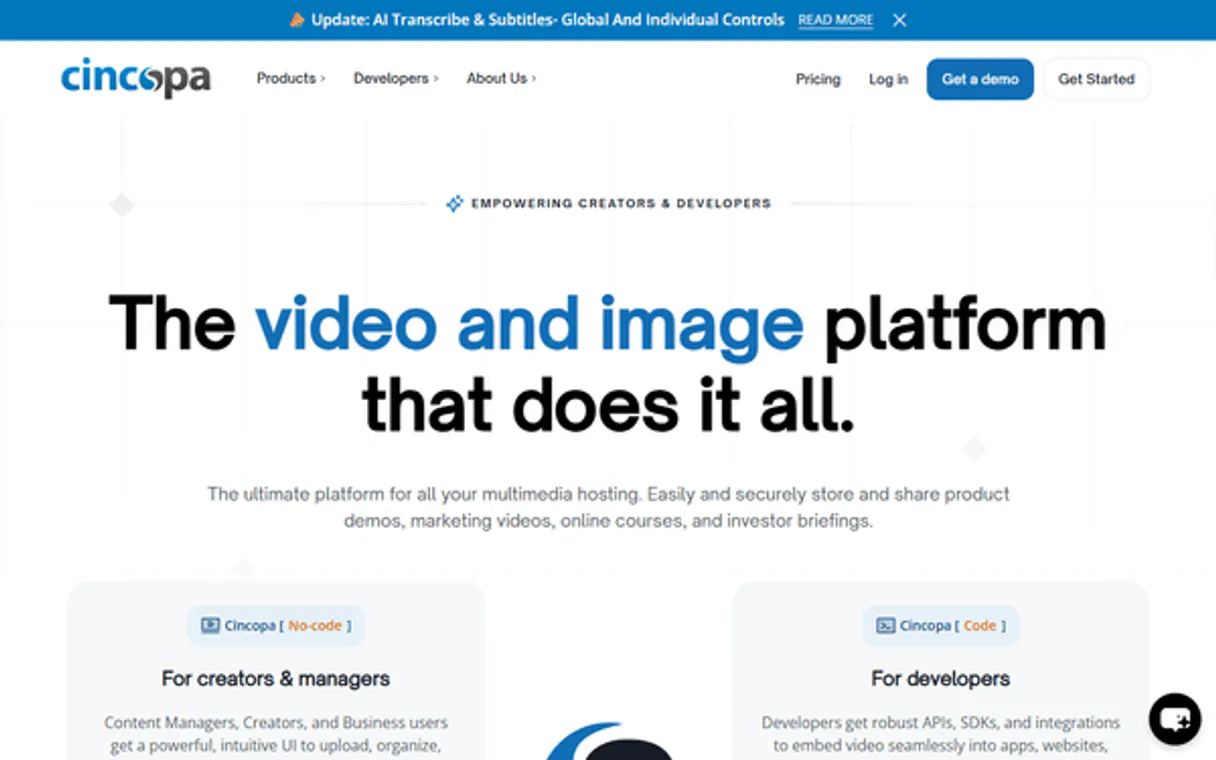
Independent Platform Disclaimer: Vinkius is an independent platform and is not affiliated with, endorsed by, sponsored by, verified by, or otherwise authorized by Cincopa. All third-party trademarks, logos, and brand names are the property of their respective owners. Their use on this website is strictly for informational purposes to identify service compatibility and interoperability.
VINKIUS INFRASTRUCTURE
Cloud Hosted
Managed infra
V8 Isolated
Sandboxed per request
Zero-Trust Proxy
No stored credentials
DLP Enforced
Policy on every call
GDPR Compliant
EU data residency
Token Compression
~60% cost reduction
Works with Claude, ChatGPT, Cursor, and more
The Model Context Protocol standardizes how applications expose capabilities to LLMs. Instead of operating in isolation, your AI gains direct access to external platforms, live data, and real-world actions through secure, standardized connections.
This server provides 8 capabilities that interface natively with Claude, ChatGPT, Cursor, and any MCP client. No middleware. No custom integration required.
Available Capabilities
Auditing media assets shouldn't require logging into a web dashboard.
Right now, checking the specs on a video asset means logging into Cincopa, finding the correct gallery, clicking the asset, and then looking for the metadata panel. If you have fifty assets, you repeat that process fifty times. It’s tedious, and you’re wasting time clicking through UIs.
With the Cincopa MCP Server, you just tell your agent: 'Get the metadata for all assets in the 'Marketing' gallery.' The server runs the necessary tools and gives you a clean, structured data payload—no dashboards, no clicks, just the data you need.
Cincopa MCP Server: Manage galleries and assets from chat.
Previously, creating a new gallery or deleting old assets required navigating specific menus and confirming actions in the web UI. If you missed a step, the whole thing failed.
Now, you issue a command—like 'Create a new gallery called 'Internal Training' using the 'Video Portal' template.' The server executes the `create_new_gallery` tool instantly, and you get confirmation and the new ID, all in the chat window.
Common Questions About Cincopa MCP
How do I list all my galleries using list_cincopa_galleries? +
You tell your agent to run the list_cincopa_galleries tool. It returns a list of all your media galleries, giving you the names and IDs you need to start working on specific content.
What is the difference between list_cincopa_assets and list_cincopa_galleries? +
Use list_cincopa_galleries when you want the container structure (the folders). Use list_cincopa_assets when you need the actual files inside the container (videos, images, audio).
Can I get the metadata for a single file using get_asset_metadata? +
Yes, get_asset_metadata takes a specific asset ID and returns its full technical payload. This includes size, resolution, and creation date, which is perfect for auditing.
How do I upload a new file using get_media_upload_url? +
First, call get_media_upload_url. This returns a temporary URL. You then use that URL with your client's file upload mechanism to push the content to Cincopa.
Can I delete a gallery using the Cincopa MCP Server? +
No, the server only provides delete_media_asset to remove individual files. You must use the Cincopa UI to delete an entire gallery container.
How do I check what templates are available with list_cincopa_templates? +
The list_cincopa_templates tool retrieves every available gallery template. This lets you see which branding or structural patterns you can use when you create a new gallery.
What details does `get_gallery_details` provide for a specific gallery? +
get_gallery_details provides comprehensive information about a single gallery, including its assets, its template, and its creation date. You'll get a full picture of the gallery's structure.
How can I track performance using `list_cincopa_assets`? +
While list_cincopa_assets lists files, you can check performance metrics for media usage through the tool's metadata fields. This lets you monitor how often specific assets are viewed.
Can I get a direct link to upload a video through the agent? +
Yes! Use the get_media_upload_url tool. The agent will return a temporary URL that you can use to POST your video file directly to Cincopa's servers.
How do I see the metadata for a specific image or video? +
Use the get_asset_metadata tool with the unique Resource ID (rid). Your agent will fetch detailed info like resolution, format, and size.
Where do I find my Cincopa API Token? +
Log in to your Cincopa account and navigate to Settings > API & Developers. You can generate and copy your personal API token from there.
Use it with your favorite AI tools
Connect this server to Cursor, Claude, VS Code, and more.
More in this category
Twelve Labs (Video Understanding)
Search, analyze, and extract semantic insights from video content using Twelve Labs' powerful multimodal AI models.
Claid AI
Automate AI image processing via Claid — upscale resolution, remove backgrounds, and enhance product photos directly from any AI agent.

PlantNET
Identify plant species, diseases, and cultivated varieties using the Pl@ntNet AI engine — analyze images and access global taxonomic data.
You might also like
Observe.AI
Analyze and evaluate contact center interactions via Observe.AI — track transcripts, QA scores, and coaching directly from your AI agent.

AgroLog
Access grain monitoring data via AgroLog — monitor temperature, moisture, CO2, crop levels, weather, and control aeration systems from any AI agent.

Intercom
Equip your AI agent with direct access to Intercom — manage conversations, search contacts, and track customer data without opening the Intercom inbox.