
Convertio MCP. Convert anything, check status, manage jobs.
 Gemini
 Works with every AI agent you already use
…and any MCP-compatible client









Just plug in your AI agents and start using Vinkius.
Convertio gives your AI agent access to file conversion for over 300 formats. It handles images, documents (Word, PDF, Markdown), audio, and video encoding.
Your agent can submit a conversion job by URL, track its status, and download the final file directly. This tool is for automating file normalization and media asset pipelines.
What your AI agents can do
Convert file
Starts a new file conversion job using a provided file URL and target format.
Delete conversion job
Removes a conversion job and its associated files from Convertio's servers.
Get account balance
Checks the remaining credit balance for the Convertio API key.
Your agent submits a file URL and target format to begin a new conversion process.
Your agent queries the job ID to see if a conversion is pending, encoding, or complete.
Your agent lists all currently active conversion jobs and tracks their history.
Your agent removes a specific job and its associated files from the Convertio servers.
Your agent retrieves the current usage credit balance for the Convertio API key.
Your agent retrieves a list of file formats that Convertio can convert between.
Ask AI about this MCP
Supported MCP Clients
Gemini Waiting for input…
Convertio MCP Server: 8 Tools for File Format Conversion
These tools allow your agent to submit file conversions, check job status, manage job lists, and handle quick, common conversions for media and documents.
019d757bconvert file
Starts a new file conversion job using a provided file URL and target format.
019d757bdelete conversion job
Removes a conversion job and its associated files from Convertio's servers.
019d757bget account balance
Checks the remaining credit balance for the Convertio API key.
019d757bget conversion status
Retrieves the current status (e.g., pending, encoding, complete) of a conversion job ID.
019d757blist active jobs
Lists all conversion jobs that are currently running or waiting on the Convertio server.
019d757blist common formats
Returns a list of file formats that are commonly supported for conversion.
019d757bquick convert to jpg
Instantly converts any image URL into a JPG file.
019d757bquick convert to pdf
Quickly converts any document URL into a PDF file.
Choose How to Get Started
Build a custom MCP for your own tools, or connect a ready-made integration from our catalog.
Build Your Own
Turn any API into an MCP. Import a spec, define Agent Skills, or deploy with MCPFusion.
- Import from OpenAPI, Swagger, or YAML specs
- Create Agent Skills with progressive disclosure
- Deploy to edge with MCPFusion framework
- Built in DLP, auth, and compliance on every call
- Real time usage dashboard and cost metering
- Publish to catalog or keep private
Make Your AI Do More
Start with Convertio, then connect any of our 4,700+ other servers whenever your AI needs more. One click, no limits.
- Use this MCP plus 4,700+ others, all in one place
- Add new capabilities to your AI anytime you want
- Every connection is secured and compliant automatically
- Track usage and costs across all your servers
- Works with Claude, ChatGPT, Cursor, and more
- New servers added to the catalog every week
What you can do with this MCP connector
Your AI agent uses the convert_file tool to start a conversion job with a file URL and the desired output format. You can instantly convert any image URL using quick_convert_to_jpg or quickly turn a document URL into a PDF with quick_convert_to_pdf. To track progress, your agent calls get_conversion_status with a job ID to see if the job is pending, encoding, or complete.
It can list all currently active jobs using list_active_jobs and also remove a job and its files from the server using delete_conversion_job. You can check the API usage with get_account_balance to see the remaining credit balance. The list_common_formats tool lets your agent pull a list of common file formats Convertio supports converting between.
How Convertio MCP Works
- 1 Add the Convertio integration and provide your API Key to your AI client.
- 2 Ask your agent to convert a file by URL. The agent calls
convert_fileto start the job. - 3 The agent then uses
get_conversion_statuswith the returned job ID to track progress until the download link is available.
The bottom line is, your agent treats the conversion like an asynchronous process: submit the job, check the status, and retrieve the result.
Who Is Convertio MCP For?
Media Managers, Content Creators, and Developers need this. If your job involves taking files from one format (e.g., SVG) and making them usable in another (e.g., web-ready JPG or PDF), this tool is for you. It takes the guesswork out of file normalization.
Quickly adapt assets (like marketing logos or product images) into web-friendly formats (PNG, JPG) without opening heavy editing suites.
Convert proprietary media types (like unique document formats) into universal extensions (PDF, HTML) just by chatting with your agent.
Automate file normalization pipelines for user uploads. You can use tools like convert_file to ensure all user-submitted files meet a required format standard.
What Changes When You Connect
- Full Format Support: Convertio handles over 300 formats. You don't need to worry about whether the file is an SVG, DOCX, or MP4; your agent just sends it to
convert_file. - Two-Step Conversion: Use
quick_convert_to_jpgorquick_convert_to_pdffor immediate, common conversions. This is faster than setting up a full job when you just need a standard output. - Job Lifecycle Control: Tools like
get_conversion_statusandlist_active_jobslet your agent manage the job queue. You know exactly when the conversion is done and can retrieve the download link. - Resource Management:
get_account_balancelets your agent check credits before starting a large batch job. This prevents unexpected failures due to hitting a rate or credit limit. - Clean Up: Need to stop a job?
delete_conversion_joblets your agent clean up the server by removing a job and its files, saving resources. - Scope Check: Use
list_common_formatsto confirm that the file types you're dealing with are supported before building a complex workflow.
Real-World Use Cases
Need to standardize logos for a website launch
A marketing director needs all product logos in JPG format. Instead of running multiple conversion scripts, they ask their agent to run quick_convert_to_jpg on all the image URLs. The agent handles the bulk conversion and gives the final, web-ready assets.
Processing user-uploaded documents in a web app
A backend developer builds a user upload pipeline. When a user submits a mixed-format document, the agent calls convert_file to standardize it (e.g., DOCX to PDF). The agent then polls get_conversion_status until the job is complete, guaranteeing a consistent output for the database.
Converting video clips and audio for a podcast series
A content producer has raw audio and video files. They ask the agent to convert them into a standardized format (e.g., MP3). The agent uses convert_file to start the encoding, tracks the job with list_active_jobs, and collects the final download link for the production team.
Debugging a complex file format pipeline
A developer encounters a file type that isn't working. They first run list_common_formats to see the supported types. Then, they use convert_file to test a specific, complex format, and finally use get_conversion_status to diagnose if the failure was due to the file or the job.
The Tradeoffs
Writing multiple scripts for single formats
Writing a separate Python script just to convert JPGs, and another script for PDFs, when all you need is a standard conversion path.
→
Use the dedicated tools. For JPGs, call quick_convert_to_jpg. For PDFs, call quick_convert_to_pdf. For everything else, use convert_file.
Forgetting to check job status
Calling convert_file and assuming the file is ready immediately. The agent fails because the job hasn't finished encoding, resulting in a broken link.
→
Always check the status. After running convert_file, immediately follow up with get_conversion_status using the job ID. Only download the file when the status returns 'complete'.
Starting jobs without checking credits
Running a massive batch job that uses up all API credits without warning, causing the entire pipeline to fail midway with an 'Insufficient Credits' error.
→
Before starting any large batch job, run get_account_balance. This confirms you have enough credits and helps scope the job size.
When It Fits, When It Doesn't
Use this if you need to handle file formats (images, docs, audio, video) and need the AI to manage the entire conversion lifecycle. You need to submit a job, monitor its status, and download the result. The dedicated quick tools (quick_convert_to_jpg, quick_convert_to_pdf) are perfect for common, single-step tasks. If your task is just to check what formats are available, use list_common_formats. Don't use this if your only goal is to list files—use a dedicated storage client instead. If you only need to delete a file, use delete_conversion_job directly, but for conversion, this server is the only tool you need.
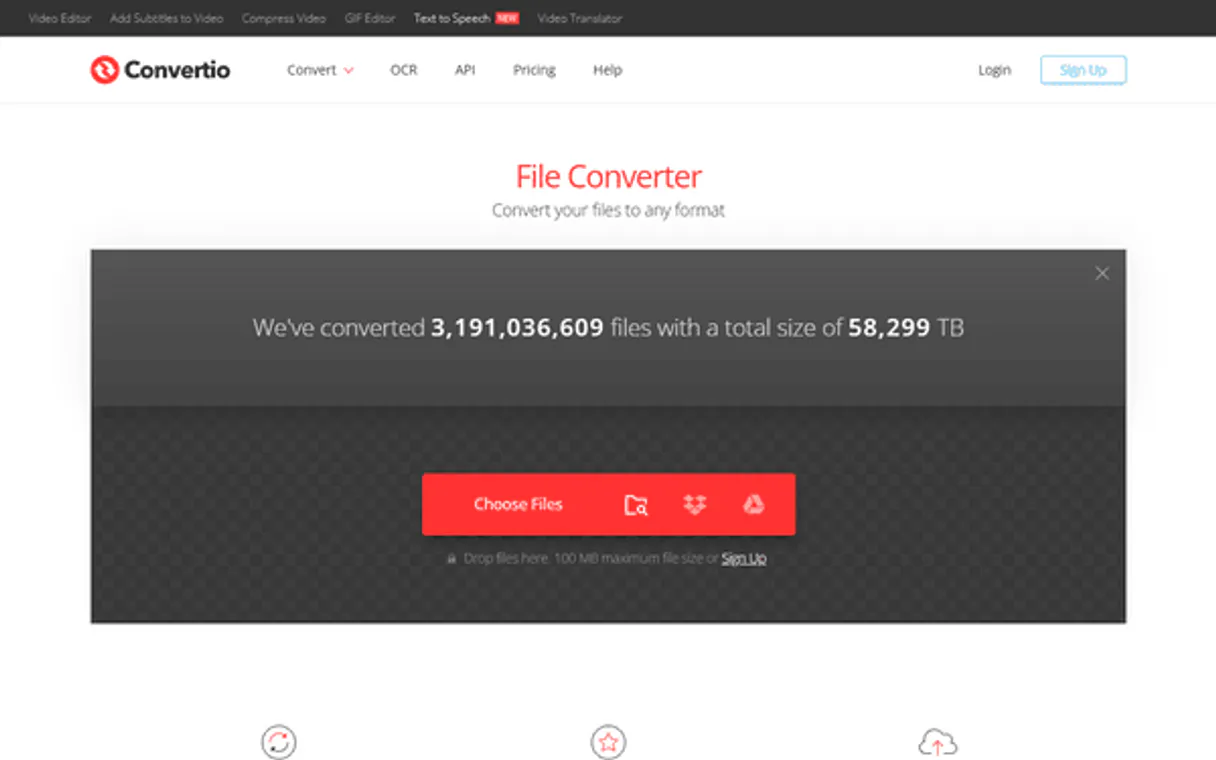
Independent Platform Disclaimer: Vinkius is an independent platform and is not affiliated with, endorsed by, sponsored by, verified by, or otherwise authorized by Convertio. All third-party trademarks, logos, and brand names are the property of their respective owners. Their use on this website is strictly for informational purposes to identify service compatibility and interoperability.
VINKIUS INFRASTRUCTURE
Cloud Hosted
Managed infra
V8 Isolated
Sandboxed per request
Zero-Trust Proxy
No stored credentials
DLP Enforced
Policy on every call
GDPR Compliant
EU data residency
Token Compression
~60% cost reduction
Works with Claude, ChatGPT, Cursor, and more
The Model Context Protocol standardizes how applications expose capabilities to LLMs. Instead of operating in isolation, your AI gains direct access to external platforms, live data, and real-world actions through secure, standardized connections.
This server provides 8 capabilities that interface natively with Claude, ChatGPT, Cursor, and any MCP client. No middleware. No custom integration required.
Available Capabilities
File conversions shouldn't require 10 different code paths.
Today, if you need to convert a Word document to a PDF, you often have to write specific code that calls a library, handles the file upload, and then manages the download. If you need to convert an SVG to a PNG, you write another block of code. It's messy, and you're always updating brittle, format-specific logic.
With the Convertio MCP Server, your agent handles the whole thing. You just point it to the file URL and tell it the target format. The agent submits the job using `convert_file` and manages the state, giving you a clean, predictable result without writing any format-specific conversion logic.
Convertio MCP Server: Manage file formats and assets.
You no longer need to manually worry about encoding libraries or handling different file types. The agent takes the input URL and the desired output format, submitting the job via `convert_file`. The agent then uses `get_conversion_status` to wait for the result, delivering the final, usable file link.
The process is now a single conversation. You ask for the conversion, and the agent manages the entire background job, providing the final file link when it's done. It's simple.
Common Questions About Convertio MCP
How do I use the Convertio MCP Server to convert a file? +
You start by calling convert_file, providing the file URL and the desired output format. This submits the job and returns a job ID. You then use get_conversion_status with that ID to track when the conversion finishes.
Is `quick_convert_to_jpg` better than `convert_file`? +
quick_convert_to_jpg is faster for simple, known conversions. It’s built for immediate use cases. If you need a conversion that isn't JPG, or if you need to manage the job lifecycle, use convert_file.
How do I check if a file type is supported by Convertio? +
You run the list_common_formats tool. This gives you a list of file extensions that Convertio can handle, helping you scope your job before you start converting.
Can I list all jobs that are currently running? +
Yes, use the list_active_jobs tool. This gives you an overview of all jobs currently queued or being processed on the Convertio server.
How do I use `get_account_balance` to check my Convertio API credit usage? +
You call get_account_balance to check your remaining credits. This tells you how many conversions you have left before hitting rate limits.
What should I do if a conversion job fails, and how does `get_conversion_status` help? +
If a job fails, use get_conversion_status to check the error code and reason. This lets you know if the failure was due to bad input or a server issue.
Can I use `delete_conversion_job` to clean up old files and stop jobs? +
Yes, you use delete_conversion_job to remove a job and its associated file from Convertio. This keeps your account clean and stops unused processing.
Does `list_common_formats` help me determine which formats are supported for conversion? +
Yes, list_common_formats provides a list of supported extensions. This helps you validate the input formats before trying to convert them.
Where do I find my Convertio API Key? +
Log in to the Convertio developer dashboard at developers.convertio.co. Go to 'API Keys' in the account menu, click 'Generate', copy the key, and paste it below.
Are there file size limitations? +
Yes. Limits depend on your Convertio billing plan. Free tiers have strict file size limits and usage quotas. The integration passes files through the API transparently — your plan determines the max capacity.
Does the agent download the converted file automatically? +
No. For security, the agent provides you with the download URL once the conversion finishes. You decide when and where to save the file.
Use it with your favorite AI tools
Connect this server to Cursor, Claude, VS Code, and more.
More in this category

Raindrop.io (Bookmarks)
Manage your Raindrop.io bookmarks, collections, and tags directly from any AI agent.

Uselessfacts
Access a vast database of quirky, useless facts to entertain, break the ice, or learn something new every day.

QR Code SVG Generator
Generate vector SVG QR Codes completely local. Prevent data leakage of sensitive Pix keys or JWT tokens to public API generators.
You might also like

CardanoScan (Cardano Block Explorer API)
Access real-time Cardano blockchain data — query addresses, transactions, blocks, and stake pools directly from your AI agent.

PubNub (Real-time Messaging)
Enable real-time messaging, presence tracking, and message history for your AI agent using PubNub's global data stream network.

T-Test Statistics Engine
Run exact Student's, Welch's, and Paired t-tests local. Get CPU-guaranteed p-values instead of LLM-hallucinated guesses.