
CloudCart MCP. Manage orders, products, and customer data via conversation.
 Gemini
 Works with every AI agent you already use
…and any MCP-compatible client









Just plug in your AI agents and start using Vinkius.
CloudCart MCP Server manages all store operations—products, orders, customers, and inventory—directly through natural conversation. You can list every product in the catalog, check order statuses, audit abandoned carts, or look up customer profiles without leaving your agent workspace.
It gives your AI client full control over e-commerce data.
What your AI agents can do
Get abandoned carts
Retrieves a list of shopping carts that customers started but did not finish checking out.
Get order store details
Pulls all detailed information, including items and status, for one specific customer order ID.
Get product store details
Gathers full product details—like price and inventory count—for a single SKU or product name.
It fetches a list of shopping carts that customers left incomplete.
You pull up all the information for one particular customer order.
It provides detailed specs and pricing for any single product in your catalog.
You get a list of every brand name configured across the whole store.
It provides an index of all major product groupings in your catalog.
You retrieve a list of every customer who has signed up on the platform.
It generates an index showing all historical and recent customer purchases.
Ask AI about this MCP
Supported MCP Clients
Gemini Waiting for input…
CloudCart MCP Server: 8 Tools for E-commerce Operations
Use these eight tools to retrieve specific data points from your store—from product metadata to detailed order histories—all through your AI agent.
019d7573get abandoned carts
Retrieves a list of shopping carts that customers started but did not finish checking out.
019d7573get order store details
Pulls all detailed information, including items and status, for one specific customer order ID.
019d7573get product store details
Gathers full product details—like price and inventory count—for a single SKU or product name.
019d7573list store brands
Returns an alphabetized list of every brand available in your store's catalog.
019d7573list store categories
Provides a full index of all product categories used to organize the store.
019d7573list store customers
Generates an indexed list of every customer profile registered in your system.
019d7573list store orders
Lists all historical and recent orders, giving you a summary view of sales activity.
019d7573list store products
Retrieves an index of every product currently available in your store's catalog, including SKUs.
Choose How to Get Started
Build a custom MCP for your own tools, or connect a ready-made integration from our catalog.
Build Your Own
Turn any API into an MCP. Import a spec, define Agent Skills, or deploy with MCPFusion.
- Import from OpenAPI, Swagger, or YAML specs
- Create Agent Skills with progressive disclosure
- Deploy to edge with MCPFusion framework
- Built in DLP, auth, and compliance on every call
- Real time usage dashboard and cost metering
- Publish to catalog or keep private
Make Your AI Do More
Start with CloudCart, then connect any of our 4,700+ other servers whenever your AI needs more. One click, no limits.
- Use this MCP plus 4,700+ others, all in one place
- Add new capabilities to your AI anytime you want
- Every connection is secured and compliant automatically
- Track usage and costs across all your servers
- Works with Claude, ChatGPT, Cursor, and more
- New servers added to the catalog every week
What you can do with this MCP connector
CLOUD CART MCP SERVER gives your agent full control over everything that happens in your online store. It lets you manage product catalogs, track customer orders, and audit sales data—all through natural conversation with your AI client. You don't have to leave your workspace to get the details you need; your agent handles it all.
PRODUCT INVENTORY MANAGEMENT:
YOU can index every single item in your catalog using list_store_products, which retrieves an index of all products and their SKUs. Need specifics on a product? You run get_product_store_details to pull full details, including the current price and inventory count for any specific SKU or product name. To get context on your whole collection, you can use list_store_brands to see an alphabetized list of every brand configured in the store, and you'll find that list_store_categories provides a full index of all major groupings used to organize the entire catalog.
CUSTOMER AND ORDER TRACKING:
YOU get instant access to your sales pipeline. Use list_store_orders to generate an index showing both historical and recent customer purchases, giving you a quick summary view of your overall sales activity. Want deep details on one specific sale? Run get_order_store_details, which pulls every piece of information—including line items and the current status—for a single customer order ID.
For customer data itself, you can use list_store_customers to retrieve an indexed list of every user who’s signed up on the platform.
AUDITING AND SALES SUPPORT:
YOU keep tabs on lost revenue with get_abandoned_carts, which pulls a clean list of shopping carts that customers started but never finished checking out. This lets you focus recovery efforts where they'll actually count. Because all these tools live in one place, your agent can tie everything together—you can look up an order ID (get_order_store_details), see who placed it (list_store_customers), and check the product details for those items (get_product_store_details) without ever switching screens.
It’s all right there in the chat interface. You'll find your agent uses these tools through the MCP standard, making sure that no matter what AI client you're running—Claude, Cursor, or something else—it talks to CloudCart exactly how it needs to.
SETUP:
JUST subscribe to this server and hook up your CloudCart Client ID, Secret, and Store Domain. Your agent handles the rest, letting you manage the whole operation from one spot.
How CloudCart MCP Works
- 1 Subscribe to the CloudCart MCP Server and input your client credentials (Client ID, Secret, Store Domain).
- 2 Your AI agent uses natural language commands to invoke specific tools (e.g.,
list_store_products). - 3 The server executes the tool call against CloudCart's API and sends structured data back to your chat window.
The bottom line is that your AI client handles all the backend communication, so you just talk to it like you’re talking to a coworker.
Who Is CloudCart MCP For?
E-commerce Managers who are tired of clicking through five different dashboards just to check stock levels and order fulfillment status. Store Owners who need quick answers about revenue trends or abandoned carts without logging into the main dashboard. Support Teams needing immediate customer history and order details from a chat window.
Uses list_store_products to audit stock levels and uses get_order_store_details to check fulfillment status for bulk shipments.
Runs get_abandoned_carts regularly to identify high-value baskets that need immediate marketing follow-up.
Uses list_store_customers and then get_order_store_details to quickly look up a customer's purchase history during a live chat.
What Changes When You Connect
- Audit abandoned carts instantly. Instead of running reports in the dashboard, you simply ask for a list of abandoned shopping carts using
get_abandoned_carts. This helps your team prioritize recovery efforts immediately. - Deep dive into order status without switching tabs. Use
get_order_store_detailsto pull up every piece of information—from item SKU to fulfillment status—for an order ID, all in one chat response. - Quickly verify product data across the catalog. Need to know the price or brand for a specific item? Run
get_product_store_details. It gives you the specs without forcing you to navigate the whole product tree. - Better customer service flow. Support agents use
list_store_customersand thenget_order_store_detailstogether. They get the profile and the purchase history instantly, right in their chat interface. - Organize your catalog fast. You can list all available brands with
list_store_brandsor see every product grouping by runninglist_store_categories. This is perfect for metadata checks before a marketing push.
Real-World Use Cases
Checking inventory and pricing.
A new marketing campaign needs to confirm the price and SKU of 15 products. Instead of manually checking product by product in the admin panel, the agent runs list_store_products first, then hits specific items with get_product_store_details. This confirms all metadata is correct before launch.
Handling a customer complaint.
A customer calls about an order they think was lost. The agent uses list_store_customers to verify the account, then runs get_order_store_details with the order ID. This shows the exact shipment date and carrier details immediately.
Finding quick sales opportunities.
The team wants to run a flash sale on popular items but needs leads first. They ask the agent to pull all abandoned carts using get_abandoned_carts. This generates a prioritized list of users who were ready to buy.
Auditing product line consistency.
The merchandising team suspects some products are missing brand tags. They run list_store_brands first, then cross-reference the output against results from list_store_products. This quickly flags any discrepancies in metadata.
The Tradeoffs
Treating it like a simple database query
Asking: 'Give me all product data, then customer names, and the last 10 orders.' This forces the AI to run multiple unconnected calls, making the response slow and confusing.
→
Don't ask for everything at once. Start by running list_store_orders to get a summary list of recent activity. Then, pick one order ID from that list and use get_order_store_details to drill down into exactly what you need.
Ignoring the scope of the tools
Assuming list_store_products gives details on why a product was bought, or who saw it. It only provides catalog data.
→
If you need to know who bought something or if they left items in their cart, run get_abandoned_carts or check the customer history using list_store_customers and related tools.
Asking for live inventory counts.
Asking: 'How many units of Product X are available right now?' If you only use general listing tools, you might get stale data.
→
Always run get_product_store_details when checking current stock. This tool is designed to pull the most accurate, real-time inventory count for a specific product ID.
When It Fits, When It Doesn't
Use this server if your workflow involves querying structured e-commerce data—specifically orders, products, or customer records—and you need those results delivered into an AI chat conversation. It's best for reporting and support tasks.
Don't use it if you only need to create new records (like adding a product or changing a price). These tools are read-only. If your goal is complex data aggregation that requires comparing, say, customer loyalty points against inventory levels, run the initial queries (list_store_customers and get_product_store_details) first. Then, use your AI agent to write custom logic that combines those outputs; don't expect a single tool call to solve every business problem.
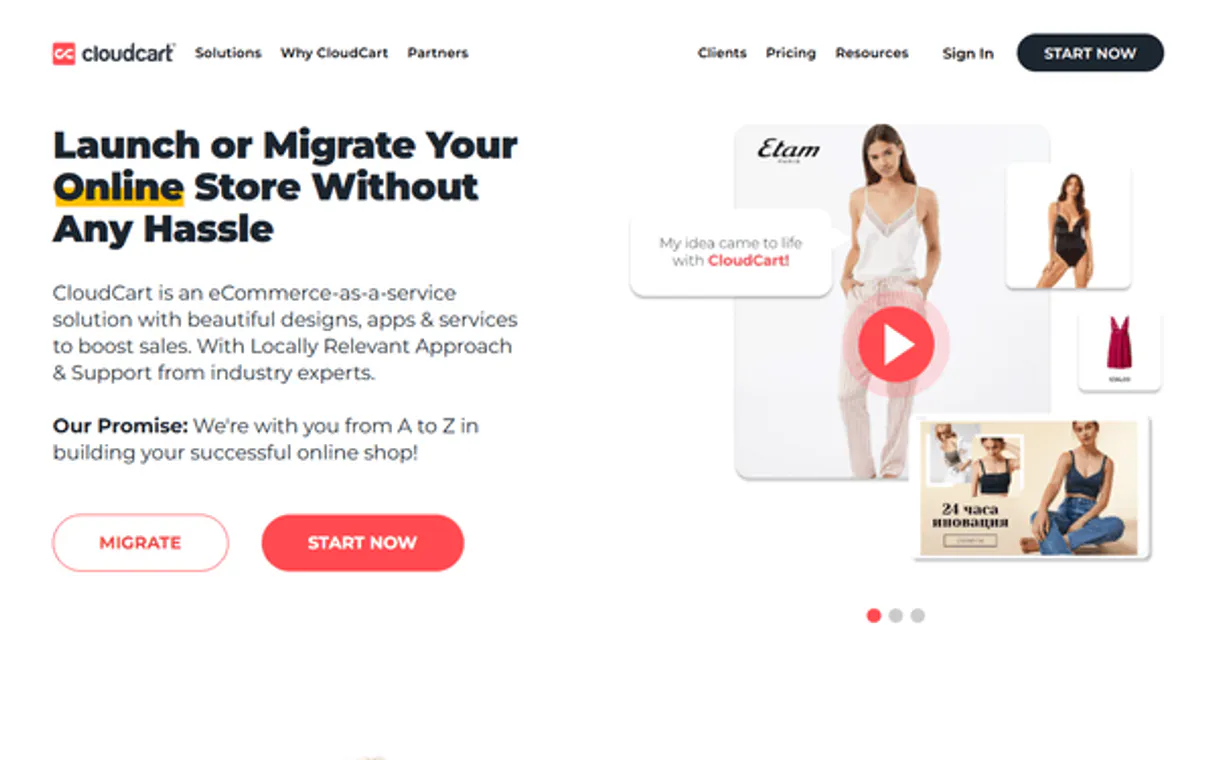
Independent Platform Disclaimer: Vinkius is an independent platform and is not affiliated with, endorsed by, sponsored by, verified by, or otherwise authorized by CloudCart. All third-party trademarks, logos, and brand names are the property of their respective owners. Their use on this website is strictly for informational purposes to identify service compatibility and interoperability.
VINKIUS INFRASTRUCTURE
Cloud Hosted
Managed infra
V8 Isolated
Sandboxed per request
Zero-Trust Proxy
No stored credentials
DLP Enforced
Policy on every call
GDPR Compliant
EU data residency
Token Compression
~60% cost reduction
Works with Claude, ChatGPT, Cursor, and more
The Model Context Protocol standardizes how applications expose capabilities to LLMs. Instead of operating in isolation, your AI gains direct access to external platforms, live data, and real-world actions through secure, standardized connections.
This server provides 8 capabilities that interface natively with Claude, ChatGPT, Cursor, and any MCP client. No middleware. No custom integration required.
Available Capabilities
Pulling product data used to take logging into the admin dashboard.
Today, if you want to check a product’s current SKU and price for an email campaign, you have to navigate through the Product Management tab. You find the item, click on it, scroll down to the details pane, and copy-paste what you need into your notes. If you're checking 20 items, that's twenty clicks and ten minutes of manual labor.
With this MCP server, you just ask your agent: 'What are the SKUs and prices for our top five laptops?' The agent runs `list_store_products` and then calls `get_product_store_details` internally. It returns a clean, formatted list directly in your chat window. Done.
CloudCart MCP Server: Get product details from the catalog.
Before this, if you needed to know everything about an item—its brand, its price history, or its current stock count—you were stuck clicking through multiple tabs. You'd have to check the Brand list, then the Product list, and maybe even the Category settings just for context.
Now, running `get_product_store_details` gives you a single source of truth in one shot. It pulls all that metadata—SKU, price, brand association—and hands it right to your agent. The data is clean, specific, and ready for use.
Common Questions About CloudCart MCP
Can I find out what products are missing from my catalog using get_product_store_details? +
No, this tool only provides full details on a product you already know the ID or SKU for. To see all available items, run list_store_products first.
How do I check if an order was abandoned using get_abandoned_carts? +
You simply ask your agent to retrieve the list of abandoned carts. The tool gives you a list of cart IDs and how long they've been sitting there, helping you know where to focus recovery efforts.
Do I need multiple calls to get customer history? +
No. Use list_store_customers to see the profile list, but use get_order_store_details with a specific order ID for deep purchase history on one account.
What if I need to check multiple product details? +
You first run list_store_products to get the IDs of all products you care about. Then, you pass those specific IDs in a single prompt to trigger multiple calls to get_product_store_details.
Can I list product brands and categories at the same time? +
Yes, ask your agent to run both list_store_brands and list_store_categories. You'll get two distinct, clean lists back in the response.
If I run `get_order_store_details` and receive an error for the order ID, what should I assume? +
A 404 means that specific order ID doesn't exist in your store data. You should verify the ID number or try listing all recent orders first using list_store_orders. This confirms if the order was ever processed through CloudCart.
When I use `list_store_products` to get a large catalog, are there any limits on how many items I can fetch? +
The server handles standard API rate limiting. If your AI agent sends too many requests in quick succession, it will receive an HTTP 429 error. You'll need to build a small delay (a pause) into your code loop when batch processing data.
Does `list_store_customers` provide full historical interaction logs for every customer? +
No, it provides the registered profile and a summary of recent activity. For deep historical messages or interactions outside of basic order tracking, you'll need to connect your AI agent to a dedicated CRM system.
Can I see a list of abandoned carts through the agent? +
Yes! Use the get_abandoned_carts tool. The agent will return all recent shopping sessions that were not completed, allowing you to plan recovery campaigns.
How do I check the stock status or SKU for a product? +
Use the list_store_products tool to see a summary, or get_product_store_details with the product ID for detailed inventory information.
Where do I find my CloudCart API credentials? +
Log in to your CloudCart admin panel, navigate to Settings, and select API Keys. You can generate a new Client ID and Client Secret there.
Use it with your favorite AI tools
Connect this server to Cursor, Claude, VS Code, and more.
More in this category

PushEngage
Re-engage website visitors with browser push notifications that increase traffic, recover abandoned carts, and boost retention.

Loop Subscriptions
Subscription management for Shopify — manage recurring orders and customers via Loop.
Konnektive
Manage CRM and billing — list orders, query customers, and audit transactions.
You might also like

AidaForm
Design beautiful online forms, quizzes, and surveys that convert and collect structured data effortlessly.
GovCon API
Manage government contracts — audit opportunities and agencies via AI.

Tenderly (Ethereum Dev Platform)
Simulate Ethereum transactions, create Virtual TestNets, and monitor on-chain events directly from your AI agent.