
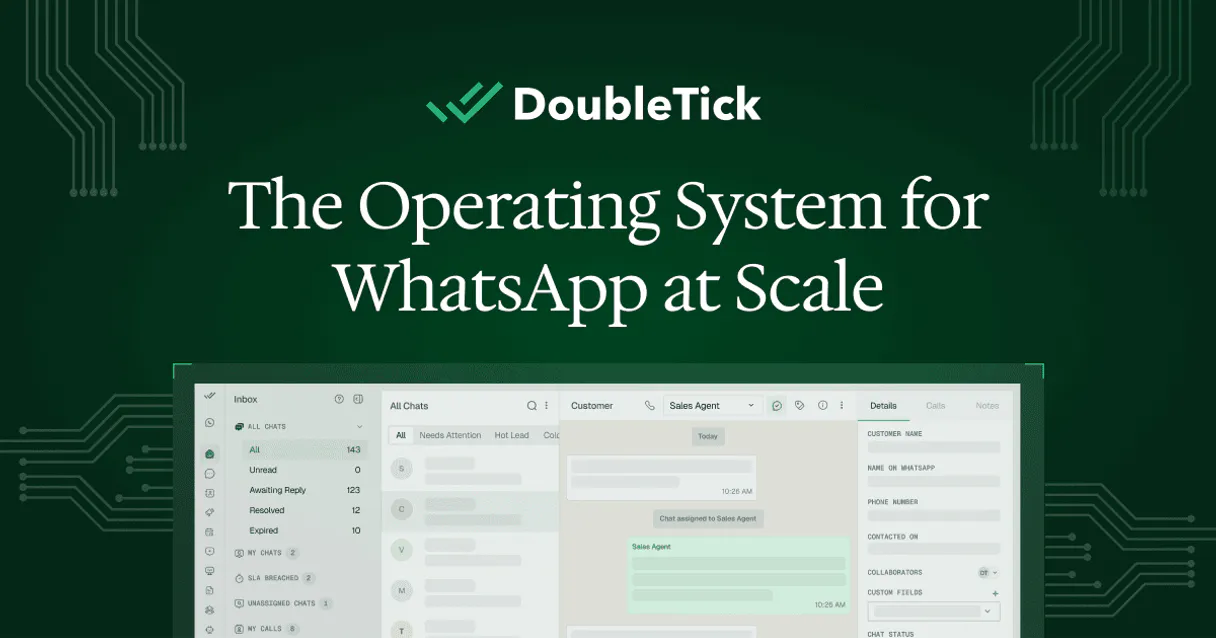
DoubleTick MCP for AI. Automate end-to-end WhatsApp outreach.
 Gemini
 Works with every AI agent you already use
…and any MCP-compatible client









How this MCP server connects to your AI agent
DoubleTick MCP lets your AI agent manage your entire WhatsApp Business workflow from a single chat window. You can automate personalized customer outreach, list and track approved message templates, build organized contact lists, monitor real-time delivery status, and even view your team's group directory—all without leaving your workspace.
What AI agents can do with DoubleTick Automation
Create contact
The agent adds a new WhatsApp contact to your system.
Get message status
It checks and reports the current delivery status for a specific message ID.
List contacts
The agent pulls and displays a list of all your WhatsApp contacts.
You can list existing contacts or create new ones directly through your AI client.
The agent retrieves a full catalog of all approved WhatsApp message templates, including metadata about languages and categories.
You send template messages with dynamic placeholders, personalizing outreach to specific customers at scale.
The agent checks the real-time delivery status for any message ID (sent, delivered, read).
You access a directory of your WhatsApp groups, letting you understand team collaboration environments.
Ask an AI about this
Waiting for input…
What AI agents can do with DoubleTick: 6 Tools for WhatsApp Automation
These tools allow you to programmatically manage every aspect of your WhatsApp Business account, from listing groups to sending personalized templates.
Make your AI actually useful.
Add this MCP to Claude, Cursor, or Windsurf and your AI stops guessing. It gets real tools to look things up, take action, and handle the stuff you keep doing by hand.
Start using DoubleTick on VinkiusCreate Contact
The agent adds a new WhatsApp contact to your system.
Get Message Status
It checks and reports the current delivery status for a specific message ID.
List Contacts
The agent pulls and displays a list of all your WhatsApp contacts.
List Groups
You can request the listing of all WhatsApp groups you belong to.
List Templates
The agent retrieves and lists all your pre-approved WhatsApp message templates for...
Send Template Message
You send a structured WhatsApp template message, passing in required variable details like dates or names.
Security and governance baked right in.
Pick your AI client below to get set up. Just create a Vinkius account, subscribe, and you're instantly up and running. We handle the entire backend infrastructure, delivering out-of-the-box support for HTTPS Streamable, SSE, and OAuth2—zero messy routing required.
Claude AI
Open Claude Settings
Go to claude.ai, click your profile icon, then navigate to Customize → Connectors.
Add Custom Connector
Click the "+" button and select Add custom connector. Paste your Vinkius endpoint URL:
https://edge.vinkius.com/[YOUR_TOKEN_HERE]/mcp
Replace [YOUR_TOKEN_HERE] with your token
from cloud.vinkius.com. For OAuth-protected servers, expand
Advanced settings to add credentials.
Start a conversation
Open a new chat. The DoubleTick integration is available immediately — no restart needed.
Choose How to Get Started
Build a custom MCP for your own tools, or connect a ready-made integration from our catalog.
Build Your Own
Turn any API into an MCP. Import a spec, define Agent Skills, or deploy with MCPFusion.
- Import from OpenAPI, Swagger, or YAML specs
- Create Agent Skills with progressive disclosure
- Deploy to edge with MCPFusion framework
- Built in DLP, auth, and compliance on every call
- Real time usage dashboard and cost metering
- Publish to catalog or keep private
Make Your AI Do More
Start with DoubleTick, then connect any of our 5,100+ other servers whenever your AI needs more. One click, no limits.
- Use this MCP plus 5,100+ others, all in one place
- Add new capabilities to your AI anytime you want
- Every connection is secured and compliant automatically
- Track usage and costs across all your servers
- Works with Claude, ChatGPT, Cursor, and more
- New servers added to the catalog every week
Independent Platform Disclaimer: Vinkius is an independent platform and is not affiliated with, endorsed by, sponsored by, verified by, or otherwise authorized by DoubleTick. All third-party trademarks, logos, and brand names are the property of their respective owners. Their use on this website is strictly for informational purposes to identify service compatibility and interoperability.
VINKIUS INFRASTRUCTURE
Cloud Hosted
Managed infra
V8 Isolated
Sandboxed per request
Zero-Trust Proxy
No stored credentials
DLP Enforced
Policy on every call
GDPR Compliant
EU data residency
Token Compression
~60% cost reduction
Built on the Model Context Protocol (MCP) for Claude, ChatGPT, Cursor, and more
The Model Context Protocol standardizes how applications expose capabilities to LLMs. Instead of operating in isolation, your AI gains direct access to external platforms, live data, and real-world actions through secure, standardized connections.
This connection provides 6 powerful capabilities that interface natively with Claude, ChatGPT, Cursor, and other compatible AI platforms. No middleware. No custom integration required.
Tracking WhatsApp outreach usually means jumping between three different tabs., Solved with Vinkius AI Gateway
Right now, to track a campaign's performance, you have to jump into the DoubleTick dashboard. You check the list of sent messages, then click on an individual ID to see if it was delivered or read. If you need to update contact information before sending, you open your CRM, copy the data, and paste it somewhere else.
With this MCP, all that tracking happens in one conversation with your agent. You ask about message IDs, and the status pops up immediately. The AI acts as the central hub for visibility, giving you a complete picture without ever leaving your chat window.
DoubleTick MCP: Control Your WhatsApp Messaging Workflow
The manual process of listing available templates and then cross-referencing them with contact availability is tedious. You have to run list_templates, copy the details, and then manually check your audience using list_contacts.
Now, you just ask your agent to 'Show me all active order update campaigns for my top 50 clients.' It runs everything—listing templates, checking contacts, and preparing the message—and hands it back. You're in control.
What your AI can actually do with this
This connector gives you complete control over your official WhatsApp Business marketing and sales processes through natural conversation. You can programmatically manage every aspect of customer communication, from tracking message status to sending high-engagement outreach campaigns.
For example, instead of manually copying templates or checking logs in the dashboard, your agent handles it all. It manages your contact list automatically, so you always know exactly who needs talking to. If a campaign goes out, you get immediate confirmation on delivery and read rates. This level of detail is crucial for scaling operations.
The power of integrating this into Vinkius means that any MCP-compatible client—like Cursor or Claude—can access these features right where your AI agent lives. Your agent becomes the dedicated WhatsApp coordinator, handling everything from template setup to message deployment so you can focus on sales and growth.
019dd0e5-1c93-7033-b53b-2d0989e247db 
Here's how it actually works
The bottom line is, you stop leaving your chat interface to manage high-volume WhatsApp communication.
Subscribe to this MCP and grab your API Key from the DoubleTick dashboard.
Connect your AI agent using that key. Your agent can now access all WhatsApp Business functions.
Use natural language commands in your client to manage contacts, send templates, or check delivery status.
Who is this actually for?
This tool's best users are growth marketers and sales operations staff. They wake up needing a way to scale personalized outreach without hiring more people or spending hours in a dashboard. If your job involves high-volume messaging, this is for you.
Sends instant, personalized follow-up messages and order confirmations via WhatsApp using natural language prompts.
Automates template-based broadcast campaigns and monitors read rates across segmented contact lists without manual intervention.
Tracks message delivery status for customer inquiries and manages the entire lifecycle of the customer contact list through AI queries.
What Changes When You Connect
Stop manually copying and pasting message templates. You use the agent to send template messages with dynamic placeholders, personalizing bulk campaigns instantly.
Never wonder if your critical message got seen again. The ability to run get_message_status gives you real-time confirmation on delivery status (delivered or read).
Maintain clean records without manual effort. You can use list_contacts and create_contact to keep your audience segmented and organized for targeted campaigns.
Understand internal communication better. Running list_groups shows the agent who's active in team collaboration environments, giving you directory visibility.
Streamline campaign setup by using list_templates to retrieve all approved messages, letting you know exactly what outreach options are available.
See it in action
Following up on a missed order payment
A sales rep needs to follow up with three clients. Instead of manually sending individual messages, they ask the agent to send a 'payment_reminder' template using the send_template_message tool for all contacts listed in a segment.
Auditing campaign performance after launch
The marketing manager runs an audit by asking the agent to check the delivery status (get_message_status) of last week's major announcement messages. This confirms that 95% of the audience successfully received and read the content.
Onboarding a new client segment
The support lead needs to start communicating with a batch of new leads. They first use list_contacts to review who is available, then use create_contact for anyone missing from the directory before sending a 'welcome' message via send_template_message.
Mapping team communication channels
The operations manager needs an overview of where different teams communicate. They ask the agent to run list_groups, instantly providing a map of all active WhatsApp group discussions for oversight.
The honest tradeoffs
Manual Template Management
A user manually logs into the DoubleTick dashboard, finds an approved template, copies the text, and pastes it into a spreadsheet to track who gets what.
Let your agent handle this. Use list_templates first, then use send_template_message with placeholders for dynamic content across multiple recipients.
Blind Messaging
Sending generic, untracked messages without knowing if the customer even opened them or if the template was approved.
Always use templates and monitor success. Use send_template_message for structured outreach, and then run get_message_status to verify delivery and read receipts.
Data Silos
Keeping contact lists in a separate CRM and having to manually cross-reference them with who is active on WhatsApp.
Start by using list_contacts. Your agent pulls the current, authoritative source of truth for your audience directly into your AI workflow.
When It Fits, When It Doesn't
Use this MCP if your core business process revolves around high-volume, template-driven messaging on WhatsApp and you need that activity to be integrated into a chat interface. You must have an existing DoubleTick account and utilize the WhatsApp Business API.
Don't use it if: 1) Your communication is purely ad-hoc text chatting (this tool focuses on structured templates). 2) You only need basic messaging without tracking or list management (you might just need a simple SMS gateway instead).
If you primarily need to manage your contact data, use the dedicated list_contacts and create_contact tools. If your goal is pure campaign orchestration, stick to send_template_message. This MCP works best when multiple capabilities—like listing groups, checking status, and sending messages—are combined under one AI prompt.
Questions you might have
How do I start using DoubleTick with my AI agent? +
You first need to subscribe to this MCP on Vinkius and retrieve your API Key from the DoubleTick dashboard. Then, you connect that key to your preferred AI client.
Can DoubleTick MCP send messages without using a template? +
No. This connector is built around WhatsApp Business guidelines. You must use approved templates and utilize the send_template_message tool for all personalized outreach.
What does list_groups do with DoubleTick MCP? +
It allows your agent to pull a directory listing of the WhatsApp groups you are part of. This helps you understand team collaboration environments directly through conversation.
Is get_message_status useful for tracking sales leads? +
Yes, it's essential. You can check if a message was delivered or read by the recipient at any time, giving you valuable insight into customer engagement.
Can I update contacts using DoubleTick MCP? +
You manage contact records through list_contacts to view who you have. You use create_contact when you need to add new users to your audience.
We've already built the connector for DoubleTick. Just plug in your AI agents and start using Vinkius.
No hosting. No infrastructure. No complex setup.
All 6 tools are live and waiting.
You're up and running in seconds.
Gemini Vinkius gives your AI agents access to the full catalog of app connectors, all fully managed, secure, and enterprise-ready. One subscription, every tool you need.
Built, hosted, and secured by Vinkius. You just connect and go.