
eCellar MCP. Manage every wine order and club member from chat.
 Gemini
 Works with every AI agent you already use
…and any MCP-compatible client









Just plug in your AI agents and start using Vinkius.
eCellar MCP Server manages your entire direct-to-consumer (DTC) winery operation. Use it to manage customer records, track every order (online, tasting room, club), monitor wine club memberships, and view real-time inventory across all locations.
It lets you handle everything from wine catalog browsing to managing reservations, all through natural conversation.
What your AI agents can do
Get customer
Retrieves a specific customer's profile for personalized service.
Get order
Fetches the detailed information for a single customer order.
Get product
Retrieves specific details about a wine product.
Search for a customer by name, email, or phone number to retrieve their history, club status, and total spend.
Retrieve full details for any order, including line items, payment status, and fulfillment tracking.
View the roster of members and manage club details for retention planning.
Get the current stock levels, available, allocated, and on-hand count for any wine product across all sites.
Check the schedule of reservations, filtering by date to plan staffing and resources.
See the available membership tiers and structures for planning revenue.
Ask AI about this MCP
Supported MCP Clients
Gemini Waiting for input…
eCellar MCP Server: 10 Tools for Winery Operations
Use these tools to manage everything from customer profiles and wine club data to real-time inventory and order fulfillment status.
019d758cget customer
Retrieves a specific customer's profile for personalized service.
019d758cget order
Fetches the detailed information for a single customer order.
019d758cget product
Retrieves specific details about a wine product.
019d758clist club members
Lists all active members in a specific wine club for engagement tracking.
019d758clist clubs
Lists all available wine club membership tiers for revenue planning.
019d758clist inventory
Provides a multi-location overview of all wine stock levels.
019d758clist orders
Lists multiple wine orders, including totals, payments, and fulfillment status.
019d758clist products
Lists the entire wine catalog, including pricing and availability.
019d758clist reservations
Lists tasting room bookings, allowing filtering by date for daily planning.
019d758csearch customers
Searches for customers and returns their profile, lifetime spend, club status, and purchase history.
Choose How to Get Started
Build a custom MCP for your own tools, or connect a ready-made integration from our catalog.
Build Your Own
Turn any API into an MCP. Import a spec, define Agent Skills, or deploy with MCPFusion.
- Import from OpenAPI, Swagger, or YAML specs
- Create Agent Skills with progressive disclosure
- Deploy to edge with MCPFusion framework
- Built in DLP, auth, and compliance on every call
- Real time usage dashboard and cost metering
- Publish to catalog or keep private
Make Your AI Do More
Start with eCellar, then connect any of our 4,700+ other servers whenever your AI needs more. One click, no limits.
- Use this MCP plus 4,700+ others, all in one place
- Add new capabilities to your AI anytime you want
- Every connection is secured and compliant automatically
- Track usage and costs across all your servers
- Works with Claude, ChatGPT, Cursor, and more
- New servers added to the catalog every week
What you can do with this MCP connector
eCellar MCP Server handles your whole direct-to-consumer (DTC) winery operation. You'll use it to manage customer records, track every order, monitor wine club memberships, and view real-time inventory across all locations, all through natural conversation.
search_customers searches for a customer using their name, email, or phone number, and it returns their profile, lifetime spend, club status, and purchase history. get_customer retrieves a specific customer's profile for personalized service. list_products lists your entire wine catalog, giving you pricing and availability for every bottle. get_product pulls specific details about any wine product. list_inventory provides a multi-location overview of all wine stock levels, letting you see the available, allocated, and on-hand count for any product across all your sites. list_orders lists multiple wine orders, giving you totals, payments, and the fulfillment status for every shipment. get_order fetches the detailed information for a single customer order, including line items and payment status. list_reservations lists all tasting room bookings, letting you filter by date to plan your day. list_club_members lists every active member in a specific wine club for engagement tracking. list_clubs lists all available wine club membership tiers for planning your revenue.
How eCellar MCP Works
- 1 Start by telling your agent what you need. For example, 'Show me the inventory for the Cabernet Sauvignon.'
- 2 The agent runs the necessary eCellar tool (
list_inventoryorget_product) to pull live data from the system. - 3 You receive a clean summary: the current stock levels, available quantities, and allocation status for the product.
The bottom line is you get real-time operational data (inventory, orders, customer records) without having to navigate multiple internal dashboards.
Who Is eCellar MCP For?
Winery owners and operations staff who deal with complex, multi-faceted sales channels. This is for the ops engineer who is tired of jumping between the CRM, the POS system, and the inventory spreadsheet just to answer one customer question. It consolidates the entire customer lifecycle into one conversational API layer.
Uses the agent to pull multi-location inventory reports and reconcile shipment status against sales orders.
Checks list_reservations for the day, then uses search_customers to find VIP guests and their past spending history before they arrive.
Runs reports using list_club_members to identify members who haven't purchased in six months, planning targeted retention outreach.
What Changes When You Connect
- See a customer's full history immediately.
search_customerspulls lifetime spend, club status, and visit counts in one go, eliminating manual lookup across CRM tabs. - Track all sales channels.
list_ordershandles online, phone, and tasting room orders, giving you a single view of fulfillment status and line items. - Know exactly what you can sell.
list_inventorygives real-time stock counts—available, allocated, and on-hand—across every warehouse location. - Plan staff shifts easily.
list_reservationslets you filter bookings by date, giving the team a clear view of daily capacity and expected guest volume. - Support club growth.
list_clubslets you see all available membership structures, whilelist_club_memberstracks who is currently enrolled. - Quickly find product info.
get_productgives you tasting notes and pricing details on demand, so you never have to guess about a specific vintage.
Real-World Use Cases
A VIP guest arrives and the team needs context.
The Tasting Room Coordinator asks the agent about the guest. The agent runs search_customers to pull the profile, instantly showing the guest's lifetime spend, their current club level, and their last five visits. This allows the team to greet them by name and reference their favorite vintage.
Need to verify if a large bulk shipment can be fulfilled.
Operations needs to know if 50 cases of a specific wine are available for shipment. They ask the agent to run list_inventory and get_product. The agent checks the real-time stock, confirming the available and allocated counts across all locations, preventing a fulfillment failure.
The Wine Club Director needs to plan the next allocation cycle.
The director asks the agent to list all clubs (list_clubs) and then run list_club_members. The agent compiles a list of members by tier and tracks total enrollment, helping the director plan the next annual allocation size.
A customer calls about an old order they can't find.
The agent uses search_customers to find the customer ID, then uses get_order to pull up the specific order details. The customer can verify the full line items, the total paid, and the current fulfillment status without waiting for manual backend lookups.
The Tradeoffs
Checking inventory manually.
Logging into the inventory dashboard, searching for the wine, then checking the 'allocated' vs 'available' tabs. This takes 4-5 clicks and often shows stale data.
→
Just ask the agent to run list_inventory and specify the wine. The agent gives you a single, clean summary of the available, allocated, and on-hand counts immediately.
Trying to find a customer's full history.
Searching for a customer in the CRM, then opening a separate tab for their orders, and finally cross-referencing the club membership page. This breaks the conversation flow.
→
Use search_customers. It pulls the profile, lifetime spend, club membership, and purchase history into one result set for immediate context.
Handling multi-stage sales inquiries.
A customer asks about a specific wine, then asks about ordering it, then asks about club benefits. The agent needs to jump between three different systems.
→
Let the agent handle it. Start with get_product for details, then follow up with get_order or list_orders to see how that product fits into past or potential sales.
When It Fits, When It Doesn't
Use this server if your core business problem is connecting disparate sales and operations data points: customer history, inventory levels, and order status. You need a single, conversational interface to run complex queries (e.g., 'Show me the top 10 customers who ordered product X but are not in a club').
Don't use this if you only need simple reporting (like generating a monthly P&L statement) or if you need to manage non-wine-related data (like payroll or accounting). For pure reporting, use dedicated BI tools. If you only need to list wines without context, list_products works, but you lose the operational context that comes from search_customers or get_order.
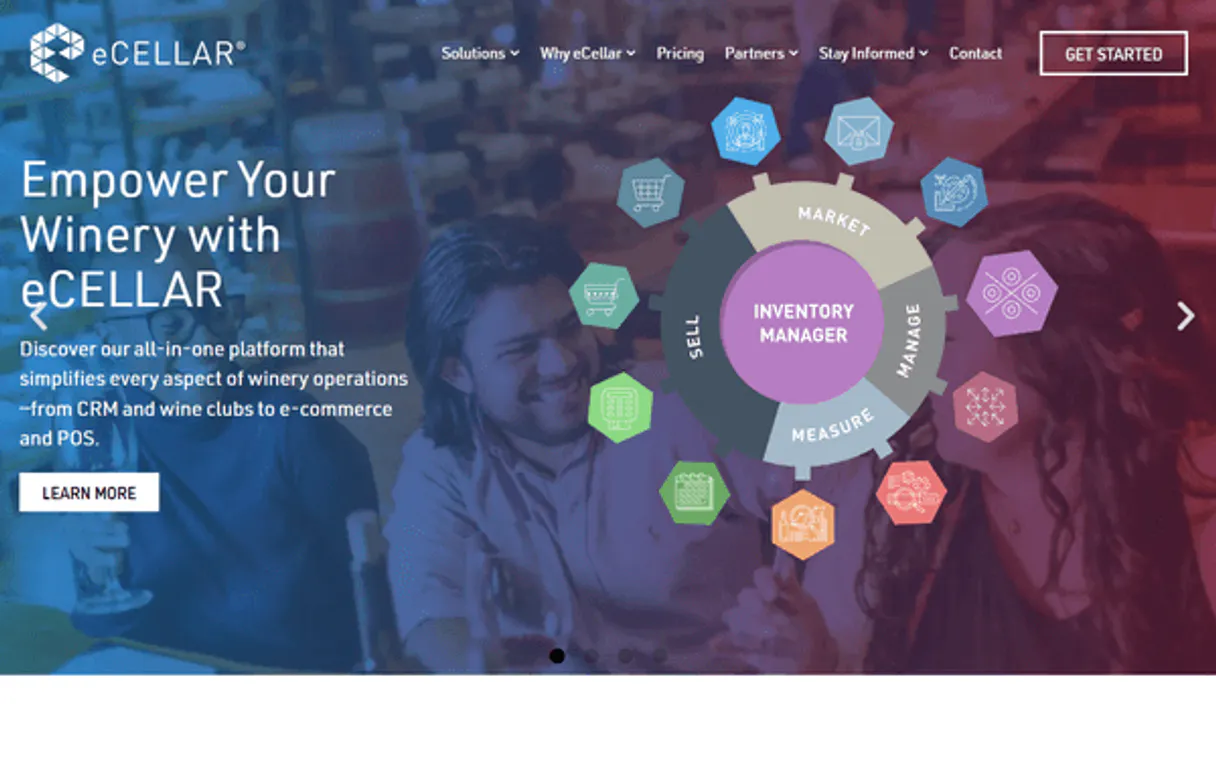
Independent Platform Disclaimer: Vinkius is an independent platform and is not affiliated with, endorsed by, sponsored by, verified by, or otherwise authorized by eCellar. All third-party trademarks, logos, and brand names are the property of their respective owners. Their use on this website is strictly for informational purposes to identify service compatibility and interoperability.
VINKIUS INFRASTRUCTURE
Cloud Hosted
Managed infra
V8 Isolated
Sandboxed per request
Zero-Trust Proxy
No stored credentials
DLP Enforced
Policy on every call
GDPR Compliant
EU data residency
Token Compression
~60% cost reduction
Works with Claude, ChatGPT, Cursor, and more
The Model Context Protocol standardizes how applications expose capabilities to LLMs. Instead of operating in isolation, your AI gains direct access to external platforms, live data, and real-world actions through secure, standardized connections.
This server provides 10 capabilities that interface natively with Claude, ChatGPT, Cursor, and any MCP client. No middleware. No custom integration required.
Available Capabilities
Tracking a customer's history shouldn't require three different screens.
Today, answering a simple customer question means logging into the CRM to find the person. Then, you open the separate order portal to check their last purchase. Finally, you check the club membership page to see their status. It’s copy-pasting, switching tabs, and losing the customer's thread.
With the eCellar MCP Server, you just ask your agent to search for the customer. The agent runs `search_customers` and gives you one unified report that shows the profile, the club status, and the total lifetime spend—all in one response.
eCellar MCP Server: Get a full picture of wine inventory.
Before, checking stock meant navigating to the inventory system, keying in the SKU, and manually reviewing the 'available' and 'allocated' counts. This was slow and prone to human error, especially when multiple locations were involved.
Now, you ask the agent to check the stock. It runs `list_inventory` and instantly gives you the real-time numbers across all locations. It's immediate, accurate, and keeps your workflow moving.
Common Questions About eCellar MCP
How do I find out what a customer has spent in total using search_customers? +
The search_customers tool provides a customer's full profile, including their total lifetime spend. This single call aggregates the data, so you don't need to run multiple reports.
Can I use list_orders to check if a specific wine is in stock? +
No. You must use list_inventory to check current stock levels. list_orders only provides details on orders that have already been placed and paid for.
What is the difference between get_product and list_products? +
Use get_product when you know the specific wine and need its detailed notes and pricing. Use list_products when you want to browse or see a broad list of all wines in the catalog.
How do I manage wine club data using list_club_members? +
The list_club_members tool lets you view the roster of active members for a specific club, which is essential for planning retention campaigns.
Can I check today's reservations using list_reservations? +
Yes. list_reservations allows you to filter the booking schedule by date, giving you a clear count of guests and timeslots for daily prep.
How do I use list_inventory to check inventory across multiple locations? +
The list_inventory tool aggregates stock counts from all specified locations. You can specify the location IDs or names in the request payload to limit the scope of the inventory report.
What kind of data does search_customers return, and how can I use it for recommendations? +
The search_customers tool returns a full profile, including lifetime spend, club membership details, and tasting room visit history. Use this data to identify preferred varietals and recommend upgrades.
If I need specific details for a single wine, should I use get_product or list_products? +
Use get_product for immediate, deep dives into one wine's data, such as its tasting notes or specific pricing. list_products is better for browsing the entire catalog and seeing general stock levels.
How is eCellar different from Commerce7? +
eCellar is an all-in-one DTC platform popular with ultra-premium Napa Valley and Sonoma wineries. It includes CRM, ecommerce, POS, wine clubs, and reservations in a unified system with full REST API.
Does this integration require additional licensing from eCellar? +
No, the Exchange REST API is generally available to all eCellar customers. You simply need to request your unique API Key and Secret from the eCellar support team as mentioned in the instructions.
Can I manage reservations with this tool? +
Yes! The integration provides full access to your reservation and booking systems, allowing you to quickly query upcoming visits, manage guest lists, and track tasting room capacity.
Use it with your favorite AI tools
Connect this server to Cursor, Claude, VS Code, and more.
More in this category
Endear Retail CRM
Equip your AI agent to manage retail customers, track orders, and monitor clienteling notes via the Endear API.

Weimob / 微盟
Leading E-commerce and marketing SaaS platform in China — manage products, orders, and members via AI.

Doofinder
Empower e-commerce search via Doofinder — perform keyword and filtered searches, get predictive suggestions, and audit search analytics directly from any AI agent.
You might also like

Kissmetrics
Track user behavior, set properties, and query analytics data via the Kissmetrics API.

J&T Express Malaysia
Orchestrate J&T Express Malaysia logistics — track parcels, manage orders, and calculate shipping directly from any AI agent.

Wistia
Manage video assets, projects, and engagement analytics on Wistia — the leading video marketing platform for business.